Advanced GoLogin Workflows: Appilot Task Automation Strategies
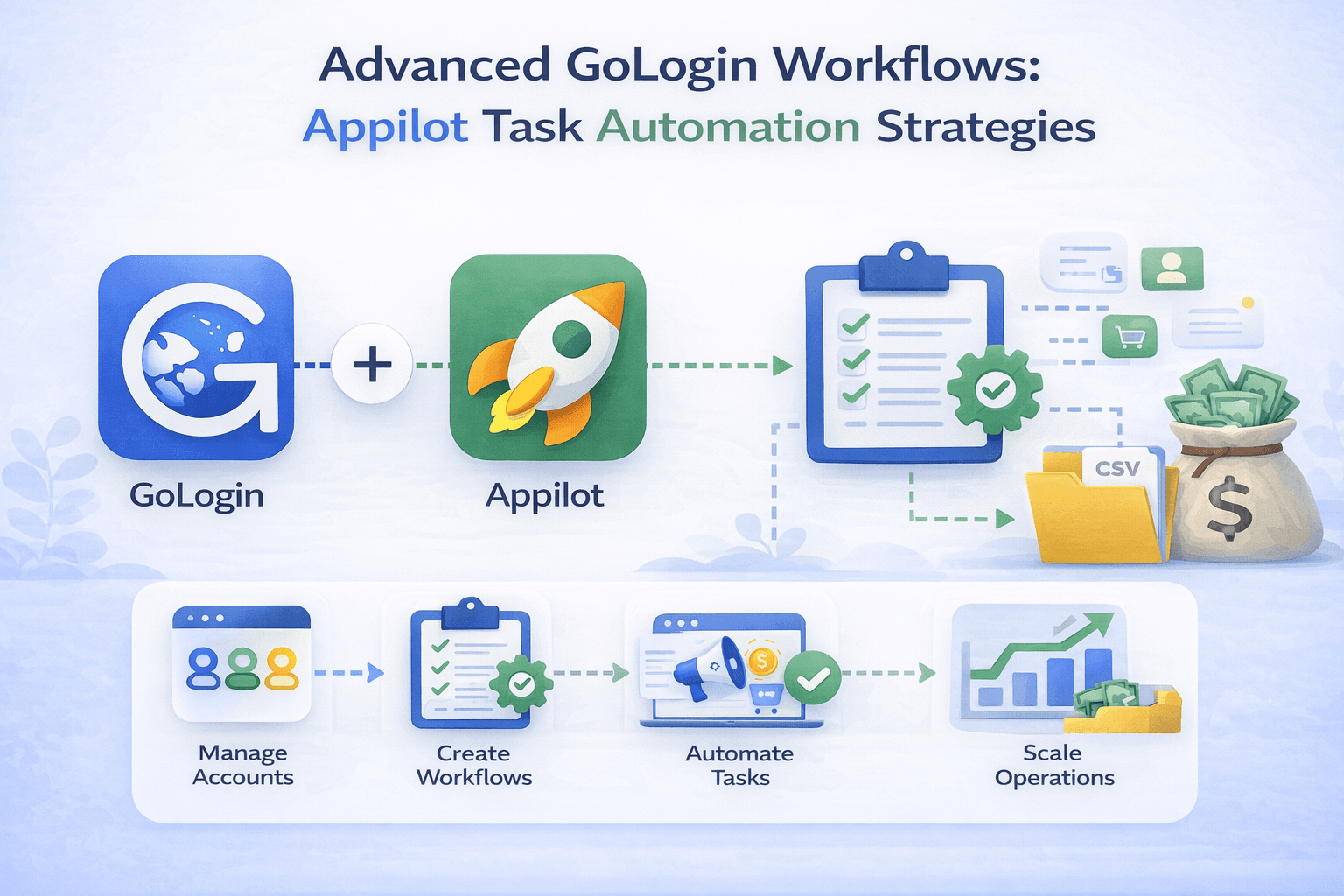
Why Advanced Browser Automation Requires Better Workflows
Basic browser automation can handle simple tasks such as opening websites, checking dashboards, or reviewing account notifications. Once operations become larger, simple workflows are no longer enough.
Businesses managing multiple GoLogin profiles often need more advanced systems that can launch profiles in different groups, run different task sequences, handle failures automatically, retry broken workflows, rotate proxies, and distribute browser activity across different schedules.
Without a more structured approach, large browser operations can become difficult to manage. Repeating manual work across many profiles wastes time and increases the chance of missing important updates.
What Makes a Workflow Advanced
An advanced workflow is more than a simple browser launch followed by a few actions. Advanced workflows often include profile grouping, conditional logic, scheduling, retries, monitoring, queue management, and different task sequences based on the profile type.
For example, an affiliate marketing workflow may need to open a dashboard, check campaign spend, monitor conversions, review landing pages, and send alerts if something fails.
A scraping workflow may need to rotate through different profiles, use different proxies, retry failed pages, and spread activity across different times.
Advanced workflows are useful because they reduce manual work while creating more organized browser operations.
How GoLogin and Appilot Work Together
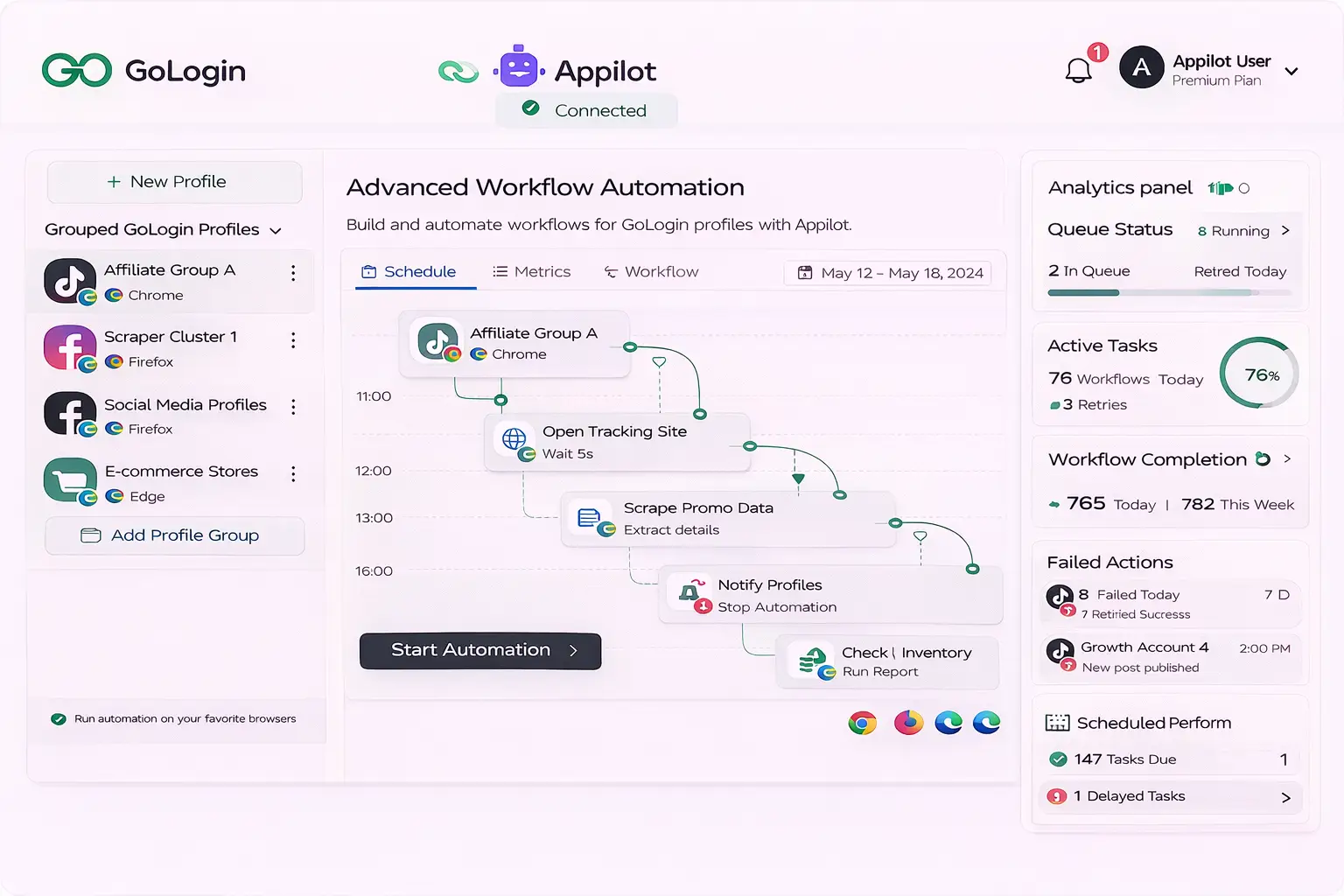
GoLogin provides the browser profile layer by giving every profile its own fingerprint, proxy, timezone, browser version, cookies, and browsing environment.
Appilot provides the automation layer that manages how those profiles behave.
Instead of treating every GoLogin profile as a separate task, Appilot allows workflows to be grouped, scheduled, monitored, and optimized.
This creates a much more scalable browser automation system because multiple profiles can be managed from one dashboard.
Using Profile Groups for Better Workflow Organization
One of the most useful strategies for advanced automation is grouping profiles by purpose.
For example, you may have one profile group for social media accounts, another group for e-commerce stores, another group for affiliate campaigns, and another group for scraping sessions.
Once profiles are organized into groups, Appilot can apply different workflows to each category.
This makes operations easier to manage because every profile type can follow its own task sequence.
Using Scheduled Workflows Across Different Time Windows
Scheduling becomes much more important as browser operations grow larger.
If every profile launches at exactly the same time and performs the same actions in the same order, the activity can become repetitive and difficult to manage.
Appilot allows workflows to run across different time windows. Some profile groups may only need to run in the morning, while others may need to run throughout the day or only once in the evening.
This creates more realistic behavior patterns and helps spread system load across different times.
Using Conditional Logic in Browser Workflows
Advanced workflows often need to react differently depending on what happens inside the browser session.
For example, if a profile encounters a login challenge, Appilot can move the task into a retry queue instead of continuing the workflow.
If a scraping page fails to load, the workflow can rotate to another profile or proxy.
If a campaign dashboard shows a warning, the system can flag that profile for manual review.
Conditional logic helps workflows become smarter because tasks do not always need to follow the exact same path.
Using Retry Logic for Failed Browser Tasks
Browser workflows can fail for many reasons. Websites may change their layout, cookies may expire, logins may fail, or proxies may stop working.
Without retry logic, failed browser tasks often require manual intervention.
Appilot helps reduce this problem by allowing failed tasks to retry automatically after a delay or by moving them into a separate queue.
This is especially useful for large operations because it prevents small failures from stopping the entire workflow.
Using Queue Management for Large Operations
Large browser operations often involve hundreds of profiles and thousands of tasks.
Trying to run everything at the same time can overload the system and make workflows difficult to monitor.
Queue management helps by controlling how many tasks run at once, which profiles run first, and how failed tasks are handled.
Appilot allows browser tasks to be organized into queues so that workflows can run more efficiently.
This is especially useful for web scraping, social media monitoring, affiliate marketing, and e-commerce operations.
Using Advanced Workflows for Social Media Operations
Social media workflows often require repeated browser actions such as checking notifications, reviewing DMs, monitoring engagement, reviewing content performance, and warming up profiles.
Using advanced Appilot workflows makes it easier to group profiles by client, campaign, or platform.
Different schedules can be applied to each group while retry logic and queue management help keep the workflow running smoothly.
Using Advanced Workflows for E-commerce Operations
E-commerce workflows often involve inventory monitoring, order checks, competitor pricing reviews, and seller account monitoring.
Advanced Appilot workflows make it easier to schedule these tasks throughout the day and distribute them across multiple GoLogin profiles.
This creates a more organized system because repetitive browser tasks can be grouped into larger workflows.
Using Advanced Workflows for Web Scraping
Web scraping projects often require different proxies, different browser profiles, rotating schedules, and retry logic.
Using Appilot with GoLogin allows scraping workflows to be organized into profile groups and queue-based systems.
This makes larger scraping operations easier to manage because the workflow can react to failures and distribute tasks across different browser sessions.
How Advanced Workflows Help Reduce Detection Risk
No automation setup is completely safe, but advanced workflows can help reduce obvious patterns.
GoLogin helps by creating separate browser fingerprints and sessions for every profile.
Appilot helps by spreading activity across different times, rotating profile order, varying workflows, and preventing identical behavior patterns.
This creates more realistic activity because humans do not perform the same actions in the same order every day.
Best Practices for Building Advanced Workflows
It is always better to test workflows with a small group of profiles before scaling to larger operations.
You should also use reliable residential or mobile proxies because poor proxy quality can increase failure rates.
Regular maintenance is important because browser versions, website layouts, and cookie sessions change over time.
It is also important to review retry queues, failed workflows, and profile health regularly.
Finally, avoid creating identical workflows across every profile because more variation creates more realistic behavior.
Frequently Asked Questions
Q1: Can Appilot run different workflows for different GoLogin profile groups?
Yes, Appilot can apply different workflows to different profile groups.
Q2: Can Appilot retry failed browser tasks automatically?
Yes, Appilot can retry failed tasks automatically or move them into a separate queue.
Q3: Can advanced workflows be used for social media and e-commerce accounts?
Yes, advanced workflows can be used for social media, e-commerce, affiliate marketing, scraping, and other browser-based operations.
Q4: Is queue management useful for large browser operations?
Yes, queue management helps organize tasks, reduce system load, and improve workflow stability.
Q5: Does advanced automation make browser workflows completely safe?
No setup is completely safe, but stronger scheduling, browser separation, queue management, and realistic activity patterns can reduce obvious risks.
Conclusion
Advanced GoLogin workflows become much easier to manage when Appilot is added as the automation layer.
GoLogin provides the browser profile separation needed for safer multi-account operations, while Appilot provides the scheduling, retry logic, queue management, and workflow control needed for larger systems.
The result is a browser automation setup that saves time, reduces repetitive work, improves workflow reliability, and makes larger operations much easier to scale.