Amazon Account Suspended: How to Get Reinstated Fast

You log into Amazon Seller Central and suddenly see a suspension notice.
Your listings disappear. Orders stop coming in. Funds may be held. In some cases, your account can no longer create new listings or receive payouts.
For many sellers, this is one of the most stressful situations possible.
A suspension can stop revenue immediately.
The worst part is that Amazon rarely gives a detailed explanation.
You may see a message about policy violations, inauthentic products, intellectual property complaints, poor account health, or suspicious activity, but it often does not tell you exactly what triggered the suspension.
You are left wondering whether the issue came from late shipments, product complaints, listing quality, account connections, browser setup, or something else entirely.
The good news is that many Amazon suspensions can be reversed.
Once you understand what Amazon is actually tracking, you can fix the underlying issue, submit a stronger appeal, and improve your chances of getting reinstated quickly.
In this guide, you will learn why Amazon seller accounts get suspended, what the most common warning signs are, how to recover safely, and how to prevent future suspensions.
Time to recover: Usually between 2 and 14 days depending on the type of suspension. Success rate: High if the root problem is identified and corrected early. Cost: Usually low unless you need better account separation, stronger operations, or safer account management systems.
Why Amazon Seller Accounts Get Suspended
Amazon suspends accounts when it believes there is too much risk to buyers.
The platform tracks order defect rate, late shipment rate, cancellation rate, buyer complaints, product authenticity, policy violations, account health, IP addresses, browser fingerprints, linked accounts, and how sellers behave.
If too many of these signals look risky, Amazon may suspend the account.
One common reason is poor account health.
If you receive too many negative reviews, late shipments, order cancellations, or buyer complaints, Amazon may decide the account is no longer meeting seller standards.
Another common issue is product authenticity complaints.
If buyers report fake, used, or different products than expected, Amazon may suspend the account until you provide invoices and proof of authenticity.
Linked accounts are another major problem.
If Amazon believes multiple seller accounts are connected through the same IP address, browser profile, device fingerprint, or payment method, it may suspend one or all of them.
This is exactly why I built Appilot. The goal was to create safer account environments, better browser separation, and more stable account management instead of connecting everything together in one place.
Warning Signs Before Amazon Suspends an Account
In many cases, Amazon gives warning signs before a full suspension happens.
You may notice more buyer complaints, higher return rates, lower seller feedback scores, listing removals, policy warnings, intellectual property complaints, or more account health notifications.
Some sellers also see slower listing approvals, more identity verification requests, or restrictions on certain product categories.
These are often signs that Amazon is starting to lose trust in the account.
The earlier you react, the easier it is to avoid a full suspension.
The Most Common Reasons Amazon Accounts Get Suspended
One major reason is selling restricted or prohibited products.
Certain categories require approval, while others are completely restricted.
If you list products that violate Amazon rules, the account may get suspended quickly.
Another common issue is intellectual property complaints.
If brands report trademark violations, counterfeit products, or unauthorized selling, Amazon may suspend the account.
Poor shipping performance is another major problem.
Late shipments, tracking issues, cancelled orders, and delayed customer responses can damage account health very quickly.
Linked account issues are also common.
If multiple Amazon accounts share the same browser profile, IP address, cookies, payment method, or business information, Amazon may connect them together.
If one account gets suspended, the others may get restricted too.
How to Recover a Suspended Amazon Account
Step 1: Read the Suspension Notice Carefully
The first step is understanding exactly what Amazon mentioned in the suspension notice.
Look for policy references, account health problems, product complaints, linked account issues, or requests for additional documents.
The stronger your understanding of the problem, the better your appeal will be.
Step 2: Identify the Root Cause
Do not rush to submit an appeal immediately.
Instead, figure out what actually caused the suspension.
Look at recent complaints, product listings, shipping issues, negative reviews, invoices, account connections, and any recent changes.
If you do not fix the root issue, Amazon is unlikely to reinstate the account.
Step 3: Create a Strong Plan of Action
Amazon usually wants three things.
First, explain what caused the problem.
Second, explain what you changed to fix it.
Third, explain how you will prevent it from happening again.
Your plan of action should be short, clear, professional, and focused on specific improvements.
Step 4: Gather Supporting Documents
Depending on the type of suspension, Amazon may ask for invoices, supplier information, identity verification, business documents, utility bills, or proof of authenticity.
Submit clean and accurate documents.
Low-quality, edited, or mismatched documents usually make recovery harder.
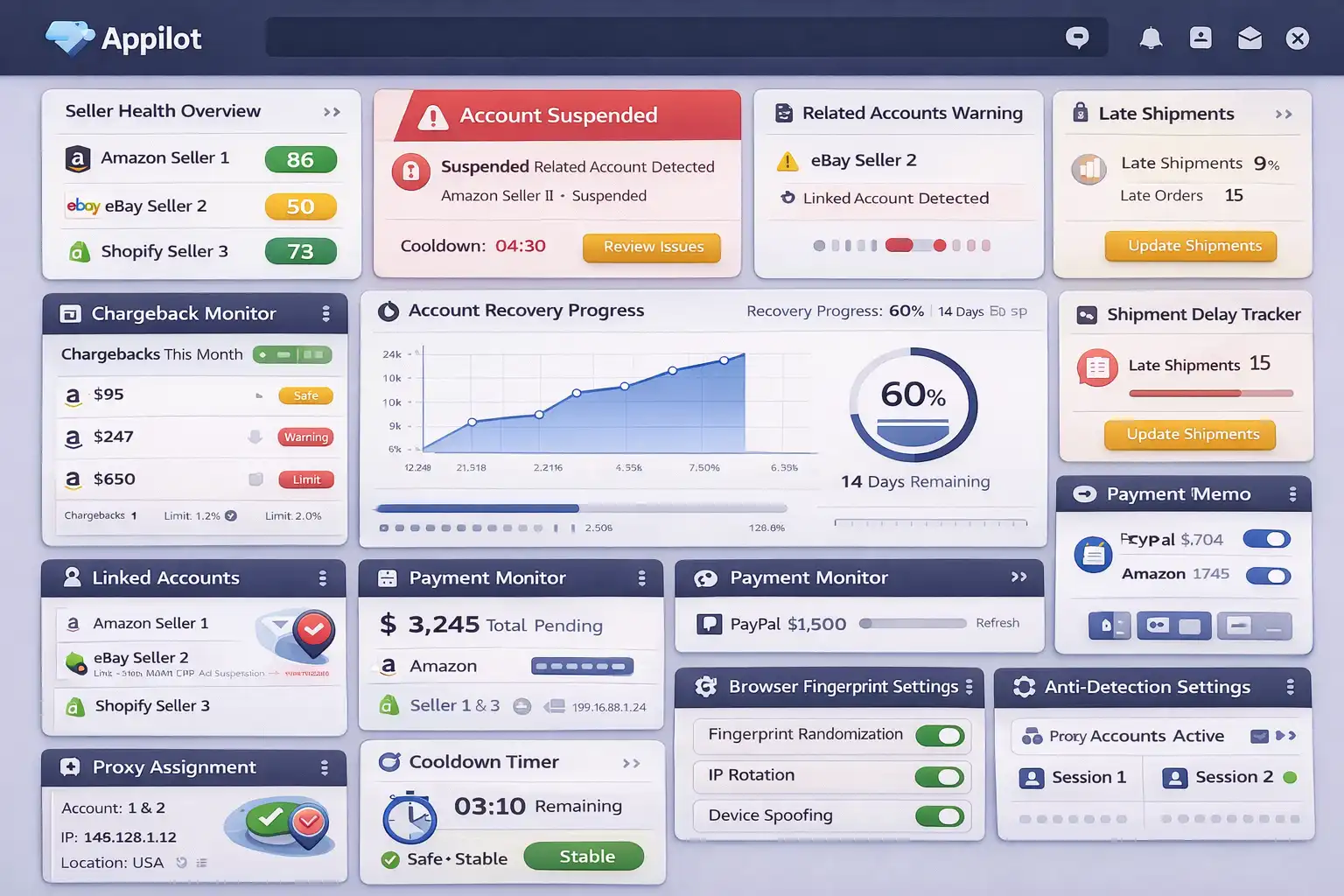
Step 5: Stabilize the Account Environment
If you manage multiple Amazon seller accounts, separate them properly.
Each account should have its own browser profile, cookies, IP address, proxy, device fingerprint, and payment environment.
This makes every seller account appear more independent.
If one account has issues, the others are less likely to be affected.
Appilot is useful here because it helps create safer browser environments and more stable account separation instead of connecting everything together in one place.
Step 6: Avoid Repeated Appeal Attempts
Many sellers panic and submit multiple appeals too quickly.
This usually slows down the review process.
Submit one strong appeal, wait for feedback, then improve it if needed.
How to Prevent Future Amazon Suspensions
The best way to avoid future suspensions is creating a more stable account environment and improving seller performance.
Ship orders on time. Respond to buyers quickly. Keep return rates low. Use accurate product descriptions. Avoid restricted products and risky suppliers.
If you manage multiple seller accounts, separate them properly with different browser profiles, cookies, proxies, and device fingerprints.
Use high-quality residential proxies instead of cheap VPNs. Keep login locations stable.
The more trustworthy and stable the account looks, the easier it becomes to stay active long term.
Common Mistakes That Make Amazon Suspensions Worse
One major mistake is submitting weak appeals without understanding the real issue.
Another mistake is continuing to use the same suppliers, listings, or shipping methods that caused the suspension.
People also make the mistake of creating new seller accounts immediately after a suspension.
If the original setup is still broken, the new account may get suspended too.
Another common mistake is connecting too many Amazon accounts together through the same browser profile, IP address, or payment method.
If one account gets flagged, the others may lose trust too.
Frequently Asked Questions
Q1: Can a suspended Amazon seller account be recovered?
Yes. Many suspended accounts can be reinstated if the underlying issue is fixed and the appeal is strong.
Q2: How long does Amazon take to review appeals?
Most appeals are reviewed within a few days, but some can take longer.
Q3: Do linked accounts increase suspension risk?
Yes. Amazon may suspend connected accounts if they share the same browser, IP address, payment method, or business details.
Q4: Should I create a new Amazon account after a suspension?
It is usually safer to first understand what caused the original suspension before creating a new account.
Q5: Does Appilot help reduce Amazon suspension risk?
Appilot helps create safer browser environments, account separation, and more stable account behavior.
Conclusion
Amazon account suspensions are stressful, but many of them can be reversed.
The safest approach is identifying the real problem, creating a stronger appeal, separating accounts properly, and improving overall seller performance.
The goal is not to scale as aggressively as possible.
The goal is to build long-term trust so seller accounts can stay active and stable over time.