Appilot vs Later: Content Scheduling vs Full Automation — What's the Difference?
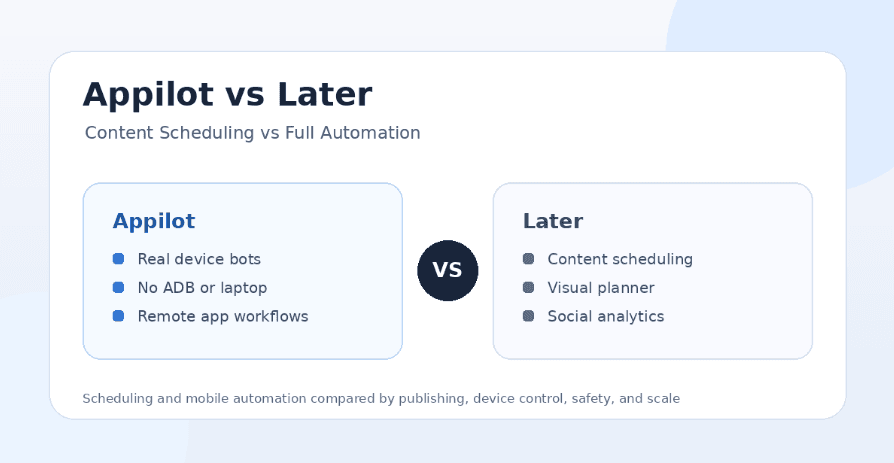
Social media tools often use the word automation, but not every automation tool does the same thing. Some platforms automate the planning and publishing side of social media, helping users schedule posts, organize visual calendars, write captions, analyze results, and keep content consistent. Other platforms automate actions inside real mobile apps, letting users run bots, manage accounts, control devices, and execute workflows that normal scheduling tools cannot handle.
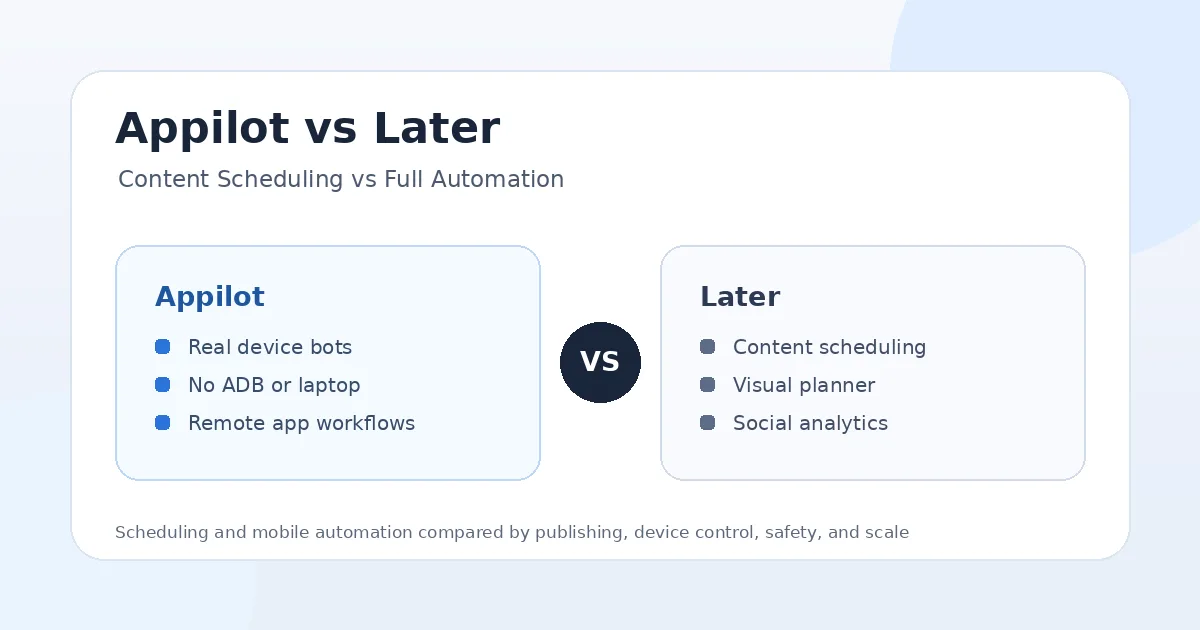
That is why the Appilot vs Later comparison needs a clear distinction. Later is mainly a social media scheduling and management platform focused on content planning, publishing, analytics, influencer marketing, Link in Bio tools, and visual-first workflows. Appilot is different because it is a real-device automation platform that lets users run bots on Android phones and emulators through a remote web dashboard without ADB or a laptop.
Both tools can save time, but they solve different problems. Later helps creators and brands manage content more efficiently. Appilot helps users automate real mobile workflows across Instagram, TikTok, Twitter/X, LinkedIn, Discord, Reddit, Snapchat, YouTube, Threads, Telegram, Gmail, Chrome, and more.
What Is Later?
Later is a social media management platform built around content scheduling, visual planning, publishing, analytics, influencer marketing, and Link in Bio workflows. It is especially popular with creators, brands, agencies, and social media managers who care about visual content calendars and consistent posting.
Its main strength is helping users plan and publish content across social platforms. Users can create posts, organize media, schedule content, preview feeds, track performance, and manage campaigns from one dashboard. Later is also useful for teams that want to improve posting consistency without manually publishing every piece of content in real time.
Later is not mainly a bot platform. It is not built to control Android devices, run real mobile app bots, manage phone farms, or automate complex app interactions. Its value is strongest when the problem is content planning, publishing, analytics, and social media organization.
What Is Appilot?
Appilot is a real-device automation platform that lets users run bots on Android phones and emulators remotely through a web dashboard. Instead of depending on desktop scripts, browser sessions, API shortcuts, or laptop-based automation, Appilot is built around mobile environments where workflows can run directly inside Android app sessions.
The main advantage is device-level control. Users can run bots without ADB, without keeping a laptop connected, and without dealing with cables, drivers, device pairing, or local machine dependency. This makes Appilot useful for phone farm operators, agencies, growth teams, and users managing multiple accounts across different platforms.
Appilot also includes a bot store with ready-to-use automations for Instagram, TikTok, Twitter/X, LinkedIn, Discord, Reddit, Snapchat, YouTube, Threads, Telegram, Gmail, Chrome, and more. That makes it broader than a scheduling tool because it supports real mobile workflows instead of only planning and publishing content.
Appilot vs Later: The Main Difference
The biggest difference between Appilot and Later is where the automation happens. Later automates the content scheduling and social media management layer. Appilot automates the mobile app execution layer.
Later helps users plan posts, schedule publishing, organize content calendars, preview visual feeds, track analytics, manage Link in Bio pages, and support influencer or creator campaigns. Appilot helps users run bots on Android devices and emulators, control workflows remotely, manage accounts, use proxies, and automate actions that happen inside mobile apps.
This means Later is better for creators and brands that need structured publishing. Appilot is better for users who need real-device bots, mobile app automation, multi-account control, phone farm workflows, and automation beyond scheduled posts.
Content Scheduling vs Full Automation
Later’s strongest use case is content scheduling. If a creator, brand, or agency needs to plan Instagram posts, TikTok videos, Pinterest pins, LinkedIn updates, YouTube content, or other social content ahead of time, Later gives them a visual system for doing that. It helps teams stay consistent and avoid last-minute posting chaos.
Appilot’s strongest use case is full mobile automation. It is not just about deciding when content goes live. It is about running actions inside real app environments. That can include account workflows, app navigation, engagement actions, DMs, scraping workflows, posting flows, testing tasks, and multi-platform automation that needs real mobile behavior.
In simple terms, Later helps you schedule content. Appilot helps you run mobile workflows. If your problem is content consistency, Later is the better fit. If your problem is device-level automation, Appilot is the better fit.
Visual Planning and Feed Control
Later is especially strong for visual planning. Users who care about Instagram grid layout, media organization, content previews, and polished brand presentation will likely appreciate Later’s approach. It is built for teams that want to see how content will look before it goes live.
This is useful for brands, creators, boutiques, coaches, agencies, and visual-first businesses. A clean content calendar helps teams plan campaigns, maintain brand style, and keep publishing organized across channels.
Appilot does not try to replace this type of visual content planner. Its focus is automation execution, not editorial planning. If your main need is planning how content looks, Later is more relevant. If your main need is automating mobile actions after or around that content, Appilot is more relevant.
AI Tools, Analytics, and Campaign Support
Later includes social media management features such as analytics, AI-powered support, campaign workflows, and influencer marketing tools. These features are useful for teams that want to understand performance, improve timing, manage creator campaigns, and make better decisions about content.
That makes Later a strong choice for marketing teams that care about strategy, reporting, and publishing outcomes. It can help answer questions like which posts performed well, when to publish, what content to prepare next, and how a social campaign is performing.
Appilot focuses on a different layer. It does not replace a social analytics suite. Its value comes from real-device automation, bot workflows, account management, and remote mobile execution. For some teams, the best setup may involve using Later for planning and reporting while using Appilot for mobile automation.
Setup and Ease of Use
Later is easier for users who want a traditional social media scheduling platform. A marketer can connect accounts, upload media, write captions, schedule posts, preview content, and review analytics from a familiar dashboard. This setup is useful for creators and teams focused on publishing.
Appilot is designed to remove friction from mobile automation. Traditional Android automation often requires ADB, cables, drivers, device pairing, local scripts, laptop uptime, and troubleshooting when connections break. Appilot removes those issues by letting users control Android phones and emulators through a web dashboard.
If your workflow is mostly content planning and publishing, Later is easier to start with. If your workflow involves mobile app automation, account workflows, phone farms, proxies, or multi-account device control, Appilot is the stronger setup.
Safety and Account Risk
Later has a different risk profile from classic bot tools because it focuses mainly on supported social media scheduling, publishing, analytics, and content management workflows. For creators and brands, this is usually a more conventional and lower-risk way to manage social media because the core activity is planned publishing rather than aggressive engagement automation.
Appilot operates in a more sensitive category because it can run mobile automation workflows. Any tool that automates app actions, DMs, scraping, follows, likes, comments, profile visits, or repeated behavior must be used carefully. Risk depends on limits, account age, proxy quality, device consistency, timing, and whether the behavior looks natural.
Appilot’s advantage is that workflows can run on Android devices and emulators, creating a more mobile-native environment than many desktop or browser-only bots. Still, real-device automation is not a guarantee of safety. Users should avoid spammy behavior, move slowly, use realistic limits, and keep account environments consistent.
Platform Support
Later supports major social platforms from a scheduling and management perspective. It is useful for creators and brands that want to manage content across channels like Instagram, TikTok, Facebook, Pinterest, LinkedIn, YouTube, Threads, Snapchat, and similar publishing destinations.
Appilot supports many platforms from an automation perspective. Users can run bots for Instagram, TikTok, Twitter/X, LinkedIn, Discord, Reddit, Snapchat, YouTube, Threads, Telegram, Gmail, Chrome, and more from one dashboard.
Both tools support multi-platform work, but the meaning is different. Later supports multi-platform content planning and publishing. Appilot supports multi-platform mobile automation and real app workflows.
Remote Control and Phone Farm Workflows
Remote control is one of Appilot’s clearest advantages. Users can manage Android phones and emulators from a web dashboard, which means they do not need to keep a laptop connected to every device or manually monitor workflows from one local machine.
This matters for phone farm operators, agencies, and growth teams that manage multiple accounts. A scheduler cannot replace real-device control when the workflow depends on account sessions, app behavior, device environments, proxies, and mobile interactions.
Later does not try to solve that problem. It is a content scheduling and social media management platform, not a remote Android automation system. That makes it excellent for publishing workflows but less relevant for device-level automation.
Pricing and Value for Money
Later can be worth the money for creators, brands, and agencies that need scheduling, visual planning, analytics, Link in Bio tools, campaign support, and social media organization. If your main problem is keeping content consistent and polished, Later provides clear value.
Appilot becomes more valuable when the problem is automation execution. If you need real-device bots, remote Android control, no ADB setup, proxy support, multi-account workflows, and automation across mobile apps, Appilot provides value that a scheduler cannot replace.
The better investment depends on your workflow. Later is valuable for content planning and publishing. Appilot is valuable for real mobile automation. Some teams may use both because they solve different parts of the social media process.
Where Later Wins
Later wins when the user needs content scheduling, visual planning, analytics, Link in Bio tools, influencer marketing support, and structured publishing workflows. It is a better choice for creators, brands, and agencies that need to plan posts ahead of time and keep social channels active.
Later also wins for teams that care about visual content presentation. If your Instagram grid, media library, campaign calendar, and publishing workflow matter more than device automation, Later is the more relevant tool.
It is also easier for users who do not need bots. If all you want is a reliable way to plan, schedule, publish, and analyze content, Later is more direct than a real-device automation platform.
Where Appilot Wins
Appilot wins when users need real-device automation instead of only scheduled publishing. Its biggest advantage is that workflows run on Android phones and emulators, giving users a mobile-first automation environment.
Appilot also wins on device control. No ADB, no laptop dependency, no cables, and no driver troubleshooting make it more practical for long-running automation workflows. This is especially important for phone farms and multi-account setups.
The bot store is another major win. Appilot supports Instagram, TikTok, Twitter/X, LinkedIn, Discord, Reddit, Snapchat, YouTube, Threads, Telegram, Gmail, Chrome, and more, which makes it useful for users who need automation across many apps.
Appilot is also stronger for users who want ready-to-use bots without coding, while still having the option to request custom bot development for specific workflows.
Who Should Use Later?
Later is best for creators, brands, agencies, influencers, and social media managers who need content scheduling, visual planning, analytics, Link in Bio tools, and campaign organization. It is a strong fit when the main goal is publishing consistency and content management.
It is also useful for teams that want to plan ahead, preview visual content, organize campaigns, and make social media posting less reactive. If your problem is content workflow rather than device automation, Later is the better fit.
Who Should Use Appilot?
Appilot is best for users who need real-device automation and direct control over mobile workflows. It fits phone farm operators, agencies, growth teams, and marketers who manage multiple accounts or need automation across several apps.
It is also better for users who are tired of laptop-based bots, ADB setup, disconnected devices, and tools that cannot interact with real mobile apps. If you want automation beyond scheduled posts, Appilot is the stronger option.
Final Verdict
If you want a social media scheduling platform for visual planning, content calendars, analytics, Link in Bio tools, influencer marketing support, and consistent publishing, Later is worth considering. It is built for creators and brands that need better content organization.
If you want real-device bots, remote Android control, no ADB, no laptop dependency, proxy support, multi-account workflows, and automation across many mobile apps, Appilot is the better choice. It gives users control over how automation actually runs inside mobile environments.
For content scheduling and visual planning, Later is the stronger fit. For serious mobile automation, phone farm operations, agency workflows, and multi-platform bot execution, Appilot is the stronger long-term investment. You can explore Appilot’s bot store and real-device workflows at appilot.app.
FAQs
Q1: Is Appilot better than Later for automation?
Appilot is better for real-device bots, mobile workflows, proxies, and multi-account automation. Later is better for scheduling, visual planning, analytics, and content publishing.
Q2: Is Later mainly a scheduling tool?
Yes, Later is mainly a social media scheduling and management platform with visual planning, analytics, Link in Bio, and campaign tools. Appilot focuses on real-device automation.
Q3: Does Appilot replace Later?
Not always. Appilot replaces mobile automation tools, while Later handles content scheduling and planning. Some teams may use both for different workflow needs.
Q4: Does Appilot require ADB or a laptop?
No, Appilot does not require ADB or a laptop-based setup. Users can manage Android devices and emulators remotely through a web dashboard.
Q5: Which tool is worth the money?
Later is worth it for content scheduling and visual planning. Appilot is worth more for real-device automation, phone farms, and multi-platform bot workflows.