How Affiliate Marketers Use Automated Web Observation Systems for Data Collection
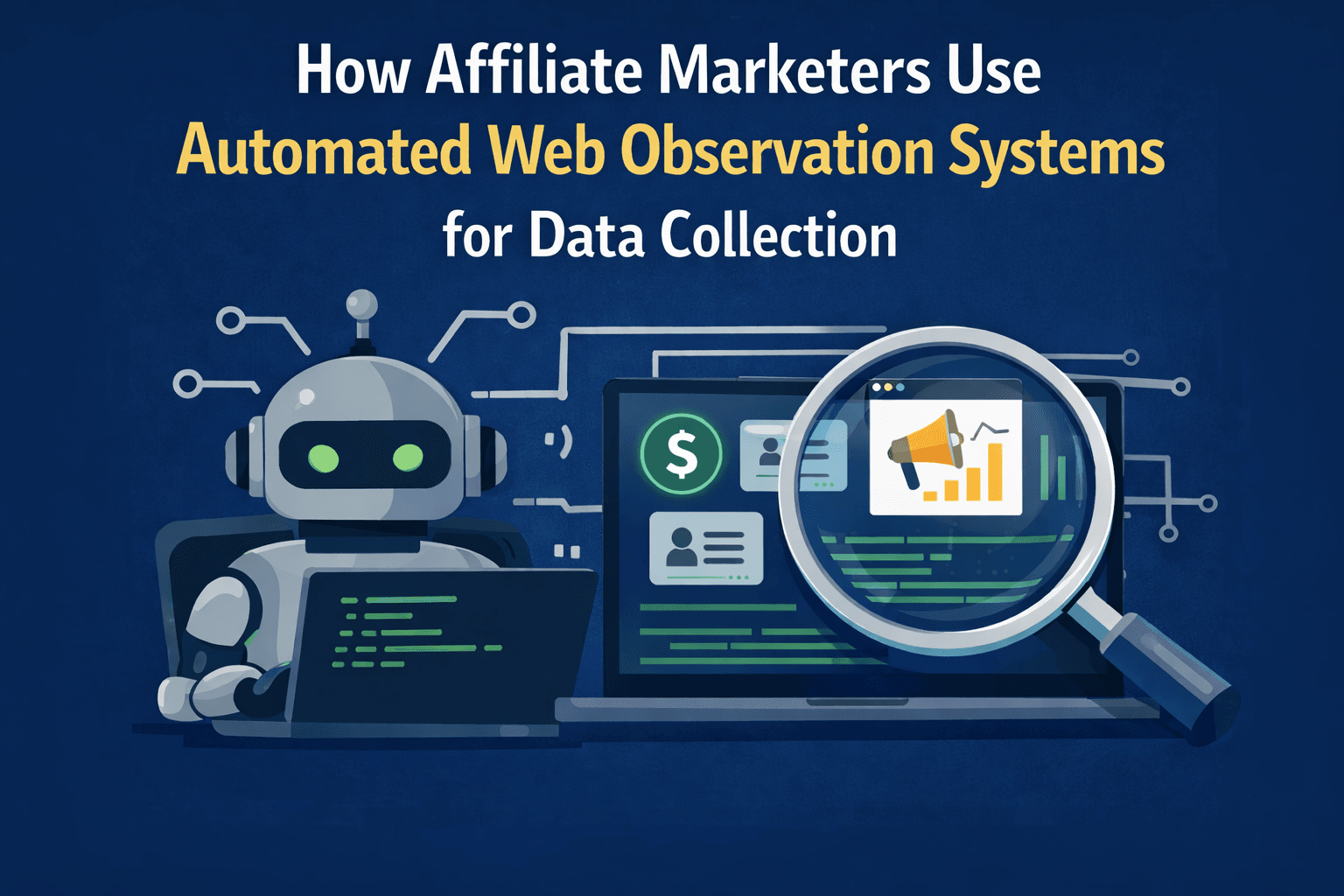
Affiliate marketers depend on timely and accurate web data to stay competitive. Product pricing, stock availability, landing page changes, compliance disclosures, geo-specific variants, and offer updates can all affect campaign performance and profitability.
Most merchants do not provide complete APIs for this information, and even when APIs exist, they are often delayed, incomplete, or limited to approved partners. Because of this, affiliate teams often rely on browser-based observation systems to monitor public web content at scale.
Imagine being able to track product pages, pricing changes, landing page updates, and regional offer variations automatically without manually reviewing hundreds of websites each day. That is where automated web observation systems become valuable.
This guide explains how affiliate marketers use browser-based observation systems, what technical layers make them work, how websites detect large-scale monitoring systems, and why session continuity matters for accurate data collection.
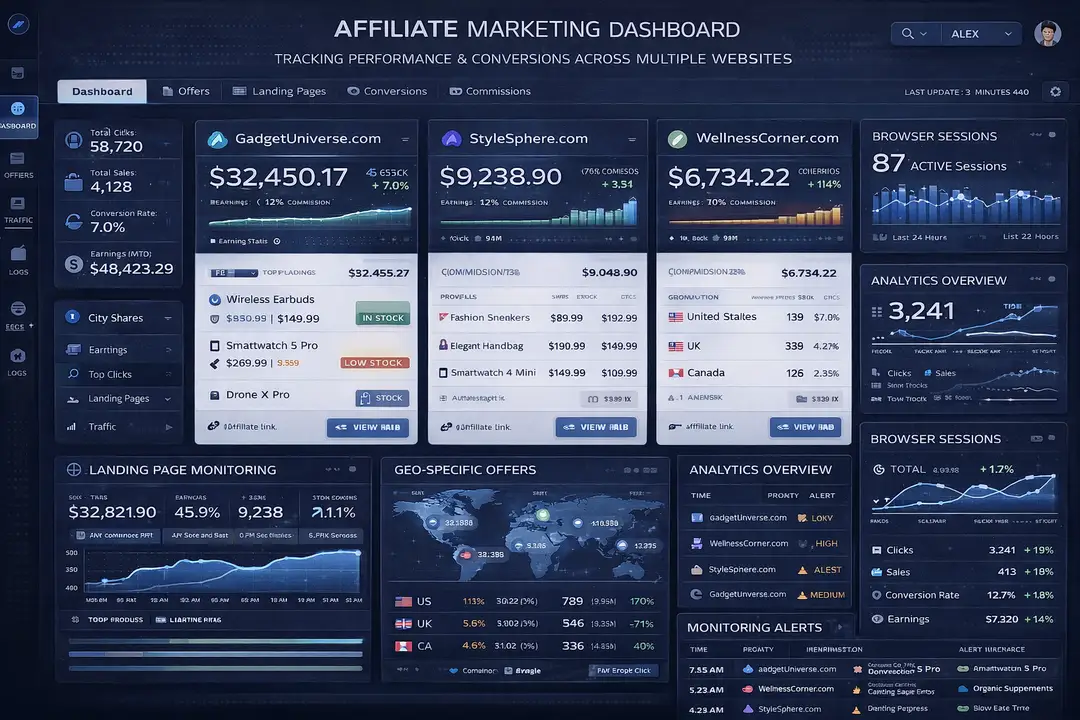
Why Browser-Based Observation Matters for Affiliate Marketing
Affiliate marketing depends heavily on external web properties such as merchant product pages, offer landing pages, redirects, geo-specific versions, and compliance-sensitive copy.
Modern websites are highly dynamic. Many of them render important information through JavaScript, personalize content based on device or location, update pricing in real time, and show different landing pages based on region or session state.
Because of this, collecting data is no longer a simple HTML scraping problem. It has become a browser rendering problem where systems need to see the same content that normal users see.
This matters because affiliate marketers often make campaign decisions based on small differences in pricing, availability, call-to-action wording, or disclosure language. If the data is inaccurate or outdated, it can directly affect campaign profitability.
1. Who This Use Case is For
This topic is useful for affiliate marketers who want to monitor competitor offers, pricing, and landing pages more effectively.
It is also valuable for developers building browser automation systems, marketing teams tracking regional differences, compliance teams monitoring disclosure changes, and product analysts comparing merchant performance over time.
Teams that manage multiple affiliate campaigns often benefit the most because they usually monitor many websites, regions, and offers simultaneously.
2. What You'll Achieve
By understanding browser-based observation systems, you will be able to recognize the technical layers behind large-scale monitoring systems, understand why browser execution is necessary for dynamic websites, identify where websites apply detection systems, and understand why session stability is important for reliable data collection.
These insights can help affiliate marketers make faster decisions, help developers build more stable monitoring systems, and help analysts improve how they track changes across multiple merchants and offers.
3. What You'll Need
Before understanding browser-based observation systems in depth, it helps to understand the technologies and infrastructure that these systems depend on.
Technical Requirements
Most large-scale web observation systems rely on browser automation frameworks such as Puppeteer, Playwright, or Selenium because modern websites render critical information dynamically.
These systems often require browser sessions, cookie storage, local storage persistence, JavaScript rendering, and stable navigation flows.
For mobile-first websites or mobile app flows, Android devices may also be necessary because some offers, pricing, or checkout experiences appear differently on mobile than they do on desktop.
This is where Appilot can become relevant. Appilot supports browser automation tools such as Selenium, Playwright, and Puppeteer while also supporting Android devices through Accessibility Services and real-device execution. This allows teams to monitor browser workflows and mobile workflows together from one dashboard.
Skills and Knowledge
A technical understanding of browser automation, cookies, JavaScript rendering, session management, and structured data extraction is helpful when working with observation systems.
Teams may also benefit from understanding browser fingerprints, request timing, change detection logic, and schema normalization because these are all important parts of large-scale monitoring systems.
Less technical teams can use visual automation platforms to understand workflows without directly writing code.
Time and Resource Investment
Smaller observation systems can often be set up within a few hours, but larger systems that track hundreds of websites or regions may require several days of setup and testing.
Ongoing maintenance is also important because websites change their layouts, rendering logic, product structures, and offer pages regularly.
Infrastructure costs may include browser automation tools, cloud servers, proxy providers, Android devices, monitoring dashboards, and data storage systems.
Appilot Integration Method #1 - The Complete Solution Approach
Using Browser and Mobile Observation Together
There are generally two ways to build web observation systems. One option is to build everything manually using browser automation frameworks, proxies, databases, and monitoring tools. The second option is to use a centralized platform that supports browser and mobile automation together.
The DIY approach provides maximum flexibility because teams can fully control browser environments, session logic, extraction workflows, and scheduling systems. However, it also creates more operational complexity because every browser profile, proxy, Android device, and monitoring process must be managed separately.
This is where Appilot becomes useful. Appilot supports Selenium, Playwright, and Puppeteer for browser automation while also supporting Android device execution for mobile-first workflows.
This matters because some affiliate pages behave differently on mobile devices, and some merchants provide different offers, layouts, or pricing inside mobile apps.
Appilot can help teams manage browser sessions, Android devices, scheduling, session isolation, and proxy assignment from one platform instead of using multiple disconnected tools.
Step-by-Step Implementation Guide
Large-scale observation systems are easier to understand when the workflow is broken into stages.
Step 1: Define the Monitoring Targets
The first step is identifying which URLs, offers, landing pages, merchant pages, or region-specific versions need to be monitored.
This stage defines the overall scope of the monitoring system and determines which websites, countries, products, and offers should be included.
A common mistake is monitoring too many pages without clear priorities, which often creates unnecessary costs and complexity.
Step 2: Initialize Stable Sessions
The next step is creating stable browser sessions with consistent rendering environments, cookies, local storage, and navigation state.
Stable sessions matter because many websites show different content depending on browser state, region, previous page visits, or user behavior.
Without session stability, systems may capture incomplete or inconsistent data.
const puppeteer = require('puppeteer');
async function launchObservationSession() {
  const browser = await puppeteer.launch({
    headless: false
  });
  const page = await browser.newPage();
  await page.goto('https://example-merchant-site.com');
  return { browser, page };
}
This setup creates a browser session that can render JavaScript, maintain cookies, and capture the same content that users see.
Step 3: Observe Public Data
The observation stage focuses on collecting publicly visible data such as product prices, stock levels, landing page copy, disclosure language, and call-to-action changes.
This is a read-only process that focuses on visible content rather than transactions or private user data.
The most valuable signals often include price fluctuations, product availability changes, regional differences, and updated disclosures.
Step 4: Compare Historical Changes
Observation systems become useful when they compare current data against historical states.
This comparison process helps teams detect pricing changes, updated offers, modified landing pages, regional content differences, and compliance-sensitive edits.
Historical comparison transforms raw browser observations into actionable business intelligence.
Step 5: Monitor Reliability and Diagnostics
The final step is monitoring the health of the observation system itself.
Teams need to track successful runs, rendering failures, missing data, partial page states, and execution anomalies.
Observability is just as important as the data collection process because unstable systems often produce incomplete or misleading results.
Appilot Integration Method #2 - Managing Browser and Android Workflows
One of the biggest challenges in affiliate monitoring systems is handling browser-based workflows and mobile workflows together.
Many merchants display different prices, offers, layouts, or calls to action on mobile devices compared to desktop websites.
Traditional approaches usually require separate browser automation stacks and separate Android device farms.
Appilot simplifies this by combining browser automation and Android device execution in one platform. Browser sessions can run alongside Android devices, allowing teams to compare mobile and desktop experiences more easily.
This is especially useful for affiliate marketers who need to monitor region-specific mobile offers or mobile app landing pages.
Common Challenges and Solutions
Even well-designed observation systems face recurring technical problems.
Challenge 1: Partial Rendering
Some websites render only part of the content initially and load the rest dynamically through JavaScript.
This can lead to incomplete data collection if the browser session ends too early.
The best solution is to wait for rendering to complete and maintain stable browser sessions.
Challenge 2: Session Instability
Session instability often causes inconsistent content, missing product data, incomplete prices, or different landing pages.
This usually happens when cookies, tokens, or navigation state reset unexpectedly.
The best solution is to preserve cookies, local storage, and session continuity throughout the observation workflow.
Challenge 3: Detection Systems
Modern websites often monitor browser fingerprints, timing patterns, navigation depth, retry behavior, and session similarity.
Appilot can help reduce these issues by isolating browser profiles, managing Android devices separately, and maintaining stable execution environments.
Scaling Affiliate Observation Systems
Once teams understand browser observation systems at a small scale, the next challenge is scaling.
From 10 to 100 Monitoring Targets
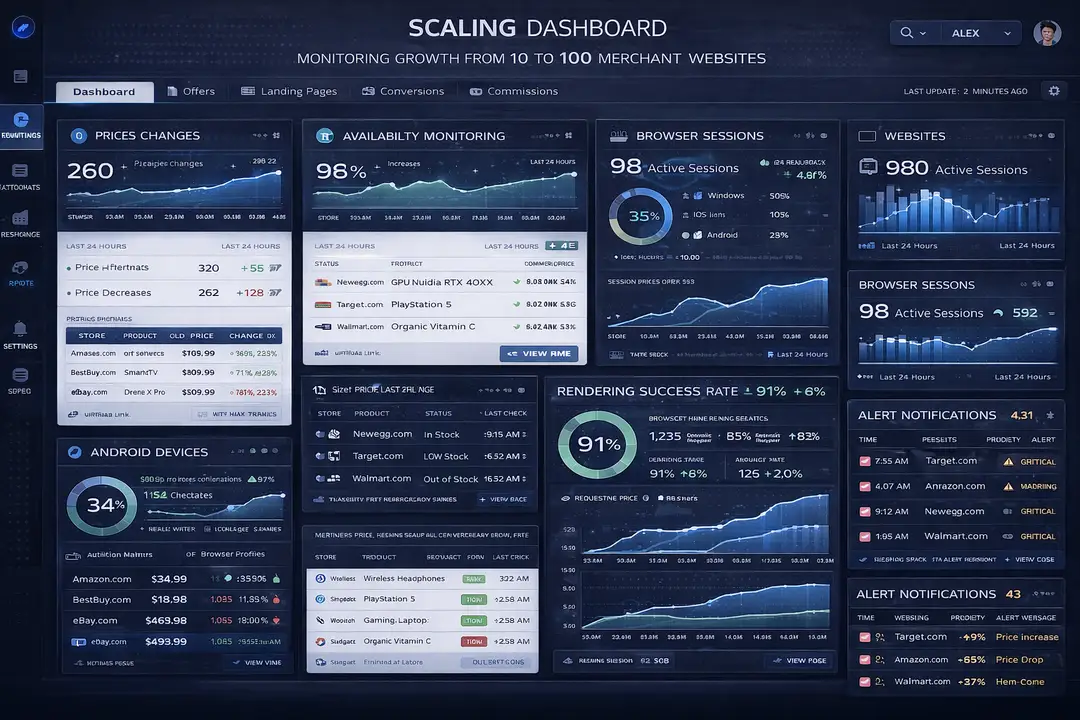
At small scale, teams may only need a few browser sessions and simple dashboards. At larger scale, they often require centralized orchestration, scheduling, proxy assignment, Android device management, and detailed reporting.
Operational complexity increases quickly because every new target adds more browser sessions, more rendering logic, more cookies, and more stored data.
Appilot can simplify scaling because it provides centralized dashboards for browser sessions, Android devices, scheduling, and monitoring.
Automation and Optimization at Scale
At scale, teams should automate browser session creation, target scheduling, health monitoring, and alert systems.
However, strategic decisions such as selecting monitoring targets, reviewing offer changes, and interpreting business trends should still remain manual.
Best Practices and Pro Tips
Best Practice 1 - Prioritize Session Stability
Session continuity is more important than speed because browser state, cookies, and local storage all affect what content gets rendered.
Stable browser sessions usually produce more accurate results than constantly restarting sessions.
Best Practice 2 - Monitor Historical Trends
Historical data is often more valuable than single-page snapshots because it reveals pricing changes, stock fluctuations, and content updates over time.
Comparing snapshots helps teams identify trends faster.
Best Practice 3 - Track System Health
Rendering failures, incomplete page states, and inconsistent data are often early indicators that the observation system is becoming unreliable.
Tracking these issues helps teams fix problems before they affect reporting.
Tools and Resources
Browser Automation Tools
Puppeteer is commonly used for browser-based observation because it provides strong control over rendering and session management.
Playwright supports multiple browsers and is useful when teams need compatibility across Chrome, Firefox, and Edge.
Selenium remains one of the most mature browser automation frameworks and works across multiple languages.
Appilot is also useful because it combines browser automation with Android device execution.
Mobile Automation Tools
Appium is one of the most widely used mobile automation frameworks and supports Android and iOS workflows.
UI Automator provides a native Android automation option for mobile observation workflows.
Appilot is relevant for teams that want real Android device execution, Accessibility Services, and centralized device management.
Supporting Tools
Teams may also use proxy providers, cloud servers, monitoring systems, analytics platforms, and databases to support larger observation systems.
Frequently Asked Questions
Q1: Why are browser-based observation systems necessary?
Browser-based systems are necessary because many websites render important information dynamically through JavaScript and personalize content based on session, location, or device.
Q2: What does “stealth” mean in this context?
Stealth does not mean invisibility. It means behaving in a way that appears statistically normal compared to expected user behavior.
Q3: Why are APIs not always enough?
APIs are often incomplete, delayed, rate-limited, or restricted to approved partners. Browser observation systems capture the content that users actually see.
Q4: Can Appilot handle both browser and Android workflows?
Yes. Appilot supports browser automation tools such as Selenium, Playwright, and Puppeteer while also supporting Android devices through Accessibility Services and real-device execution.
Q5: Why does session stability matter?
Session stability matters because unstable browser sessions often lead to incomplete rendering, inconsistent content, and inaccurate data collection.
Conclusion
Affiliate web observation systems are not simple scraping tools. They are browser-orchestration systems designed to monitor public web content reliably across many websites, devices, and regions.
The most important factors are session continuity, rendering accuracy, change detection, and system observability.
The same architectural patterns appear in QA testing, synthetic monitoring, brand monitoring, price intelligence, and market research systems. Understanding these systems helps engineers build stronger monitoring platforms, more reliable browser workflows, and better detection models.