Automating Dolphin Anty Proxy Configuration with Appilot
Proxy configuration is one of the most important parts of browser profile management.
Without the right proxy setup, even the best browser fingerprints and account management strategies can fail.
If multiple browser profiles use the same IP address, the same location, or the same connection type, platforms can start linking accounts together.
That creates a higher risk of security checks, login verifications, account bans, and unusual activity warnings.
This is why Dolphin Anty proxy configuration matters so much.
Dolphin Anty allows you to assign proxies to individual browser profiles so that every account can operate from a different IP address, location, and network environment.
But once you are managing dozens or hundreds of browser profiles, proxy configuration becomes difficult to handle manually.
You need to assign the right proxies, rotate them when necessary, keep them organized by account type, and make sure browser profiles are using the correct locations.
That is where Appilot becomes useful.
By combining Dolphin Anty proxy management with Appilot automation, you can organize proxy pools, assign proxies to browser groups, automate rotation schedules, and reduce the amount of manual work needed to manage large numbers of browser profiles.
Why Proxy Configuration Matters in Dolphin Anty
Every browser profile should look like it is coming from a unique environment.
That means more than just using a different browser fingerprint.
It also means using different IP addresses, different locations, and different network types.
If multiple accounts log in from the same IP address, platforms may assume those accounts are connected.
That can be a problem for ad accounts, e-commerce stores, social media accounts, affiliate campaigns, and scraping operations.
A good proxy setup helps separate browser profiles from each other.
For example, one profile may use a residential proxy from the United States while another profile uses a mobile proxy from Germany.
This creates stronger separation between browser environments and makes accounts look more natural.
Common Types of Proxies Used in Dolphin Anty
Residential proxies are one of the most common options because they look like real home internet connections.
These proxies are often used for social media management, e-commerce accounts, ad platforms, and affiliate campaigns.
Mobile proxies are another popular choice.
Because they come from mobile networks, they often have strong trust scores and can be useful for platforms that are sensitive to datacenter IP addresses.
Datacenter proxies are usually faster and cheaper, but they are also easier for platforms to detect.
They are often used for scraping, research, and lower-risk workflows.
Some teams also use ISP proxies, which combine some of the speed advantages of datacenter proxies with some of the trust benefits of residential connections.
The best proxy type depends on the platform, the account type, and the workflow.
How Appilot Helps Manage Proxy Configuration
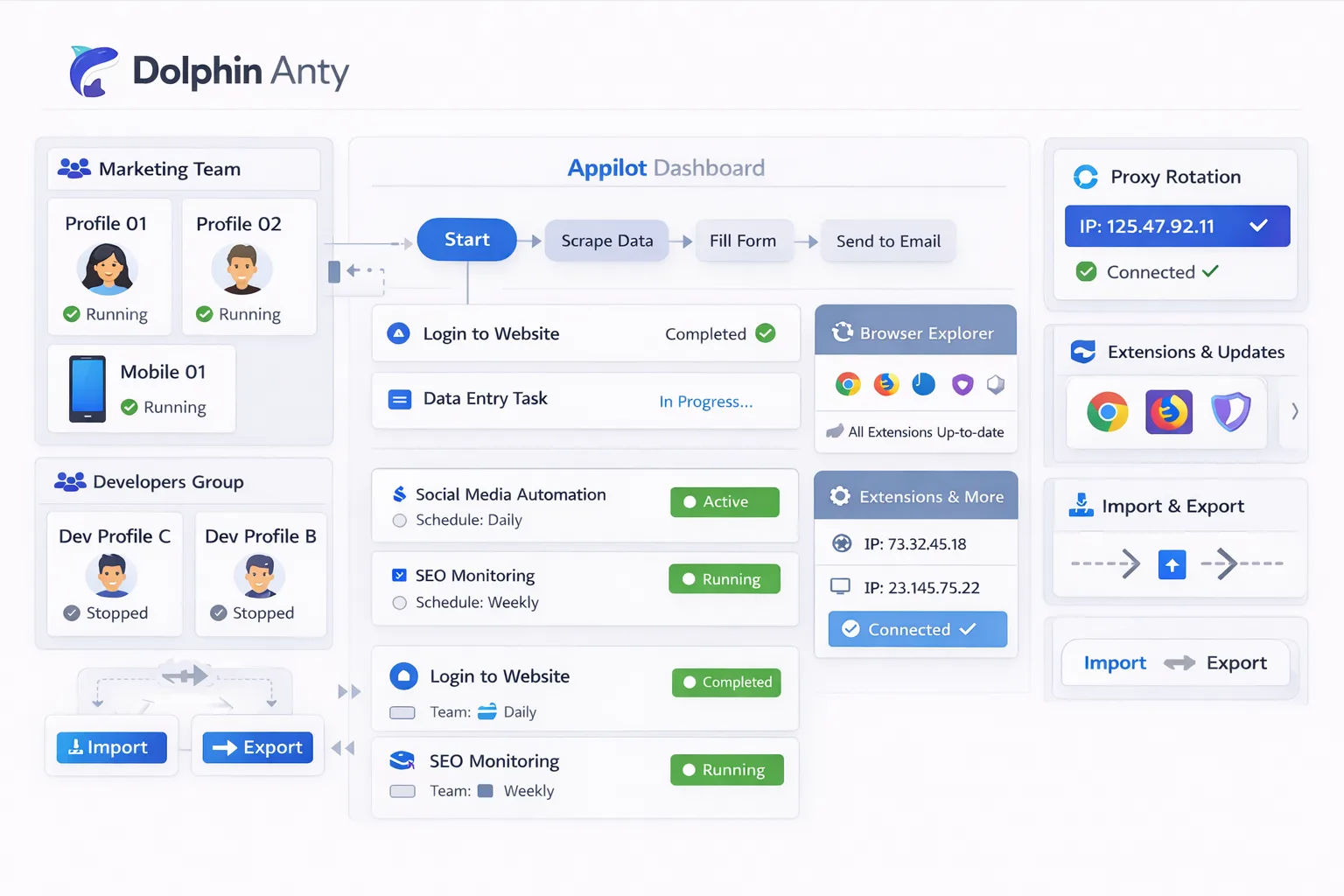
Appilot helps organize and automate how proxies are assigned.
Instead of manually updating every browser profile one by one, you can create proxy groups and connect them to specific browser profile groups.
For example, you could create one proxy pool for Facebook ad accounts, another for Shopify stores, another for scraping profiles, and another for TikTok accounts.
You can also automate proxy rotation.
If a proxy becomes blocked, overused, or flagged, Appilot can help replace it with another option from the same proxy pool.
This makes browser management much easier because you do not need to manually update every browser profile every time a proxy changes.
Appilot can also help keep browser environments more consistent.
For example, if a browser profile uses a United States timezone and English language settings, the proxy can also be assigned from the United States.
This reduces obvious mismatches between browser settings and IP location.
Setting Up Proxy Groups in Dolphin Anty
The first step is deciding how you want to organize your proxies.
You should avoid storing every proxy inside one large list without labels.
Instead, create separate groups based on workflow type, client, platform, or location.
For example, you could create one proxy group for Facebook accounts, another for Google accounts, another for TikTok profiles, and another for scraping operations.
You can also organize proxies by country.
For example, you may have separate groups for United States proxies, United Kingdom proxies, Germany proxies, and Canada proxies.
This makes it easier to assign the correct proxy to the correct browser profile.
You should also use clear naming conventions.
Instead of generic labels like “Proxy 1” or “US 2,” use names that explain what the proxy is used for.
That makes it much easier to keep browser environments organized.
Automating Proxy Rotation with Appilot
Proxy rotation becomes important when browser profiles are active for long periods of time.
If the same proxy is used too often, it can become flagged or blocked.
That is why many teams rotate proxies regularly.
Appilot can help automate that process.
For example, you can create workflows that replace proxies after a certain number of hours, after a specific task is complete, or when a proxy becomes unavailable.
You can also rotate proxies based on account type.
For example, social media accounts may use long-term residential proxies while scraping profiles rotate more frequently.
You should avoid rotating proxies too aggressively.
If an account normally logs in from one location and suddenly changes countries every few hours, that can trigger security warnings.
The goal is to create variation without creating instability.
Best Practices for Proxy Configuration
The most important rule is to keep proxies aligned with the rest of the browser environment.
If a browser profile has a German timezone, German language settings, and a European screen resolution, it should not suddenly connect through a proxy in Brazil.
You should also avoid sharing the same proxy across too many browser profiles.
The more profiles that use the same IP address, the easier it becomes for platforms to connect those accounts together.
It is also important to test proxies before assigning them to browser profiles.
Some proxies are slow, blocked, unstable, or already blacklisted.
You should also keep separate proxy pools for different account types.
Social media accounts, e-commerce stores, ad accounts, and scraping profiles often require different proxy strategies.
Common Proxy Problems Teams Face
One common issue is using the wrong proxy type.
For example, using datacenter proxies for social media accounts can sometimes trigger security warnings.
Another common issue is location mismatch.
If the proxy country does not match the browser language, timezone, or account history, platforms may ask for additional verification.
Some teams also use the same proxy across too many accounts.
That increases the risk of accounts being linked together.
Proxy failure is another issue.
If a proxy goes offline or becomes blocked, the browser profile may stop working until the proxy is replaced.
That is why proxy monitoring and rotation are important.
Frequently Asked Questions
Q1: Why are proxies important in Dolphin Anty?
Proxies help separate browser profiles by giving each account a different IP address and location.
Q2: Which proxy type is best for social media accounts?
Residential proxies and mobile proxies are usually the best choices because they look more natural.
Q3: Can Appilot automate proxy rotation?
Yes. Appilot can help rotate proxies automatically based on schedules, workflows, or proxy availability.
Q4: Should every browser profile use a different proxy?
Yes, if possible. Using different proxies for different profiles reduces the chance of accounts being linked together.
Q5: What is the biggest mistake with proxy management?
One of the biggest mistakes is using the same proxy across too many browser profiles or using a proxy location that does not match the browser environment.
Conclusion
Proxy configuration is one of the most important parts of browser profile management because it helps keep accounts separated and makes browser environments look more natural.
Once browser operations grow, managing proxies manually becomes difficult.
By combining Dolphin Anty proxy configuration with Appilot automation, you can organize proxy pools, automate rotation, assign proxies to browser groups, and keep browser environments more consistent.
This makes browser management easier, safer, and much more scalable.