Automating Job Applications Without Getting Flagged
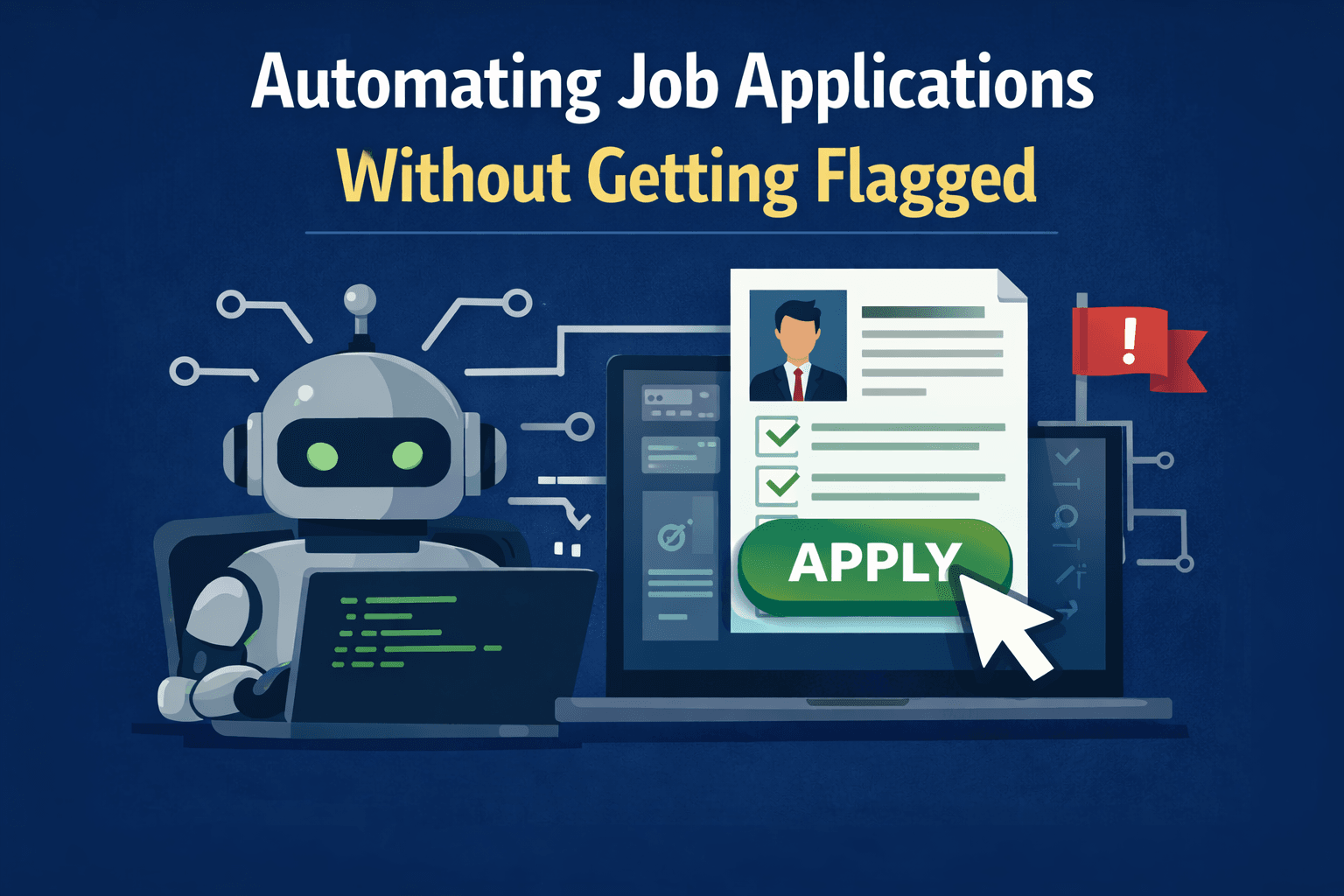
Modern job application workflows are much more complex than simply filling out a form and pressing submit. Large job boards, Applicant Tracking Systems, and recruiting platforms now use dynamic forms, resume parsers, session-bound logic, and behavioral monitoring systems that make large-scale automation far more difficult than it appears.
At a technical level, job application automation is not really a form-filling problem. It is a browser orchestration problem where every step depends on state continuity, validation logic, cookies, session storage, and consistent browser behavior.
Imagine understanding exactly why simple automation systems fail, why certain application workflows break unexpectedly, and why job platforms focus more on session integrity and statistical patterns than on speed alone. Once you understand the underlying architecture, the behavior of these systems becomes much easier to explain.
This guide explains how automated job application systems work, why simple approaches often get flagged, how job platforms detect unusual workflows, and why session stability is one of the most important factors in reliable browser automation.
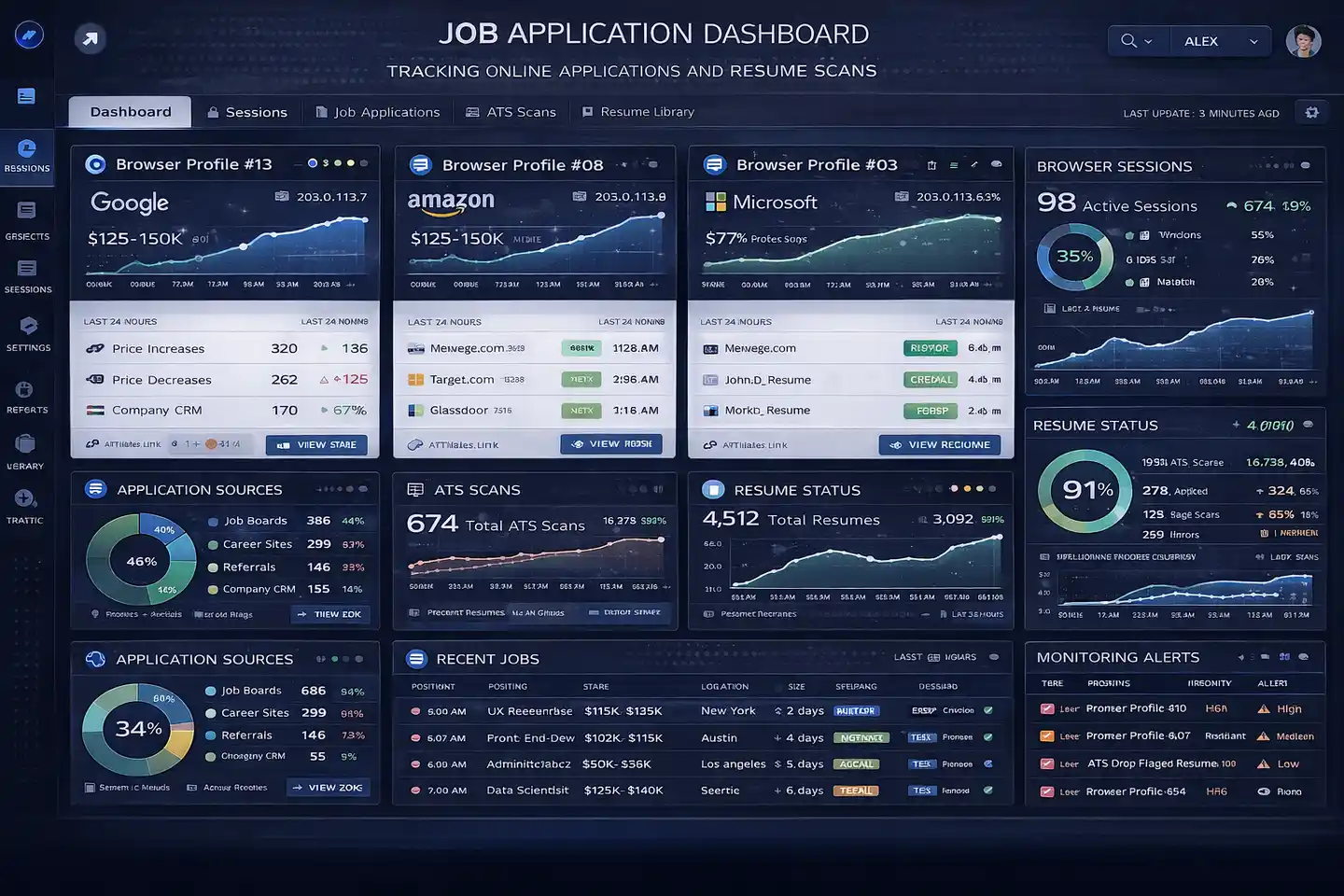
Why Job Application Automation Matters
Job application automation matters because modern hiring funnels are increasingly dynamic and difficult to manage manually at scale. Large job platforms often involve multiple form pages, client-side validation, resume parsing, third-party integrations, and session-bound workflows that can become time-consuming for both candidates and organizations.
Understanding this architecture is valuable for developers building browser workflows, QA engineers testing application systems, security researchers analyzing detection logic, and organizations evaluating the reliability of their hiring pipelines.
The same technical patterns also appear in online onboarding systems, financial applications, identity verification platforms, and compliance workflows. Understanding how job application systems work provides useful insight into browser orchestration and web security more broadly.
1. Who This Use Case is For
This topic is useful for developers building browser automation systems because it highlights how modern job forms rely on JavaScript rendering, validation logic, and session continuity.
It is also valuable for QA teams testing application workflows, recruiting platforms monitoring suspicious behavior, and security analysts trying to understand how job platforms detect unusual patterns.
Organizations that manage large hiring systems or evaluate ATS performance can also benefit because many of the same issues appear across multiple job boards and applicant tracking systems.
2. What You'll Achieve
By understanding job application automation systems, you will be able to identify the main layers behind browser orchestration, understand why simple automation often fails, recognize where detection systems focus their defenses, and understand why session continuity matters more than speed.
These insights can help developers build more reliable testing systems, help recruiters understand application funnel issues, and help infrastructure teams improve the resilience of hiring platforms.
3. What You'll Need
Before understanding job application workflows in depth, it helps to understand the technologies and infrastructure that browser automation systems depend on.
Technical Requirements
Most modern job application workflows require browser automation frameworks such as Puppeteer, Playwright, or Selenium because ATS systems often rely on client-side JavaScript, session-bound tokens, and dynamic validation steps.
These systems typically require browser session continuity, cookie persistence, local storage management, CSRF token handling, and stable navigation state.
For mobile-first job boards or application flows, Android devices may also be necessary because some recruiting platforms show different workflows inside mobile apps than on desktop browsers.
This is where Appilot can become useful. Appilot supports browser automation tools such as Selenium, Playwright, and Puppeteer while also supporting Android device execution through Accessibility Services and real-device management. This allows teams to test browser workflows and mobile job application experiences together from one platform.
Skills and Knowledge
A technical understanding of browser automation, cookies, JavaScript rendering, session handling, CSRF tokens, and multi-step forms is useful when working with job application systems.
Teams may also benefit from understanding browser fingerprinting, timing distributions, form validation logic, and session storage because these are all important parts of modern job platforms.
Less technical teams can also use visual automation platforms to understand browser and Android workflows without directly writing scripts.
Time and Resource Investment
Smaller workflows can often be tested within a few hours, but larger systems involving multiple ATS platforms, regions, and form variations may require several days of setup and testing.
Ongoing maintenance is also important because job platforms frequently change their form structure, validation rules, resume parsing logic, and browser behavior.
Infrastructure costs may include browser automation tools, Android devices, cloud servers, proxies, session monitoring tools, and reporting systems.
Appilot Integration Method #1 - The Complete Solution Approach
Managing Browser and Mobile Job Workflows Together
There are generally two ways to work with job application workflows. One option is to build everything manually using browser automation frameworks, browser profiles, proxies, session managers, and Android device farms. The second option is to use a centralized platform that supports browser and mobile workflows together.
The DIY approach provides more control because teams can fully customize browser sessions, cookies, validation handling, and ATS-specific logic. However, it also creates more operational complexity because every browser profile, Android device, proxy, and monitoring system needs to be managed separately.
This is where Appilot becomes relevant. Appilot supports browser automation through Selenium, Playwright, and Puppeteer while also supporting Android device execution for mobile-first job boards and recruiting apps.
This matters because some job platforms behave differently on mobile devices, and some recruiting apps expose workflows that do not appear in desktop browsers.
Appilot can help teams manage browser sessions, Android devices, scheduling, session continuity, and monitoring from one platform instead of relying on disconnected tools.
Step-by-Step Implementation Guide
Understanding job application automation becomes easier when the workflow is broken into stages.
Step 1: Define the Workflow
The first step is understanding which job platforms, ATS systems, form flows, and validation steps need to be included.
This stage defines the scope of the workflow and determines which forms, resume fields, question sets, and third-party integrations need to be monitored.
A common mistake is assuming that all ATS systems behave the same way. In reality, every job platform uses slightly different form structures, validation rules, and session logic.
Step 2: Initialize Stable Sessions
The next step is creating stable browser sessions with consistent cookies, local storage, session tokens, and navigation state.
Stable sessions are important because ATS systems often bind forms, validation steps, and CSRF tokens to a specific browser session.
Without session continuity, forms may fail, tokens may expire, and validation steps may break unexpectedly.
const puppeteer = require('puppeteer');
async function launchJobApplicationSession() {
  const browser = await puppeteer.launch({
    headless: false
  });
  const page = await browser.newPage();
  await page.goto('https://example-job-board.com');
  return { browser, page };
}
This setup creates a browser environment capable of rendering JavaScript, storing cookies, and maintaining state throughout a multi-step application flow.
Step 3: Handle Validation and Form Logic
Job application workflows often involve resume parsing, dynamic validation, conditional fields, and third-party integrations.
This means the browser workflow must preserve state across multiple steps and ensure that required validations occur in the correct order.
The most common issues usually come from skipped validation steps, expired tokens, or inconsistent form state.
Step 4: Understand Detection Systems
Modern job platforms use behavioral modeling, browser fingerprinting, workflow integrity checks, and correlation engines to identify unusual patterns.
They monitor timing distributions, repeated interaction sequences, fingerprint stability, synchronized submissions, and abnormal workflow progression.
Most flags occur because of correlated patterns rather than one obvious issue.
Step 5: Monitor Reliability and Diagnostics
The final step is monitoring whether workflows complete successfully, whether forms fail, whether tokens expire, and whether unexpected errors occur.
Observability is extremely important because unreliable workflows can appear successful even when submissions are incomplete.
Monitoring partial completion states, validation errors, and browser session anomalies helps teams improve reliability over time.
Appilot Integration Method #2 - Managing Session Isolation
One of the biggest challenges in job application workflows is maintaining separate browser sessions without creating obvious patterns that platforms can detect.
The technical problem is that job platforms often monitor cookies, browser fingerprints, navigation behavior, submission timing, and repeated form patterns across multiple sessions.
Traditional approaches usually require developers to manage browser profile isolation, proxy rotation, separate cookie stores, and Android devices manually.
Appilot simplifies this by combining browser profile isolation with Android device-level separation. Browser workflows can run in isolated environments with different fingerprints, while Android workflows can run on separate devices with independent hardware signals and IP addresses.
This makes it easier to keep workflows separated and reduce excessive session similarity.
Common Challenges and Solutions
Even well-designed job application systems face recurring technical problems.
Challenge 1: Session Instability
Session instability often causes expired tokens, broken form flows, missing validation states, or incomplete submissions.
This usually happens when cookies, CSRF tokens, or local storage reset unexpectedly.
The best solution is to preserve browser state, session continuity, and token integrity throughout the workflow.
Challenge 2: Dynamic Validation Logic
Many ATS systems inject validation logic dynamically through JavaScript.
This can create problems if form fields load asynchronously or if validation occurs in a different order than expected.
The best solution is to wait for client-side rendering to complete and preserve stable navigation flows.
Challenge 3: Excessive Submission Similarity
Large groups of identical submissions are easier to detect because they share timing patterns, browser fingerprints, resume hashes, and navigation behavior.
Appilot can help reduce this problem by isolating browser profiles, separating Android devices, and maintaining different execution environments.
Scaling Job Application Workflow Analysis
Once teams understand browser-based job application systems at a small scale, the next challenge is scaling.
From 10 to 100 Workflows
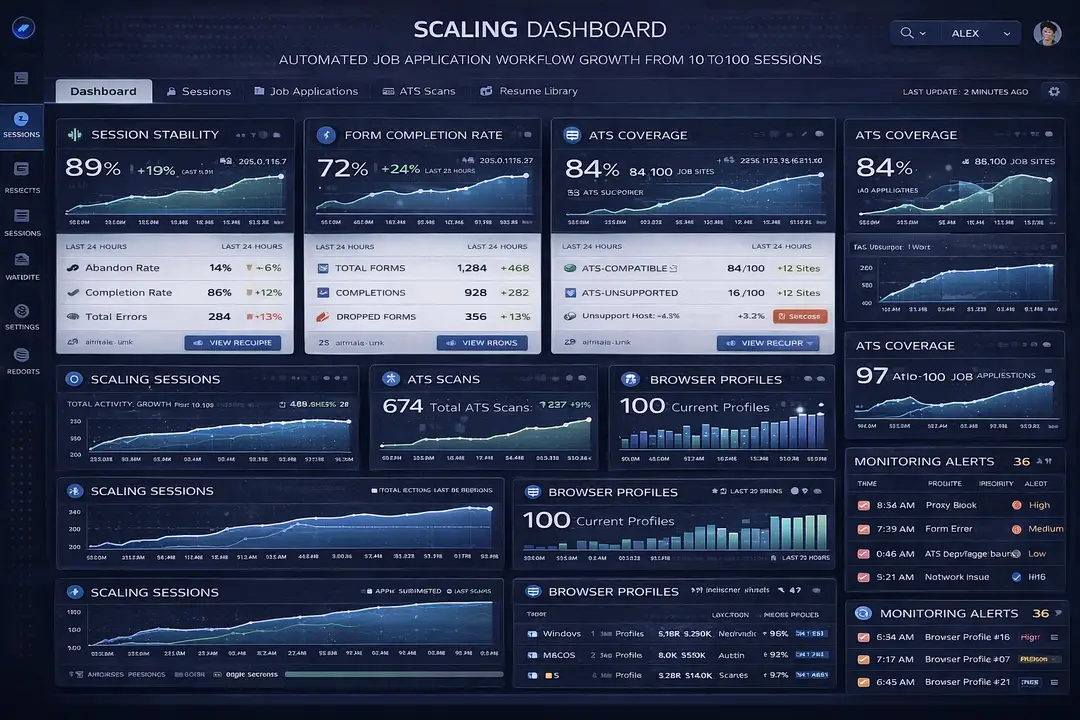
At small scale, teams may only need a few browser sessions and limited monitoring. At larger scale, they often require centralized orchestration, proxy assignment, browser profile management, Android device handling, and detailed reporting.
Operational complexity increases quickly because every new workflow adds more cookies, form states, session tokens, and ATS variations.
Appilot can simplify scaling because it provides centralized dashboards for browser sessions, Android devices, scheduling, and monitoring.
Automation and Optimization at Scale
At scale, teams should automate browser session creation, monitoring, health alerts, and workflow reporting.
However, strategic decisions such as ATS-specific adjustments, validation logic review, and submission analysis should still remain manual.
Best Practices and Pro Tips
Best Practice 1 - Prioritize Session Continuity
Session continuity matters more than speed because cookies, CSRF tokens, local storage, and validation state all depend on stable browser environments.
Teams that preserve stable browser sessions usually experience fewer workflow failures.
Best Practice 2 - Reduce Uniform Behavior
Uniform timing, identical navigation paths, and synchronized submissions make workflows easier to detect.
Introducing more natural variation into timing and workflow progression can reduce excessive similarity.
Best Practice 3 - Monitor Validation Failures
Validation failures, expired tokens, incomplete forms, and broken workflows are often early indicators that the system is becoming unreliable.
Tracking these issues helps teams identify problems before workflows fail completely.
Tools and Resources
Browser Automation Tools
Puppeteer is commonly used for browser-based job workflows because it provides strong control over rendering and session management.
Playwright supports multiple browsers and is useful when teams need compatibility across Chrome, Firefox, and Edge.
Selenium remains one of the most mature browser automation frameworks and works across many programming languages.
Appilot is also useful because it combines browser automation with Android device execution.
Mobile Automation Tools
Appium is one of the most widely used mobile automation frameworks and supports Android and iOS workflows.
UI Automator provides a native Android automation option for mobile recruiting workflows.
Appilot is relevant for teams that want real Android device execution, Accessibility Services, and centralized device management.
Supporting Tools
Teams may also use proxy providers, monitoring dashboards, cloud servers, analytics platforms, and databases to support larger job application workflows.
Frequently Asked Questions
Q1: Why do simple automation systems fail on job platforms?
Simple automation systems often fail because ATS platforms rely on JavaScript-heavy forms, dynamic validation, session-bound tokens, and multi-step logic.
Q2: What does “stealth” mean in this context?
Stealth does not mean invisibility. It means maintaining behavior that appears statistically normal compared to expected user interaction patterns.
Q3: Why are full browser environments necessary?
Full browser environments are necessary because ATS systems often rely on client-side rendering, CSRF enforcement, dynamic validation, and session-bound logic.
Q4: Can Appilot support browser and Android workflows together?
Yes. Appilot supports Selenium, Playwright, and Puppeteer for browser automation while also supporting Android devices through Accessibility Services and remote management.
Q5: Why is session continuity so important?
Session continuity is important because cookies, tokens, form state, and validation logic are often tied to specific browser sessions.
Conclusion
Automating job applications is not simply a form-filling problem. It is a browser orchestration challenge where session continuity, validation logic, browser rendering, and statistical patterns all matter.
The most important factors are stable sessions, correct validation order, reliable workflow tracking, and observability.
The same architectural patterns appear in onboarding systems, financial forms, identity verification flows, and compliance workflows. Understanding these systems helps engineers build more reliable browser workflows, stronger detection systems, and more resilient hiring platforms.