Using WhatsApp Business Automation (The Compliant & Scalable Way)
Automating-whatsapp-business-workflows-compliant-scalable
Using WhatsApp Business Automation (The Compliant & Scalable Way)
Most businesses think the problem with WhatsApp is messaging volume, but the real issue is workflow management.
As conversation volume increases, teams begin to struggle with delayed replies, missed leads, inconsistent follow-ups, repeated FAQ responses, and a lack of centralized tracking across agents and departments.
The problem is not that businesses need more people manually responding to messages. The real need is a structured system that can organize conversations, automate repetitive tasks, route leads correctly, and keep everything connected to the company’s CRM and support systems.
This is why the best long-term solution is not device automation or unofficial tools. The most reliable approach is using the official WhatsApp Business Platform and building structured workflow automation on top of it.
This guide explains how WhatsApp Business automation works, why the official API is the right foundation, how businesses can scale safely, and what mistakes lead to bans or unreliable systems.
Why WhatsApp Business Automation Matters
WhatsApp is one of the most important communication channels for modern businesses because customers expect fast replies, quick support, and personalized conversations.
For smaller businesses with limited message volume, the standard WhatsApp Business App is often enough. However, once companies begin handling hundreds of conversations per day, the manual process becomes difficult to manage.
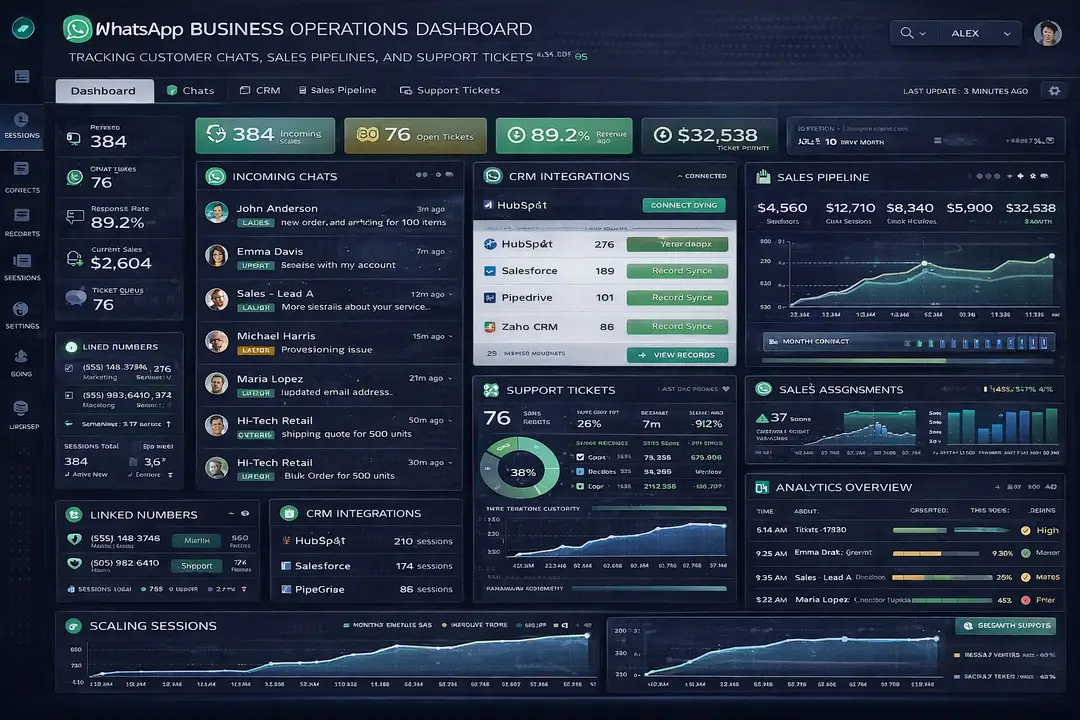
Businesses that rely on WhatsApp for sales, support, appointment reminders, and customer engagement often need better ways to organize leads, automate responses, assign agents, and track performance.
The goal of automation is not simply to send more messages. The goal is to create a system that improves response quality, reduces manual workload, and ensures that conversations move through a structured workflow.
1. Who This Use Case is For
This approach is useful for ecommerce brands, local service businesses, healthcare clinics, support teams, education companies, agencies, and any business that manages a large number of WhatsApp conversations every day.
It is also valuable for businesses that want to connect WhatsApp with CRM systems, automate follow-ups, track customer interactions, and support multiple agents or regions.
Companies that handle more than 200 conversations per day usually benefit the most because manual workflows become harder to manage at that scale.
2. What You'll Achieve
By using WhatsApp Business automation correctly, businesses can reduce response times, improve customer satisfaction, route conversations more efficiently, automate repetitive questions, and create a more organized support or sales process.
These improvements can help businesses reduce operational costs, improve conversion rates, and make WhatsApp a more reliable channel for customer communication.
3. What You'll Need
Before building a scalable WhatsApp workflow, businesses need to understand the tools and infrastructure required.
Technical Requirements
The official WhatsApp Business Platform, also known as the Cloud API, is the most reliable foundation for automation.
Businesses typically need a verified Meta Business Manager account, an approved WhatsApp display name, a phone number, a webhook endpoint, and a CRM or database connection.
Most companies also integrate WhatsApp with systems such as HubSpot, Salesforce, Zoho, Shopify, WooCommerce, or a custom CRM.
For more advanced workflows, businesses may also use workflow automation tools, analytics dashboards, ticketing systems, and reporting tools.
Skills and Knowledge
A basic understanding of CRM systems, customer support workflows, sales funnels, and API integrations is helpful when building WhatsApp automation systems.
Technical teams may also benefit from knowledge of webhooks, APIs, database connections, template messaging rules, and reporting dashboards.
Less technical teams often prefer no-code or low-code platforms that simplify workflow creation and CRM integration.
Time and Resource Investment
A small WhatsApp automation setup can often be implemented in a few days, while larger systems involving multiple agents, regions, workflows, and CRM connections may take several weeks.
Ongoing maintenance is also important because templates, routing logic, CRM stages, and support flows often need updates as the business evolves.
Why the WhatsApp Business API Is the Right Foundation
The official WhatsApp Business Platform is designed specifically for businesses that need reliable, scalable communication systems.
The WhatsApp Cloud API supports automated replies, template messaging, CRM integrations, workflow routing, conversation tagging, multi-agent support, and webhook event tracking.
Unlike unofficial device-based automation systems, the Cloud API is designed for scale and compliance.
This matters because businesses that rely on unofficial automation often face number bans, unstable workflows, disconnected systems, and poor reporting.
The official API provides a safer and more sustainable foundation because it supports thousands of conversations per day, integrates with business systems, and is officially supported by Meta.
When Businesses Outgrow the WhatsApp App
The standard WhatsApp Business App works well for small local businesses, single-agent teams, and companies with low message volume.
However, businesses usually outgrow the app once they begin handling more than 200 conversations per day, need multiple agents, operate in multiple regions, or require structured follow-up systems.
At that point, the business needs API-level infrastructure because manual messaging becomes inefficient and difficult to manage.
Appilot Integration Method #1 - Supporting Mobile Workflow Visibility
Although the official WhatsApp Cloud API should always remain the foundation for scalable automation, some businesses still need mobile visibility for internal workflows, QA testing, or mobile-first support environments.
This is where Appilot can become useful in a limited role. Appilot supports Android devices and Accessibility Services, which allows teams to monitor mobile workflows, test mobile interfaces, and review how WhatsApp interactions appear on real devices.
Appilot should not replace the WhatsApp API or be used for device-based messaging automation. Instead, it can be used as a supporting tool for mobile workflow observation, QA testing, and real-device visibility when businesses need to compare desktop dashboards with actual Android experiences.
Step-by-Step Implementation Guide
Step 1: Set Up the WhatsApp Cloud API
The first step is creating a verified Meta Business Manager account, registering a WhatsApp Business number, getting an approved display name, and setting up the webhook endpoint.
This creates the secure technical foundation that all future workflows depend on.
Without the Cloud API, businesses usually struggle with unreliable manual workflows and disconnected systems.
Step 2: Connect WhatsApp to a CRM
The next step is connecting WhatsApp to a CRM system such as HubSpot, Salesforce, Zoho, Shopify, WooCommerce, or a custom internal platform.
The CRM should store information such as phone number, lead status, conversation tags, assigned agents, and order IDs.
Once connected, every WhatsApp conversation becomes structured data that can be searched, reported on, and assigned automatically.
const customer = {
  phone: "+1234567890",
  leadStatus: "New Lead",
  assignedAgent: "Sales Team",
  orderId: "ORD-1024"
};
function assignConversation(customer) {
  if (customer.leadStatus === "New Lead") {
    return "Assign to Sales Team";
  }
  return "Assign to Support Team";
}
This type of logic allows businesses to automatically route conversations based on CRM data.
Step 3: Build Structured Conversation Flows
Businesses should build conversation flows for sales, support, appointments, follow-ups, and FAQs.
A sales workflow may include an instant reply, qualification questions, CRM tagging, and sales rep assignment.
A support workflow may include FAQ automation, ticket categorization, knowledge base suggestions, and human escalation.
Structured workflows reduce manual work and improve consistency across the team.
Step 4: Use Template Messaging Correctly
WhatsApp allows businesses to send approved outbound templates for order updates, appointment reminders, shipping notifications, and follow-ups within allowed messaging windows.
Businesses should follow template rules carefully because trying to bypass these rules can quickly lead to restrictions or bans.
Policy-compliant templates are one of the safest and most effective parts of the WhatsApp ecosystem.
Step 5: Track Analytics and Improve Performance
The final step is monitoring first response time, resolution time, conversion rate, agent workload, template performance, and customer satisfaction.
Businesses should review these metrics weekly so they can improve workflows, reduce delays, and identify where customers are dropping out of the conversation flow.
Appilot Integration Method #2 - Managing Real Android Device Testing
Some businesses want to see how WhatsApp workflows behave on actual Android devices rather than relying only on desktop dashboards.
Appilot can support this by providing real Android device execution, Accessibility Services, and centralized device management for testing environments.
This can be useful for QA teams that want to verify how templates, customer messages, support flows, or chatbot responses appear on real Android devices.
However, the core messaging logic should still remain inside the official WhatsApp Cloud API rather than relying on mobile-device-based automation.
Common Challenges and Solutions
Challenge 1: Delayed Replies
Delayed replies often happen when teams rely too heavily on manual processes.
The best solution is to automate FAQs, use lead-routing rules, and assign conversations automatically.
Challenge 2: Missed Leads
Missed leads often happen when messages are not tagged, routed, or followed up correctly.
The best solution is to connect WhatsApp with a CRM and create structured follow-up workflows.
Challenge 3: Number Restrictions
Businesses often get banned when they use unofficial tools, send cold bulk messages, or ignore opt-in requirements.
The best solution is to use the official API, follow WhatsApp template rules, and focus on relevant, permission-based conversations.
Scaling WhatsApp Business Workflows
From 5 to 100+ Numbers
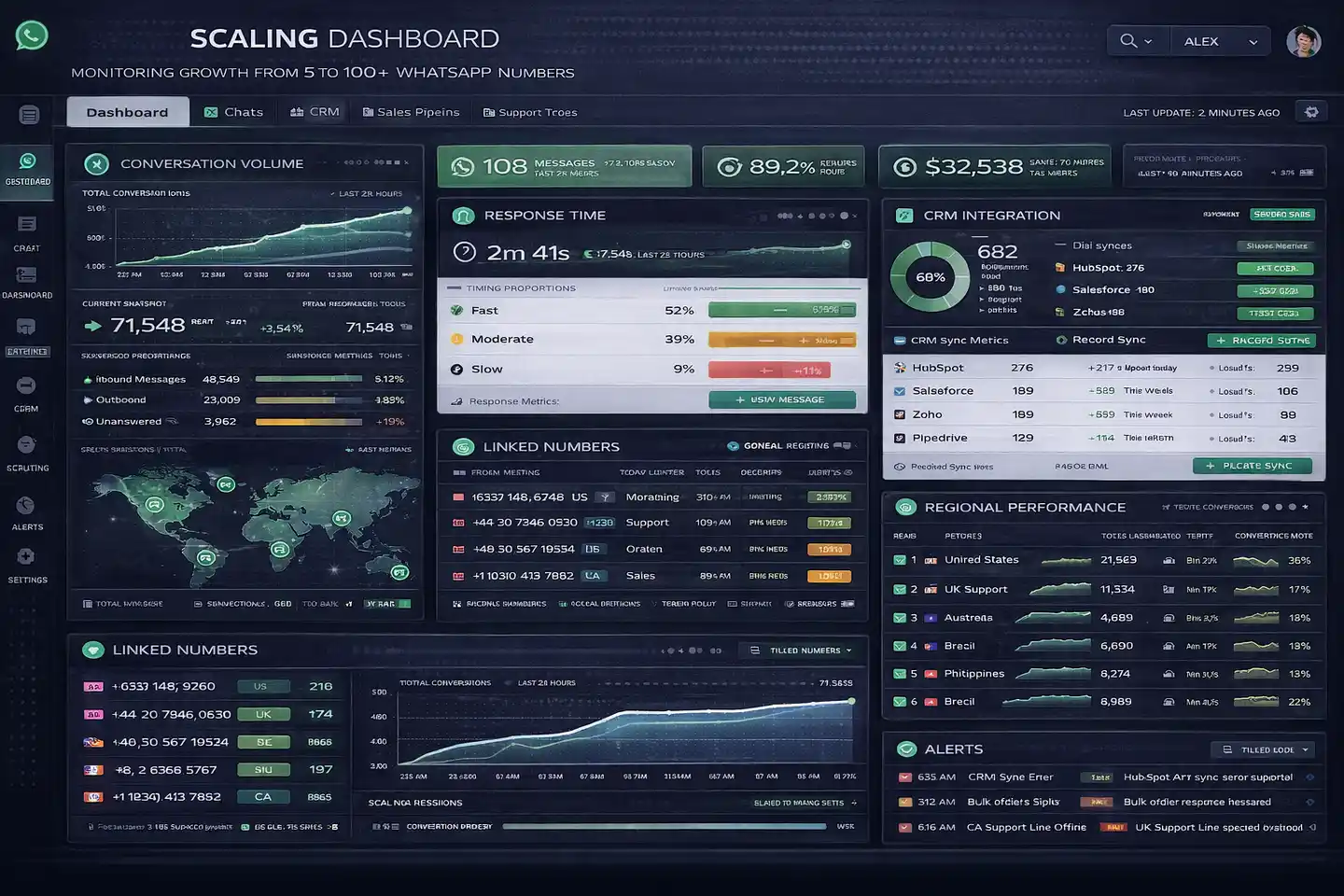
If a business truly needs multiple WhatsApp numbers, the best approach is to register separate verified business accounts, segment numbers by region or product line, and centralize reporting.
Scaling works best when every number has a clear purpose rather than using one number for everything.
Automation and Optimization at Scale
At scale, businesses should automate CRM updates, lead routing, FAQ responses, appointment reminders, and reporting.
However, important decisions such as escalation logic, support quality, and sales messaging should still remain human-driven.
Best Practices and Pro Tips
Best Practice 1 - Focus on Conversation Quality
WhatsApp prioritizes high-quality conversations, low block rates, relevant messaging, and customer satisfaction.
Businesses should focus on improving conversation quality rather than simply increasing message volume.
Best Practice 2 - Keep Every Workflow Structured
Structured workflows are easier to scale, easier to track, and easier to improve.
Teams should clearly define how leads, support requests, and follow-ups move through the system.
Best Practice 3 - Use Official Tools
Official APIs, approved templates, verified accounts, and CRM integrations are always safer and more reliable than unofficial automation tools.
Tools and Resources
WhatsApp Business Platforms
Twilio provides WhatsApp API access, CRM integrations, and communication infrastructure for businesses.
360dialog offers WhatsApp Business API solutions with strong integration support.
WATI is commonly used for multi-agent support teams and workflow automation.
Interakt supports sales, support, and ecommerce automation workflows.
Gupshup provides messaging APIs, workflow tools, and WhatsApp integration support.
CRM Platforms
HubSpot, Salesforce, Zoho CRM, Shopify, and WooCommerce are commonly integrated with WhatsApp workflows.
Frequently Asked Questions
Q1: Is the WhatsApp Business App enough for most businesses?
The WhatsApp Business App is usually enough for small businesses with low message volume, but larger teams often need API-level infrastructure.
Q2: What is the biggest mistake businesses make?
The biggest mistake is trying to use unofficial device-based automation instead of the official WhatsApp Business API.
Q3: Can businesses automate outbound messages?
Yes, but outbound messages must follow WhatsApp template rules and customer opt-in requirements.
Q4: Can Appilot replace the WhatsApp API?
No. Appilot can support Android testing and mobile workflow visibility, but it should not replace the official WhatsApp Cloud API.
Q5: Why do businesses get banned on WhatsApp?
Businesses usually get banned because they use unofficial tools, send unsolicited messages, ignore opt-in requirements, or violate WhatsApp template policies.
Conclusion
WhatsApp automation is not about sending more messages. It is about building better workflows.
The official WhatsApp Business Platform provides the safest and most scalable foundation because it supports CRM integrations, structured workflows, multi-agent systems, and policy-compliant messaging.
Businesses that focus on conversation quality, structured automation, and official API usage usually scale much more successfully than businesses that rely on shortcuts or unofficial tools.