Automation Skipping Random Accounts? Here's the Cause
The Workflow Runs But Some Accounts Never Get Processed
One of the most frustrating things about large-scale automation is when the workflow appears to be running normally, but random accounts keep getting skipped. You may launch a task across fifty browser profiles, one hundred social media accounts, or multiple Android devices and later realize that several accounts were never touched at all. The automation completed, the logs show activity, and the dashboard looks normal, but some accounts are still sitting in the same state as before.
This problem becomes much more common as you scale. A workflow that works perfectly on five accounts can start behaving very differently when it runs across fifty or one hundred accounts. The issue is usually not that the automation completely failed. The problem is that large account groups create more opportunities for delays, loading issues, browser crashes, session problems, timeouts, and skipped actions.
Why Random Accounts Get Missed
Most account-skipping problems happen because the workflow is moving faster than the system can handle. One account may load slowly, another may trigger a verification prompt, another may fail because the browser session expired, and another may take longer because the proxy is slower. If the automation is built to move quickly without checking whether each step completed successfully, it may skip over those slower accounts and continue with the rest of the workflow.
This becomes especially common when running automation across antidetect browsers, remote browsers, Android emulators, or proxies with inconsistent speeds. A browser profile that takes ten seconds longer to load may get skipped if the automation only waits five seconds before moving on. A proxy with temporary network issues may cause the account to fail even though the rest of the workflow continues normally.
The Biggest Mistake: Assuming Every Account Behaves The Same
One of the biggest reasons random accounts get skipped is because people assume every account will behave identically. They expect every browser profile to load at the same speed, every platform to respond the same way, every account to stay logged in, and every proxy to perform consistently.
That rarely happens in real-world automation.
Some accounts may be older and slower. Some may have more cookies stored. Some may have more tabs, more extensions, more notifications, or more verification prompts. Some proxies may be slower than others. Some accounts may be in different countries, which changes page load times and behavior.
When the automation treats every account exactly the same, the accounts that behave differently are often the ones that get skipped.
The stronger approach is building workflows that check whether each account actually completed the task before moving on. Instead of assuming success, the system should confirm success.
Why Timeouts Cause So Many Problems
Timeouts are one of the most common reasons accounts get skipped. Most automation workflows are built with fixed wait times. The script waits three seconds, five seconds, or ten seconds before moving to the next step.
That works until an account needs longer.
If a browser takes twelve seconds to load instead of five, the workflow may think something failed and move on too early. If a platform loads extra popups, security prompts, or notifications, the expected element may not appear in time. That can cause the automation to skip the account completely even though the account would have worked if the system waited a little longer.
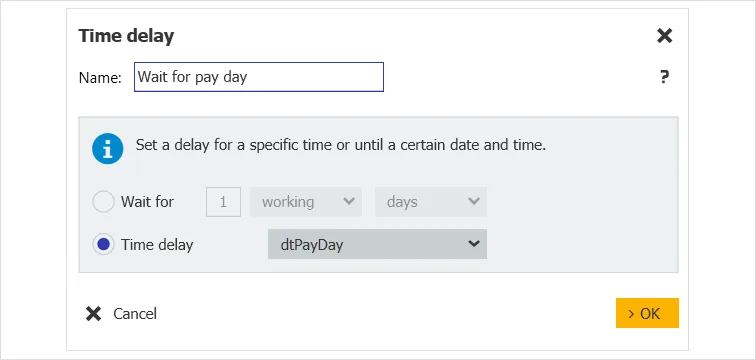
This is why fixed waits are usually weaker than condition-based waits. Instead of waiting a fixed amount of time, the workflow should wait until the page actually finishes loading, until the required element appears, or until the action is confirmed.
Why Logging And Tracking Matter So Much
Many people do not realize accounts are being skipped until much later because the workflow does not track completion properly. The automation may show that it processed one hundred accounts, but it never confirms which accounts actually finished successfully.
That creates a dangerous situation because skipped accounts can go unnoticed for days or weeks.
You may think every account received the content update, every account posted successfully, or every account completed the task when several accounts were actually missed.
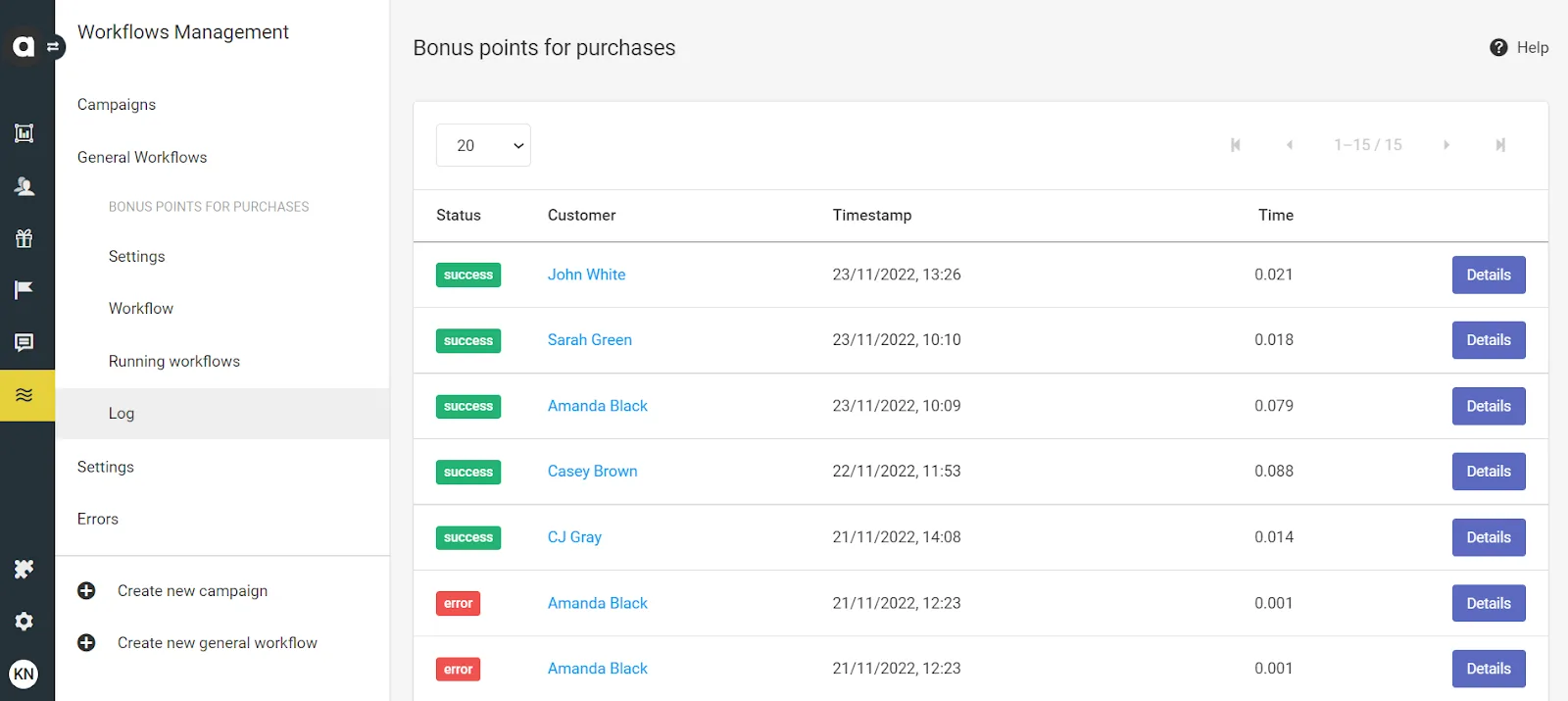
The easiest way to fix this is by creating detailed logs for every account. Each profile should show whether it succeeded, failed, timed out, hit a verification step, or got skipped. That makes it much easier to identify patterns and see which accounts need manual review.
Why Centralization Makes This Easier
Account-skipping problems become much harder to identify when browser profiles, Android devices, logs, account notes, proxy settings, and workflow history are spread across different tools. You may have one platform for browser automation, another for proxies, another for scheduling, and another for logs. That makes it difficult to understand which accounts failed and why.
This is one of the reasons Appilot becomes useful when account operations start scaling. Instead of keeping browser profiles, Android workflows, proxy notes, task history, schedules, and account logs spread across multiple systems, everything can stay visible from one dashboard. That makes it easier to see which accounts completed successfully, which accounts failed, which ones timed out, and which workflows need adjustment.
Conclusion: Random Account Skips Usually Come From Weak Error Handling
If your automation keeps skipping random accounts, the issue is usually not that the entire workflow is broken. The problem is that some accounts behave differently because of slower loading times, expired sessions, proxy issues, verification prompts, or weak timeout settings.
Once you build stronger error handling, better logging, condition-based waits, and account-level completion tracking, it becomes much easier to keep large account groups running reliably. That is what allows you to scale automation without constantly wondering which accounts got skipped and which ones actually completed the task.