Best Instagram Follow/Unfollow Bots in 2025: 6 Tools Compared
Instagram follow/unfollow bots are still one of the most searched automation categories in 2025, but they are also one of the riskiest. The basic idea is simple: follow people who might be interested in your account, wait for some of them to follow back, and then unfollow accounts that do not convert. On paper, it sounds like a quick way to grow. In practice, Instagram is much better at detecting repetitive follow patterns, aggressive unfollow cycles, bulk activity, and unnatural account behavior.
That does not mean every Instagram automation tool is useless. It means users need to understand the difference between old-school follow/unfollow bots, managed growth services, browser-based automation, AI-powered engagement tools, and real-device automation platforms. Some tools are better for simple growth, some are better for audience research, and some are better for running mobile workflows on real Android devices.
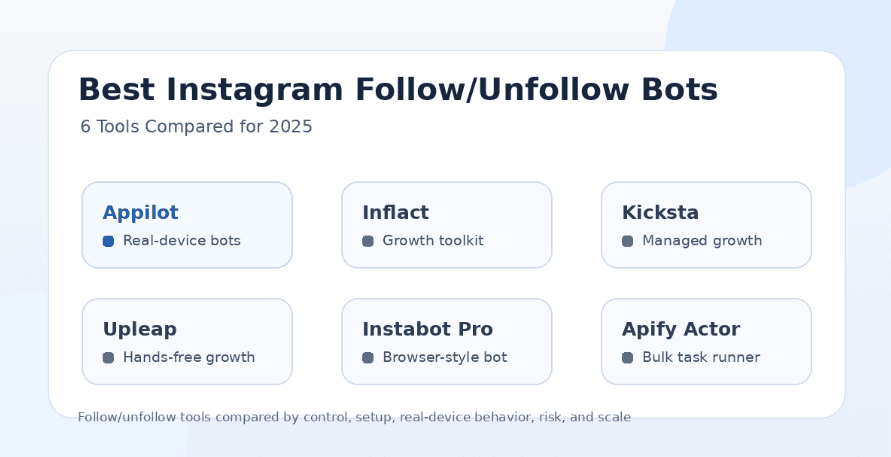
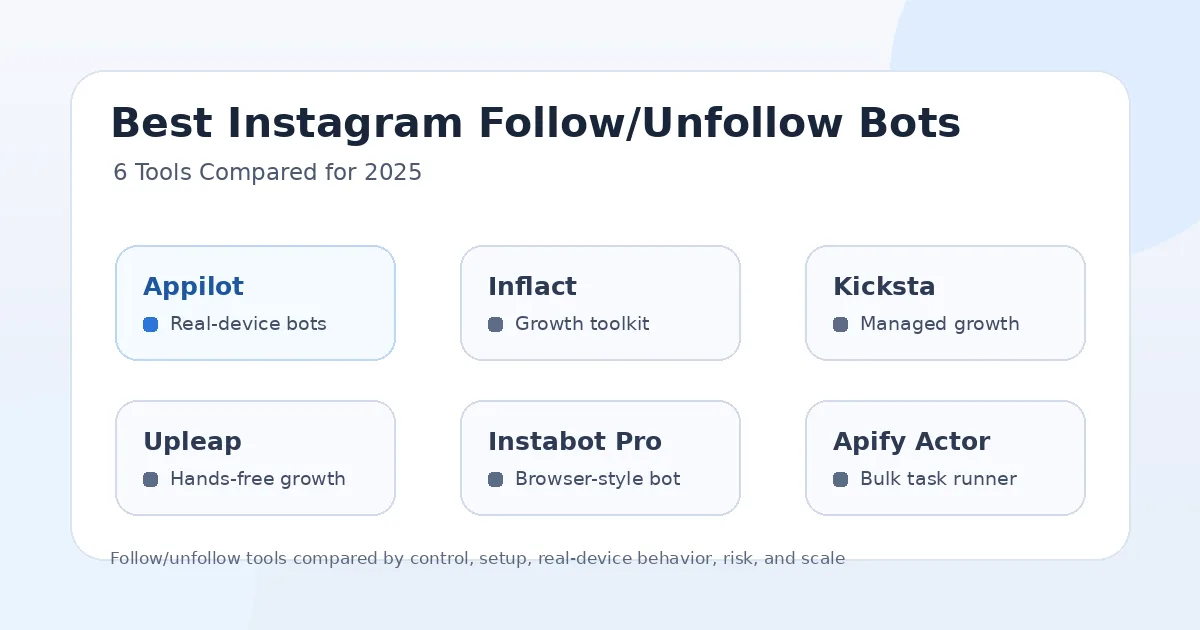
This guide compares six Instagram follow/unfollow bot options for 2025: Appilot, Inflact, Kicksta, Upleap, Instabot Pro, and Apify’s Instagram Follow/Unfollow Bot. The goal is not to pretend follow/unfollow automation is risk-free. The goal is to help you understand which tool fits your workflow, what trade-offs to expect, and why real-device behavior matters more than ever.
Why Follow/Unfollow Bots Are Risky in 2025
Follow/unfollow automation used to be popular because it created visible activity quickly. A bot could follow hundreds of users in a target niche, wait for follow-backs, and then clean up the account later. For a while, this worked well enough that many growth tools built their entire model around it.
In 2025, the same strategy is much harder to run safely. Instagram can detect repeated follow spikes, fast unfollow patterns, unusual engagement timing, low-quality targeting, and accounts that behave more like automation than real users. Even if a tool says it has safe limits, the user still needs to be careful because the risk depends on account age, trust level, proxy quality, action speed, content quality, and overall behavior.
The smarter approach is to avoid treating follow/unfollow as a growth hack. It should only be used carefully, with realistic limits, strong targeting, real content, and a stable account environment. If a tool pushes aggressive volume, it may create short-term activity but long-term account problems.
What Makes a Good Instagram Follow/Unfollow Bot?
A good Instagram follow/unfollow bot should not only perform actions. It should give users control over targeting, timing, limits, account safety, and environment consistency. The tool should help users avoid obvious bot patterns instead of encouraging maximum speed.
The most important factor is how the automation runs. Browser-based bots, desktop tools, and bulk task runners can be useful, but they may not behave like real mobile app sessions. Real-device automation has an advantage because actions can happen inside Android app environments, which looks closer to normal mobile usage.
A good tool should also support proxies, account separation, warm-up behavior, delay controls, and realistic pacing. It should give users enough control to avoid spammy actions. Most importantly, it should not make false promises like “completely undetectable” or “100% safe.” No serious Instagram automation tool can honestly guarantee that.
1. Appilot
Appilot is the strongest option in this list for users who want real-device automation instead of a simple browser or desktop follow/unfollow bot. It lets users run bots on real Android devices and emulators through a remote web dashboard without ADB or a laptop. That makes it especially useful for phone farm operators, agencies, and users managing multiple Instagram accounts.
The biggest advantage of Appilot is the automation environment. Instead of only sending actions through a browser session or desktop-style workflow, Appilot runs automation on Android devices and emulators. This gives users a more mobile-native setup, which matters when the goal is to make automation behave closer to real app usage.
Appilot also supports more than Instagram. Its bot store includes ready-to-use automations for Instagram, TikTok, Twitter/X, LinkedIn, Discord, Reddit, Snapchat, YouTube, Threads, Telegram, Gmail, Chrome, and more. This makes it a better long-term option for users who want to grow beyond one Instagram follow/unfollow workflow.
Appilot is best for users who want control, real-device behavior, remote management, proxy support, and multi-platform automation. It is not the right choice for someone who only wants the cheapest possible follow/unfollow bot. It is better for users who care about infrastructure, reliability, and scalability.
2. Inflact
Inflact is a popular Instagram marketing toolkit with tools for growth, hashtags, DMs, analytics, search, scheduling, and audience engagement. It is often discussed as an Instagram automation option because it includes growth-related features and tools that help users attract and manage audiences.
For follow/unfollow-style workflows, Inflact is more useful for users who want an Instagram-focused toolkit rather than a full device automation platform. It can help with audience discovery, engagement support, profile activity, and marketing tasks that surround Instagram growth.
The main advantage of Inflact is that it combines several Instagram tools in one place. A user can think about hashtags, DMs, content planning, profile research, and growth from the same platform. That is helpful for creators and marketers who want one Instagram-centered toolkit.
The limitation is that Inflact does not offer the same real-device control as Appilot. If your main priority is running bots on Android devices, managing phone farms, avoiding ADB, using remote dashboards, and scaling workflows across many apps, Inflact is not built for that level of automation infrastructure.
3. Kicksta
Kicksta is better understood as a managed Instagram growth service rather than a direct follow/unfollow bot that gives users full control over every action. It focuses on helping users grow through targeted engagement, usually by interacting with relevant audiences based on accounts, hashtags, locations, or niche signals.
Kicksta’s biggest advantage is simplicity. Users do not need to manage devices, configure bots, build scripts, or think about technical automation. They provide targeting direction, and the service handles much of the growth work in the background.
This can be useful for creators, coaches, small businesses, and personal brands that want Instagram growth support without managing automation directly. If someone wants a hands-off option and only cares about Instagram follower growth, Kicksta may feel easier than a full automation platform.
The trade-off is control. Users do not get the same device-level automation environment, remote Android management, bot store access, or multi-platform support that Appilot provides. Kicksta is more suitable for hands-off growth, while Appilot is better for users who want to own and control the automation system.
4. Upleap
Upleap is another hands-free Instagram growth service. It is usually positioned around targeted growth, engagement automation, analytics, support, and helping users grow without manually doing every action themselves.
Like Kicksta, Upleap is more attractive for users who do not want to manage automation infrastructure. A creator, influencer, or small business can use a service like Upleap to reduce manual engagement work and focus more on content.
The benefit is convenience. Users do not have to run their own devices, manage scripts, or build targeting systems from scratch. Upleap can be a simpler option for people who want Instagram growth support without technical complexity.
The limitation is that hands-free growth does not automatically mean safe growth. Any service that performs automated engagement needs to be used carefully. Upleap also does not replace real-device automation for users who want Android bots, multi-account workflows, proxy control, remote dashboards, and automation across other apps.
5. Instabot Pro
Instabot Pro is a more direct Instagram automation tool and is commonly associated with actions like auto likes, comments, follows, unfollows, follower extraction, and bulk DMs. It fits the classic idea of an Instagram bot more closely than managed services like Kicksta or Upleap.
The advantage of Instabot Pro is that it focuses on the actions many users expect from an Instagram bot. If someone wants a tool for follow/unfollow, liking, commenting, and DM workflows, Instabot Pro may appear straightforward.
However, this type of direct automation can also be risky if users push volume too hard. Bulk follows, fast unfollows, repeated DMs, and aggressive extraction can trigger restrictions when the behavior looks unnatural. Users should be especially careful with pacing and account trust.
Instabot Pro may be useful for simple Instagram-only automation, but it is less suitable for users who need real-device workflows, phone farm control, remote Android management, or automation beyond Instagram. Appilot is stronger when the goal is scalable, mobile-first automation rather than one browser-style Instagram bot.
6. Apify Instagram Follow/Unfollow Bot
Apify’s Instagram Follow/Unfollow Bot is a task-based automation option for users who want to run follow or unfollow actions through an actor-style workflow. It is useful for technical users who already understand Apify, scraping-style automation, proxies, rate limits, and task runners.
The advantage of this type of tool is flexibility. Users can run specific follow/unfollow tasks, manage inputs, and integrate automation into a broader scraping or data workflow. For developers and technical growth operators, that can be useful.
The downside is that it is not a full Instagram growth platform or real-device automation environment. It is more of a targeted task runner than a complete social automation system. Users also need to be careful because bulk follow/unfollow actions are one of the easiest patterns for Instagram to detect when used aggressively.
Apify-style workflows are best for technical users who understand the risks and need task-level control. They are not ideal for beginners who want safer, mobile-first Instagram automation without managing technical details.
Which Tool Is Best Overall?
Appilot is the best overall choice for users who want real-device automation, remote management, multi-account control, proxy support, and workflows that can scale beyond Instagram. It is not just a follow/unfollow bot. It is a mobile automation platform built for users who care about how automation actually runs.
Inflact is a good option for users who want an Instagram marketing toolkit with growth, hashtags, analytics, DMs, scheduling, and audience features. It is better for Instagram-centered marketing than for real-device bot execution.
Kicksta and Upleap are better for users who want managed growth services instead of controlling bots directly. They make sense for people who want hands-free Instagram growth support and do not need device-level control.
Instabot Pro is better for users who want a classic Instagram automation tool for actions like follows, unfollows, likes, comments, DMs, and extraction. Apify’s bot is better for technical users who want task-based follow/unfollow automation and already understand the risks.
Safest Choice for Follow/Unfollow Automation
The safest choice is not simply the tool with the most features. The safer choice is the one that gives you the most control over behavior, environment, limits, and account consistency. In that sense, Appilot has an advantage because it uses real Android devices and emulators instead of relying only on desktop-style or browser-style automation.
That said, no tool can make aggressive follow/unfollow safe. If a user follows hundreds of people quickly, unfollows in obvious cycles, uses weak proxies, repeats the same patterns every day, or runs the same actions across many accounts, the risk increases no matter which platform they use.
A safer workflow means slow pacing, strong targeting, realistic delays, account warm-up, consistent device environments, quality content, and avoiding spammy behavior. Real-device automation helps, but smart limits still matter.
Best Tool for Agencies
Appilot is the best fit for agencies because agencies usually need more than one Instagram account and more than one workflow. They may need Instagram automation, TikTok workflows, Reddit posting, Discord management, LinkedIn outreach, Telegram automation, YouTube tasks, and other app-based systems.
A managed growth service can work for one client account, but it becomes limiting when an agency needs operational control. Appilot gives agencies a way to manage bots, accounts, devices, and workflows from a web dashboard without depending on local laptops or ADB.
For agencies that only provide Instagram follower growth as a service, Kicksta or Upleap-style tools may seem simpler. But for agencies building a scalable automation operation, Appilot is the better long-term choice.
Best Tool for Beginners
Kicksta and Upleap are easier for beginners because they work more like services. Users do not need to understand devices, proxies, bot stores, emulators, or automation environments. They can focus on growth goals and let the platform handle much of the work.
Inflact is also beginner-friendly for Instagram marketing because it includes tools for hashtags, DMs, analytics, scheduling, and profile research. It is useful for users who want more than growth automation but still want an Instagram-focused toolkit.
Appilot is still accessible because it avoids ADB and laptop-based setup, but it is better for users who want to understand and control their automation workflows. Beginners can use it, but its strongest value appears when users care about scale, device behavior, and multi-platform automation.
Best Tool for Phone Farms
Appilot is the clear winner for phone farms. A phone farm needs remote control, stable device workflows, proxy support, multi-account management, and the ability to run automation without constantly touching every device. Traditional desktop bots and simple growth services are not built for that.
The no-ADB and no-laptop setup is especially important. Many phone farm problems come from cables, drivers, disconnected devices, sleeping laptops, unstable local environments, and manual monitoring. Appilot solves much of that by giving users a web dashboard for Android phones and emulators.
If you are running multiple devices or planning to scale Instagram automation across accounts, Appilot is the most practical option in this list.
Final Verdict
If you want the safest possible approach to Instagram growth, do not rely on aggressive follow/unfollow automation as your main strategy. It is one of the most detectable patterns on Instagram, and it can create account problems when used carelessly.
If you still need follow/unfollow-style automation, choose the tool based on your workflow. Appilot is the best choice for real-device bots, phone farms, agencies, multi-account workflows, and users who want automation beyond Instagram. Inflact is better for Instagram marketing tools. Kicksta and Upleap are better for hands-free growth services. Instabot Pro is better for simple Instagram-only bot actions. Apify is better for technical task-based automation.
For serious automation in 2025, Appilot is the strongest long-term investment because it gives users real-device workflows, remote dashboard control, no ADB, no laptop dependency, proxy support, and multi-platform automation from one system. You can explore Appilot’s bot store and real-device workflows at appilot.app.
FAQs
Q1: Are Instagram follow/unfollow bots safe in 2025?
No follow/unfollow bot is completely safe because the pattern is easy for Instagram to detect when used aggressively. Slow pacing, strong targeting, and realistic behavior reduce risk but do not remove it.
Q2: Which Instagram follow/unfollow bot is best for agencies?
Appilot is the best fit for agencies because it supports real-device bots, remote dashboards, proxies, multi-account workflows, and automation across many platforms.
Q3: Which tool is easiest for beginners?
Kicksta and Upleap are easier for beginners because they work more like hands-free growth services. Appilot is better when users want more control and scalability.
Q4: Does Appilot require ADB or a laptop?
No, Appilot does not require ADB or a laptop-based setup. Users can manage Android devices and emulators remotely through a web dashboard.
Q5: What is the best alternative to classic follow/unfollow bots?
The better alternative is real-device automation with slower, more natural workflows and stronger account environments. Appilot is a strong option for that approach.