Best Twitter/X Auto-DM Tools: Which Still Work After the API Changes?
Twitter/X auto-DM tools used to be easier to understand. A tool could connect to the API, send automated direct messages, manage replies, and run outreach campaigns with fewer restrictions. After major API pricing, access, rate limit, and endpoint changes, the category became much more complicated. Some old tools stopped working, some became too expensive to maintain, and others shifted toward browser automation, CRM-style inboxes, or real-device workflows.
That is why the best Twitter/X auto-DM tool in 2025 is not simply the one that sends the most messages. The better question is whether the tool still works under the current API environment, whether it can manage account safety, whether it supports realistic messaging behavior, and whether it gives users enough control to avoid spammy outreach patterns.
This guide compares the main types of Twitter/X auto-DM tools that still make sense after the API changes: Appilot, official X API-based tools, Phantombuster-style automation, TexAu-style workflows, social inbox platforms, CRM/chatbot tools, and generic browser or extension-based auto-DM bots. Each option can work for a different use case, but they are not equal when it comes to reliability, account safety, cost, and long-term scalability.
Why Twitter/X Auto-DM Tools Changed
The biggest shift came from the X API becoming more restricted, more expensive, and more controlled than the old Twitter API environment. Many automation tools that once depended on broad or affordable API access had to rebuild their workflows, limit features, raise prices, or stop supporting certain actions.
Direct messages are especially sensitive because they involve private communication. Tools that send DMs at scale need permissioned access, compliant authentication, stable endpoint support, and careful rate handling. If a tool relies on outdated API behavior or unsupported shortcuts, it may stop working without much warning.
This is why many users now look beyond pure API tools. Some use social inbox platforms for approved message management. Some use browser automation for limited workflows. Others use real-device automation because it can operate inside the app environment rather than depending only on API access.
What Makes a Twitter/X Auto-DM Tool Worth Using?
A good Twitter/X auto-DM tool should do more than send messages. It should help users manage targeting, timing, personalization, inbox replies, account trust, and campaign limits. Sending thousands of generic messages is not a strategy. It is usually a fast way to damage account quality.
The tool should also be realistic about what still works. API-based tools can be stable when they have proper access, but they can be expensive and limited. Browser automation can be flexible, but it may be fragile when X changes the interface. Real-device automation can be useful for mobile workflows, but it still needs sensible pacing and safe behavior.
A strong auto-DM setup should prioritize warm accounts, relevant targeting, short campaigns, reply handling, opt-out respect, and personalized messages. The safest tools are not the ones that push maximum volume. They are the ones that help users avoid looking like spam.
1. Appilot
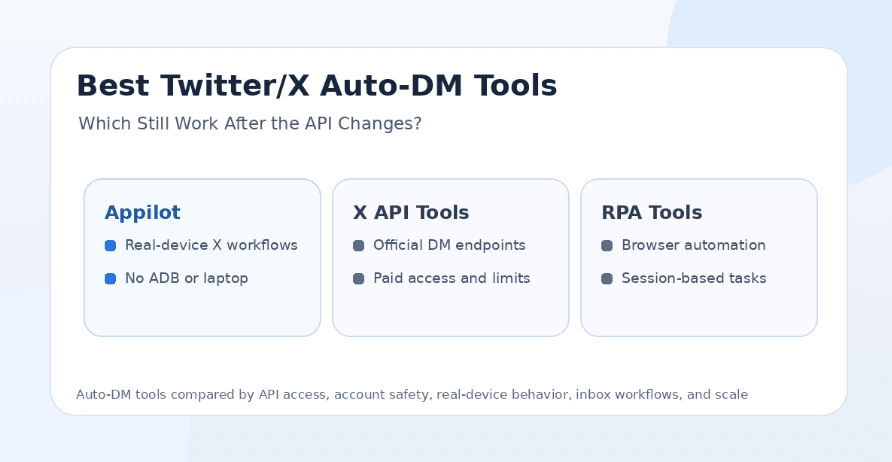
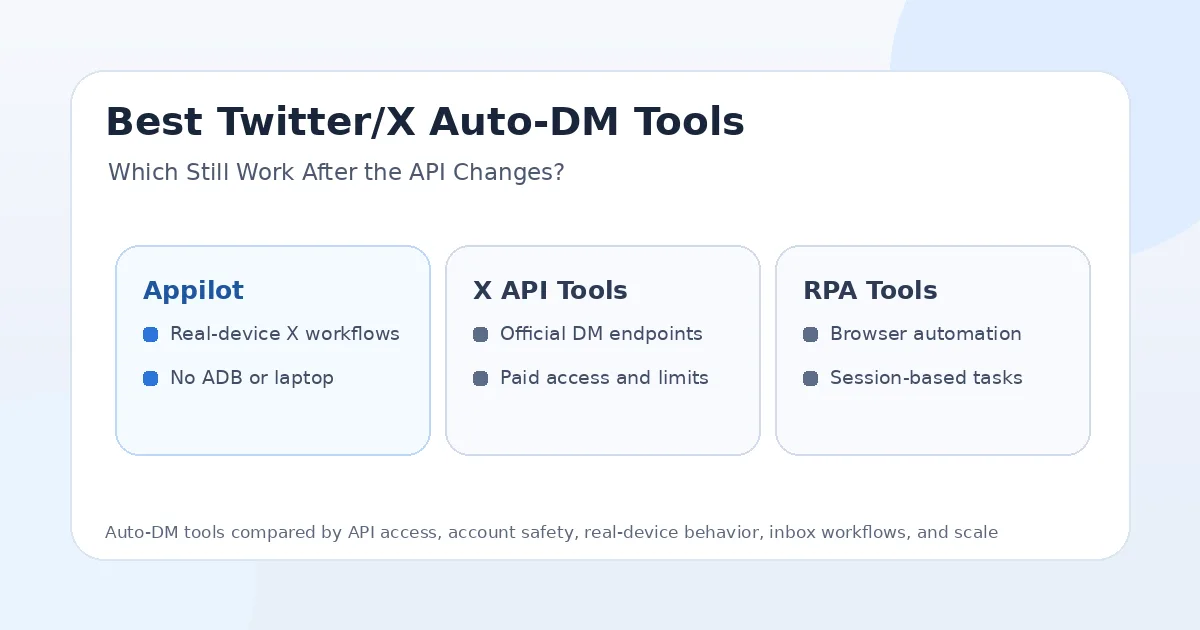
Appilot is the best option for users who want Twitter/X automation to run through real Android devices and emulators instead of relying only on API access or browser scripts. It lets users run bots remotely through a web dashboard without ADB or a laptop, which makes it useful for agencies, phone farm operators, growth teams, and multi-account workflows.
The biggest advantage of Appilot is the automation environment. X still has web and API workflows, but many users also interact through the mobile app. Appilot gives users a way to run mobile workflows in Android environments, which is useful when API access is expensive, restricted, or not flexible enough for a specific workflow.
Appilot is not just a Twitter/X tool. Its bot store supports Instagram, TikTok, Twitter/X, LinkedIn, Discord, Reddit, Snapchat, YouTube, Threads, Telegram, Gmail, Chrome, and more. This makes it useful for teams that want one automation system instead of separate tools for every platform.
Appilot is strongest when users need real-device behavior, remote control, proxy support, multi-account management, and cross-platform automation. It is not the best fit for someone who only wants a simple inbox tool. It is better for users who care about mobile automation infrastructure and workflow control.
2. Official X API-Based Tools
Official X API-based tools can still work when they have proper access to the required direct message endpoints, correct authentication, and a pricing model that supports the workflow. These tools are usually the cleanest option for developers, SaaS products, and businesses that want to build compliant integrations.
The biggest advantage is stability when the tool is properly built. API-based systems can send and manage messages programmatically, connect with CRMs, log message history, trigger workflows, and support structured automation. For businesses with approved API access, this can be a strong option.
The limitation is cost and access. API pricing and rate limits can make DM automation harder for smaller users, indie developers, and low-budget growth teams. Some older tools that worked in the past may no longer be reliable because the economics changed.
Official API tools are best for companies that need compliant workflows and can afford the access level required. Appilot is better when users want mobile app automation, real-device workflows, or automation beyond what API access allows.
3. Phantombuster-Style Automation
Phantombuster-style automation tools are often used for social prospecting, scraping, enrichment, and outreach workflows. They can be useful for users who want repeatable automation without building everything from scratch.
For Twitter/X auto-DM workflows, this type of tool may still work in limited cases depending on the automation method, account state, platform changes, and current support. It is usually better for structured tasks, lead lists, profile extraction, and controlled outreach rather than aggressive bulk messaging.
The advantage is workflow flexibility. Users can combine different tasks, export data, build prospecting systems, and connect automation to other tools. This makes it useful for technical marketers and growth teams.
The limitation is fragility. If the workflow depends on web behavior, session cookies, or interface automation, it can break when X changes the layout, login flow, rate limits, or anti-bot checks. It also does not provide the same Android device-control layer that Appilot provides.
4. TexAu-Style Workflow Tools
TexAu-style tools are similar to Phantombuster in that they focus on growth automation, lead generation, enrichment, and workflow building across platforms. They can be useful for users who want to create chained workflows that include X actions, data collection, and outreach steps.
For auto-DM use cases, these tools are most useful when the user needs workflow automation around prospects rather than high-volume messaging. They can help structure campaign steps, export leads, and connect different social actions together.
The advantage is workflow design. Users can create processes that combine searching, filtering, exporting, messaging, and follow-up actions. This is useful for teams that want automation logic without custom code.
The downside is that these tools can still be affected by API changes, account restrictions, and platform interface changes. They may work for some workflows, but users should not assume unlimited or risk-free DM automation.
5. Social Inbox Platforms
Social inbox platforms are a safer choice for teams that need to manage incoming DMs, customer conversations, support messages, and brand communication. These tools are usually not built for aggressive outbound DM blasting. They are better for organizing conversations, assigning replies, tracking response times, and helping teams handle messages professionally.
The advantage is trust and structure. A brand, agency, or support team can use an inbox platform to manage Twitter/X messages alongside other social channels. This is useful for customer care, community management, and brand monitoring.
The limitation is that social inbox platforms are not usually the best choice for outbound auto-DM campaigns. They may support automations, routing, saved replies, or AI assistance, but they are not designed to replace a growth bot.
Social inbox tools are best for customer support and message management. Appilot is better when the goal is mobile app automation and broader bot workflows.
6. CRM and Chatbot Tools
CRM and chatbot tools can support Twitter/X messaging workflows when they integrate properly with X. These tools are useful when DMs are part of a broader customer journey, sales pipeline, or support process.
The advantage is context. A CRM-connected workflow can track leads, store conversation history, trigger follow-ups, and connect DMs to email, sales calls, support tickets, or marketing campaigns. Chatbot tools can also help answer common questions and route conversations.
The limitation is dependency on supported integrations. If the X integration is limited by API access, pricing, permissions, or endpoint changes, the workflow may not support everything users expect. Some tools may work well for inbound messages but not for outbound auto-DM campaigns.
CRM and chatbot tools are best for businesses that want structured customer communication. They are less ideal for users who want direct mobile automation or multi-platform bot execution.
7. Generic Browser or Extension-Based Auto-DM Bots
Generic browser bots and Chrome extensions are often the easiest tools to find, but they are also the most fragile. They may automate clicks, send messages from a browser session, or run simple sequences from a logged-in account.
The advantage is simplicity. Users can install a tool, connect their account, and start a basic workflow quickly. For small tests, that may seem attractive.
The problem is reliability and safety. Browser extensions can break when X changes its interface. They may create repetitive patterns, depend on local sessions, require the browser to stay open, and offer limited control over account environment. Some may also create privacy or security concerns if they require broad browser or account access.
Generic auto-DM extensions are not ideal for serious outreach. They may work temporarily, but they are usually weaker for long-term reliability, safety, and scale.
Which Twitter/X Auto-DM Tools Still Work Best?
The tools that still work best are the ones that match the current platform reality. Official API-based tools work best when the user has proper access, budget, and compliance needs. Social inbox and CRM tools work best when the goal is customer communication rather than cold outreach. Browser automation tools may work for small tasks but can be fragile.
Appilot is the strongest option when the user wants real-device automation, mobile app workflows, remote dashboard control, and automation across multiple platforms. It is especially useful when a team does not want to rely only on API access or unstable browser scripts.
For simple customer support, use an inbox platform. For compliant API integrations, use official API-based tools. For growth automation across real devices and many apps, Appilot is the better fit.
Safest Option After the API Changes
The safest option depends on the workflow. If a business needs official DM integration for customer care, a compliant API-based or inbox tool is the safest route. If the user needs mobile automation and account-level workflows, real-device automation is safer than generic browser bots or cheap extensions.
Appilot’s advantage is that it runs workflows on Android devices and emulators, which gives users a more realistic mobile environment. This can be helpful when automation needs to behave closer to normal app usage.
Still, no auto-DM tool is safe if the campaign is spammy. Sending too many messages, using generic scripts, ignoring replies, targeting irrelevant users, or repeating the same pattern across accounts can create problems with any tool.
Best Tool for Agencies
Appilot is the best fit for agencies that need Twitter/X automation as part of a broader social workflow. Agencies often manage multiple platforms, multiple accounts, and multiple clients. A single-purpose auto-DM tool may not be enough.
With Appilot, agencies can manage real-device workflows for Twitter/X along with Instagram, TikTok, LinkedIn, Reddit, Discord, Telegram, YouTube, Gmail, Chrome, and more. This makes it more useful for operators who want one automation environment for many social tasks.
For agencies focused mainly on customer support and reporting, a social inbox platform may still be useful. For agencies focused on automation execution and multi-platform workflows, Appilot is stronger.
Best Tool for Developers
Official X API-based tools are the best starting point for developers who want compliant programmatic access and can work within pricing, permissions, endpoints, and rate limits. Developers can build structured workflows, connect to internal systems, and manage messages through approved methods.
However, developers should not assume old Twitter API behavior still applies. Many older tutorials and open-source scripts may no longer work the same way because access levels, endpoint behavior, and pricing have changed.
Appilot is better for developers or technical teams that want to avoid building the entire Android automation infrastructure themselves. Instead of managing devices, ADB, emulators, and dashboards from scratch, they can use Appilot as the execution layer.
Best Tool for Beginners
Beginners should avoid cheap auto-DM extensions and unknown browser bots. These may look easy, but they can create security, privacy, and account-risk problems. Sending generic DMs at scale is also one of the fastest ways to look spammy.
A beginner who needs customer communication should use a social inbox or CRM-style tool. A beginner who wants mobile automation without building a technical setup should consider Appilot because it removes ADB and laptop dependency.
The safest beginner mindset is to send fewer messages, personalize more, and treat DMs as conversations rather than blasts.
Final Verdict
The Twitter/X auto-DM category changed because API access, pricing, rate limits, and endpoint behavior changed. Tools that worked years ago may not work reliably now, and cheap auto-DM bots are often too fragile or risky for serious use.
If you need compliant DM integrations and have the budget, official X API-based tools are the cleanest option. If you need customer support and inbox management, use a social inbox platform. If you need CRM-connected conversations, use a CRM or chatbot tool. If you need real-device automation, remote control, proxy support, multi-account workflows, and automation across many platforms, Appilot is the strongest long-term choice.
For serious Twitter/X automation after the API changes, Appilot stands out because it does not depend only on API access or browser extensions. It gives users a real-device automation environment that can scale beyond X into Instagram, TikTok, LinkedIn, Reddit, Discord, Telegram, YouTube, Gmail, Chrome, and more. You can explore Appilot’s bot store and real-device workflows at appilot.app.
FAQs
Q1: Do Twitter/X auto-DM tools still work after the API changes?
Yes, some still work, but many older API-based or browser-based tools became limited, expensive, or unreliable. The best option depends on whether you need API access, inbox management, or real-device automation.
Q2: What is the safest Twitter/X auto-DM tool?
The safest option depends on the use case. API-based or inbox tools are safer for official business messaging, while Appilot is stronger for real-device automation and mobile workflows.
Q3: Is Appilot better than API-based Twitter/X DM tools?
Appilot is better if you need real-device workflows, remote Android control, proxies, and multi-platform automation. API-based tools are better for compliant developer integrations with approved access.
Q4: Should beginners use browser extension auto-DM bots?
Beginners should be careful with browser extensions because they can be fragile and risky. A social inbox, CRM tool, or real-device platform is usually a better long-term choice.
Q5: Does Appilot require ADB or a laptop?
No, Appilot does not require ADB or a laptop-based setup. Users can manage Android devices and emulators remotely through a web dashboard.