Why Your Browser Bot Fails on JavaScript-Heavy Websites
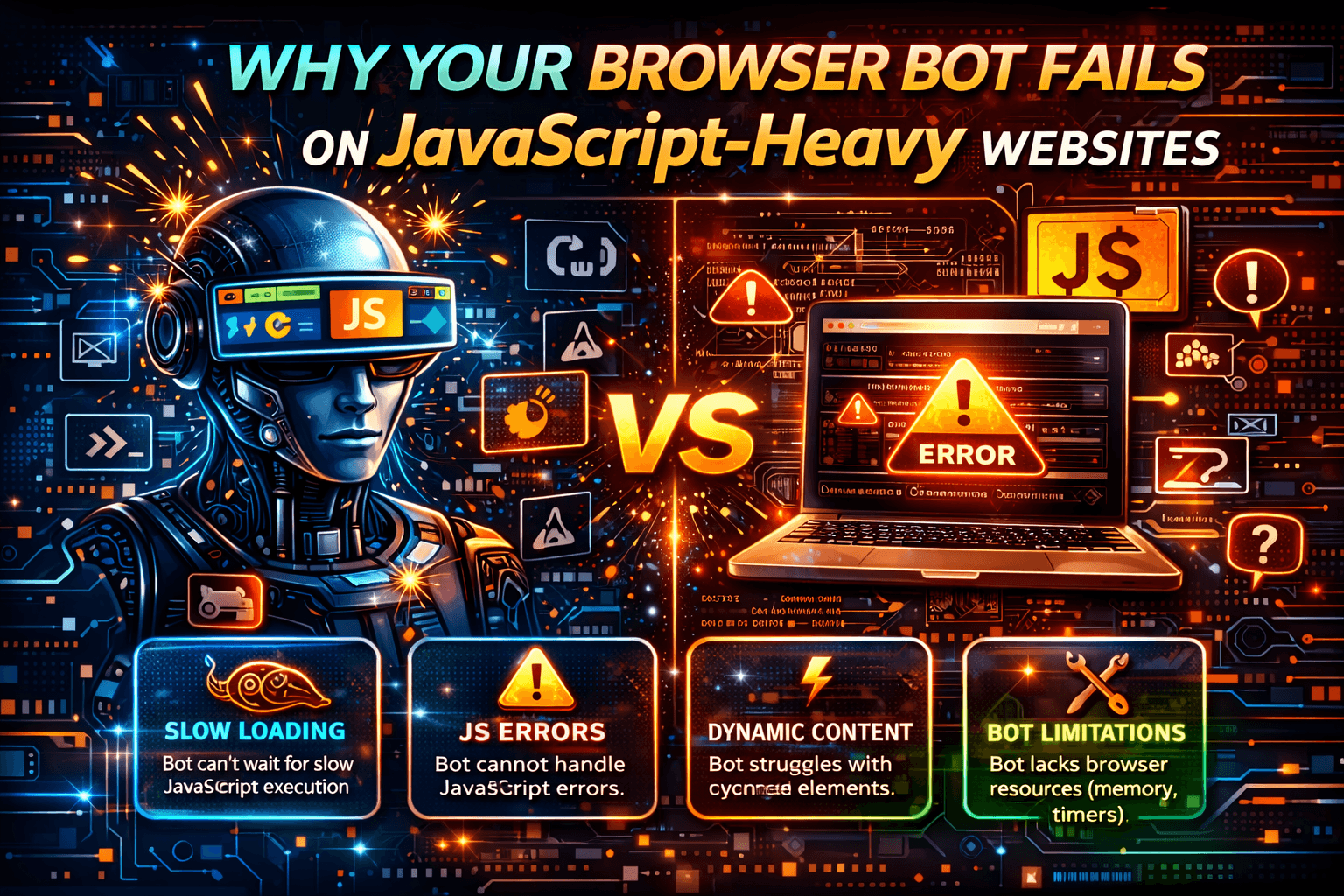
The page loads… but your bot sees nothing
Your browser bot launches successfully.
Navigation works.
The DOM exists.
However, the data you actually need never appears.
There is no crash, no stack trace, and no obvious error.
Instead, you get empty selectors and silent failure.
On modern JavaScript-heavy websites, especially those built with frameworks such as React, Vue, Angular, or Next.js, this is one of the most common automation failure modes.
In most cases, the problem is not your selector.
The problem is your execution model.
Modern Websites Aren’t Pages — They’re Applications
Traditional automation assumed a simple flow where the page loads, the DOM becomes ready, and data can be extracted immediately.
Modern web applications work very differently.
An HTML shell loads first, then JavaScript executes, API calls fire, the virtual DOM updates, hydration completes, and the UI renders conditionally.
Content is often loaded asynchronously, rendered client-side, hydrated after runtime checks, and sometimes gated behind trust validation.
If your browser bot does not satisfy those conditions, it may never see the real content.
The Most Common Failure Points
1. The DOM Exists — But It’s Not Hydrated
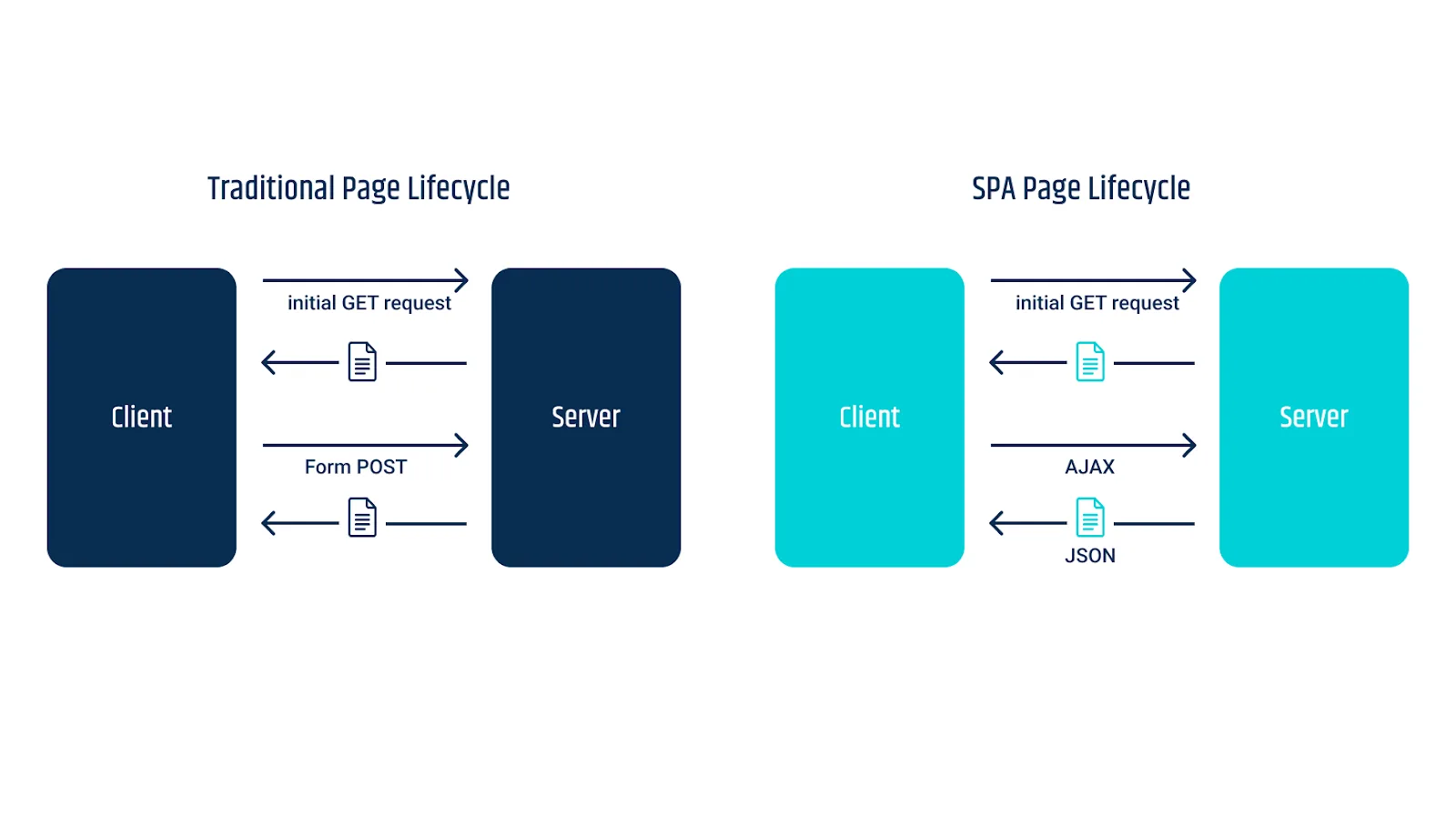
In JavaScript-heavy applications, elements may exist structurally but not semantically.
The virtual DOM can replace nodes after rendering, class names may be dynamically generated, and components may only render after API responses return.
As a result, your bot may capture a skeleton screen, placeholder components, or empty containers.
Selectors technically work, but the real content never appears.
2. Conditional Rendering Based on Trust
Many modern websites perform runtime validation before hydration.
This can include environment fingerprint checks, behavioural scoring, bot heuristics, and timing validation.
If your browser bot fails those trust checks, the website may serve a decoy DOM, delay content indefinitely, withhold key API responses, or inject fake markup.
From the bot’s perspective, the page loaded successfully.
From the site’s perspective, the session did not pass trust validation.
3. Headless & Synthetic Execution Signals
JavaScript-heavy applications often correlate rendering performance, event-loop timing, interaction order, and navigation behaviour.
Browser bots frequently execute too perfectly.
They may click without scrolling, skip natural interaction states, or move faster than a real person would.
Even when running in headed mode, cloud environments still lack many authentic user signals.
Modern websites detect patterns, not just headless flags.
4. API Calls Without Session Context
Single-page applications depend heavily on client-generated tokens, LocalStorage, session storage, sequenced request order, and behavioural history.
If your bot skips important navigation steps, hits endpoints directly, or resets sessions too frequently, the API may return partial data, degraded responses, or silent failures.
Scraping only the API layer often becomes unreliable over time.
Why “Just Wait Longer” Doesn’t Work
The most common instinct is to wait longer for the missing element.
However, the element may never render for untrusted sessions.
Hydration may depend on interaction.
JavaScript may gate content behind user actions.
Waiting longer does not solve exclusion.
It simply wastes time.
Why Common Browser Bot Fixes Fail
Better Selectors
If the DOM never hydrates correctly, better selectors do not matter.
More Delays
Extra delays do not fix trust scoring.
Switching Frameworks
Switching between tools such as entity["software","Playwright","Browser automation framework"], entity["software","Puppeteer","Browser automation library"], or entity["software","Selenium","Browser automation framework"] changes the API, but it does not change the execution surface.
Headed Mode
Running in headed mode inside a virtual machine does not automatically create authentic behaviour.
These fixes optimise the script, but not the execution context.
The Real Problem: You’re Automating Where Detection Is Strongest
JavaScript-heavy sites are designed to detect desktop browser automation, stateless execution, predictable environments, and synthetic interaction patterns.
Browser bots are fighting on the system’s strongest ground.
That is why browser-based solutions often degrade as they scale.
Two Viable Paths Forward
1. High-Fidelity Browser Automation
This approach requires full JavaScript execution, stateful sessions, behavioural noise, human-like interaction patterns, and continuous maintenance.
It can work, but it is brittle, expensive, and resource-heavy.
Most browser-bot systems struggle once they scale aggressively.
2. Shift the Execution Surface
Many JavaScript-heavy platforms expose equivalent functionality through mobile applications.
Mobile-app traffic often uses weaker bot heuristics and different trust models.
Instead of fighting hydration and browser detection, some teams move workflows to native mobile applications.
Platforms like Appilot fit naturally here.
Appilot runs workflows on real Android devices using the native application instead of a browser.
This avoids DOM fragility, hydration gates, and browser-fingerprint checks.
However, it does not bypass business logic.
It simply changes where that logic is enforced.
Prevention: Stop Failures Before They Start
1. Use Stateful Sessions From Day One
Persisting cookies, LocalStorage, session storage, and navigation flow makes sessions appear more realistic.
Stateless automation gets flagged much faster.
2. Avoid Perfect Automation
JavaScript-heavy applications detect consistency very effectively.
Adding timing variance, hesitation, small scroll behaviour, and navigation diversity can reduce that uniformity.
Uniformity creates strong detection signals.
3. Validate What the Bot Actually Sees
You should not trust success logs alone.
Instead, log rendered HTML snapshots, post-hydration states, and API responses after user-like interaction.
If hydration never completes, selectors become irrelevant.
4. Respect Rendering Gates
Some applications only hydrate content after scroll events, hover actions, small interactions, or network-idle conditions.
Adding minor, human-like interactions before extraction can help.
5. Be Ready to Change the Surface
If a website consistently blocks browser automation, it may be worth evaluating mobile-app equivalents, alternative integrations, or less fragile automation channels.
Sometimes the issue is not the bot itself.
The issue is the channel.
Step-by-Step Hardening Checklist
Step 1: Log Fully Rendered HTML
Always inspect the fully rendered HTML rather than assuming the DOM contains the final state.
Step 2: Detect Hydration Completion Explicitly
Hydration should be treated as a measurable event rather than an assumption.
Step 3: Persist Full Session Context
Keep cookies, LocalStorage, and navigation history stable across sessions.
Step 4: Add Behavioural Variance
Introduce pauses, scrolling, hesitation, and context switching.
Step 5: Monitor Partial Success
Do not rely only on status codes.
Look for partial rendering, missing content, or incomplete data.
Step 6: Stop Scaling If One Instance Fails
Scaling broken automation only multiplies silent failure.
Real-World Example
A team scraping a React-based marketplace found that the DOM existed and selectors worked locally, but production returned empty data.
The root cause was hydration gated behind behaviour checks, along with API responses that varied based on execution trust.
What finally worked was persisting sessions, reducing request frequency, adding interaction before extraction, and moving certain workflows away from the web UI.
The key lesson is that rendering is conditional.
It is not guaranteed.
Common Mistakes
One common mistake is treating JavaScript applications like static HTML.
Modern applications are dynamic systems.
Another mistake is reusing identical automation patterns.
Uniformity creates detection signatures.
Scaling too early is another major problem.
If one instance already fails quietly, scaling only multiplies the failure.
Long-Term Strategy
If your work depends on JavaScript-heavy websites, you should expect rendering to be conditional, treat trust as part of the pipeline, measure data quality instead of script success alone, and design systems for volatility.
Browser automation must evolve beyond simply waiting for selectors.
Frequently Asked Questions
Q1: Can browser bots reliably handle JavaScript-heavy sites?
Yes, but only with high-fidelity execution and ongoing maintenance.
Q2: Why do some sites work while others fail?
Different websites use different hydration gates and trust thresholds.
Q3: Is headless mode the main problem?
Partially, but trust scoring matters more.
Q4: Are mobile apps easier to automate than websites?
Often yes, because rendering and trust models are different.
Conclusion
Your browser bot fails on JavaScript-heavy websites not because the bot is broken, but because modern applications hydrate conditionally, trust scoring affects rendering, and browser automation runs on a highly monitored surface.
Selectors are not usually the root issue.
Timing is not usually the root issue.
Framework choice is not usually the root issue.
Execution context is the real problem.
Improve where automation runs, improve how it behaves, and only then scale.
If you keep fighting JavaScript-heavy websites with naive browser automation, you will always be fighting uphill.