Browser Fingerprinting Exposed: What Websites Actually See
You open a website and think the only thing it can see is your IP address and browser type.
In reality, websites can see much more.
They can collect information about your browser version, screen size, timezone, language, fonts, operating system, hardware profile, GPU settings, canvas fingerprint, WebGL data, cookies, typing speed, mouse movement, and much more.
When all of these signals are combined, they create something called a browser fingerprint.
For most people, this happens in the background without them even noticing.
For people running browser automation, anti-detect browsers, account management systems, or multiple profiles, browser fingerprinting becomes much more important because it can affect whether accounts stay safe or get detected.
The good news is that browser fingerprinting can be reduced.
Once you understand what websites are actually looking at, you can create more realistic browser environments, reduce suspicious signals, and make sessions much more stable.
In this guide, you will learn what browser fingerprinting is, what websites actually see, why it matters, and how to reduce detection risk.
Time to stabilize: Usually between a few hours and several days depending on the target website. Success rate: High if browser fingerprints become more realistic and consistent. Cost: Usually low if you already have the right browser, proxy, and profile setup.
What Is Browser Fingerprinting?
Browser fingerprinting is a tracking method that websites use to identify unique browser environments.
Instead of relying only on cookies, websites collect many different signals from the browser and combine them together.
Even if two people use the same browser version, their browser fingerprints may still be different because of their screen size, operating system, GPU profile, timezone, fonts, extensions, and other settings.
The more unique the browser looks, the easier it becomes for websites to identify it.
This is why browser fingerprinting is often used by social media platforms, ecommerce websites, advertising systems, ticketing sites, financial platforms, and anti-bot systems.
What Websites Actually See
Websites can collect much more information than most people realize.
They can see the browser version, operating system, screen resolution, language, timezone, fonts, device memory, CPU cores, installed plugins, WebGL data, canvas fingerprint, audio fingerprint, cookies, local storage, session history, IP address, proxy usage, typing speed, mouse movement, and click behavior.
Some websites can also compare geolocation, WebRTC data, GPU settings, touch support, browser extensions, and sensor information.
When all of these signals are combined, the browser becomes much easier to identify.
For example, if a browser has a rare screen size, unusual timezone, uncommon fonts, and a very specific GPU profile, the browser fingerprint may become highly unique.
If that same fingerprint appears across multiple accounts, websites may connect them together.
Why Browser Fingerprinting Matters
Browser fingerprinting matters because websites use it to identify suspicious sessions.
If many accounts share the same fingerprint, websites may assume the accounts belong to the same person.
If the fingerprint changes too often, websites may assume the session is unstable.
Some anti-detect browsers also create unrealistic browser fingerprints that do not match the proxy location, operating system, GPU profile, language, or timezone.
When websites see these mismatches, the browser may look suspicious.
Browser fingerprinting is especially important on social media platforms, ecommerce websites, ticketing systems, sneaker sites, and websites protected by strong anti-bot systems.
Warning Signs That Browser Fingerprinting Is Causing Detection
In many cases, websites give warning signs before they fully block the session.
You may notice more CAPTCHAs, repeated login challenges, account verification requests, shorter session lifetimes, blocked accounts, failed logins, or reduced success rates.
Some people also notice that multiple accounts start having problems at the same time.
These are often signs that the browser fingerprint may not look realistic.
The earlier you react, the easier it is to reduce detection.
The Most Common Browser Fingerprinting Mistakes
One major mistake is using the same browser fingerprint across many sessions.
If multiple profiles share the same screen size, GPU profile, fonts, timezone, and WebGL data, websites may connect them together.
Another common issue is unrealistic browser environments.
If the browser claims to be running on macOS but the WebGL profile looks like Windows, websites may see the mismatch.
Poor timezone and language settings can also create risk.
If the browser uses a proxy from Germany but the timezone says Pakistan, the mismatch may look suspicious.
Over-randomization is another major problem.
Some people constantly change fingerprints every time the browser opens.
If the fingerprint changes too often, the browser may look unstable.
How to Reduce Browser Fingerprinting Detection
Step 1: Keep Browser Fingerprints Consistent
The browser fingerprint should stay stable over time.
The operating system, browser version, timezone, language, GPU profile, screen size, fonts, WebGL data, and canvas fingerprint should all match each other.
The more realistic the environment looks, the safer the session becomes.
Step 2: Match Browser Settings to Proxy Locations
If the browser uses a proxy from the United Kingdom, the timezone, language, geolocation, and regional settings should also match the United Kingdom.
The more internally consistent the browser looks, the harder it becomes to detect.
Step 3: Avoid Over-Randomization
Many people think constantly changing the fingerprint makes the browser safer.
In reality, too much randomization often creates more problems.
The safer approach is using realistic fingerprints that stay stable over time.
Step 4: Separate Multiple Accounts Properly
If you manage multiple accounts, keep them separated.
Each account should have its own browser profile, cookies, proxy, IP address, session history, and browser fingerprint.
This makes every account appear more independent.
If one account gets flagged, the others are less likely to be affected.
Step 5: Use Better Browser Profiles
Low-quality browser profiles often create unrealistic fingerprints.
Use browser environments that allow better control over screen size, GPU settings, timezone, language, fonts, and hardware details.
The more natural the browser profile looks, the harder it becomes to detect.
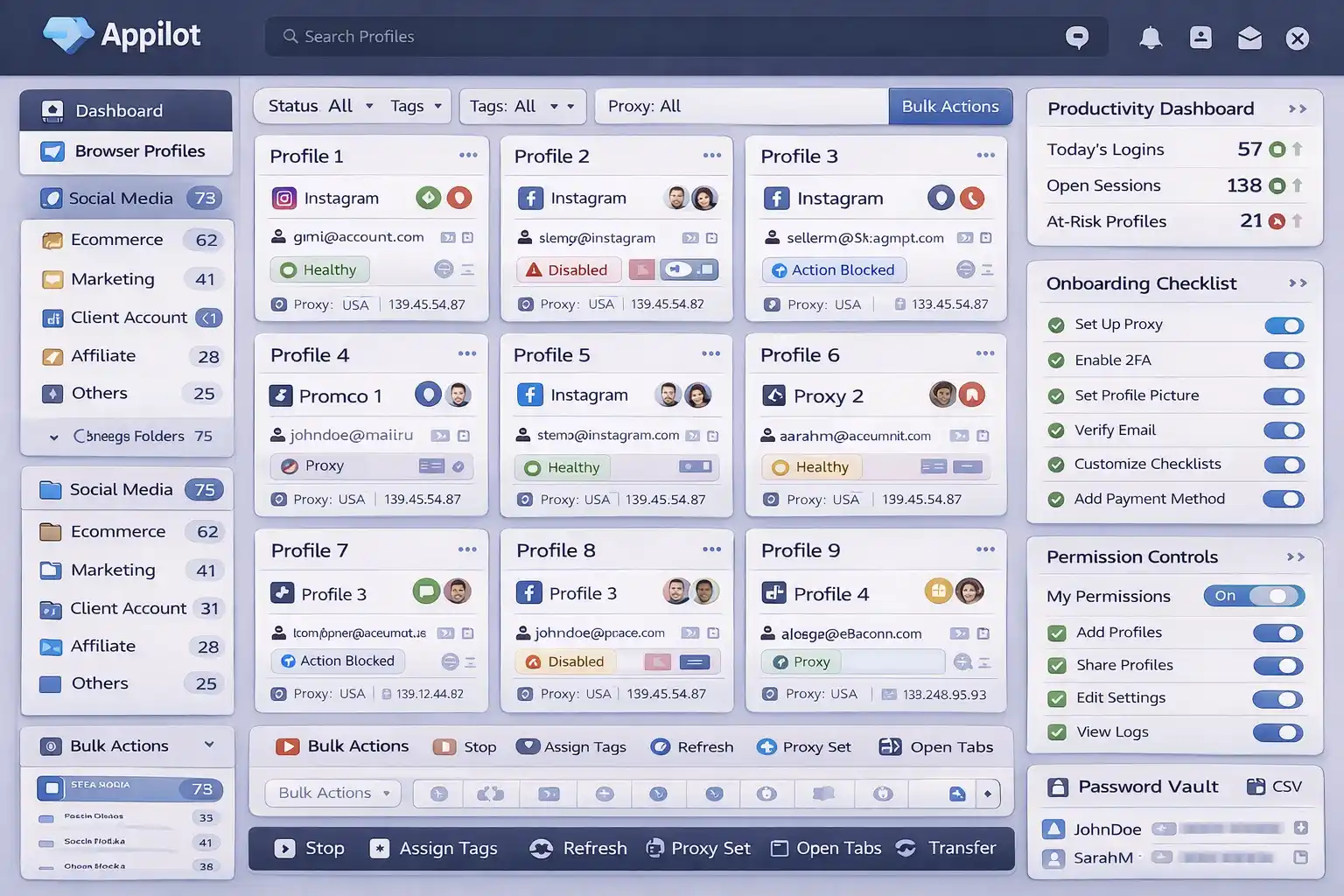
Appilot can help reduce detection risk by making browser environments more isolated, sessions more stable, and browser settings more consistent.
Step 6: Test Fingerprints Before Scaling
Before using a browser profile across many accounts, test it first.
Check whether the browser fingerprint matches the operating system, WebGL data, timezone, language, screen size, and proxy location.
It is much easier to fix fingerprint issues early than after accounts start getting blocked.
How to Prevent Future Browser Fingerprinting Problems
The best way to avoid future fingerprinting problems is creating more realistic and stable browser environments.
Use better browser profiles, stronger fingerprint matching, more isolated sessions, and more consistent settings.
Avoid unrealistic hardware combinations, over-randomization, copied browser profiles, and shared fingerprints.
The more natural the browser looks, the easier it becomes to stay undetected.
Common Mistakes That Make Browser Fingerprinting Worse
One major mistake is sharing the same browser fingerprint across many accounts.
Another mistake is using unrealistic browser environments with mismatched operating systems, GPUs, timezones, and languages.
People also make the mistake of constantly changing the fingerprint too often.
Another common mistake is ignoring deeper fingerprint signals such as canvas, WebGL, and audio fingerprints.
If the browser does not look internally consistent, websites are much more likely to detect it.
Frequently Asked Questions
Q1: What is browser fingerprinting?
Browser fingerprinting is a tracking method that identifies browsers using screen size, operating system, fonts, WebGL data, language, timezone, and many other signals.
Q2: Can websites see more than my IP address?
Yes. Websites can collect many different browser and device details.
Q3: Should browser fingerprints stay the same or change?
They should stay realistic and stable over time instead of changing constantly.
Q4: Can browser fingerprinting connect multiple accounts together?
Yes. If multiple accounts share the same fingerprint, websites may connect them.
Q5: Does Appilot help reduce browser fingerprinting risk?
Appilot helps create more isolated browser environments, stable sessions, and more consistent browser settings.
Conclusion
Browser fingerprinting is one of the main ways websites identify suspicious sessions and connect accounts together.
The safest approach is creating realistic browser environments, matching settings correctly, separating accounts properly, and keeping fingerprints stable.
The goal is not to randomize everything.
The goal is to build long-term stability so browser sessions can keep working over time.