CHROME DEVTOOLS PROTOCOL: THE FOUNDATION OF MODERN BROWSER AUTOMATION
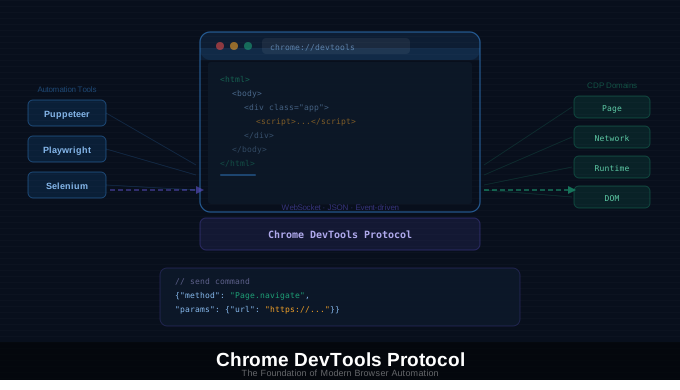
CHROME DEVTOOLS PROTOCOL: THE FOUNDATION OF MODERN BROWSER AUTOMATION
Modern browser automation enables scripts to click elements, capture screenshots, intercept network traffic, and emulate devices without human input. Under tools like Puppeteer, Playwright, and Selenium is a core control layer: the Chrome DevTools Protocol.
This protocol explains how automation tools control Chrome with precision and why Chrome-based automation has become more reliable and capable.
WHAT IS THE CHROME DEVTOOLS PROTOCOL
The Chrome DevTools Protocol (CDP) is a low-level interface that allows external programs to control, inspect, and debug the Chrome browser. It is the same system behind Chrome DevTools, exposed as a programmable API.
In practice, CDP lets software communicate directly with Chrome to navigate pages, inspect and modify the DOM, execute JavaScript, capture screenshots, monitor network activity, and emulate devices or environments. Rather than simulating user behavior loosely, automation tools issue structured commands to the browser’s internal systems.
WHY THE CHROME DEVTOOLS PROTOCOL MATTERS
Before CDP, browser automation relied heavily on UI simulation, fixed delays, and assumptions about page state. This made scripts fragile, especially on dynamic, JavaScript-heavy sites.
CDP introduced direct interaction with browser internals, enabling faster execution, better visibility into browser behavior, and reliable handling of modern web applications. Automation can now respond to real browser events instead of guessing timing.
The main advantages are precision through internal control, speed from direct command execution, and observability via real-time access to network traffic, performance metrics, and console logs.
HOW THE CHROME DEVTOOLS PROTOCOL WORKS
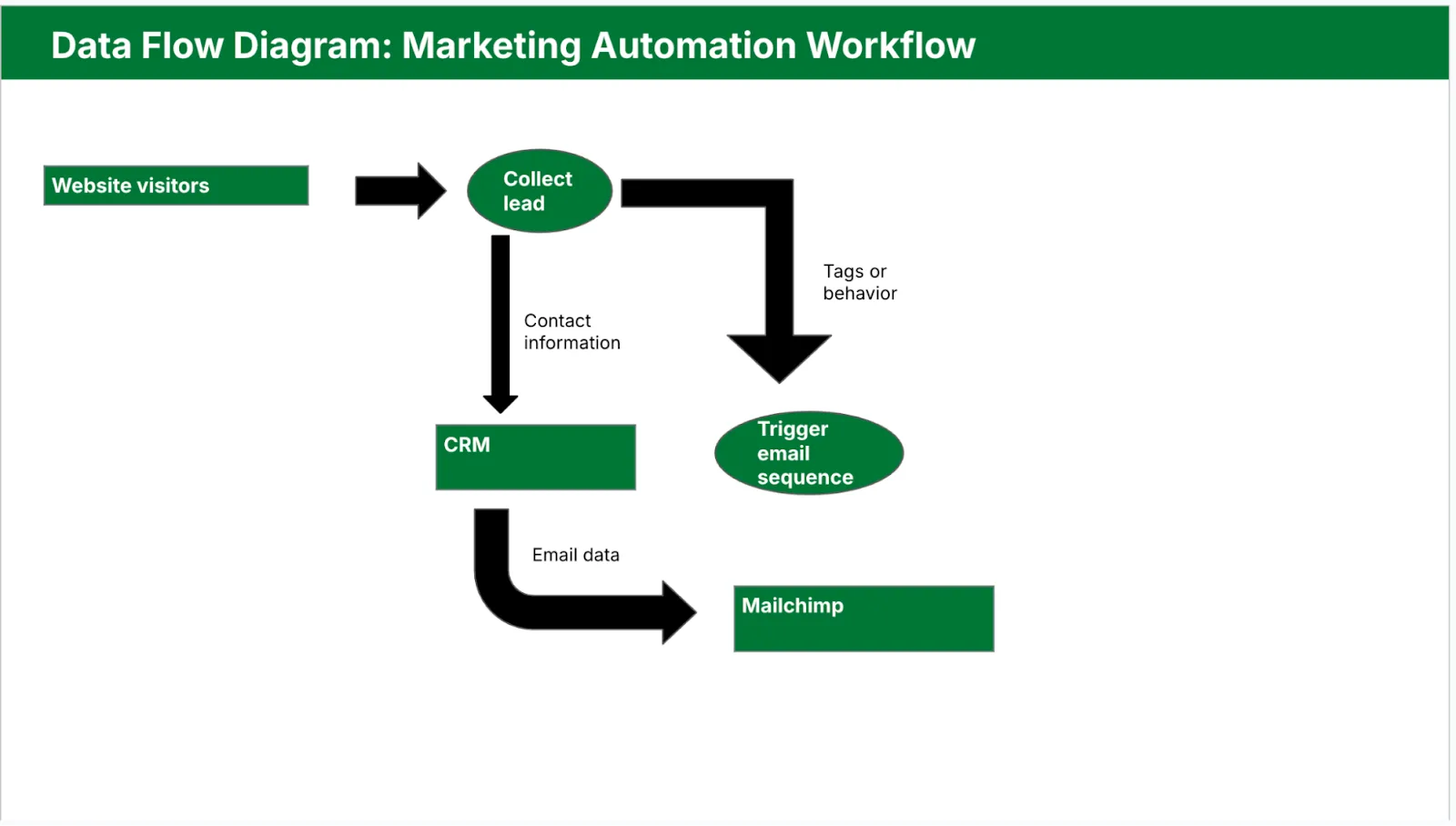
CDP is a JSON-based communication protocol that runs over WebSockets. Automation tools establish a connection to Chrome, send structured commands, and receive events and data in response.
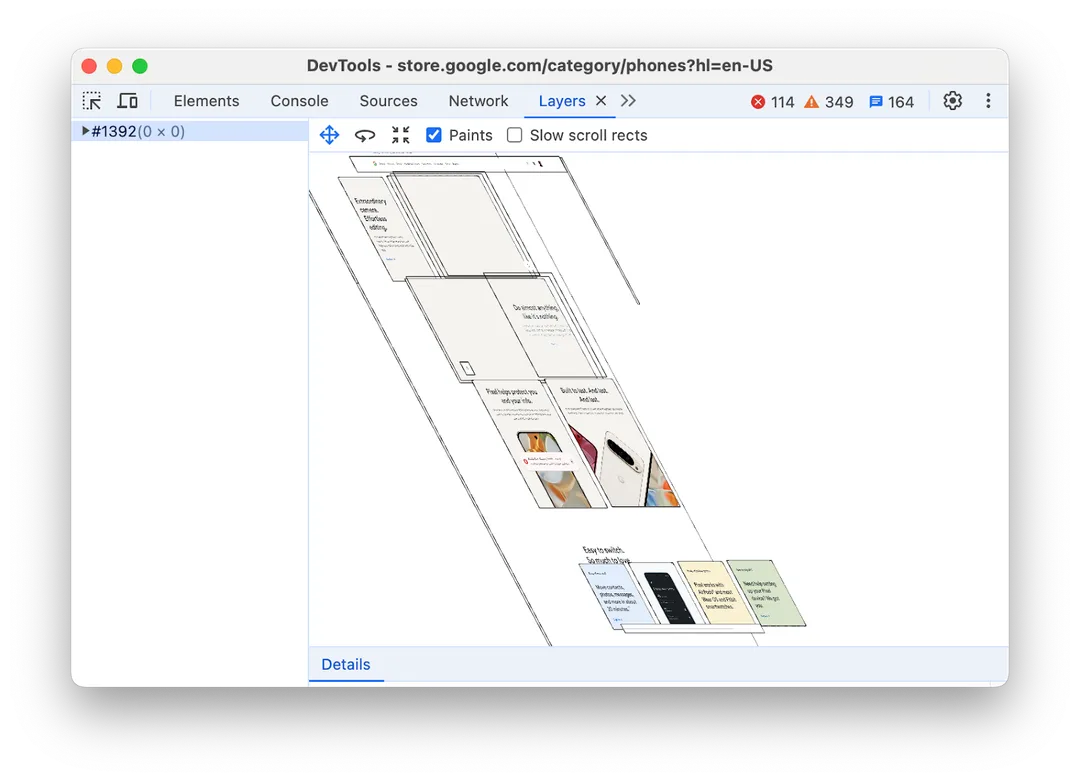
The protocol is organized into domains such as Page for navigation, DOM for structure access, Network for request monitoring, Runtime for JavaScript execution, and Emulation for device simulation. Each domain exposes commands and emits events.
Its event-driven architecture is central to reliability. Automation listens for signals like page load completion, network request completion, DOM updates, or console errors. This reduces reliance on timeouts and improves determinism.
Both headless and headful Chrome use CDP as the control layer. The browser interface may differ, but the protocol remains consistent.
REAL-WORLD USE CASES ENABLED BY CDP
CDP supports advanced automation by allowing scripts to wait for exact lifecycle events and interact with browser state directly. This reduces failures caused by dynamic rendering.
For web scraping on modern sites, CDP enables interception and inspection of network requests where structured data is transmitted, rather than relying only on rendered HTML.
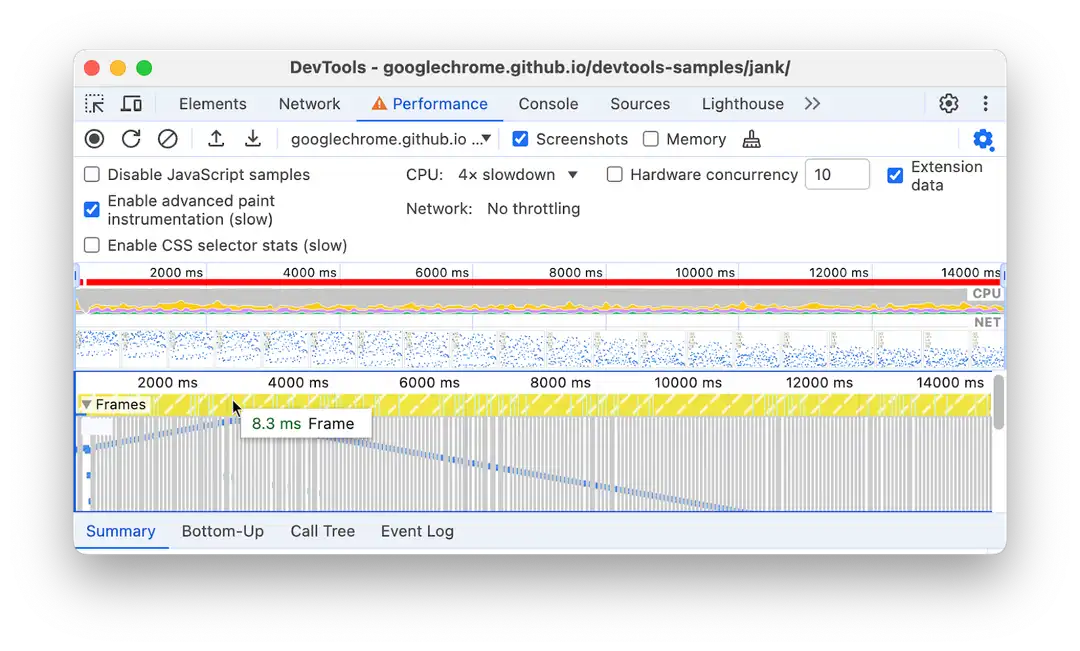
For debugging and performance monitoring, CDP allows automated collection of performance metrics, console logs, and runtime errors.
GETTING STARTED WITH THE CHROME DEVTOOLS PROTOCOL
Most developers do not interact with CDP directly. Instead, they use tools built on top of it, such as Puppeteer, Playwright, Selenium with CDP integration, or custom frameworks.
Understanding CDP’s capabilities improves debugging, enables advanced feature usage, and prevents overreliance on UI-based logic. Because CDP exposes low-level browser details, maintaining consistent environments is essential. Logging protocol events further improves reliability.
As automation scales, managing CDP-based workflows manually becomes complex. Appilot is designed to help teams transition from experimental automation to stable, production-grade systems built on modern browser control techniques like CDP.
Appilot provides orchestration for CDP-powered automation, visibility into browser behavior and failures, and infrastructure built for long-running workflows. It is suitable when automation depends heavily on CDP-based tools and requires observability and control.
COMMON MISTAKES WITH THE CHROME DEVTOOLS PROTOCOL
Treating CDP as optional often leads to fragile automation because underlying protocol behavior is ignored. Relying exclusively on clicks and time-based waits instead of network, DOM, and runtime signals reduces reliability. Ignoring environment consistency can introduce instability, as CDP exposes browser-level details that highlight mismatches.
FINAL THOUGHTS
The Chrome DevTools Protocol underpins modern browser automation by enabling speed, precision, and visibility that UI-driven approaches cannot match. If you use modern automation tools, you are already using CDP indirectly. Understanding how it works allows for more reliable system design, faster debugging, and better tooling decisions. When managing CDP-powered automation at scale becomes complex, Appilot provides structured support for production environments.
FREQUENTLY ASKED QUESTIONS
Q: What is the Chrome DevTools Protocol used for?
It allows tools to control, inspect, and debug the Chrome browser programmatically.
Q: Do I need to use CDP directly?
Most developers rely on tools like Puppeteer or Playwright that abstract CDP.
Q: Is CDP only for Chrome?
Primarily yes, though Chromium-based browsers also support it.
Q: How does CDP help browser automation?
It provides event-driven, precise browser control instead of fragile UI simulation.
Q: Is CDP related to headless browsing?
Yes. Both headless and headful Chrome automation rely on CDP.
Q: Can Appilot work with CDP-based automation tools?
Yes. Appilot supports automation workflows built on CDP.