Cloud Phone (Redroid) vs Physical Android Farm: Cost and Performance Compared
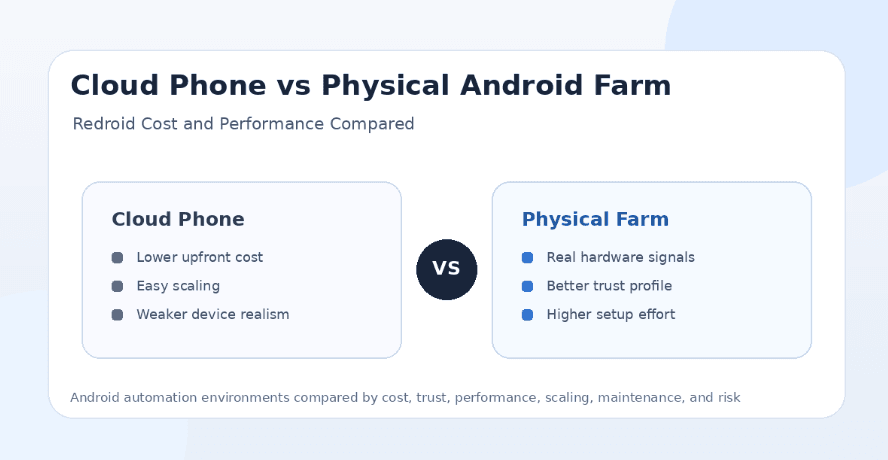
Android automation operators usually face one big infrastructure decision: should they run cloud phones through containerized Android environments like Redroid, or should they build a physical Android phone farm with real devices? Both setups can run mobile apps, both can support bots, and both can scale automation workflows, but they behave very differently in cost, performance, trust, maintenance, and long-term reliability.
Cloud phone setups are attractive because they are easier to spin up, cheaper to test, and more flexible when you need many Android environments quickly. Physical Android farms are harder to build, but they offer real hardware behavior, stronger mobile signals, and better long-term trust for sensitive social media accounts. For Instagram, TikTok, Snapchat, Telegram, YouTube, Threads, Reddit, LinkedIn, and Discord automation, that difference matters.
The short answer is that Redroid-style cloud phones are best for testing, development, QA, low-risk workflows, and fast scaling experiments, while physical Android farms are better for high-value social media automation where account trust and real-device behavior matter. The best setup for many operators is not one or the other, but a hybrid stack where cloud phones handle testing and real phones handle production workflows.
What Is a Cloud Phone Setup?
A cloud phone setup means running Android environments in the cloud or on servers instead of using physical phones. Redroid is a common example because it runs Android inside containers, allowing operators to create multiple Android-like instances on a server.
The main appeal is flexibility. A user can create, reset, clone, stop, start, and scale Android environments much faster than buying and wiring physical phones. This is useful for developers, QA teams, bot builders, and automation operators who need many test devices without managing hardware.
The limitation is that a cloud phone is not the same as a real Android phone. It may run Android apps, but it does not provide the same hardware signals, sensor behavior, camera environment, carrier context, thermal behavior, battery profile, and physical-device identity as a real phone. For low-risk automation, that may be acceptable. For high-trust social media accounts, it can matter a lot.
What Is a Physical Android Farm?
A physical Android farm is a setup where real Android phones are used for automation. The devices may be mounted on racks, connected to power, paired with proxies, managed remotely, and used to run social media bots, app workflows, account operations, or testing tasks.
The main advantage is realism. A real phone has real hardware, real sensors, real Android behavior, real app storage, and a more believable device profile. For platforms that care about account trust, this makes physical devices more attractive than containerized or emulator-style environments.
The downside is operational complexity. Physical farms require device purchase, charging, cooling, maintenance, screen health, battery management, physical space, remote access, network planning, account mapping, and proxy setup. This is why tools like Appilot are useful for serious operators because they let users manage real Android devices and emulators remotely through a web dashboard without relying on ADB or a laptop.
Cloud Phone vs Physical Android Farm: The Main Difference
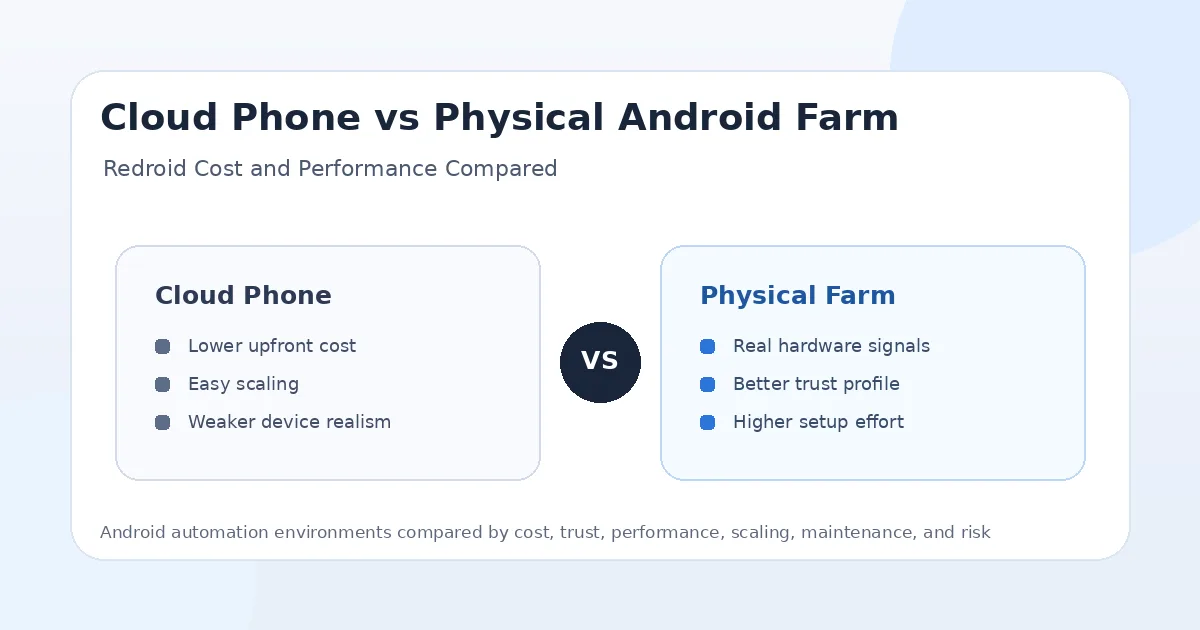
The main difference is realism versus flexibility. Cloud phones are easier to scale, cheaper to reset, and better for fast experiments. Physical Android farms are more expensive and harder to maintain, but they provide stronger real-device signals and a more natural mobile app environment.
For bot operators, this trade-off is important. If the workflow is internal testing, app QA, scraping experiments, or low-value automation, a Redroid-style setup may be enough. If the workflow involves valuable Instagram accounts, TikTok profiles, Snapchat accounts, LinkedIn outreach, Telegram user accounts, or long-term social media activity, a physical Android farm is usually safer.
The strongest infrastructure strategy often uses cloud phones for development and testing, then moves important production accounts to real Android devices managed through a platform like Appilot.
Cost Comparison
Cloud phone setups usually have lower upfront cost because you do not need to buy physical phones, chargers, racks, cables, hubs, cooling equipment, or replacement parts. You can run Android containers on servers and scale instances based on available CPU, RAM, storage, and GPU resources.
Physical Android farms cost more at the beginning. Every phone has a hardware price, and the full setup may include power management, USB hubs, mounting racks, network equipment, cooling, SIMs, proxies, and remote management tools. The larger the farm, the more operational planning it needs.
However, cloud phones are not always cheaper forever. Server costs, storage, bandwidth, GPU requirements, cloud hosting, maintenance time, and scaling limits can add up. A physical farm may cost more upfront but become more predictable over time if the devices are stable and the workflows are valuable.
Performance Comparison
Cloud phone performance depends on the host server. If the server has strong CPU, RAM, storage, and graphics support, Redroid-style Android instances can run smoothly. If the host is overloaded, every instance can slow down, freeze, or behave unpredictably.
Physical Android phones have dedicated hardware. Each device has its own CPU, RAM, GPU, storage, sensors, and system resources. This can make performance more predictable, especially when each phone runs only one or a few accounts. A good mid-range Android phone can often outperform a poorly configured cloud Android instance for social media workflows.
For media-heavy apps like TikTok, YouTube, Snapchat, and Instagram Reels, real phones usually provide a more natural experience. Cloud phones can work, but video playback, camera behavior, graphics acceleration, and app smoothness may need more tuning.
Trust and Account Safety
Physical Android farms usually have the stronger trust profile because they use real devices. Social platforms can evaluate device behavior, app performance, login history, network consistency, sensors, and user-like activity patterns. A real phone starts from a more believable baseline.
Cloud phones can be useful, but they may expose signals that look more virtualized or less natural. If many accounts run from similar containerized environments, repeated device profiles, shared server infrastructure, or suspicious network patterns, platforms may treat the setup with more caution.
This does not mean physical phones are automatically safe. A real phone running aggressive spam can still get banned. It also does not mean cloud phones are useless. A clean Redroid setup with conservative limits may work better than a poorly managed phone farm. But if all other factors are equal, real phones usually have the safety advantage for long-term social media automation.
Scaling Comparison
Cloud phones are easier to scale quickly. If you need 10, 50, or 100 Android environments for testing, containerized Android is easier to spin up than buying and preparing 100 physical phones. This makes Redroid-style setups attractive for developers and automation teams that need elastic capacity.
Physical farms scale more slowly. You need to buy devices, configure them, label them, power them, cool them, assign proxies, map accounts, and monitor health. Scaling takes planning and physical infrastructure.
But physical scaling can be more durable for production social media operations. Once the devices are stable, each account can stay mapped to a consistent real device and proxy. Appilot helps make this more manageable by giving operators a remote dashboard for real Android devices and emulators, reducing the need to manually touch every device.
Maintenance Comparison
Cloud phones are easier to reset and rebuild. If a container breaks, you can often destroy it and create a new one. This is useful for testing because failed environments are disposable.
Physical phones require hardware maintenance. Batteries degrade, screens can fail, charging ports can loosen, devices can overheat, and OS updates can change behavior. A large farm needs monitoring and regular checks.
However, physical phones can be easier to reason about once stable. A real phone has a consistent identity and predictable behavior. Cloud phone environments may require more server-side troubleshooting, graphics tuning, container orchestration, and compatibility management.
Network and Proxy Setup
Both cloud phones and physical farms need good proxy planning. A cloud phone running from a datacenter server without a strong proxy can look suspicious for social media automation. A physical phone paired with a poor proxy can also create account risk.
For social media bots, mobile proxies are usually the strongest option, especially when paired with real Android phones. Residential proxies can work for some workflows, while datacenter proxies are usually better for testing and low-risk tasks.
Cloud phone setups often need extra care because the underlying infrastructure may look server-like. A stable mobile or residential proxy can help, but it does not fully replace real hardware behavior. Physical Android farms paired with dedicated mobile proxies usually create the strongest environment for high-value accounts.
Device Fingerprints and Realism
Physical phones have real device fingerprints. They have real hardware identifiers, sensor behavior, battery patterns, screen characteristics, performance variation, and device history. This makes them more natural for social media apps.
Cloud phones often use virtualized or containerized Android environments. They may be efficient, but they can also look more uniform across instances. If many accounts share similar device properties, screen behavior, Android builds, or infrastructure patterns, that can reduce realism.
For testing, uniformity can be useful because it makes debugging easier. For account safety, too much uniformity can become a problem. Bot operators should avoid making many accounts look like clones of the same environment.
App Compatibility
Physical Android phones usually have better app compatibility because apps are designed for real devices. Camera, media playback, push notifications, sensors, background behavior, and app store compatibility are usually more natural.
Cloud phones can run many Android apps, but compatibility depends on the Android build, container setup, graphics layer, permissions, Google services, and device simulation. Some apps may work well, while others may behave differently than they would on a physical phone.
For social apps like Instagram, TikTok, Snapchat, YouTube, Threads, and Telegram, app compatibility should be tested carefully before choosing a cloud phone setup for production. A workflow that starts correctly may still fail later because of media, login, notification, or permission behavior.
Best Setup for Instagram Automation
For Instagram automation, physical Android farms are usually safer than cloud phones. Instagram is mobile-first and sensitive to device trust, login behavior, proxies, action patterns, and app sessions. A real phone creates a stronger baseline for long-term account activity.
Cloud phones can still be useful for testing Instagram workflows, debugging bots, or running low-value accounts. They are especially useful when developers need to test many scenarios quickly before deploying to real phones.
For serious Instagram operations, a real-device workflow managed through Appilot is the stronger option because it gives users remote control without forcing them to manage ADB, local laptops, or manual device access. Cloud phones can support testing, while physical devices should handle valuable accounts.
Best Setup for TikTok Automation
TikTok is video-heavy, so performance and mobile realism matter. Physical Android phones usually perform better for video playback, scrolling, app responsiveness, and real user-like behavior. This makes them better for production TikTok automation.
Cloud phones can work for QA, content testing, account experiments, or workflow development, but they may need more tuning for video performance and app compatibility. If the host server is weak, TikTok workflows can feel less natural.
For TikTok automation at scale, physical phones paired with stable proxies are usually the safer long-term setup. Appilot can help manage those devices remotely while still allowing operators to use emulators or cloud-like environments for lower-risk testing.
Best Setup for Snapchat Automation
Snapchat is one of the strongest arguments for real phones because it is camera-heavy, mobile-first, and built around real app interaction. A physical Android farm gives better camera, media, app, and device behavior than most containerized cloud phone setups.
Cloud phones may be useful for testing certain Snapchat flows, but production automation is harder because Snapchat workflows often depend on mobile-specific behavior. Any workflow involving snaps, stories, media, or account trust should be tested carefully.
For high-value Snapchat workflows, real phones are the safer choice. Redroid-style setups may be better for experimentation, but physical Android farms are better for long-term trust.
Best Setup for Telegram and Discord Automation
Telegram and Discord are more forgiving than media-heavy apps because they do not always require the same level of camera or video behavior. Cloud phones can work well for testing, messaging workflows, notifications, and lightweight app automation.
Physical phones are still stronger for account realism and long-term trust, especially when accounts are valuable or tied to broader social operations. However, the performance gap may be less dramatic than with TikTok or Snapchat.
For Telegram and Discord, the best choice depends on the workflow. If the task is lightweight and controlled, cloud phones may be enough. If the workflow involves long-term account trust and multi-platform operations, physical devices are better.
Best Setup for YouTube Automation
YouTube automation can be handled by both cloud phones and physical phones depending on the use case. For testing video playback, checking app behavior, managing comments, or validating uploads, cloud phones can be useful if performance is strong.
Physical phones are better for realistic mobile playback, app navigation, notifications, and account trust. They are also better when YouTube workflows are part of a larger phone farm setup.
The important point is that neither setup makes fake watch-time automation safe. Real-device infrastructure is useful for legitimate workflows, testing, and account management, not for manipulating engagement metrics.
Best Setup for QA and Testing
Cloud phones are excellent for QA and testing because they are easy to create, reset, scale, and standardize. Redroid-style environments are useful when teams need many Android instances for controlled testing, app compatibility checks, or automation debugging.
Physical phones are better for final validation because real users use real hardware. A workflow that works on Redroid should still be tested on real Android phones before production use.
A strong QA pipeline can use cloud phones for early testing and real phones for final checks. This saves cost while still protecting production quality.
Best Setup for Agencies
Agencies should be careful about using cloud phones for valuable client accounts. Client accounts usually need the strongest possible trust environment, and physical devices are better for that. Cloud phones can support testing, staging, and low-risk workflows, but production accounts should usually run on real devices.
A good agency setup uses real Android phones, stable proxies, account mapping, action limits, and remote monitoring. Appilot is useful here because it lets agencies manage real devices and emulators from one web dashboard, which reduces operational friction and avoids laptop-based control.
For agencies handling multiple platforms, the real advantage is workflow consistency. A physical farm can support Instagram, TikTok, Snapchat, YouTube, Telegram, Reddit, Discord, LinkedIn, Threads, Gmail, Chrome, and more when managed properly.
Best Setup for Developers
Developers may prefer Redroid-style cloud phones for early development because they are easier to automate, reset, and integrate into infrastructure. A developer can test workflows quickly without waiting for physical devices to be prepared.
However, developers should not treat cloud phone success as final proof. Social media apps can behave differently on real phones, especially around performance, media, sensors, notifications, and account trust.
The best developer workflow is to prototype on cloud phones, validate on real phones, and deploy important accounts to physical devices or a managed real-device environment.
Best Setup for Phone Farms
For phone farms, physical Android devices are the better foundation. A phone farm exists because real devices provide stronger trust signals and more natural app behavior than cloud or browser environments.
Cloud phones may still be useful as a support layer for testing, warm-up experiments, low-risk workflows, or overflow capacity. But they should not fully replace physical devices when the accounts are valuable.
Appilot makes physical farms easier to operate because it supports remote control of real Android devices and emulators without ADB or a laptop-based setup. This helps operators keep the benefits of real phones while reducing the pain of physical management.
Security and Control
Cloud phones offer strong infrastructure control because instances can be created, destroyed, isolated, and monitored through server tooling. This is useful for engineering teams that want repeatable environments.
Physical phones offer stronger device realism but require more operational security. Devices must be physically protected, accounts must be mapped carefully, remote access must be secured, and proxies must be assigned consistently.
For bot operators, security includes more than server access. It also includes account safety, session trust, credential handling, and device consistency. A cloud setup may be easier to control technically, while a physical setup may be safer from an account-trust perspective.
Hybrid Strategy
The best strategy for many operators is hybrid. Use cloud phones for development, QA, workflow testing, and low-risk automation. Use physical Android phones for production accounts, sensitive workflows, and long-term social media operations.
This approach gives you the cost advantage of Redroid-style environments without sacrificing the trust advantage of real devices. It also helps teams test faster while protecting important accounts.
For example, a team can design and debug an Instagram workflow on cloud phones, then deploy the final version to real Android devices managed through Appilot. That keeps development efficient and production safer.
Common Mistakes With Cloud Phones
One common mistake is assuming cloud phones are the same as real phones. They can run Android apps, but they do not always provide the same device signals, hardware behavior, or app compatibility.
Another mistake is running too many similar instances. If every account looks like it comes from the same virtual environment, that can create risk.
A third mistake is pairing cloud phones with datacenter IPs for social media accounts. That can make the setup look even more artificial. If cloud phones are used for account workflows, strong proxies and conservative behavior are essential.
Common Mistakes With Physical Farms
One mistake is underestimating maintenance. Physical phones need power, cooling, charging, storage, updates, and monitoring. A messy farm can become unreliable quickly.
Another mistake is using poor proxies with real devices. A real phone does not fix a bad network setup. Device trust and proxy trust must work together.
A third mistake is scaling without account mapping. Every account should have a clear device, proxy, and workflow history. Without that, troubleshooting becomes difficult and account-linking risk increases.
Final Verdict
Cloud phone setups like Redroid are best for fast scaling, testing, development, QA, and lower-risk automation. They are cheaper to start, easier to reset, and more flexible when you need many Android environments quickly. Their weakness is that they do not fully match real hardware behavior, which can matter for sensitive social media automation.
Physical Android farms are better for production social media bots, valuable accounts, phone farm operations, and long-term trust. They cost more and require more maintenance, but they provide real device signals, better app realism, and stronger account environments.
The best choice depends on the workflow. Use cloud phones to build and test. Use physical phones to run important accounts. For operators who want to manage both real Android devices and emulators without ADB or laptop dependency, Appilot provides a cleaner control layer for automation across Instagram, TikTok, Snapchat, YouTube, Telegram, Reddit, Discord, LinkedIn, Threads, Gmail, Chrome, and more. You can explore Appilot’s bot store and real-device workflows at appilot.app.
FAQs
Q1: Is Redroid better than a physical Android farm?
Redroid is better for testing, scaling experiments, and low-cost cloud Android environments. Physical Android farms are better for real-device trust and production social media automation.
Q2: Are cloud phones safe for Instagram bots?
Cloud phones can work for testing or low-risk workflows, but physical phones are usually safer for valuable Instagram accounts. Real devices provide stronger trust signals.
Q3: Which setup is cheaper?
Cloud phones usually have lower upfront cost because there is no hardware to buy. Physical farms cost more initially but can be more predictable for long-term production workflows.
Q4: Which setup performs better for TikTok and Snapchat?
Physical Android phones usually perform better for TikTok and Snapchat because they provide real hardware behavior, smoother media handling, and better mobile app realism.
Q5: Can Appilot manage real devices and emulators?
Yes, Appilot can manage real Android devices and emulators remotely through a web dashboard without ADB or laptop dependency, making hybrid automation easier to operate.