Daylight Saving Time Breaking Your Automation? Here's the Fix
Everything Was Working Fine Until The Clock Changed
Your automation was working perfectly.
Posts were going out at the right time, tasks were running correctly, browser workflows were starting on schedule, and reports were being generated exactly when they should.
Then daylight saving time happened.
Suddenly, posts are going out an hour early. Scheduled browser tasks are starting late. One region is still working correctly while another is completely off. Some automations are duplicated, others are skipped entirely, and now you are trying to figure out why a system that worked yesterday is failing today.
This is one of the most frustrating problems in scheduling because daylight saving time breaks systems in ways that are difficult to notice immediately.
The worst part is that the automation itself may still be running correctly.
The issue is usually that the time reference behind the automation changed.
Why Daylight Saving Time Causes So Many Problems
Daylight saving time creates problems because not every country changes at the same time.
Some countries use it. Some countries do not. Some change in March. Others change in October or November. Some regions shift by one hour while others never shift at all.
That means if your automation depends on local time, it can easily break when one region changes and another does not.
For example, a workflow that normally runs at 9 AM in New York may suddenly run at the wrong hour relative to London, Dubai, or Sydney because those regions may not have changed yet.
This becomes much more complicated when you are managing multiple accounts, multiple clients, or multiple regions at once because you are no longer dealing with one timezone.
You are dealing with constantly changing relationships between timezones.
Another major issue is that many automation systems are built around fixed offsets instead of actual timezone logic.
For example, someone may schedule a workflow to run “five hours behind UTC” without realizing that the offset changes when daylight saving time begins.
That works for part of the year, then suddenly fails.
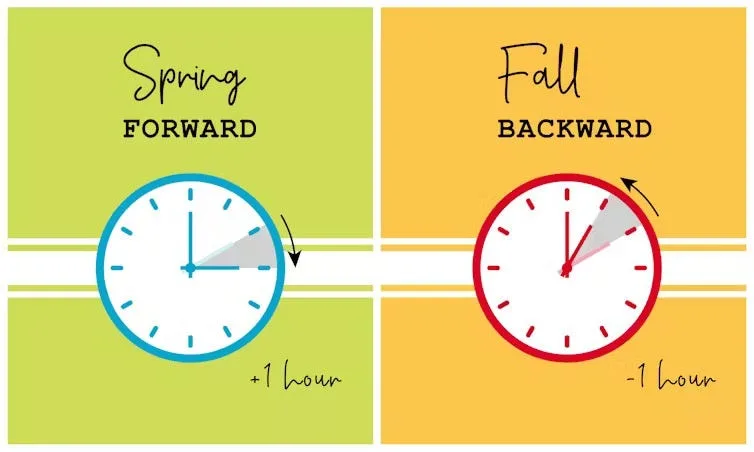
The Biggest Mistake: Using Fixed UTC Offsets Instead Of Real Timezones
One of the biggest reasons daylight saving time breaks automation is because people use fixed UTC offsets instead of actual timezone names.
For example, they may use UTC-5 for New York.
That works during part of the year.
The problem is that New York is not always UTC-5. During daylight saving time, it becomes UTC-4.
If your automation only understands fixed offsets, it cannot adjust automatically when the clock changes.
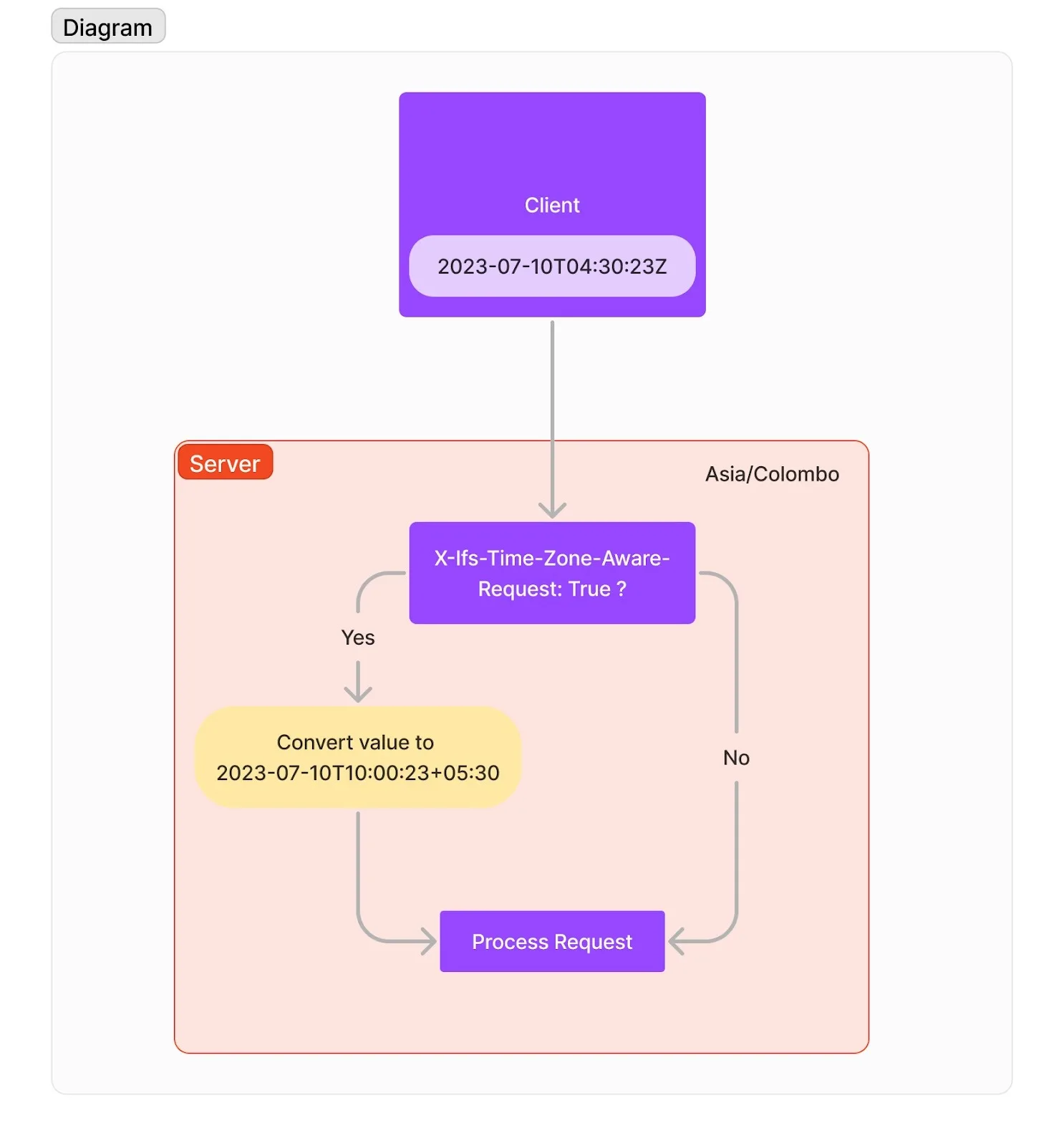
The better approach is using real timezone identifiers like America/New_York, Europe/London, or Australia/Sydney.
Those timezone identifiers automatically account for daylight saving changes, which means your schedules stay correct even when the clock changes.
The System That Prevents Daylight Saving Time Problems
The easiest way to avoid daylight saving issues is to build all automations around timezone-aware scheduling.
That means every workflow, post, browser task, and report should be connected to an actual timezone instead of a fixed hour difference.
You should also keep all internal planning in one standard timezone such as UTC.
That way, you have one consistent reference point internally while still allowing every account or workflow to adjust to its own local timezone.
Another important step is maintaining a list of regions that use daylight saving time and regions that do not.
For example, if you are managing accounts in the United States, Europe, the Middle East, and Asia, you should know that some of those regions shift during the year while others remain constant.
That makes it easier to spot where schedules may become misaligned.
You should also test automations before and after major daylight saving changes.
A quick review of scheduled tasks, posting times, browser launches, and report delivery can prevent weeks of broken timing.
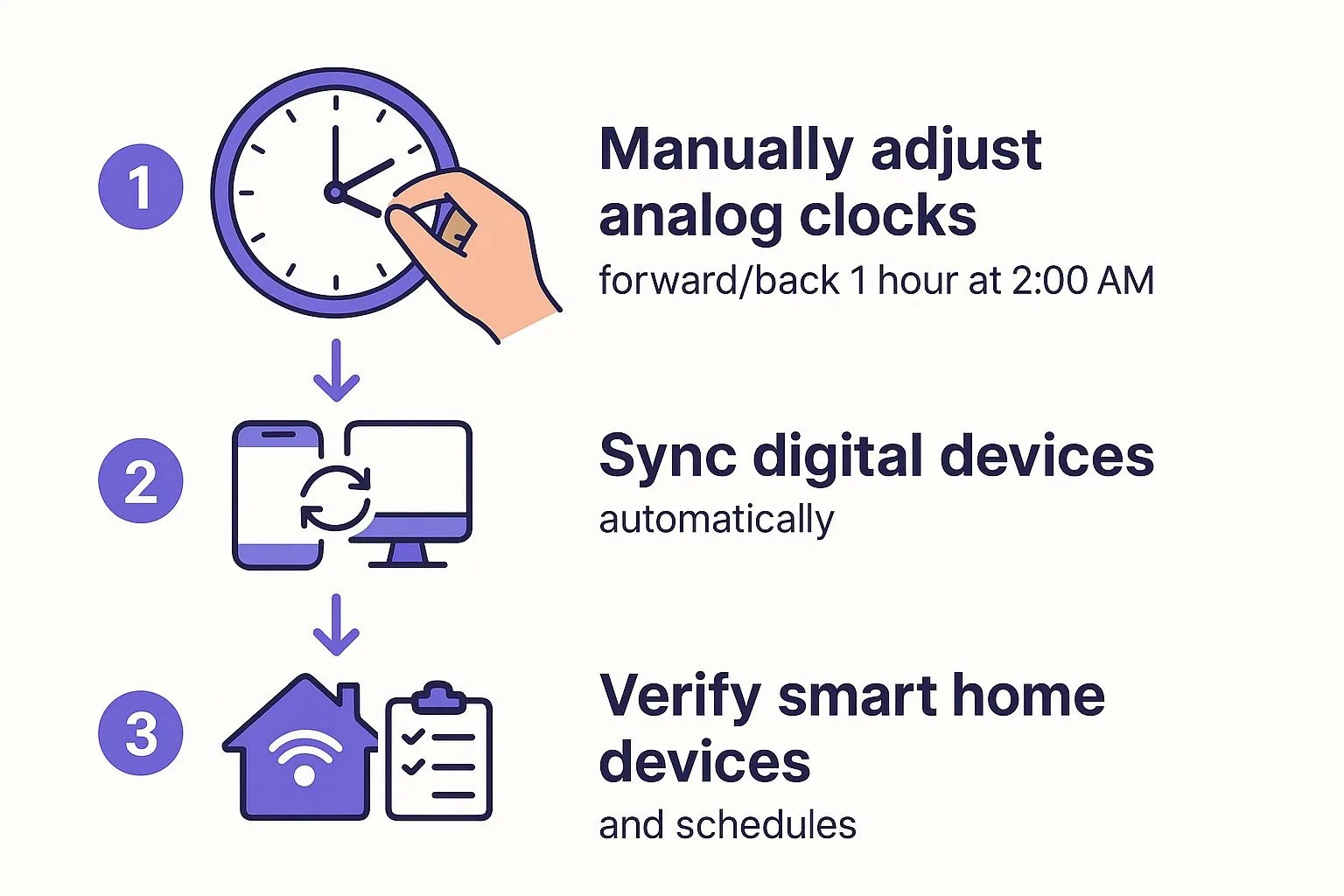
Why Centralization Makes This Much Easier
Daylight saving issues become much harder to fix when schedules, browser tasks, Android workflows, and account assignments are spread across multiple tools.
You may have one account scheduled in one platform, another in a spreadsheet, another in a browser extension, and another somewhere else entirely.
That makes it difficult to see which workflows are still correct and which ones are now shifted by an hour.
This is one of the reasons Appilot becomes useful when automation starts scaling.
Instead of keeping browser profiles, Android workflows, posting schedules, account assignments, and task history spread across different systems, everything can stay visible from one dashboard. That makes it easier to see which regions use daylight saving time, which automations are timezone-sensitive, and where timing problems are happening.
Conclusion: Daylight Saving Time Is Only A Problem If Your System Is Not Ready For It
If daylight saving time keeps breaking your automation, the issue is usually not the workflow itself.
The problem is that the scheduling system is relying on fixed offsets, inconsistent timezone logic, or disconnected tools.
Once you move to timezone-aware scheduling, organize everything around real timezone identifiers, and centralize your workflows, daylight saving changes become much easier to handle.
That is what allows you to keep automations running smoothly even when the clocks change.