Desktop Automation vs Mobile Automation for Social Media
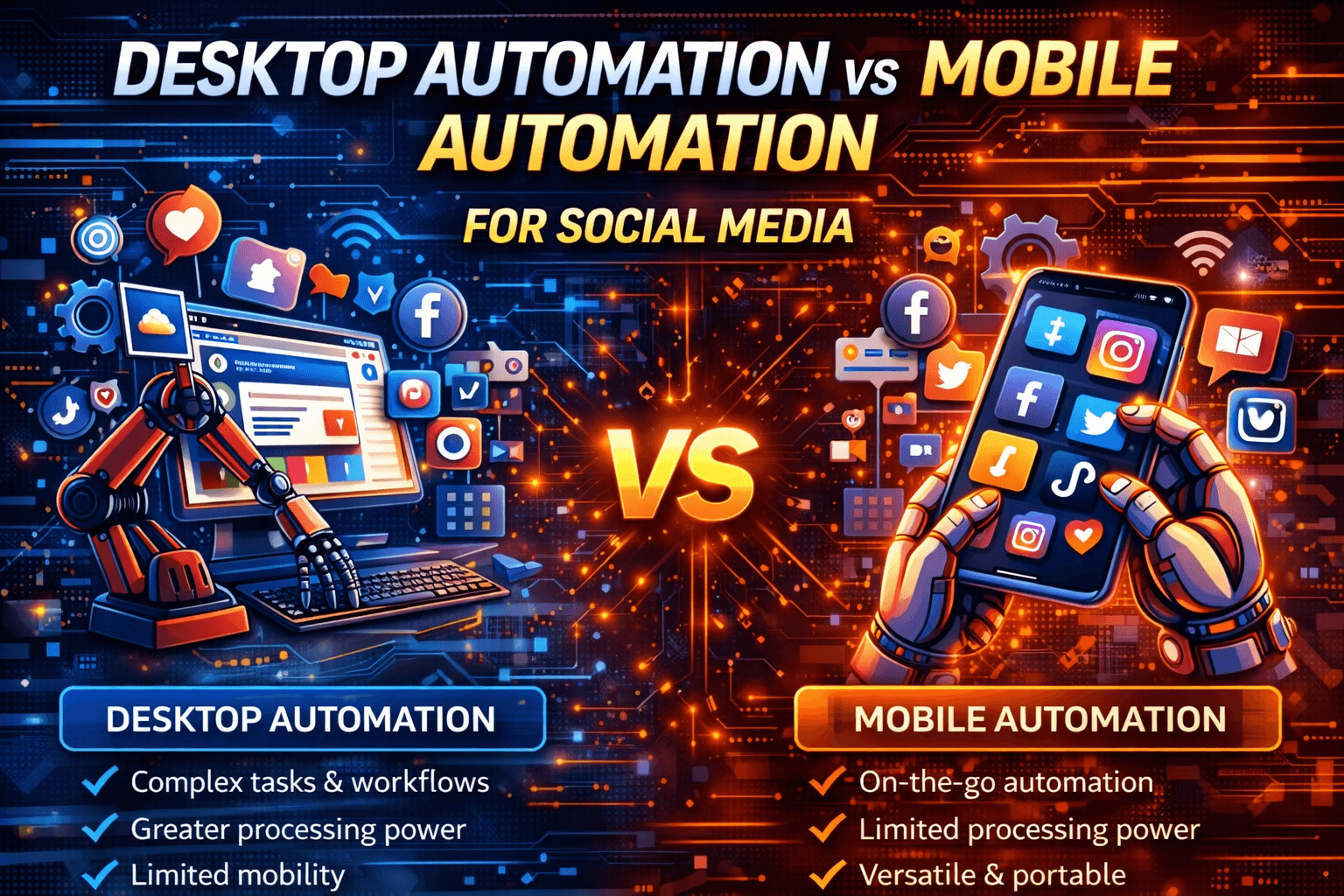
Social media automation has evolved far beyond simple scheduling tools.
Today, businesses automate posting, content distribution, engagement actions such as likes and comments, data collection, analytics, and multi-account management.
When these workflows start to scale, one major question appears.
Should automation run on desktop environments or on real mobile devices?
Desktop automation and mobile automation can both work effectively, but they differ significantly in realism, detection exposure, infrastructure requirements, and scalability.
This guide explains the differences clearly so you can choose the right approach.
Architecture Overview
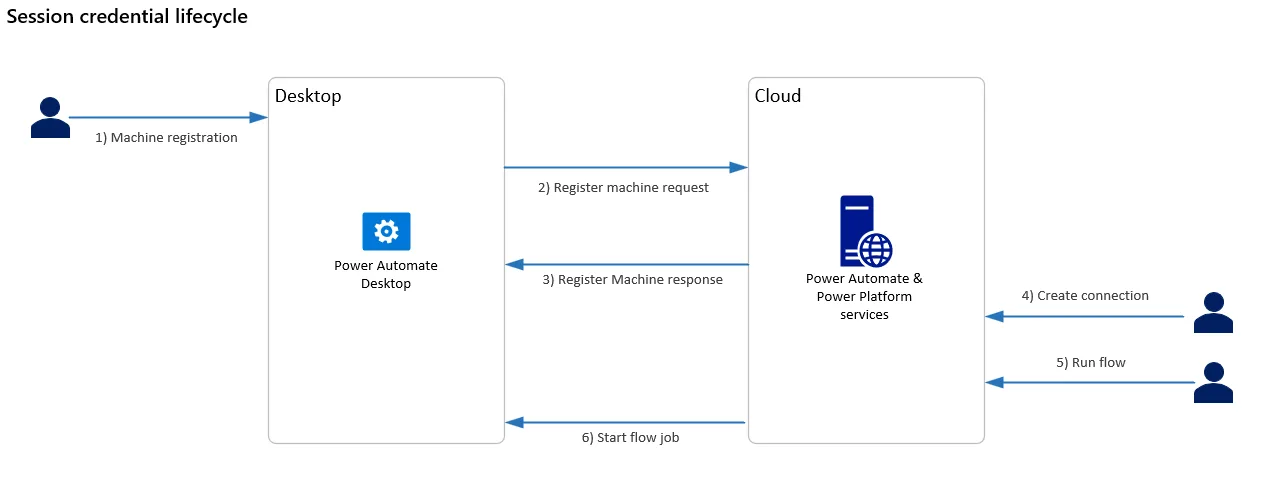
At a structural level, desktop automation runs inside browsers or desktop applications, often on virtual machines.
Mobile automation runs directly on physical smartphones or mobile operating-system environments.
This difference affects realism, behavioural signals, and detection exposure.
What Is Desktop Automation for Social Media?
Overview
Desktop automation controls web browsers, desktop applications, dashboard interfaces, and reporting tools.
It is commonly powered by browser automation frameworks or robotic process automation platforms.
Common Use Cases
Desktop automation is especially useful for scheduling posts, managing content calendars, viewing analytics dashboards, exporting data, syncing CRMs, and handling admin-level workflows.
Advantages
One of the biggest strengths of desktop automation is that it is easier to set up, has lower hardware costs, scales quickly with virtual machines, and is ideal for structured admin workflows.
Limitations
Desktop browsers are easier to fingerprint, provide less realistic engagement behaviour, and have higher exposure during interactive actions.
Desktop automation is very strong for management tasks, but it is less effective when realistic user behaviour is important.
What Is Mobile Automation for Social Media?
Overview
Mobile automation runs actions directly on smartphones running Android or iOS.
This mirrors how most real users interact with platforms such as entity["company","Instagram","Social media platform"], entity["company","TikTok","Short-form video platform"], and entity["company","Facebook","Social media platform"].
Most engagement traffic on these platforms originates from mobile devices.
Common Use Cases
Mobile automation is commonly used for likes, comments, follows, account warm-up, story interactions, feed scrolling, and multi-account behavioural workflows.
Advantages
Mobile automation provides more realistic user signals, matches real-device behaviour more closely, reduces behavioural mismatch risk, and performs better on sensitive platforms.
Limitations
The main downside is that mobile automation requires physical devices or managed device environments, adds more operational complexity, has higher hardware costs, and is harder to scale compared to virtual machines.
Mobile automation is built for realistic interaction rather than dashboard management.
Feature-by-Feature Comparison
Realism & Detection Exposure
Desktop automation is easier to fingerprint.
Mobile automation is much closer to real user behaviour.
Mobile environments align better with how social media platforms expect traffic.
Setup & Maintenance
Desktop automation is simpler to deploy because it works well with virtual machines.
Mobile automation requires device monitoring and management.
Scalability
Desktop automation scales horizontally using cloud servers and virtual machines.
Mobile automation scales through device farms.
Cost
Desktop automation usually has lower upfront cost.
Mobile automation requires a higher hardware investment.
Scenario-Based Recommendations
Scenario 1: Scheduling & Analytics
The best choice is desktop automation.
Web dashboards are easier to manage on desktop systems and scale more easily with virtual machines.
Mobile adds unnecessary complexity here.
Scenario 2: Engagement Automation
The best choice is mobile automation.
Platforms are increasingly mobile-first and interaction patterns look more natural on mobile devices.
Desktop engagement actions are easier to correlate and flag.
Scenario 3: Budget-Conscious Scaling
The best choice is desktop automation.
Virtual machines are cheaper than device farms and create lower operational costs.
Mobile automation increases hardware expenses.
Scenario 4: Mobile-First Execution
An alternative here is Appilot.
Appilot is useful because it runs automation on real Android devices and aligns closely with mobile-native behaviour.
However, it does not replace desktop-based workflows.
Scenario 5: Hybrid Strategy
For many serious operations, the best option is a hybrid strategy.
Desktop automation can handle administration and analytics while mobile automation handles engagement and behavioural workflows.
This reduces risk while keeping infrastructure efficient.
Head-to-Head Pros & Cons
Desktop Automation
Advantages
Desktop automation offers easy scaling, lower cost, faster setup, and works especially well for administrative tasks.
Limitations
It is easier to fingerprint, less realistic for engagement actions, and carries higher detection exposure during active workflows.
Mobile Automation
Advantages
Mobile automation provides more realistic behaviour, works better for engagement, and reduces behavioural mismatch.
Limitations
It requires device infrastructure, introduces more operational complexity, and costs more.
Appilot (Use-Case Specific)
Advantages
Appilot is useful for real Android-device execution, engagement workflows, and scalable mobile operations.
Limitations
It is Android-only and is not designed as a desktop solution.
Final Verdict
Desktop automation and mobile automation are not direct competitors.
They solve different parts of social media automation.
Desktop automation is better for admin tasks and dashboards.
Mobile automation is stronger for engagement and realistic behaviour.
A hybrid approach is often the most stable long-term strategy.
The best choice depends on the specific actions you are automating, platform sensitivity, budget, and how much realism is required.
If your workflow depends heavily on mobile engagement and account behaviour, Appilot can be a strong fit because it focuses on real Android-device execution.
FAQs
Is desktop automation safe for social media?
Yes for administrative tasks, but engagement-heavy actions carry more exposure.
Why is mobile automation harder to detect?
Because it aligns more closely with real mobile behaviour and device signals.
Is desktop automation cheaper?
Usually yes, especially at smaller scale.
Can beginners use mobile automation?
Yes, but the setup process is more involved.
Should both be combined?
For serious workflows, combining both approaches is often the best option.