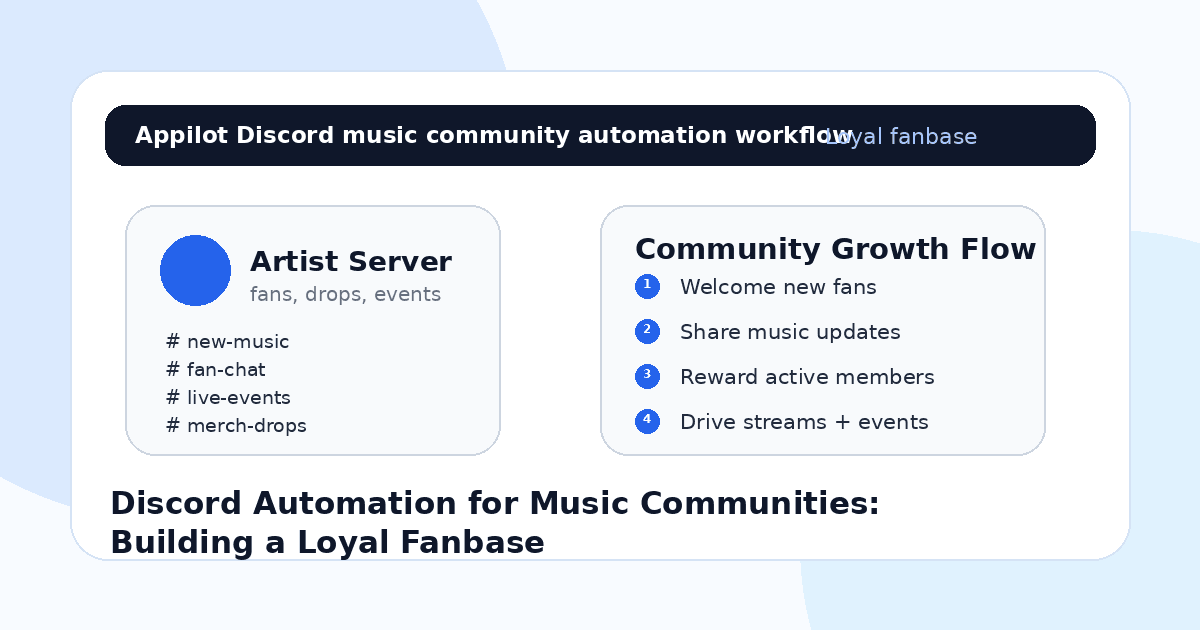
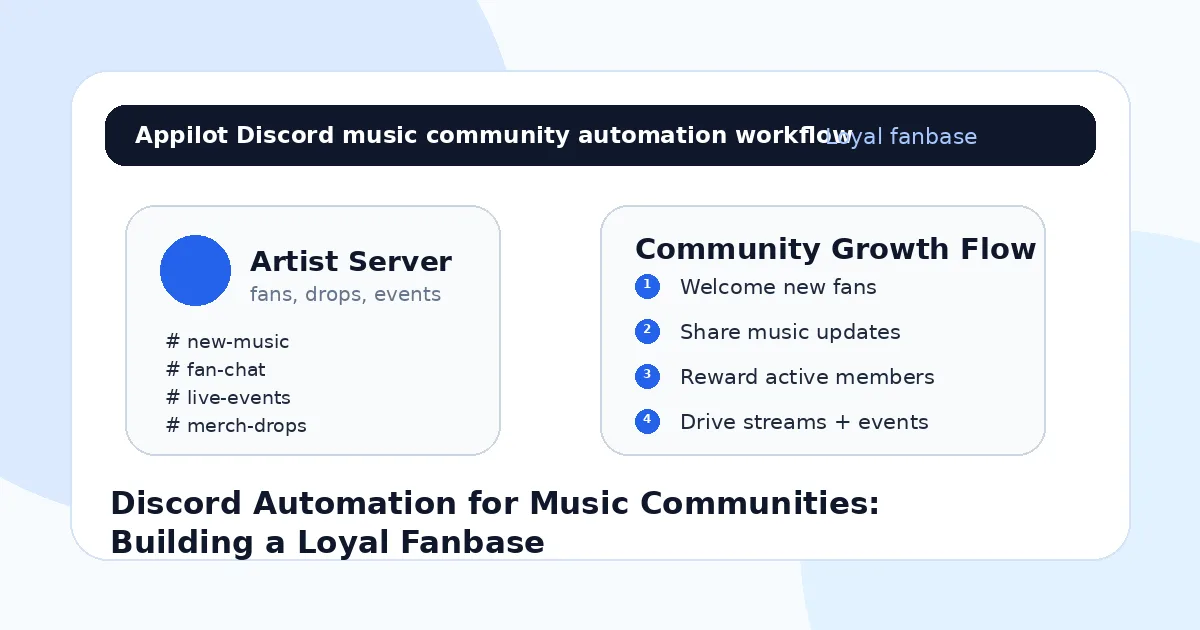
Discord Automation for Music Communities: Building a Loyal Fanbase
You get a few new fans from TikTok, Instagram, Spotify, or a live show. Some of them follow you. A few leave comments. Maybe one person asks where they can keep up with your next release.
That is a good moment.
But if those fans only follow you on social media, you are still depending on algorithms to reach them again. Your next post might not show up. Your release announcement might get buried. Your tour update might reach only a small percentage of the people who actually care.
That is why Discord matters for music communities. It gives artists, labels, producers, DJs, and fan teams a more direct space to build loyalty. A place where fans can talk, get early updates, join listening parties, share clips, vote on ideas, and feel like they are part of something.
Discord automation helps keep that community organized and active without forcing the artist or team to manage every small task manually.
Why Music Communities Need More Than Social Followers
Social followers are useful, but they are not the same as a loyal fanbase.
A follower may like one post and disappear. A loyal fan joins the conversation, shares the music, shows up for drops, buys merch, attends shows, joins livestreams, and tells other people about the artist.
That kind of loyalty needs repeated interaction.
The problem is that musicians are already busy. They are recording, writing, producing, rehearsing, editing clips, managing releases, and promoting across platforms. Running a Discord server on top of that can feel like another job.
A music community needs welcome messages, roles, event reminders, release alerts, moderation, member questions, fan prompts, private channels, and sometimes merch or ticket updates. Manually handling all of that can become messy quickly.
Most artists get Discord wrong because they open a server and expect fans to create the culture by themselves. That rarely happens. A good community needs structure.
Automation helps create that structure.
What Discord Automation Means for Music Communities
Discord automation means using bots and workflows to manage repeated community actions. That can include welcoming new members, assigning roles, sending release alerts, posting event reminders, moderating spam, organizing channels, rewarding active fans, and guiding members toward music, merch, shows, or fan activities.
For music teams, automation should make the server easier to participate in. It should not make the server feel cold or robotic.
A platform like Appilot can fit into this broader workflow by helping music teams automate fan actions across Discord and connected social platforms. Appilot runs automation through Android devices or emulators and lets teams control workflows from a web dashboard, without coding, ADB setup, or manual device management. For artists who are managing Discord alongside Instagram, TikTok, Twitter/X, and YouTube, that kind of control helps keep the whole fan funnel organized.
Discord is the community home. Social platforms bring people in. Automation helps connect the pieces.
Step 1: Build the Server Around Fan Intent
Before adding automation, decide why fans should join the Discord server.
A vague “join my community” message is not enough. Fans need a reason. Maybe they get early song previews. Maybe they join listening parties. Maybe they get tour announcements first. Maybe they vote on merch designs. Maybe they can share remixes, ask production questions, or join private livestreams.
The server should be built around those reasons.
For an independent artist, the core channels might include new releases, fan chat, live shows, behind the scenes, lyrics, merch, and announcements. For a producer, there might be beat feedback, sample flips, production tips, collaborations, and release drops. For a DJ, there might be set lists, event dates, track IDs, mixes, and local fan meetups.
Automation works best when the server has a clear purpose. If the community is confusing, automation only makes the confusion faster.
Step 2: Automate the Welcome Flow
The first few minutes after someone joins matter.
If a new fan enters an empty-looking server with no guidance, they may leave quietly. A good welcome flow tells them where to start, what the community is about, and what they can do next.
A simple automated welcome can introduce the artist, explain the main channels, ask the fan to choose a role, and point them toward the latest release or upcoming event.
For example, a music community might let fans choose roles like new listener, superfan, producer, DJ, merch updates, tour alerts, or remix community. Those roles help the server feel personalized and make future announcements more relevant.
This is where Appilot-style automation can support the wider fan journey. You can use Appilot to manage social workflows that send interested fans from Instagram, TikTok, Twitter/X, or YouTube into Discord, while Discord bots handle the welcome and role flow inside the server.
The goal is to make new fans feel guided, not dropped into a random chat room.
Step 3: Use Automation for Release Announcements
Discord is powerful for release promotion because the people inside the server are already warmer than casual social followers.
When a new song, video, mix, podcast appearance, merch drop, or tour date goes live, you can notify the right fans directly. But you still need to avoid announcement fatigue.
Automation helps by sending structured updates to the right channels. A release alert can go to everyone. A merch drop can go only to merch-role members. A local show announcement can go to fans who selected that city or region. A producer livestream can go to people interested in production content.
This is better than blasting every update to everyone.
For music communities, relevance matters. The more targeted the announcement, the less it feels like spam.
A good release announcement should include the link, a short reason to care, and a simple action. Stream it, save it, comment on the video, share the clip, join the listening party, or vote on the next version.
Step 4: Keep Fan Conversations Active
A Discord server dies when no one knows what to say.
Automation can help spark conversation without forcing it. You can schedule prompts, listening questions, weekly fan threads, lyric discussions, remix challenges, set-list debates, or “what should I drop next?” posts.
For example, an artist might ask fans which lyric hit hardest from the new track. A DJ might ask which city should get the next show. A producer might run a weekly feedback thread. A label might ask fans to vote on cover art or merch colors.
The key is to create participation, not noise.
One reason music teams use Appilot in the larger promotion stack is that it can help keep social discovery and Discord growth connected. The team can run automation across Android-based social apps while Discord automation keeps the community organized once fans join.
The best communities make fans feel heard. Automation should make that easier.
Step 5: Reward Active Fans
Loyal fans want recognition.
Discord automation can help identify active members, assign roles, unlock private channels, give early access, or highlight top contributors. This turns passive listeners into community members.
A fan who comments on every release, shares links, joins listening parties, or brings friends into the server should feel seen. Small rewards can go a long way. Early snippets, private Q&A sessions, unreleased demos, discount codes, presale access, or special roles can all build loyalty.
The mistake is rewarding only numbers. The best fans are not always the loudest. Sometimes they are the ones who consistently show up, share thoughtfully, and support every drop.
Automation can track activity, but the artist or team should still add human recognition. A personal reply from the artist often means more than any badge.
Step 6: Connect Discord to Streaming, Merch, and Events
A Discord community should not only be a chat room. It should support the artist’s real goals.
That might mean more Spotify saves, more YouTube views, more ticket sales, more merch purchases, more pre-saves, more remix submissions, or stronger launch-day activity.
Use automation to guide fans toward those actions at the right moments.
When a release drops, direct fans to stream and save. When a show is announced, send the ticket link to the right city group. When merch launches, notify fans who opted into merch updates. When a video premieres, invite the community to watch together.
This works because Discord fans are already more invested. They are not random viewers. They chose to join the space.
The more organized the server is, the easier it becomes to turn community energy into real support.
Step 7: Keep Moderation Simple and Clear
Music communities can grow messy if there are no rules.
Automation can help filter spam, remove suspicious links, slow down raids, manage banned words, and keep channels clean. But moderation should not feel heavy-handed.
Set clear rules around promotion, self-links, harassment, spam, and off-topic posts. Make it easy for fans to understand what is allowed.
This matters especially for larger artists, labels, DJs, and producers with active fanbases. A chaotic server can push good fans away.
Automation should protect the community vibe so real conversations can happen.
Common Mistakes Music Teams Should Avoid
Opening Too Many Channels
A server with twenty empty channels feels dead. Start with a few useful spaces and expand only when the community needs it.
Blasting Every Announcement to Everyone
Not every fan wants every update. Use roles and targeted channels so announcements feel relevant.
Ignoring New Members
If new fans join and no one guides them, they may leave quickly. A clear welcome flow matters more than most teams think.
Replacing Artist Presence With Bots
Automation can support the server, but fans still want to hear from the artist. Even occasional real messages make a big difference.
Forgetting the Bigger Fan Funnel
Discord should connect to releases, shows, merch, streaming, and social content. Otherwise it becomes busy but disconnected.
Is Discord Automation Right for Music Communities?
Discord automation is a good fit if you already have fans asking for updates, joining conversations, attending events, streaming releases, or wanting closer access to the artist. It works especially well for independent musicians, DJs, producers, labels, fan clubs, music educators, and creator-led music communities.
It may not be right if you do not have any audience yet or if the artist is not willing to show up at all. Automation can organize a community, but it cannot create genuine connection by itself.
Think of it as community infrastructure. It helps fans stay connected, but the artist’s voice gives the server life.
Final Thoughts
A loyal fanbase is built through repeated connection, not just repeated promotion.
Discord gives musicians a place where fans can gather, talk, support releases, join events, and feel closer to the artist. Automation helps keep that space organized with welcome flows, roles, announcements, reminders, moderation, and fan rewards.
If you want to connect Discord growth with wider social automation, Appilot gives music teams a browser-based way to control Android devices, emulators, and ready-to-use bots for Discord, Instagram, TikTok, Twitter/X, YouTube, and more. You can check it out at appilot.app.
FAQs
Q1: Can Discord automation help musicians build a loyal fanbase?
Yes, it can help welcome fans, assign roles, send release alerts, manage events, reward active members, and keep the community organized.
Q2: What should music communities automate first?
Start with welcome messages, fan roles, release announcements, event reminders, basic moderation, and simple engagement prompts.
Q3: Is Discord automation safe for music communities?
Yes, when it is used to organize and support real fans. Over-automation or spammy announcements can still make a server feel robotic.
Q4: Can Appilot help with Discord automation for artists?
Yes, Appilot can support Discord and social automation workflows across Android devices or emulators from a web dashboard without coding.
Q5: Does Discord replace Instagram or TikTok for musicians?
No. Instagram and TikTok help fans discover you, while Discord helps turn those fans into a closer, more loyal community.