eBay Product Description Enhancement Automation

Improving eBay product descriptions sounds simple until you have to do it across a large catalog. One listing needs cleaner formatting, another needs more persuasive copy, a third needs missing product details added, and dozens of others still use outdated descriptions copied from suppliers years ago. On a small store, this is tedious. On a growing operation, it becomes one of those backlogged tasks that everyone knows matters but nobody has time to handle properly at scale.
The problem is not just that descriptions need work. It is that the work is repetitive, uneven, and easy to postpone. Teams often know which listings need stronger descriptions, but rewriting them manually one by one takes time. That means many products go live with weak copy, missing benefits, inconsistent formatting, or descriptions that do not reflect the actual store standard anymore. Over time, that hurts listing quality and makes the catalog look less polished than it should.
That is why more sellers want eBay product description enhancement automation. Instead of treating description improvement as a manual rewrite task for every listing, automation can turn it into a structured workflow. With the right setup, product data can be pulled from a prepared source, standardized formatting can be applied consistently, approved description structures can be reused intelligently, and the browser-side update process can happen much faster than manual editing.
For this guide, I will use Appilot as the workflow automation layer because it fits naturally into repeated browser-based ecommerce tasks like this one. That does not mean content quality should be left entirely to automation. It should not. The smart approach is to keep the description strategy, messaging structure, and review standards human-led while using automation to handle the repetitive operational side of updating listings. That is where the biggest efficiency gain appears.
In this guide, you will learn why description enhancement automation matters, what you need before getting started, how to structure the workflow step by step, what safety practices matter most, and what realistic outcomes you can expect once the process is running correctly.
Why eBay Description Enhancement Automation Matters in 2025
Product descriptions still matter because they shape how your listings communicate value. Titles may attract attention and images may create the first impression, but descriptions are where buyers often look for extra confidence. A strong description can clarify product details, answer obvious questions, explain condition more clearly, reinforce trust, and make the listing feel more complete. A weak description does the opposite. It makes the listing feel rushed, generic, or incomplete.
For sellers with a small catalog, improving descriptions manually may still be realistic. For resellers, agencies, and stores managing many products, the challenge is scale. It is very common for businesses to have spreadsheets full of product details, supplier notes, feature data, condition notes, and inventory records, but still rely on someone manually rewriting or pasting descriptions into eBay. That creates a lot of repetitive work and very little consistency.
The cost of that inconsistency adds up. Some listings may have clear, well-structured descriptions while others remain vague. One batch may use an updated format, while an older section of the catalog still carries outdated copy. This weakens the overall quality of the store and makes catalog optimization harder to manage.
Automation matters because it turns description enhancement into a process instead of a backlog. Instead of asking whether someone has time to clean up descriptions manually this week, the business can create a structured system for applying approved description formats, adding missing content from existing data, and pushing those enhancements into listings more consistently.
The Manual Approach vs. the Automated Approach
The manual approach to description enhancement is slow by design. Someone opens a listing, reviews the current description, checks source data, rewrites or reformats the copy, saves the update, and moves to the next product. It sounds manageable until there are hundreds of products involved. At that point, even small improvements become a major time commitment.
The real weakness of the manual process is not just speed. It is variation. Different people write differently, structure descriptions differently, and prioritize different details. That means some listings become polished while others stay average. Even when one person handles everything, consistency usually drifts over time because manual editing is repetitive and tiring.
The automated approach changes the operating model. Instead of rewriting descriptions directly inside eBay one by one, the business prepares the improvement logic outside the platform. That might include approved description templates, structured content blocks, spreadsheet-fed product details, formatting rules, or enhancement logic based on product type. Then the workflow uses those inputs to update descriptions systematically.
This allows the team to focus on message quality and standards rather than repetitive browser editing. The actual description strategy remains human. The operational execution becomes far more scalable.
What You Need to Get Started
Before you automate eBay product description enhancement, you need a clear content standard. This is the foundation of the whole process. Decide what a good description should include for your store. That may mean a cleaner product summary, a structured feature section, condition notes, compatibility details, shipping expectations, or trust-building language. Without a clear standard, automation will not improve consistency. It will simply move existing inconsistency faster.
The second requirement is a structured data source. This may be a spreadsheet, database, product feed, or catalog file containing the raw material needed for better descriptions. For many sellers, the information already exists. It is just scattered across sheets, supplier files, or internal notes rather than being used properly in listing descriptions.
The third requirement is a browser workflow setup that can handle repeated listing edits reliably. If you manage more than one eBay account, profile separation matters here as well. Each store should have its own browser context so description updates never risk touching the wrong account.
This is where Appilot becomes useful in a practical way. It helps convert repeated browser-side editing actions into a structured workflow without requiring the business to build an oversized custom solution just to handle routine catalog updates. In a use-case like this, that is exactly where it belongs.
Finally, you need a review process. Description enhancement is not something you should roll out across an entire store blindly on day one. A controlled approval stage makes the automation much safer and much more useful.
Step-by-Step: Setting Up eBay Product Description Enhancement Automation
The first step is deciding what kind of enhancement you want to automate. Some sellers only want to improve formatting and structure. Others want to add product features from spreadsheet data. Some want to standardize condition notes or make supplier descriptions more store-friendly. It is best to start with one clear type of enhancement instead of trying to transform every aspect of the description at once.
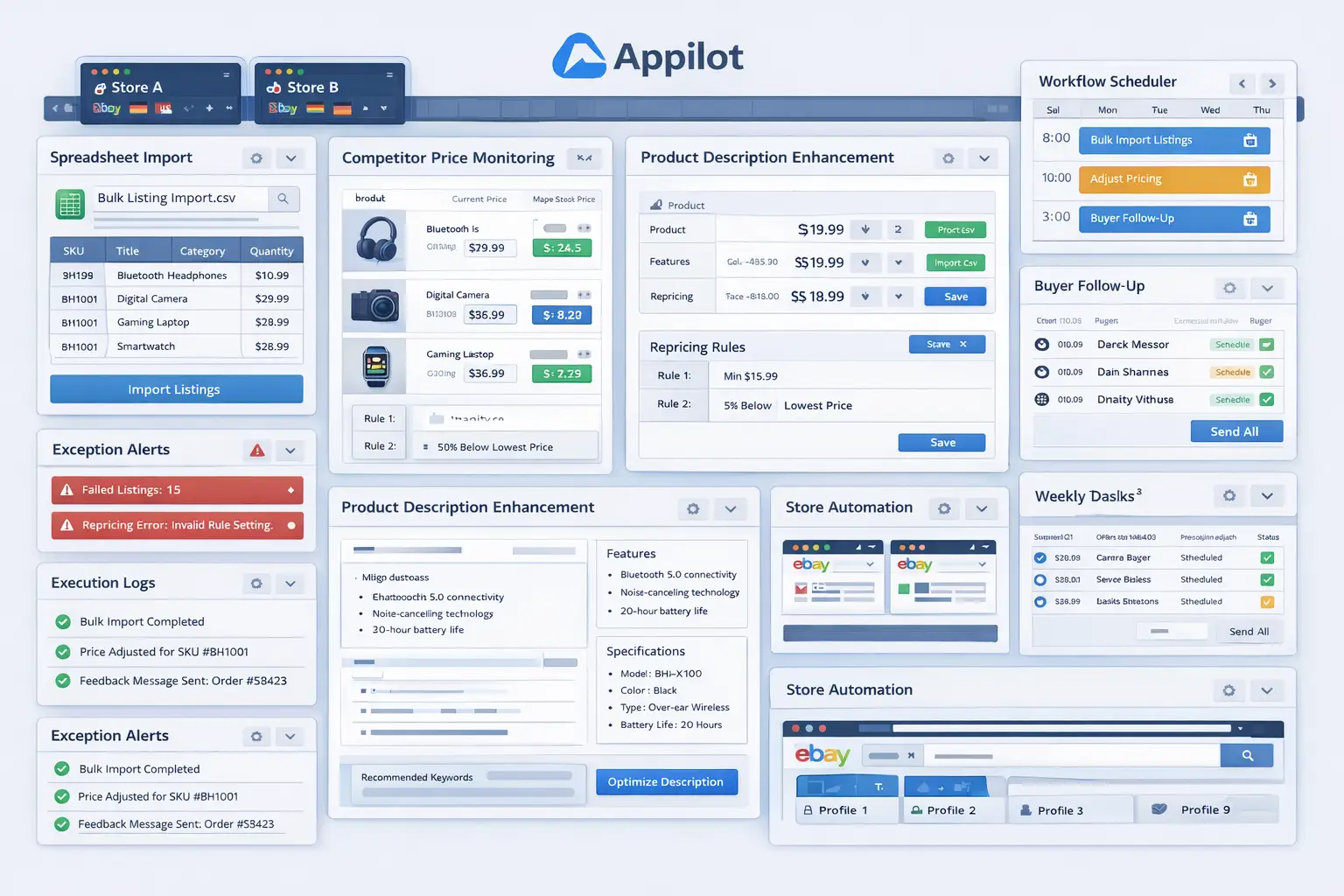
The second step is building your description framework. This means creating the approved structure you want the automation to apply. For example, a description may begin with a clear product summary, followed by key details, then condition or specification notes, and finally store-related information such as handling or packaging context. The exact structure depends on your business, but the important part is that it becomes repeatable.
The third step is mapping your source data. If your spreadsheet includes product name, material, size, condition, features, compatibility notes, or included items, decide exactly where those values should appear inside the description. The more clearly this is mapped, the more predictable the final output becomes.
Now organize the operational environment. Each eBay account should have its own dedicated browser profile. This is especially important if you manage multiple stores or client accounts. Description updates should always happen in the correct environment and follow the same stable workflow.
Next, connect that environment to your workflow system. In this example, Appilot is the automation layer handling the repeated browser-side editing process. That makes sense because the challenge is not the concept of better copy. The challenge is updating listing after listing without turning the process into endless manual editing.
The workflow sequence should be simple and controlled. It typically begins by opening the correct eBay account profile, locating the target listing, entering the edit view, pulling the approved enhanced description content from the source, replacing or updating the description field, saving the listing, and writing the result into a tracking log. That logging step matters because it tells the team which listings were updated successfully and which ones still need review.
The safest rollout uses staged validation. Start with a small batch of listings only. Review the new descriptions carefully. Check whether the formatting looks clean, whether product details landed correctly, whether the tone matches the store’s style, and whether any fields created awkward phrasing. This is where the process becomes more intelligent. The point is not to update as many listings as possible immediately. The point is to prove that the enhancement logic actually improves quality.
After that first batch, refine the templates and data mappings. You may find that some product categories need slightly different structures. That is normal. One of the strongest ways to scale this kind of workflow is to group products by description type and create slightly different enhancement logic for each group rather than forcing a single format across everything.
Once the workflow behaves properly, expand gradually. Move from a small sample to a larger category group, then to broader sections of the catalog. Some sellers will prefer saving changes as drafts first for review, while others may be comfortable saving live updates after the process has been validated. Both approaches can work, but the best starting point is always the more controlled one.
A practical implementation usually works like this. First, the team defines the ideal description structure. Second, raw product data is mapped into that structure. Third, the automation launches the correct eBay store profile. Fourth, it opens the listing, updates the description field with the approved enhanced content, and saves the change. Fifth, the output is logged for review. Sixth, any exceptions are handled manually.
That is how product description enhancement becomes a scalable catalog optimization process instead of a never-ending manual rewrite task.
Safety and Best Practices for Description Enhancement Automation
The first rule is to keep content standards human-led. Automation should apply approved description structures and data mappings, not invent your store voice without direction. The stronger your standards are, the better the results will be.
The second rule is to validate the source data before running the workflow. If your spreadsheet or source file contains inaccurate details, the automation can push those errors into the catalog at scale. Clean inputs matter.
The third rule is to start with one enhancement type first. Do not try to rewrite structure, tone, formatting, and all content logic at once in the first rollout. A narrower improvement path is easier to validate and much safer to scale.
The fourth rule is to use controlled rollout batches. Start with a small category or listing group, review the results carefully, and only then expand into larger sections of the catalog.
The fifth rule is to log every update. Description enhancement should leave a clear review trail so the team always knows what changed and which listings still need manual attention.
Real Results: What to Expect
During the first week, expect more testing and refinement than dramatic scale. You will be validating content templates, checking field mapping, and making sure the updated descriptions actually look better than the originals. This stage is where the process becomes trustworthy.
By the second and third weeks, the benefit becomes more obvious. Instead of treating description cleanup like a backlog that never gets finished, the team starts moving through listings in a more structured way. The time spent on repetitive manual editing drops, and the quality of listing copy becomes easier to standardize.
By the second month, the biggest win is usually consistency. Large sections of the catalog can start following the same formatting logic, the same content order, and the same quality standard. For stores with a lot of legacy listings, that is often more valuable than the raw labor savings.
The realistic result is not a perfectly optimized description for every product with zero review. The realistic result is a much cleaner, faster, and more scalable way to improve listing descriptions across the store.
Common Problems and Solutions
One common problem is poor source data. If your input spreadsheet has missing fields, unclear product notes, or low-quality descriptions to begin with, the workflow will produce weak results. The fix is to improve data quality before scaling the process.
Another issue is trying to force one description structure across very different product categories. This usually creates awkward listing copy. The solution is to group products into similar description types and build category-appropriate templates.
A third issue is weak review discipline. Some sellers test a few good results and then push the workflow too broadly without checking quality carefully. The fix is to keep batch-based review in place until the process has proved itself repeatedly.
The last major issue is poor formatting logic. Even good content can look weak if the description layout is messy. The solution is to define formatting standards clearly before rollout and test them in live listing previews.
Choosing the Right Tools for Description Enhancement Automation
The best setup depends on catalog size and how structured your product data already is. A small store with only occasional description updates may still work manually for a while. A larger seller, reseller, or agency with many listings will benefit much more from a system that combines structured source data with repeatable browser execution.
For this use case, a browser profile structure combined with a workflow layer is often the most practical route. Appilot fits naturally because it helps transform repeated description-editing work into a more manageable operational process without forcing the business into a complex technical build.
This is also a natural place in your final publishing version to connect related content such as browser integration guides, listing optimization blogs, and multi-store automation resources, because the reader is already thinking in terms of catalog quality and operational efficiency.
Scaling Beyond Basic Description Updates
At a small scale, a team can still review nearly every updated description individually without much pain. As the catalog grows, description enhancement becomes a systems problem. The question is no longer whether one description can be improved. The question becomes whether the store can improve many descriptions consistently without turning the task into a permanent manual project.
That is where automation becomes especially useful. It helps create a repeatable content improvement pipeline. Instead of relying on someone to remember which listings need work and edit them one by one, the business can move through batches, categories, and product groups in a structured way.
The sellers who benefit most are usually the ones who already have product data available but are not using it effectively inside their listings. For them, description enhancement automation creates a practical bridge between stored data and better listing quality.
Frequently Asked Questions
Q1: Can eBay product description enhancement really be automated?
Yes. If you have a structured content standard and a reliable data source, the repeated listing update process can be automated in a practical way.
Q2: What should I automate first?
Start with one clear improvement type, such as standardized formatting or structured feature insertion. A narrow rollout is easier to validate than a full description overhaul.
Q3: Why is Appilot relevant for this use case?
Because this is a repeated browser workflow problem. Appilot fits naturally as the layer that helps execute listing updates consistently across many products.
Q4: Do I still need human review?
Yes. Description quality still depends on content standards, source accuracy, and store voice. Automation reduces repetitive editing work, but oversight remains important.
Q5: What is the biggest requirement for success?
Clear structure. Strong input data and an approved description framework matter more than speed or automation depth.
Q6: How much time can this save?
That depends on catalog size and update frequency, but sellers handling large numbers of listings usually save significant time once repetitive description editing stops being manual.
Conclusion
If you want eBay product description enhancement automation, the biggest opportunity is not just speed. It is consistency. Manual description improvement is slow, uneven, and easy to postpone. A structured workflow turns it into a real catalog optimization process.
The best path is to define a clear description standard, organize the source data properly, group products where necessary, keep the review process controlled, and use a workflow layer like Appilot where it naturally helps with repeated browser execution. Then start with a small batch, validate the results carefully, and expand only when the quality proves stable.
When done properly, this kind of automation does not reduce content quality. It makes quality easier to apply across more of the catalog without turning the team’s time into endless manual editing work.