Email List Cleaning and Validation Automation

Cleaning an email list manually can work when the list is small and the email program is simple. But once your subscriber base starts growing, more campaigns are being sent, inactive contacts pile up, bounced addresses appear more often, and list hygiene turns into one of the most repetitive parts of email marketing operations.
The real issue is not only removing bad email addresses. It is the inconsistency that appears when list cleaning depends entirely on occasional manual checks. One inactive subscriber group may be reviewed because someone noticed falling engagement. Another group may stay in the main list for months because nobody had time to clean it. Hard bounces may be removed quickly in one campaign cycle, while stale contacts continue lowering performance elsewhere.
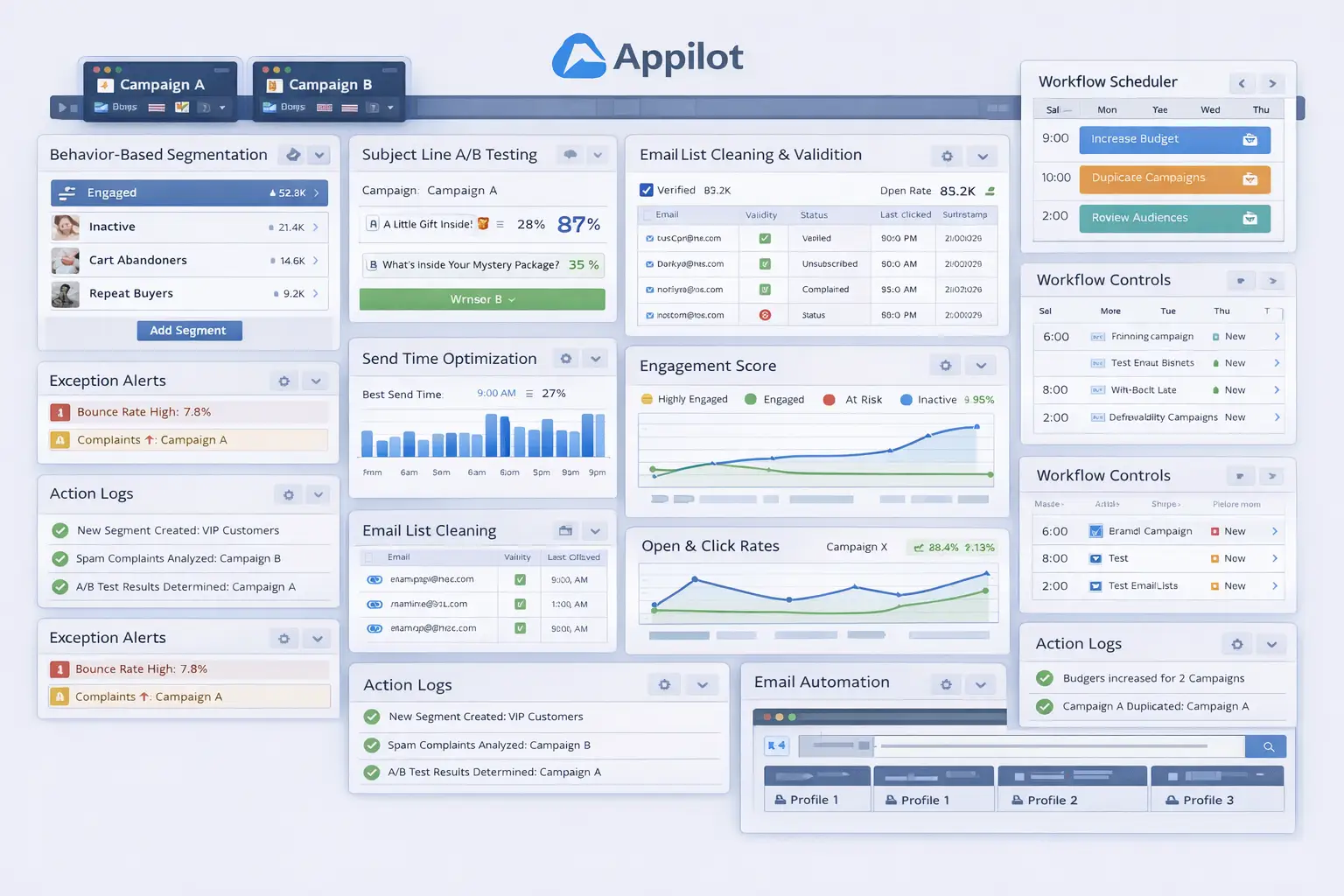
That is why more businesses want email list cleaning and validation automation. Instead of manually reviewing contacts every time engagement falls or deliverability becomes a concern, automation turns list hygiene into a structured workflow. With the right setup, invalid addresses can be filtered faster, inactive subscribers can be identified earlier, risky contacts can be segmented properly, and the health of the overall email program becomes much easier to maintain.
For this guide, I will use Appilot as the workflow automation layer because it fits naturally into repeated browser-based marketing tasks like this one. That does not mean list strategy should be left entirely to automation. It should not. The smart approach is to keep subscriber quality rules, re-engagement decisions, and suppression policies human-led while using automation to handle the repetitive browser-side execution. That is where the biggest efficiency gain appears.
In this guide, you will learn why email list cleaning automation matters, what you need before getting started, how to structure the workflow step by step, what safety practices matter most, and what realistic outcomes you can expect once the process is stable.
Why Email List Cleaning and Validation Automation Matters in 2026
An email list only creates value when it contains contacts who can actually receive and engage with your messages. Invalid addresses, hard bounces, spam-prone contacts, and long-term inactive subscribers all weaken performance. They lower deliverability, reduce the accuracy of engagement reporting, and make it harder to understand what the healthy part of the list is actually doing.
For a small email list, manual cleaning may still feel manageable. But once you are sending regularly to larger subscriber bases, list maintenance becomes repetitive and easy to postpone. One month the team may review inactive contacts and remove the worst ones. The next month, campaign deadlines take over and hygiene gets ignored. Over time, that inconsistency affects inbox placement, open rates, and campaign quality.
The real cost is not only technical. It is strategic. A dirty list makes your data less trustworthy. Campaign performance may look weaker because disengaged subscribers are still included. Segmentation becomes less accurate. Re-engagement efforts become harder to target correctly because nobody is fully sure which contacts are truly inactive, risky, or invalid.
Automation matters because it creates structure. Instead of asking whether someone remembered to clean the list this month, the business can define what makes a contact risky, invalid, or inactive, and then let a workflow apply those rules consistently over time.
The Manual Approach vs. the Automated Approach
The manual approach to list cleaning usually depends on occasional exports, reports, and review. A marketer looks through bounce reports, engagement activity, and inactivity windows, then removes or suppresses contacts manually. This works when the list is small, but it becomes inefficient once the subscriber base grows and campaigns run frequently.
The biggest weakness of the manual approach is that it depends on time and attention. If the team is busy with campaigns, design work, automation flows, or reporting, list hygiene often gets pushed back. That means invalid or low-quality contacts stay inside the active database longer than they should.
The automated approach changes that structure. Instead of waiting for someone to review list health manually, the business defines the rules in advance. That may include suppressing hard bounces automatically, segmenting inactive subscribers after a set number of days, flagging contacts with repeated non-engagement, or filtering invalid addresses before they continue affecting performance.
This does not remove human control. The marketer still decides what “inactive” means, how long re-engagement should last, and when a subscriber should be suppressed or removed. Automation simply removes the repetitive admin work required to apply those decisions consistently.
What You Need to Get Started
Before you automate email list cleaning and validation, you need a clear list hygiene strategy. Decide what makes a contact safe, risky, inactive, or invalid. Some businesses may want to focus first on hard bounces and invalid addresses. Others may also want to automate inactivity management, spam-risk filtering, or re-engagement routing.
The second requirement is clear suppression logic. You need to define what should happen when a contact meets a cleaning rule. For example, a hard bounce may be suppressed immediately, while an inactive subscriber may enter a re-engagement segment before final suppression. The workflow becomes much stronger when these decisions are intentional.
The third requirement is reliable subscriber-level reporting. Your workflow depends on accurate data around bounces, opens, clicks, recency, and delivery behavior. If those signals are weak or inconsistent, the cleaning logic becomes harder to trust.
The fourth requirement is a stable browser environment. If you manage multiple brands or email platforms, each should have its own browser profile so list updates happen in the correct account every time.
This is where Appilot becomes useful in a practical way. It helps transform repeated browser-side list hygiene tasks into a more manageable workflow without forcing the business into a large custom build for what is essentially recurring email program maintenance.
Finally, you need a logging system. List cleaning changes should always remain visible so the team can review which contacts were suppressed, which were moved into re-engagement, and which parts of the list are improving over time.
Step-by-Step: Setting Up Email List Cleaning and Validation Automation
The first step is deciding which list hygiene problems you want to solve first. Do not try to automate every contact-quality issue in one pass. Begin with the problems that create the clearest risk, such as invalid addresses, hard bounces, and deeply inactive subscribers. A narrow rollout is easier to validate.
The second step is defining the cleaning categories. For example, one category may be invalid or undeliverable addresses. Another may be recently bounced contacts. Another may be inactive subscribers who have not opened or clicked for a defined period. Another may be “at-risk” contacts who still exist on the list but need closer monitoring. The more clearly these categories are defined, the more dependable the workflow becomes.
The third step is deciding what should happen to each category. Some contacts may be suppressed immediately. Others may be removed from main campaign sends but kept for re-engagement. Others may be flagged but left active until more behavior data arrives. These actions should be based on business rules, not assumptions.
The fourth step is deciding the trigger for updates. Some businesses may want daily hygiene checks. Others may prefer weekly updates or campaign-based review windows. The exact timing depends on list volume and sending frequency, but it should be consistent.
Now organize the email platform environment. If you manage one brand, a stable browser setup may be enough. If you manage multiple brands or clients, each should have its own browser profile so the workflow always operates in the correct account.
Next, connect that environment to your workflow system. In this example, Appilot acts as the operational layer that helps execute repeated browser-side list cleaning tasks once your hygiene rules are already defined. That makes sense because the challenge is not knowing that invalid and inactive contacts should be handled better. The challenge is applying those decisions consistently without turning the process into repetitive manual work.
Now define the workflow sequence clearly. A typical setup begins by opening the correct email platform profile, reviewing subscriber health signals, identifying contacts that match the approved hygiene rules, applying the right action such as suppression, tagging, movement to a re-engagement segment, or exclusion from future sends, saving the changes, and then logging the result. That logging step matters because it helps the team track which hygiene rules are being triggered and where.
The safest rollout begins with a small section of the list or a limited set of rules. Test the workflow on hard bounces and one inactivity segment first. Review whether the correct contacts were suppressed, whether any healthy subscribers were incorrectly flagged, whether the re-engagement path works properly, and whether the action log recorded everything accurately.
After the first batch works, refine the rules. You may discover that some inactive subscribers still respond well to seasonal campaigns, or that some contact sources generate more invalid addresses than others. That is normal. Good cleaning automation becomes stronger as the business learns which patterns matter most.
Once the workflow proves stable, expand gradually. Add more hygiene categories, more list segments, and more brands if needed. Some businesses may automate only suppression and inactivity tagging at first, while others may automate broader list-health workflows once the rules prove reliable.
A practical implementation usually works like this. First, the business defines what makes a contact invalid, inactive, or risky. Second, those rules are mapped to actions such as suppression, tagging, or re-engagement. Third, the workflow launches the correct email platform environment. Fourth, the system updates the approved contact records. Fifth, the results are logged. Sixth, the team reviews exceptions and refines the process over time.
That is how list hygiene stops being occasional spreadsheet cleanup and becomes a structured email marketing workflow.
Safety and Best Practices for List Cleaning Automation
The first rule is to keep list strategy human-led. Automation should apply the approved hygiene rules, but the business should decide what makes a contact invalid, inactive, or worth re-engaging before anything goes live.
The second rule is to avoid over-cleaning too quickly. Some subscribers may still be valuable even if they have not opened recently. Strong workflows separate clearly invalid contacts from those who simply need re-engagement.
The third rule is to use meaningful inactivity thresholds. If subscribers are flagged too early, healthy contacts may be removed unnecessarily. If the threshold is too slow, list quality suffers longer than it should.
The fourth rule is to log every hygiene update. This makes it easier to review which contacts were changed and helps prevent accidental suppression or duplicate actions.
The fifth rule is to start small. Test the workflow on one or two hygiene categories first, then expand only when the process proves reliable.
Real Results: What to Expect
During the first week, expect more setup and validation than dramatic improvements. You will spend time defining hygiene categories, checking subscriber activity signals, and making sure the workflow only touches the right contacts.
By the second and third weeks, the operational benefit becomes clearer. Parts of the list that once relied on irregular manual cleanup begin moving through a more structured hygiene process. The team spends less time manually reviewing inactive and invalid contacts and more time reviewing only the exceptions.
By the second month, the biggest win is usually consistency. Invalid contacts are removed or suppressed more quickly, inactive segments are easier to manage, and the email program feels more organized because hygiene no longer depends on random manual attention.
The realistic result is not that every inbox issue disappears instantly. The realistic result is a more disciplined and scalable list maintenance process that reduces repetitive admin work and improves list quality over time.
Common Problems and Solutions
One common problem is suppressing too aggressively. This usually happens when inactivity windows are too short or when low-engagement contacts are treated the same as clearly invalid ones. The fix is to separate invalid, inactive, and at-risk subscribers into different hygiene categories.
Another issue is weak source tracking. If the business does not know where low-quality contacts are coming from, cleaning becomes reactive instead of strategic. The solution is to track source quality alongside hygiene outcomes.
A third issue is relying on one-time cleaning. Even a strong cleanup project loses value if the workflow is not continuous. The fix is to build repeatable hygiene triggers instead of treating list cleaning as a rare event.
The last major issue is weak logging. Without clear records, it becomes hard to know which rules were triggered and whether the list is getting healthier. The fix is to make logging part of the core workflow.
Choosing the Right Tools for Email List Cleaning Automation
The right setup depends on list size, campaign frequency, and how often subscriber quality changes. A very small business with occasional sends may still manage list hygiene manually for a while. A growing business with frequent campaigns, multiple lead sources, or larger subscriber bases benefits much more from a workflow that combines clear hygiene rules with repeatable browser-side execution.
For this use case, a stable browser environment combined with a workflow layer is often the most practical option. Appilot fits naturally because it helps transform repeated list cleaning and validation tasks into a manageable process without forcing the business into a large custom build.
This is also a natural place in your final publishing version to connect related resources such as send-time optimization, behavior-based segmentation, browser integration guides, and broader email marketing content, because businesses struggling with list hygiene often face other subscriber-management challenges too.
Scaling Beyond Basic List Cleaning Workflows
At a small scale, teams can still review many subscriber issues manually without too much difficulty. As the email program grows, list hygiene becomes a systems problem. The challenge is no longer whether one set of bad contacts can be cleaned correctly. The challenge becomes whether the whole database can stay healthy without creating a constant maintenance burden.
That is where automation becomes especially valuable. It creates a repeatable list-health management layer. Instead of waiting for someone to notice that deliverability is dropping or that inactivity is rising, the program can operate with a more dependable cleaning process.
The businesses that benefit most are usually the ones already seeing signs of list fatigue, bounce issues, or weak engagement because hygiene updates are being delayed or forgotten. For them, automation is not just a convenience. It is part of keeping the email program operationally healthy as the database grows.
Frequently Asked Questions
Q1: Can email list cleaning and validation really be automated?
Yes. If you define clear hygiene rules and subscriber categories, much of the repetitive list maintenance process can be automated in a practical way.
Q2: What should I automate first?
Start with hard bounces and one inactive subscriber segment. A narrow rollout is easier to validate than trying to automate your full hygiene process immediately.
Q3: Why is Appilot relevant for this use case?
Because this is a repeated browser workflow problem after the hygiene rules are already defined. Appilot fits naturally as the operational layer that helps apply those updates consistently.
Q4: Do I still need manual review?
Yes. List cleaning automation reduces repetitive work, but the team should still review engagement quality, source quality, and suppression decisions regularly.
Q5: What is the biggest requirement for success?
Clear hygiene thresholds. Strong rules for bounces, inactivity, and suppression matter much more than just turning automation on.
Q6: How much time can this save?
That depends on list size and sending frequency, but larger email programs usually save significant time once list maintenance stops depending on repeated manual cleanup.
Conclusion
If you want email list cleaning and validation automation, the biggest opportunity is not just saving time. It is creating consistency in how your business protects list quality. Manual cleaning leads to stale contacts, uneven hygiene, and too much dependence on repetitive admin work. A structured workflow replaces that with a more reliable system.
The best path is to define which contact-quality problems matter most, build clear hygiene rules and thresholds, start with a narrow rollout, and use a workflow layer like Appilot where it naturally helps with repeated browser execution. Then test the results carefully, review list quality regularly, and expand only when the workflow proves stable.
When done properly, list cleaning automation does not reduce control over your email program. It strengthens control by making it easier to keep the right subscribers in the right state as the database grows.