Email Verification Not Arriving? Here’s the Workaround
The Verification Email Never Shows Up
You try to log in, create an account, reset a password, or confirm a new device, and the platform says it sent a verification email.
Then nothing happens.
You refresh the inbox. You check spam. You wait five minutes, then ten. Still nothing.
Sometimes the email arrives an hour later when it is already expired. Sometimes it never arrives at all. In other cases, the platform keeps resending codes that never appear, leaving you stuck in a loop where you cannot move forward.
This is one of the most frustrating problems in account management because you cannot control what happens next.
The account is ready. The browser profile is ready. The workflow is ready. But everything stops because the email never arrives.
The good news is that this problem is usually caused by a small number of issues, and once you identify the right one, it becomes much easier to fix.
Why Verification Emails Stop Arriving
Most people assume the platform failed to send the email.
Sometimes that is true, but often the email was sent successfully and got delayed, filtered, blocked, or routed somewhere unexpected.
The email went to spam or promotions
Many verification emails get filtered automatically.
This is especially common with Gmail, Outlook, Yahoo, and corporate email providers that aggressively sort incoming messages.
The email may end up in:
Spam
Promotions
Social
Updates
Junk folders
Archived messages
If you are using filters or inbox rules, the email may also get moved automatically without you noticing.
Your email provider delayed or blocked the message
Some email providers are more aggressive than others.
They may delay emails from unfamiliar senders, block certain domains, or temporarily reject messages if too many verification requests were made in a short period.
This often happens with temporary email services, old domains with poor reputation, or business email systems with strict filtering rules.
You requested too many codes
If you click “resend code” several times in a row, platforms often invalidate the older codes and only keep the latest one active.
That can create confusion because you may receive multiple emails, but only the newest code works.
In some cases, repeated requests can also trigger temporary rate limits that stop new emails from being sent.
The account email address is wrong
Sometimes the simplest explanation is the correct one.
The email may have a typo, an old domain, or the wrong inbox connected to the account.
This is especially common when managing many accounts because it becomes easy to forget which email belongs to which platform.
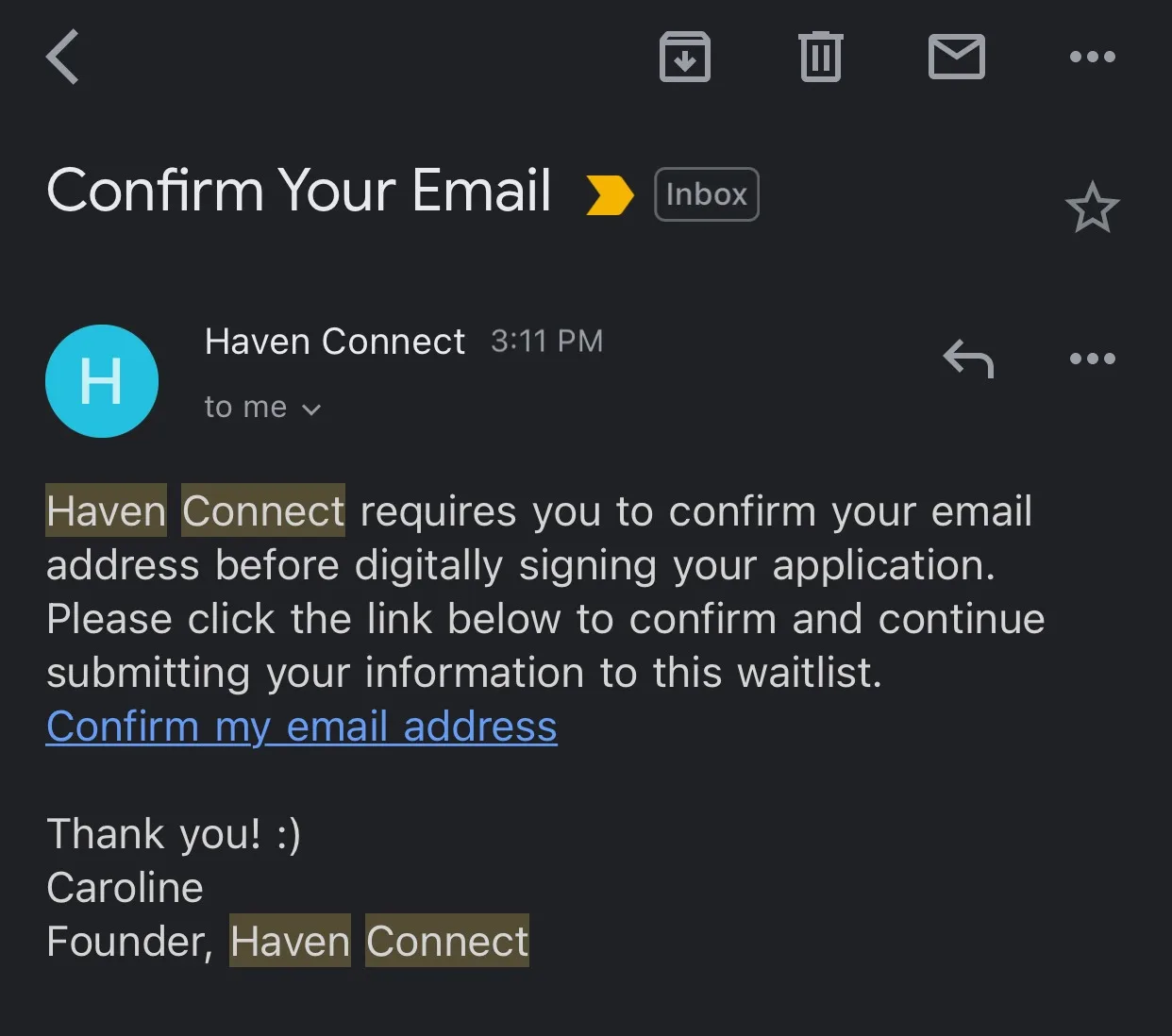
The Complete Workaround
The biggest mistake people make is continuing to request more codes over and over again.
That usually creates more confusion because now there are multiple emails, multiple expired codes, and more delays.
A better approach is to slow down and troubleshoot in order.
Step 1: Check every folder
Before requesting another code, check spam, promotions, junk, social, updates, archive, and search the sender name directly.
Many people miss the email because it is hidden in another tab or folder.
Step 2: Wait before resending
If you already requested one code, wait at least a few minutes before requesting another.
Constant resending can create delays and invalidate previous emails.
Step 3: Test with another email provider
If one provider keeps failing, try another.
For example, if an email never arrives on a business domain, it may work immediately with Gmail or Outlook.
Different email providers filter messages differently.
Step 4: Make sure the inbox itself is working
Send yourself a normal email from another account.
If normal emails are also delayed or missing, the issue may be with the inbox itself instead of the platform.
Step 5: Double-check the exact email address on the account
This is especially important if you manage multiple accounts, aliases, or domains.
A small typo is enough to make the verification email disappear completely.
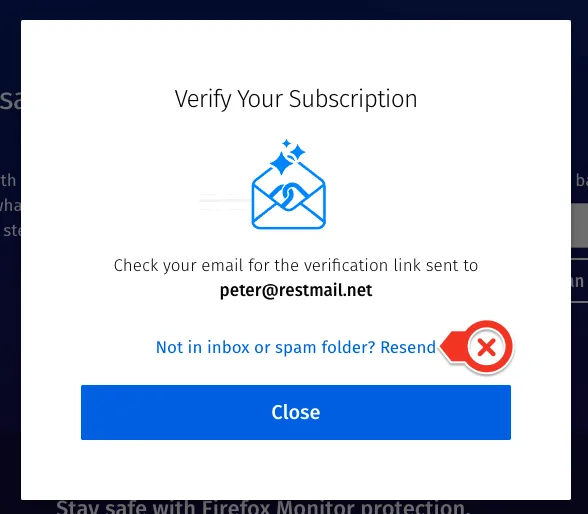
Why Organized Account Tracking Prevents This Problem
Verification issues become much harder when you manage many accounts.
If email addresses, browser profiles, passwords, recovery emails, and account notes are spread across different spreadsheets or tools, it becomes easy to lose track of which inbox belongs to which account.
This is one of the reasons Appilot becomes useful as automation grows.
Instead of keeping browser profiles, Android workflows, account assignments, schedules, and email notes spread across multiple places, everything can stay visible from one dashboard.
That makes it easier to know which account uses which inbox, which browser profile belongs to which task, and where to look when a verification problem happens.
How to Prevent This Problem in the Future
The best way to reduce missing email verification problems is to keep accounts organized.
Each account should have:
One clearly assigned email address
One recovery email
Stable inbox access
Notes about which provider is being used
Minimal unnecessary resend attempts
You should also avoid relying too heavily on temporary email services because they are more likely to block or lose verification messages.
Common Mistakes That Make This Worse
One of the biggest mistakes is requesting too many codes too quickly.
Another mistake is only checking the main inbox and ignoring spam or promotions.
There is also a tendency to forget which email belongs to which account, especially when managing large numbers of profiles.
Without organization, even simple verification issues become difficult to solve.
Conclusion: Missing Verification Emails Are Usually a Delivery Problem, Not a Platform Problem
If email verification codes are not arriving, the issue is usually not that the platform failed to send them.
Most of the time, the email was filtered, delayed, blocked, or sent to the wrong inbox.
Once you slow down, check the right folders, avoid repeated resend attempts, and keep accounts organized, these issues become much easier to solve.
That is what allows you to keep workflows moving without getting stuck waiting endlessly for a code that never arrives.