Facebook Ads Management with GoLogin and Appilot Integration
Why Facebook Ads Management Becomes Difficult at Scale
Managing one Facebook ad account is usually simple enough. Once you begin handling multiple campaigns, multiple client accounts, multiple Business Managers, or different advertising strategies, the amount of daily work increases very quickly.
You may need to review ad approvals, monitor campaign spend, check account warnings, review notifications, manage billing issues, monitor lead quality, check audience performance, and respond to rejected ads.
When all of this work is handled manually across many ad accounts, it becomes difficult to stay organized. Repeating the same tasks every day can consume a large amount of time and increase the risk of missing important updates.
What GoLogin Does for Facebook Ads Management
GoLogin helps by giving every Facebook ad account its own browser environment. Each browser profile can have a unique fingerprint, timezone, proxy, cookie session, browser version, and screen resolution.
This is useful because it allows agencies, media buyers, and advertisers to separate ad accounts from each other.
Instead of logging into every Facebook ad account through the same browser session, GoLogin allows different accounts to remain isolated.
This makes it easier to manage multiple Business Managers, client campaigns, testing accounts, and backup ad accounts.
How Appilot Improves Facebook Ads Workflows
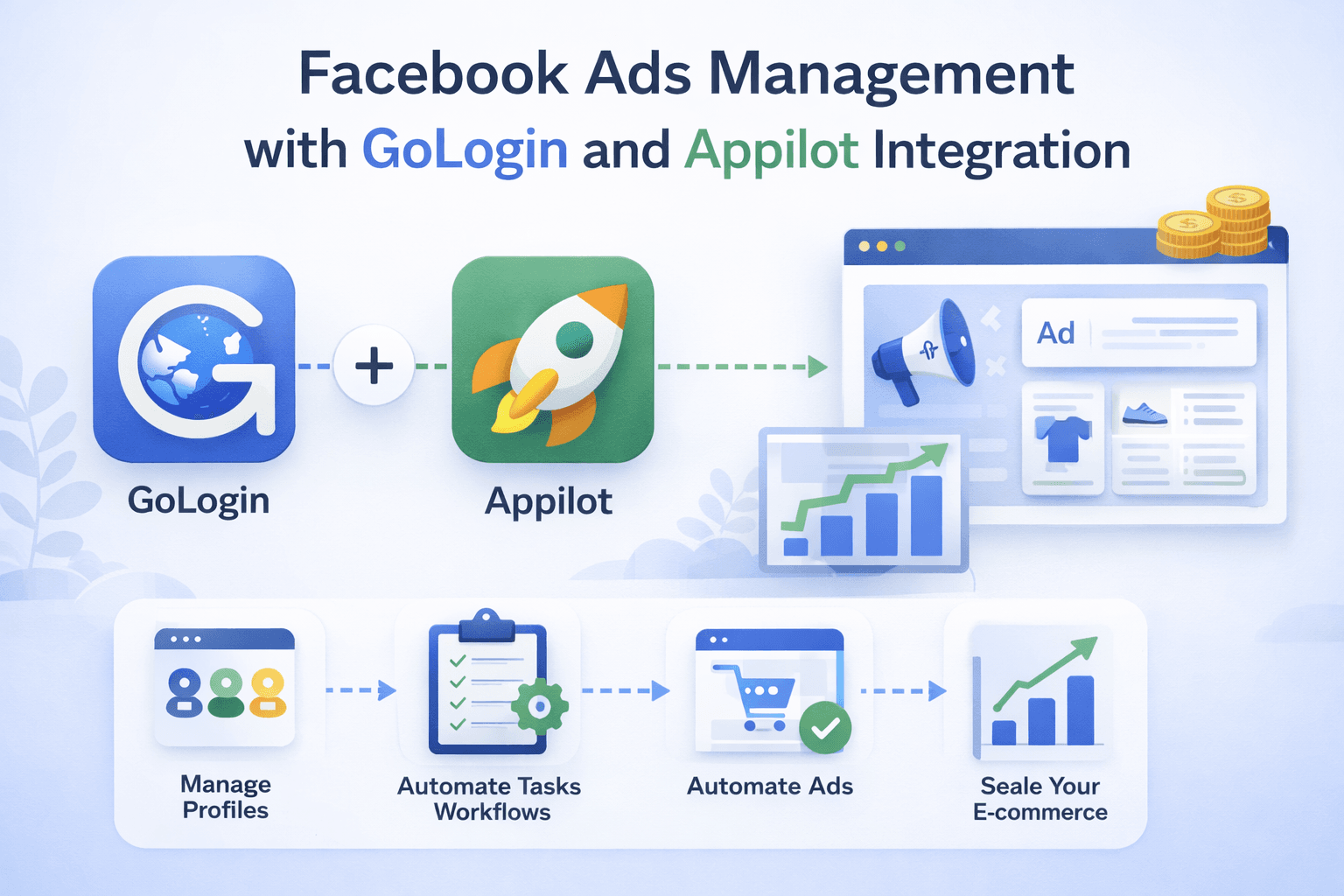
While GoLogin provides browser profile isolation, Appilot provides the automation layer that helps organize and automate browser tasks.
Appilot allows you to launch browser profiles automatically, review campaign dashboards, monitor notifications, check account health, review ad approvals, and collect reporting data.
Instead of opening every Facebook account manually, you can schedule browser tasks and let Appilot handle repetitive actions across multiple profiles.
This saves time and makes larger advertising operations much easier to manage.
Why Facebook Advertisers Need Browser Automation
Many Facebook advertisers repeat the same actions every day. They may review campaign spend every morning, check for rejected ads, review billing issues, monitor account health, and review lead quality throughout the day.
As the number of ad accounts grows, this process becomes much more difficult to manage manually.
Browser automation helps solve this problem by allowing repetitive tasks to run automatically. Instead of logging into every account one by one, Appilot can launch GoLogin profiles, open Facebook dashboards, collect information, and keep everything organized.
Using GoLogin and Appilot for Campaign Monitoring
Campaign monitoring is one of the most important daily tasks for advertisers.
Many advertisers need to review campaign spend, budget pacing, impressions, clicks, conversions, and audience performance across multiple accounts.
Using Appilot with GoLogin makes it easier to automate these reviews by opening Facebook Ads Manager dashboards automatically and collecting the information needed.
This allows advertisers to monitor more campaigns in less time.
Using GoLogin and Appilot for Ad Approval Monitoring
Ad approvals and rejected ads often require constant attention.
If you are running many campaigns, it becomes difficult to manually check every account for rejected ads, limited delivery, or policy warnings.
Appilot can help by launching GoLogin profiles automatically, opening Facebook notifications, reviewing ad status, and identifying accounts that need manual attention.
This reduces the chance of missing important issues that could affect campaign performance.
Using GoLogin and Appilot for Multi-Account Facebook Advertising
Many advertisers operate across multiple Facebook ad accounts, Business Managers, client profiles, or testing environments.
Managing all of these accounts manually can become overwhelming.
GoLogin helps keep browser sessions separated, while Appilot helps automate repeated browser activity.
This makes it easier to manage large advertising operations without manually switching between accounts all day.
How Agencies Can Use GoLogin and Appilot
Agencies often manage Facebook ad accounts for many different clients.
This means they may need to review campaign dashboards, account notifications, billing issues, rejected ads, and account health across many Business Managers every day.
Using Appilot with GoLogin allows agencies to group profiles by client, campaign type, or account category.
Once profile groups are organized, different schedules and workflows can be applied to each category.
This makes agency operations much easier to manage because teams can see which accounts have been reviewed and which tasks still need attention.
How Scheduling Helps Facebook Ads Automation
Scheduling is important because different Facebook tasks need to happen at different times throughout the day.
For example, budget pacing may need to be reviewed every morning, lead quality may need to be checked during the afternoon, and billing issues may only need to be reviewed once per day.
Appilot allows you to schedule browser workflows according to these needs.
This helps create a more organized process while reducing repetitive work.
How GoLogin and Appilot Help Reduce Detection Risk
No browser automation setup is completely safe, but GoLogin and Appilot help reduce obvious patterns.
GoLogin separates browser fingerprints, proxies, and sessions across different Facebook accounts.
Appilot helps by spreading activity across different times, rotating browser profile order, and reducing identical patterns.
This makes browser activity appear more realistic because people do not log into every Facebook ad account at exactly the same moment every day.
Best Practices for Facebook Ads Automation
It is always better to start with a smaller group of accounts before scaling to larger operations.
You should also use reliable residential or mobile proxies because poor proxy quality can still create suspicious behavior.
Regular browser profile maintenance is important because cookies expire, sessions break, and browser versions become outdated.
It is also important to review failed workflows regularly because Facebook changes its layout, login process, and notification system over time.
Finally, avoid creating identical schedules across every account because more variation creates more realistic behavior patterns.
Frequently Asked Questions
Q1: Can Appilot launch multiple Facebook ad accounts automatically?
Yes, Appilot can launch multiple GoLogin profiles and automate browser tasks across different Facebook accounts.
Q2: Can GoLogin separate different Facebook Business Managers?
Yes, GoLogin allows different Business Managers and ad accounts to remain isolated in separate browser profiles.
Q3: Can Appilot monitor rejected ads and account warnings?
Yes, Appilot can automate browser workflows that review notifications, rejected ads, and account health.
Q4: Is this useful for agencies managing client campaigns?
Yes, agencies can use GoLogin and Appilot to organize different client accounts and automate repetitive monitoring tasks.
Q5: Does automation make Facebook ad account management completely safe?
No setup is completely safe, but browser separation, better scheduling, realistic timing, and stronger organization can help reduce obvious risks.
Conclusion
Facebook Ads management becomes much more difficult as the number of accounts grows.
GoLogin helps keep browser sessions isolated, while Appilot helps automate browser workflows and organize repetitive tasks.
The result is a workflow that saves time, improves consistency, reduces repetitive work, and makes large-scale Facebook Ads management much