GoLogin Lite vs GoLogin: Automation Differences with Appilot
GoLogin Lite and the full GoLogin platform both help users manage multiple browser profiles, fingerprints, proxies, cookies, and sessions across different accounts. However, there are important differences between the two when it comes to automation, profile scaling, team collaboration, and Appilot integration. GoLogin Lite is usually more suitable for smaller operations, solo users, and lower profile counts, while the full GoLogin platform is designed for larger workflows that require more profiles, better collaboration tools, cloud launches, mobile profile support, and more advanced API usage. Understanding these differences is important because the type of GoLogin setup you choose can directly affect how well Appilot can manage your browser automation workflows.
What GoLogin Lite Is Best For
GoLogin Lite is usually better for users who only need a small number of browser profiles and basic automation workflows. Smaller teams, solo marketers, freelancers, and users managing a limited number of accounts can often use Lite plans effectively because they still include fingerprint protection, REST API access, Android support, web app access, and proxy integration. However, Lite plans generally support fewer browser profiles, fewer profile shares, and fewer collaboration tools, which makes them better for simpler workflows rather than large-scale browser operations. Free and Lite-level plans are often limited to around 3 to 10 browser profiles depending on the plan, and profile sharing or team access may be restricted.
What Full GoLogin Is Best For
The full version of GoLogin is better for agencies, large teams, multi-account operations, scraping setups, affiliate campaigns, and large-scale browser automation because it supports much larger profile counts, better team permissions, cloud launches, mobile profile support, and more advanced workspace management. Business and Enterprise plans can support hundreds or even thousands of profiles, larger numbers of team members, cloud launches, profile sharing, and more advanced API usage, which makes it much easier to manage large browser environments through Appilot. The full platform also supports Android app usage, cloud browsing, profile sharing, workspaces, folders, and team permissions, which are important for users running large collaborative automation operations.
Main Automation Differences
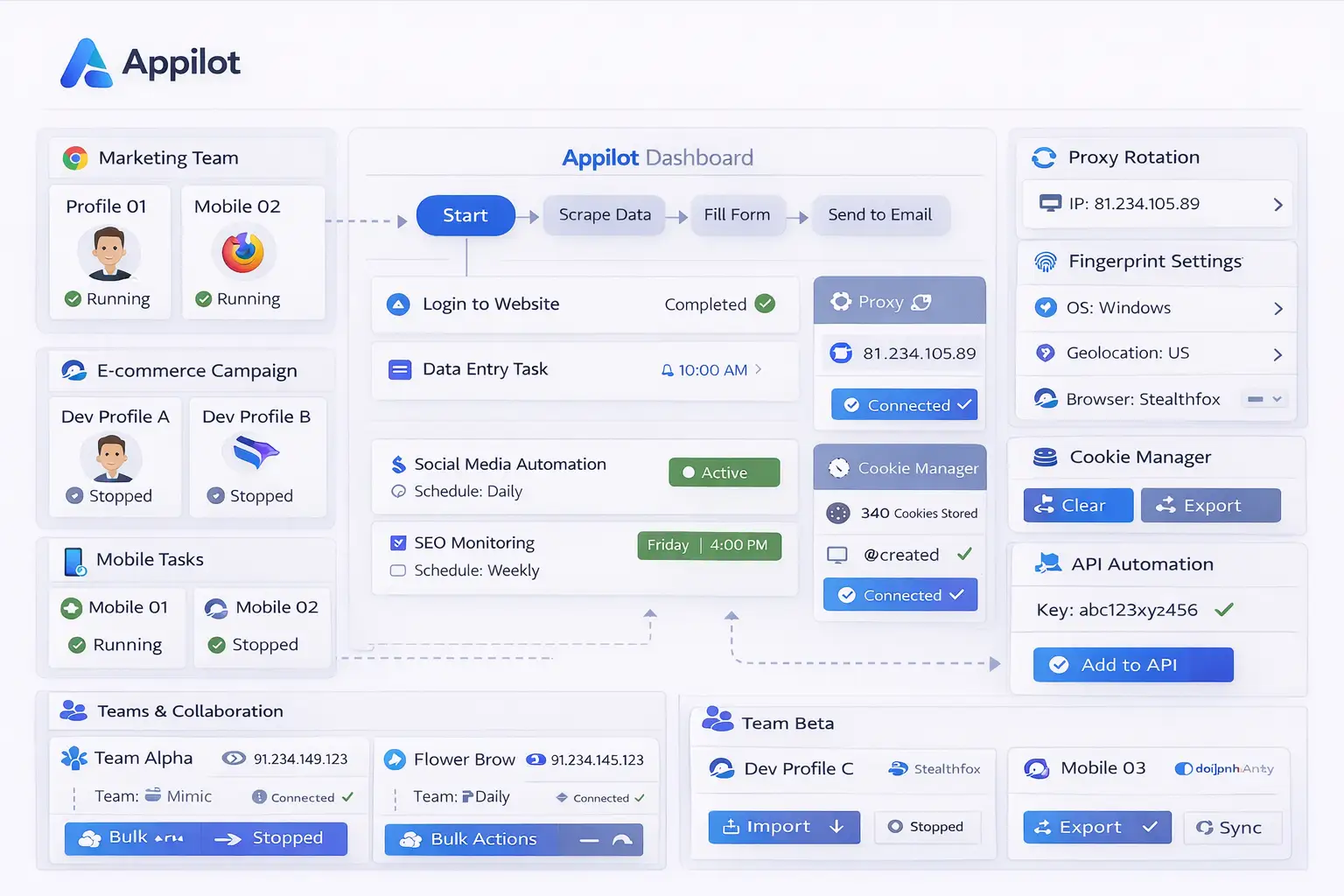
One of the biggest differences between GoLogin Lite and the full version is profile scale. Lite plans are more suitable for a small number of browser profiles, while the full platform is designed for larger profile environments. Another important difference is team collaboration because Lite plans may not include advanced profile sharing or workspace management, while the full platform includes team permissions, folder access, workspaces, and profile sharing features. Cloud launches are another major difference because the full version allows profiles to run in the cloud, while Lite users may be more limited to local launches. API limits also become more important for larger operations because higher-tier GoLogin plans include higher API request limits, which makes them better for Appilot users who rely heavily on browser automation workflows.
How Appilot Fits Into Both Versions
Appilot can work with both GoLogin Lite and the full GoLogin platform because both support browser profiles, proxy assignments, cookies, fingerprint management, and API connections. However, the way Appilot is used can look very different depending on the size of the operation. Smaller Lite setups may use Appilot for simple scheduling, workflow assignment, and small profile groups, while larger GoLogin environments may use Appilot for team collaboration, cloud launches, mobile profile automation, large-scale scheduling, and complex browser workflow management. This means Appilot can still improve organization and workflow control in both cases, but the full version of GoLogin provides more flexibility for larger automation systems.
Which Option Is Better for Different Users
GoLogin Lite is usually the better option for freelancers, solo marketers, and smaller teams that only need a limited number of browser profiles and basic automation workflows. It is often enough for users managing a few social media accounts, affiliate campaigns, or simple scraping operations. The full GoLogin platform is usually better for agencies, larger businesses, multi-account teams, and users running advanced automation workflows because it provides more profiles, more team features, better sharing options, cloud launches, and larger API limits. Choosing the right option depends on the size of your browser environment and how complex your automation workflows need to be.
Frequently Asked Questions
Q1: What is the biggest difference between GoLogin Lite and full GoLogin?
The biggest difference is scale. GoLogin Lite is designed for smaller profile counts and basic workflows, while full GoLogin supports larger teams, more profiles, cloud launches, and better collaboration tools.
Q2: Can Appilot work with GoLogin Lite?
Yes. Appilot can work with GoLogin Lite for profile scheduling, workflow management, and automation across smaller browser environments.
Q3: Does full GoLogin support team collaboration?
Yes. Full GoLogin includes team permissions, profile sharing, workspaces, and folder management for larger teams.
Q4: Which version is better for agencies?
The full GoLogin platform is usually better for agencies because it supports larger profile counts, team access, cloud launches, and advanced automation workflows.
Q5: Does GoLogin Lite still include API support?
Yes. Even smaller GoLogin plans include REST API support, but higher plans usually provide larger API request limits.
Conclusion
GoLogin Lite and full GoLogin both work well with Appilot, but they are designed for different types of users. Lite is better for smaller operations and limited profile counts, while the full platform is better for larger browser environments that require more profiles, team collaboration, cloud launches, and advanced automation features. The best option depends on the size of your workflow, the number of browser profiles you need, and how much collaboration or scaling your automation setup requires.