Google Ads "Limited by Budget" Every Day? Here's What to Do
Your Campaign Runs Out Of Budget Before The Day Ends
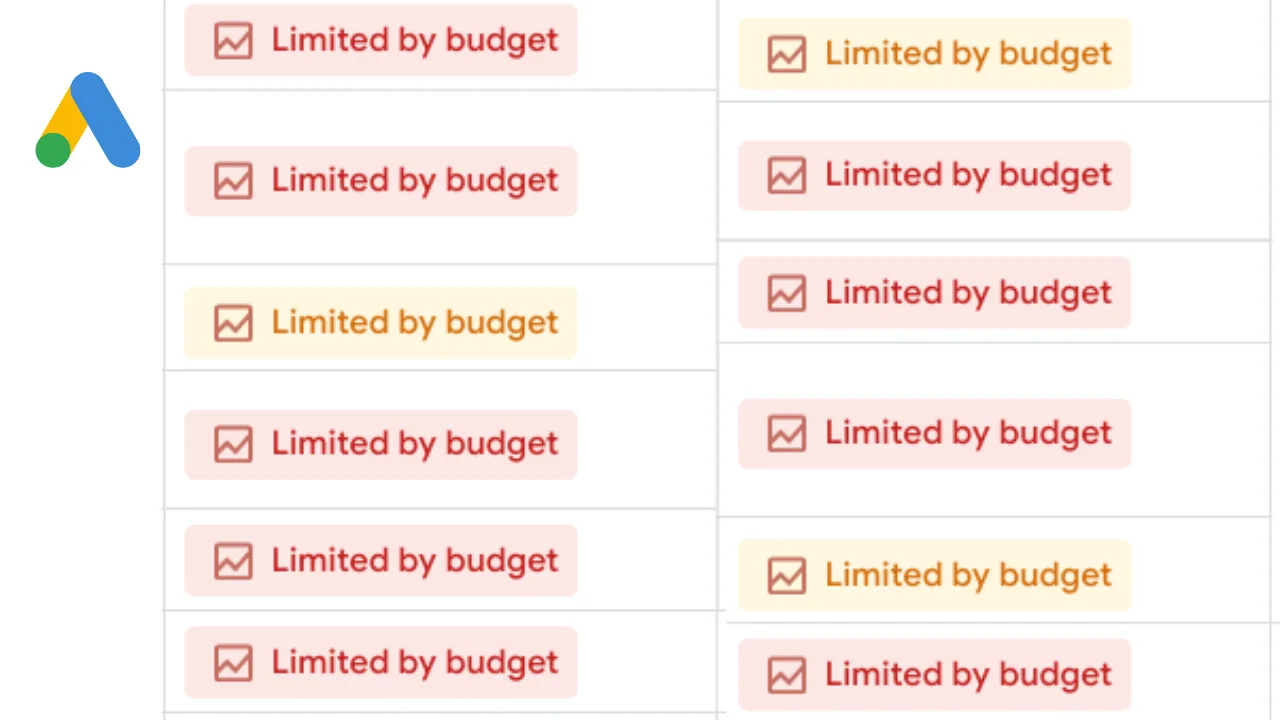
One of the most frustrating things in Google Ads is seeing the “Limited by Budget” warning appear every day. The campaign starts running in the morning, impressions begin coming in, clicks arrive steadily, and then suddenly the delivery slows down because the budget is gone before the day is over.
This becomes especially frustrating because it often feels like the campaign is doing well. Leads are coming in, conversions are happening, and the account has room to grow. But the daily budget cap keeps cutting the campaign short before it has the chance to capture all the available demand.
The important thing to understand is that “Limited by Budget” does not automatically mean you should raise spend immediately. In many cases, the real problem is not the budget itself. The problem is that the campaign structure, bidding, targeting, or keyword quality is wasting too much of the available spend.
Why Campaigns Become Limited By Budget
A campaign becomes limited by budget when Google believes there is more traffic available than the daily budget can support.
For example, if the campaign could potentially spend $200 per day profitably but the budget is only $50, Google may stop showing ads consistently because it knows there is not enough money to capture all the available clicks.
This often happens with high-demand keywords, competitive industries, and campaigns that target large geographic areas.
The same thing can happen when bids are too high. If the campaign is paying too much per click, the budget disappears much faster than expected.
That means two campaigns with the same daily budget can perform very differently depending on keyword costs and bid strategy.
The Biggest Mistake: Raising Budget Without Fixing Waste
One of the biggest mistakes advertisers make is immediately increasing budget without fixing the parts of the campaign that are wasting money.
If the account has weak keywords, poor search term quality, broad match traffic, low-quality clicks, weak landing pages, or bad conversion rates, adding more budget usually just creates more waste.
The stronger approach is fixing efficiency first.
Look at which keywords are converting, which search terms are wasting spend, which devices perform poorly, which locations are weak, and which times of day generate the worst results.
Once you reduce wasted spend, the existing budget usually goes further.
Only after that should you decide whether increasing the budget makes sense.
Why Broad Match Keywords Make Budgets Disappear Faster
A lot of campaigns become limited by budget because broad match keywords pull in too much irrelevant traffic.
For example, a campaign targeting “marketing software” may end up paying for clicks related to free tools, jobs, courses, definitions, or unrelated software categories.
That creates a situation where the budget gets spent on low-quality traffic before the best searchers even have a chance to see the ad.
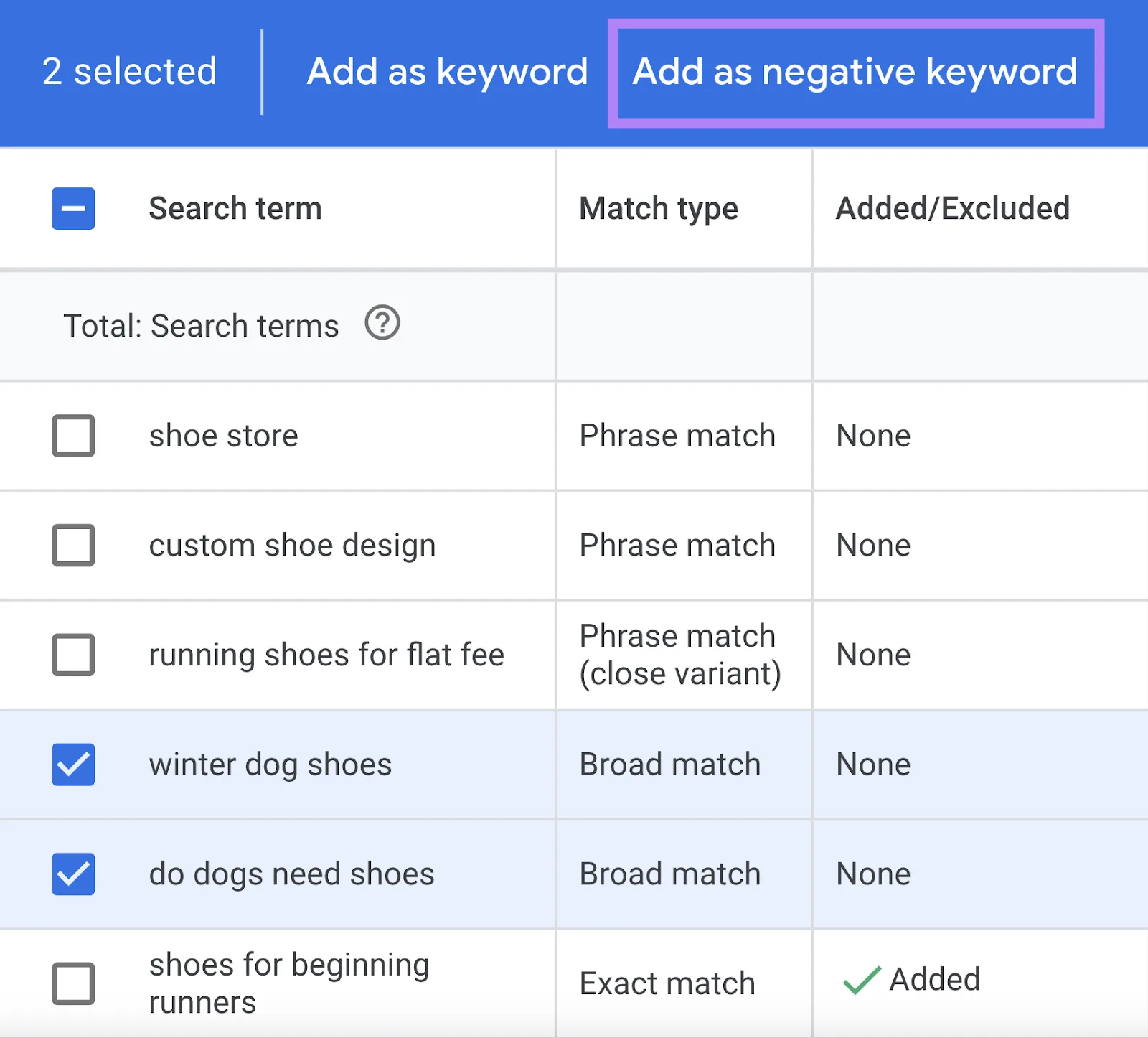
This is why search term reports matter so much.
You need to see exactly what users are searching for before they click.
The easiest way to improve this is by adding more negative keywords, tightening keyword match types, and focusing the budget on the terms that actually convert.
Why Weak Conversion Rates Make The Problem Worse
Sometimes the campaign is not actually limited by budget.
It is limited by efficiency.
If the landing page converts poorly, the offer is weak, or the wrong audience is clicking, the campaign may feel budget-constrained because the results are too expensive.
For example, if the campaign only converts one out of every fifty clicks, the budget disappears quickly without creating enough value.
That is why conversion rate optimization matters.
Improving the landing page, speeding up the site, making the offer clearer, and improving trust signals can often reduce cost per lead more effectively than simply raising the budget.
Why Better Campaign Organization Helps
Budget problems become much harder to diagnose when keywords, search terms, landing pages, bids, and reporting are spread across different systems. You may have one place for keyword research, another for landing page notes, another for reporting, and another for campaign management. That makes it difficult to see which parts of the campaign are using budget efficiently and which parts are wasting it.
This is one of the reasons Appilot becomes useful when advertising operations start scaling. Instead of keeping browser workflows, Android automations, keyword notes, landing page reviews, search term reports, campaign history, and task logs spread across different systems, everything can stay visible from one dashboard. That makes it easier to compare budget efficiency, identify wasted spend, monitor keyword performance, and improve campaign structure across multiple accounts.
Conclusion: “Limited By Budget” Usually Means The Campaign Needs Better Efficiency Before More Spend
If your Google Ads campaign is limited by budget every day, the issue is usually not that the daily budget is too low by itself. The problem is often that too much of the spend is being wasted on weak keywords, irrelevant traffic, broad targeting, or poor conversion rates.
Once you improve keyword quality, reduce wasted clicks, tighten search terms, and make the landing page convert better, it becomes much easier to decide whether increasing the budget is actually necessary.