Headless Browsers vs API Scraping: When to Use Each
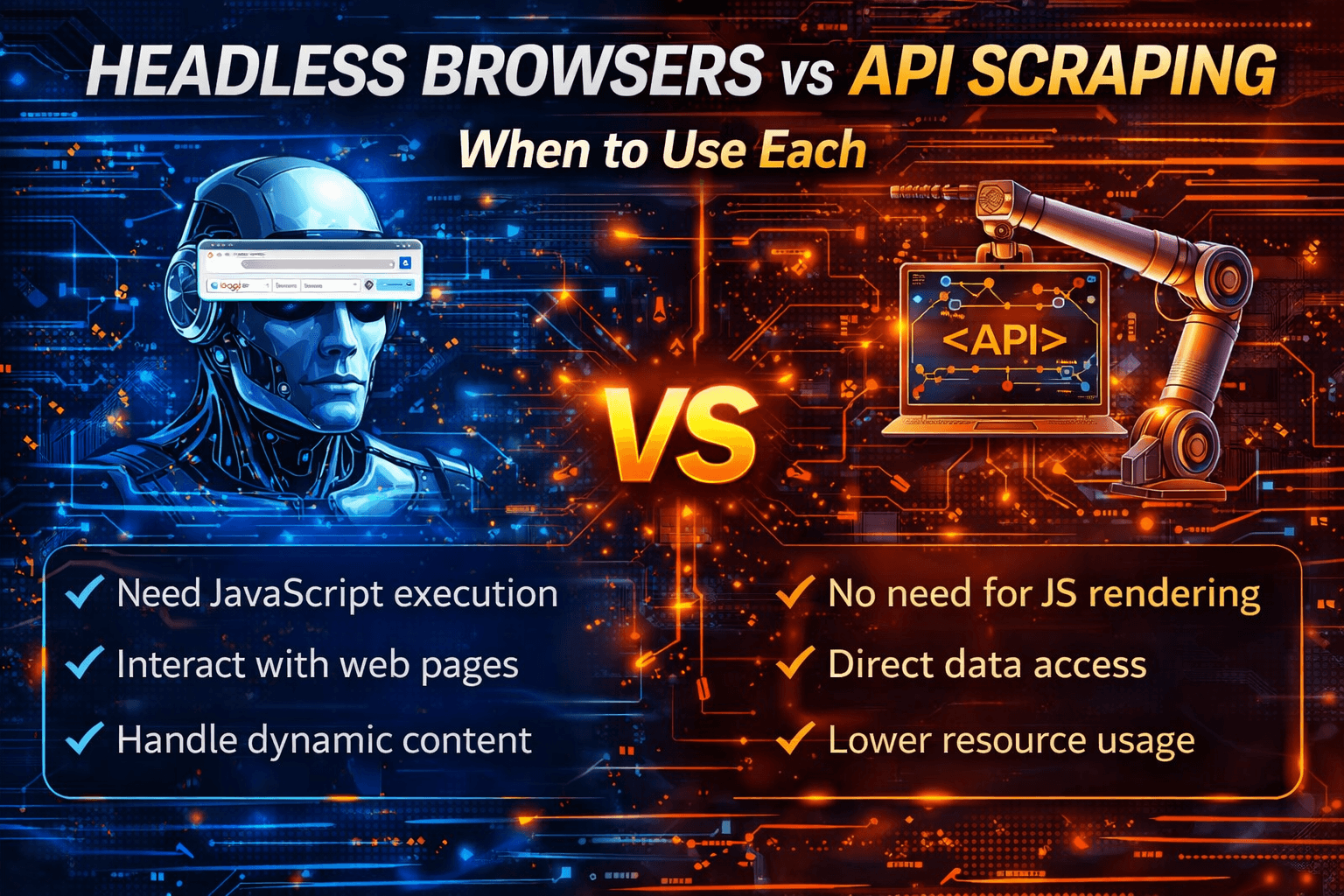
When collecting data or automating web interactions, two approaches dominate most discussions: headless browsers and API scraping.
Both methods can retrieve data from websites, but they operate at very different layers.
The trade-offs in speed, infrastructure, reliability, and scalability are significant.
This guide explains how each method works, where each one performs best, when they should be combined, and how to avoid unnecessary complexity.
Architectural Difference
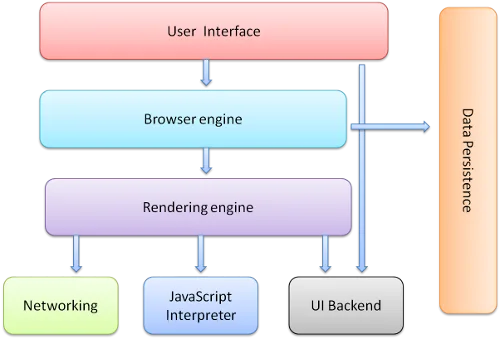
At a structural level, headless browsers load and render full web pages while API scraping sends direct HTTP requests to structured endpoints.
This difference defines the performance, complexity, and scalability of each approach.
What Are Headless Browsers?
Overview
A headless browser is a real browser that runs without a visible user interface.
It loads full pages, executes JavaScript, renders the DOM, and handles user interactions.
Common tools in this category include entity["software","Google Chrome","Headless browser mode"], entity["software","Mozilla Firefox","Headless browser mode"], entity["software","Selenium","Browser automation framework"], and entity["software","Playwright","Browser automation framework"].
Key Capabilities
Headless browsers support full JavaScript rendering, DOM interaction, clicks, scrolling, form handling, screenshots, PDF generation, and user-flow simulation.
Advantages
One of the biggest strengths of headless browsers is that they work on almost any website.
They can handle complex JavaScript applications, access dynamically rendered content, and simulate realistic user interaction flows.
Limitations
The main downside is that they are slower, consume more CPU and RAM, are harder to scale efficiently, and require browser and driver management.
Headless browsers are powerful, but they are also resource-intensive.
What Is API Scraping?
Overview
API scraping retrieves structured data directly from APIs, often in JSON format.
Instead of rendering a page, the system sends a direct HTTP request to an endpoint and receives structured data immediately.
These APIs may be official public APIs, partner APIs, or internal endpoints used by websites.
Key Capabilities
API scraping provides structured JSON responses, fast execution, lightweight HTTP requests, and easier integration with data pipelines.
Advantages
API scraping is extremely fast, has very low infrastructure cost, is easy to scale, and produces clean structured output.
Limitations
The biggest limitation is that API scraping only works when useful endpoints exist.
Some APIs are rate-limited, paid, or subject to change.
API scraping also cannot simulate user interactions.
API scraping is efficient, but it depends heavily on endpoint availability.
Feature-by-Feature Comparison
Speed & Performance
API scraping avoids rendering entirely, which makes it dramatically faster.
Headless browsers load full pages, execute JavaScript, and render content, which makes them slower.
Setup & Maintenance
Headless browsers require browser drivers, version management, and often proxy configuration.
API scraping usually requires only an HTTP client, authentication, and rate control.
It is much lighter overall.
Detection Exposure
Headless browsers are easier to fingerprint at scale.
API requests blend into normal application traffic much more naturally when properly rate-limited.
Data Coverage
Headless browsers can access everything visible on the page.
API scraping can only access the information that the endpoint exposes.
Scalability
APIs scale horizontally with very little infrastructure.
Headless browsers require much more infrastructure to scale.
When to Use Headless Browsers
Headless browsers are the right choice when the site is heavily JavaScript-based, content loads only after user interaction, no usable API exists, or you need to simulate complete user workflows.
Common examples include infinite scrolling pages, interactive dashboards, login-heavy web applications, and complex forms.
When to Use API Scraping
API scraping is the better choice when a clean endpoint exists, you need high-speed extraction, you are collecting large amounts of structured data, and scalability is critical.
Common examples include e-commerce product listings, search result datasets, public data feeds, and structured catalogue data.
Scenario-Based Recommendations
Scenario 1: High-Volume Structured Data
The best choice is API scraping.
It is fast, efficient, and easy to scale.
Using headless browsers for this kind of task often wastes resources.
Scenario 2: JavaScript-Heavy Website with No API
The best choice is a headless browser.
It can render dynamic content and interact with page elements.
Without usable endpoints, API scraping is not possible.
Scenario 3: Simulating User Interaction
The best choice is a headless browser.
It can click, scroll, submit forms, and follow navigation flows.
APIs cannot replicate user-interface behaviour.
Scenario 4: Mobile-First Real Device Execution
An alternative here is Appilot.
Appilot is useful because it runs automation on real Android devices and operates inside actual mobile environments.
Headless browsers simulate browser sessions, but they do not simulate full mobile devices.
APIs retrieve data, but they do not simulate interaction.
This makes Appilot useful for mobile-first workflows where real-device behaviour matters.
Scenario 5: Production-Grade Data Pipeline
For many advanced systems, the best approach is API-first with a headless fallback.
APIs handle most of the workload efficiently while headless browsers cover the edge cases.
This hybrid model balances speed and coverage.
Performance Comparison
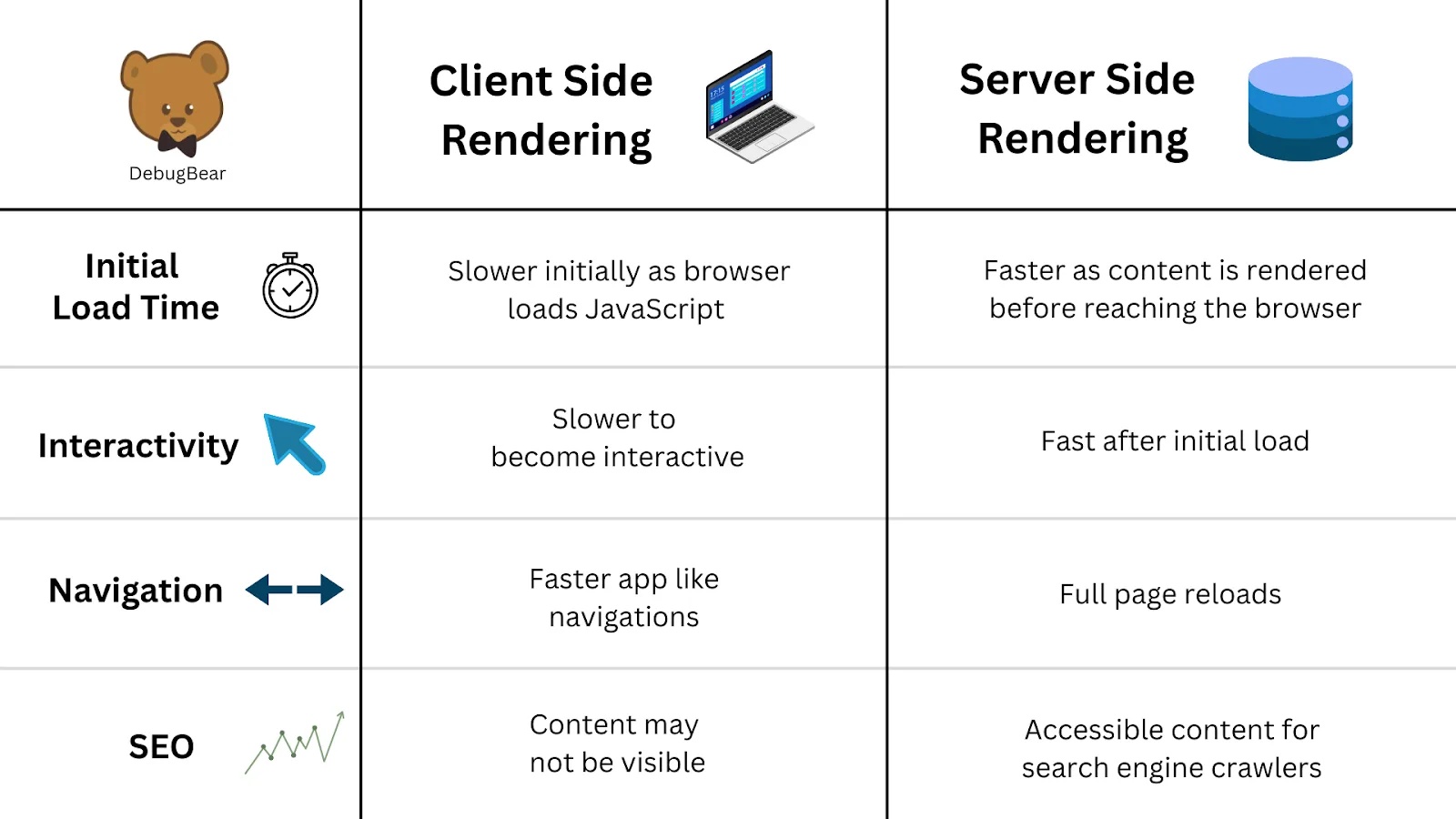
Rendering a browser page requires loading HTML, CSS, and JavaScript, executing scripts, and building the DOM.
An API request only sends an HTTP request and receives structured data.
The performance gap between the two approaches is substantial.
Head-to-Head Pros & Cons
Headless Browsers
Advantages
Headless browsers provide access to rendered content, full interaction simulation, and compatibility with almost any website.
Limitations
They are resource-intensive, slower, harder to scale, and easier to fingerprint.
API Scraping
Advantages
API scraping is extremely fast, lightweight, cheap to scale, and provides clean structured data.
Limitations
It depends on available endpoints, cannot simulate full user-interface workflows, and may require reverse engineering.
Appilot (Use-Case Specific)
Advantages
Appilot is useful for real mobile-device execution, full mobile environment behaviour, and Android-based workflows.
Limitations
It is not designed for large-scale web scraping, is not an API solution, and remains Android-focused.
Final Verdict
Headless browsers and API scraping are not direct competitors.
They solve different problems.
API scraping is best for speed, scale, and efficiency.
Headless browsers are best for flexibility, interaction, and broader coverage.
In most mature systems, the best rule is simple: use APIs first and only fall back to headless browsers when necessary.
Choosing correctly reduces cost, improves performance, and simplifies infrastructure.
If your workflow involves Android apps and real-device interactions rather than websites, Appilot can fit naturally alongside these methods because it focuses on real mobile execution.
FAQs
Are headless browsers better than APIs?
Only when no usable API exists or when interaction simulation is required.
Is API scraping always allowed?
Not always. It is important to review platform terms and rate limits.
Can headless browsers be detected?
Yes, especially at scale.
Which method is easier for beginners?
API scraping is usually simpler and more resource-efficient.
Can both methods be combined?
Yes. Combining them is very common in production systems.