How B2B Companies Use LinkedIn Automation to Fill Their Sales Pipeline
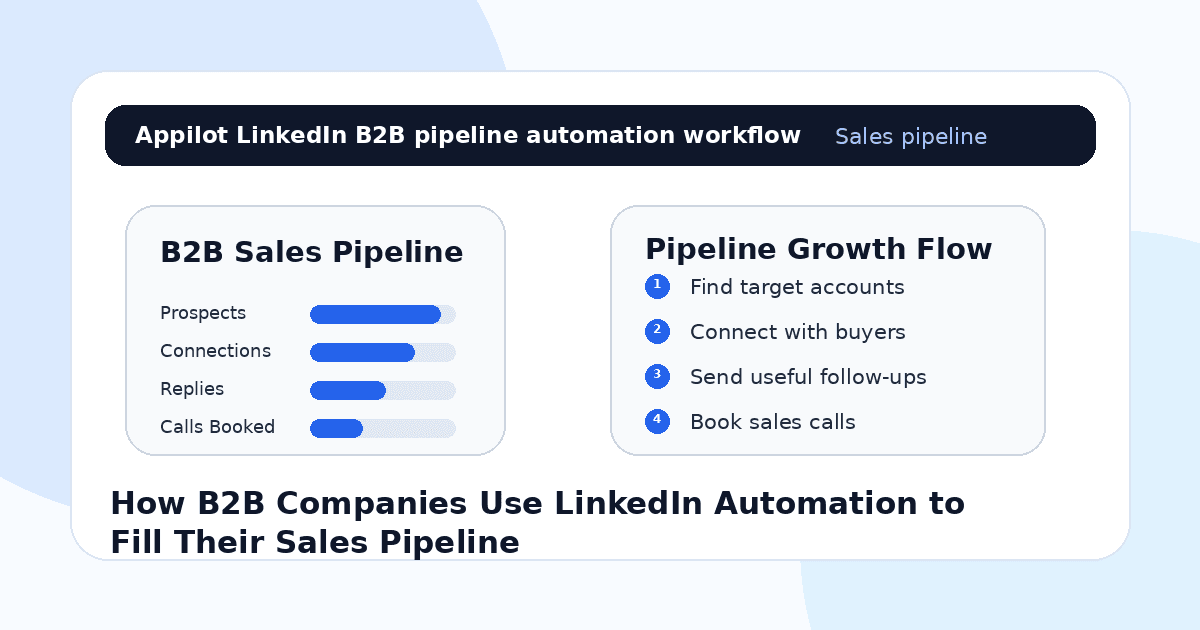
You know exactly who your buyer is. Maybe it is a SaaS founder, a VP of Sales, an operations manager, a recruiter, a marketing director, or a procurement lead.
You also know they are on LinkedIn.
So your team searches profiles, sends a few connection requests, follows up with a handful of prospects, and then gets pulled into calls, client work, proposals, reporting, or internal meetings. By the end of the week, the pipeline still looks thinner than it should.
That is the problem with manual LinkedIn prospecting. It works, but only when it happens consistently.
B2B companies use LinkedIn automation to turn that inconsistency into a repeatable pipeline system. Not by spamming hundreds of people with generic pitches. That usually backfires. But by helping sales teams find relevant prospects, send thoughtful connection requests, follow up at the right time, and book more qualified conversations.
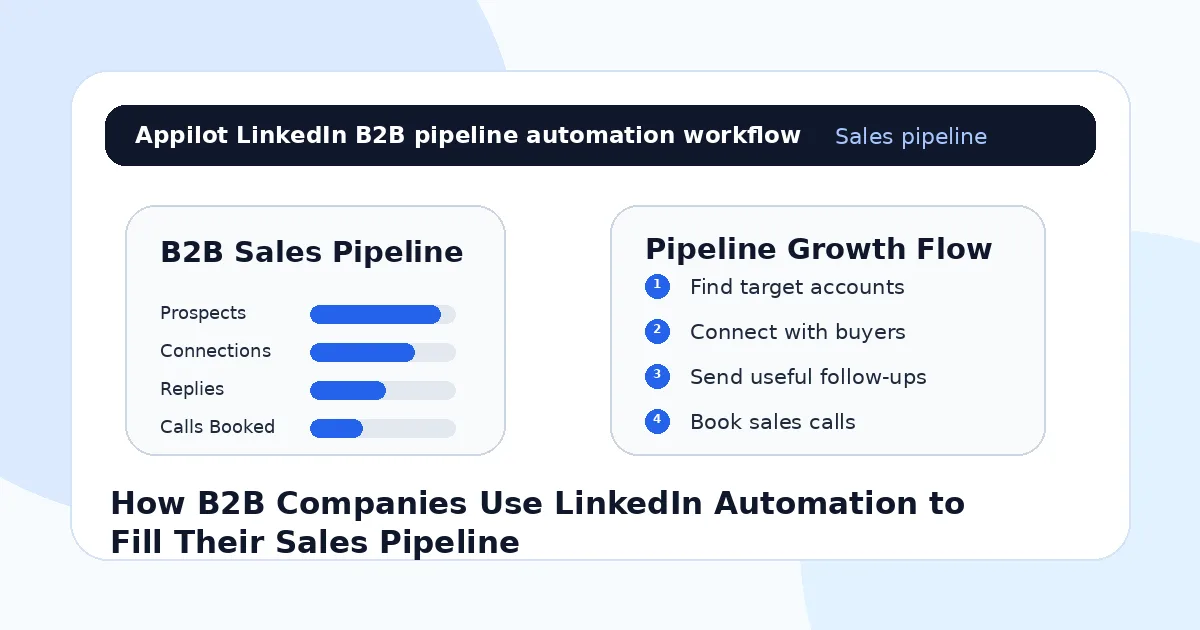
Why B2B Companies Struggle to Fill Pipeline Consistently
Most B2B teams do not have a lead problem at first. They have a consistency problem.
They know the industries they want. They know the job titles. They know the pain points. But prospecting gets pushed aside because urgent work always wins. Client delivery, demos, hiring, product work, and reporting all feel more immediate than sending another batch of LinkedIn messages.
Manual outreach also takes focus. You need to search for prospects, check profiles, avoid bad-fit leads, personalize messages, track replies, follow up, and know when to stop.
That is a lot of small tasks.
The biggest mistake companies make is treating LinkedIn like a broadcast channel. They send generic messages about their product and expect buyers to care. But B2B buyers respond when the message feels relevant to their role, company, timing, or problem.
Automation helps when it supports that relevance. It fails when it replaces it.
What LinkedIn Automation Means for B2B Sales
LinkedIn automation means using software to handle repeatable prospecting actions. That can include profile discovery, connection requests, follow-ups, profile visits, lead tracking, message sequencing, and reply routing.
For B2B companies, the goal is not to automate the entire sales process. The goal is to automate the repetitive steps that happen before a real sales conversation.
Real-device automation is especially useful because it runs actions through mobile environments like Android devices or emulators instead of relying only on brittle browser scripts or risky API shortcuts. That can make social workflows feel more natural and easier to manage at scale.
A platform like Appilot is built around this kind of workflow. It lets B2B teams run LinkedIn automation on Android devices or emulators from a browser dashboard, without coding, ADB setup, or keeping a laptop connected all day. For sales teams, that means prospecting can keep moving while reps focus on calls, proposals, discovery, and closing.
Automation should create more qualified conversations. It should not create more noise.
Step 1: Define the Buyer Before You Automate
Before launching any LinkedIn automation, get clear on the buyer.
A vague target like “B2B companies” or “startup founders” is too broad. A better target is “seed-stage SaaS founders hiring their first sales team,” “HR leaders at 200-person companies struggling with onboarding,” or “operations managers at logistics companies using outdated scheduling tools.”
The more specific the buyer, the better the campaign.
This matters because automation magnifies your targeting. If your list is weak, automation only helps you reach the wrong people faster. If your targeting is sharp, automation helps you reach more of the right people without doing every step manually.
Start with role, company size, industry, geography, pain point, buying trigger, and urgency. Then build your LinkedIn search around those details.
Good pipeline starts before the first message.
Step 2: Build Prospect Lists From Real Buying Signals
LinkedIn has more value when you search beyond job titles.
A title tells you who someone is. A buying signal tells you why they might care now.
For example, a company hiring sales reps may need sales training, CRM help, lead generation, or onboarding support. A founder posting about scaling operations may need systems, automation, or staffing help. A marketing leader sharing posts about low conversion rates may be open to demand generation support.
Automation can help with repeated discovery, but the best B2B teams still think carefully about who belongs in the list.
This is where Appilot’s LinkedIn automation can fit naturally. It can help run repeated LinkedIn workflows through Android devices or emulators while your team controls the ICP, targeting logic, and message strategy from the dashboard.
The strongest lists are not the biggest lists. They are the ones with the clearest reason to start a conversation.
Step 3: Send Connection Requests That Feel Relevant
The connection request is not the sales pitch.
Its job is to create enough relevance for the person to accept. That is it.
A good request is short, specific, and not overly polished. It may mention their role, company type, industry, recent content, or a shared problem.
For example, “Hi Sarah, I saw you lead operations at a growing logistics team. I work with companies trying to reduce manual workflow bottlenecks, so I thought it would be useful to connect.”
That feels more natural than, “We help businesses maximize performance through innovative solutions. Let’s connect.”
B2B buyers can smell template language quickly.
Automation can send connection requests consistently, but it should not make every message sound identical. Use variations, keep the tone human, and avoid pitching too early.
Step 4: Use Follow-Ups to Start Conversations
Once someone accepts, the follow-up should open a conversation, not force a demo.
This is where many B2B companies lose prospects. They immediately send a long pitch, a calendar link, or a product paragraph. That may work occasionally, but it usually feels rushed.
A better follow-up asks a simple question tied to the buyer’s likely situation.
For example, a recruiting software company might ask, “Curious, are you currently handling candidate follow-ups manually or through a system?” A sales consulting firm might ask, “Are you focused more on outbound quality or rep productivity this quarter?” A SaaS agency might ask, “Are you building in-house right now or still using external support?”
These questions are easier to answer than a full sales pitch.
One reason teams use Appilot-style workflows is that the dashboard helps manage repeated connection and follow-up actions while keeping the actual conversation strategy human. Automation can handle the rhythm. Your team still needs to write messages that sound like a real person.
Step 5: Qualify Replies Before Booking Calls
Not every reply deserves a sales call.
Some people are curious. Some are polite. Some are not the buyer. Some have the problem but no urgency. Some are interested but not ready. Some may be a great fit and should move quickly.
Your LinkedIn automation should help generate conversations, but qualification still matters.
Ask simple questions before pushing for a meeting. What are they using today? Is this a current priority? Who owns the problem internally? Are they actively evaluating solutions? What timeline are they working with?
If the reply shows fit and urgency, then suggest a call.
This keeps your pipeline cleaner. A full calendar means nothing if half the calls are bad-fit prospects.
Step 6: Track Every Prospect Stage
LinkedIn outreach gets messy when there is no pipeline structure.
You need to know who was targeted, who received a connection request, who accepted, who got the first follow-up, who replied, who needs manual attention, who booked a call, and who is not a fit.
Without tracking, automation can create confusion. Reps may follow up too soon, miss hot replies, message the wrong person twice, or forget to move a real opportunity into CRM.
A basic workflow should separate prospects into clear stages: new lead, request sent, connected, follow-up sent, replied, qualified, call booked, opportunity created, not a fit, or nurture.
Automation helps fill the top of the funnel. Pipeline discipline keeps it from becoming chaos.
Step 7: Keep Human Control Over High-Value Conversations
Automation should stop where real selling begins.
Once a prospect replies with interest, asks a detailed question, mentions budget, shares a problem, or agrees to a call, a human should take over. That is where tone, timing, judgment, and context matter.
A good sales rep can read between the lines. A bot cannot.
For example, if a prospect says, “We tried something like this last year and it did not work,” that is not a simple objection. It is a chance to understand what failed. If they say, “Maybe later,” that could mean no budget, no urgency, bad timing, or unclear value.
Do not over-automate the part of the conversation where trust is built.
The best LinkedIn automation creates openings. Salespeople turn those openings into revenue.
Common Mistakes B2B Companies Should Avoid
Targeting Too Broadly
Broad targeting creates weak replies. Focus on specific roles, industries, triggers, and pain points instead of sending messages to anyone with a business title.
Pitching in the First Message
A connection request should not be a full sales pitch. Create relevance first, then move toward the problem.
Sending Generic Follow-Ups
Buyers ignore messages that could have been sent to anyone. Use role-specific and pain-specific follow-ups whenever possible.
Ignoring Replies for Too Long
If someone replies with interest, respond quickly. The whole point of automation is to create conversations while intent is fresh.
Measuring Only Message Volume
More messages do not always mean better pipeline. Track replies, qualified conversations, booked calls, opportunity value, and close rates.
Is LinkedIn Automation Right for Your B2B Company?
LinkedIn automation is a good fit if your buyers can be identified by role, industry, company size, geography, or business trigger. It works especially well for SaaS companies, agencies, consultants, recruiters, B2B service firms, software vendors, and niche solution providers.
It may not be right if your offer is unclear, your ICP is too broad, or your sales team cannot handle replies. Automation can create more conversations, but it cannot fix weak positioning or poor follow-up.
Think of it as pipeline infrastructure. It helps prospecting happen consistently, but your targeting, offer, and sales process still decide the outcome.
Final Thoughts
B2B pipeline does not fill itself. It grows from repeated, relevant conversations with the right buyers.
LinkedIn automation helps companies make that process more consistent by supporting prospect discovery, connection requests, follow-ups, qualification, and pipeline tracking. Used carefully, it gives sales teams more chances to start real conversations without spending every hour manually prospecting.
If you want to run LinkedIn automation without coding, ADB setup, or manual device management, Appilot gives B2B teams a browser-based way to control Android devices, emulators, and ready-to-use bots for LinkedIn and other platforms. You can check it out at appilot.app.
FAQs
Q1: Can LinkedIn automation help fill a B2B sales pipeline?
Yes, it can help B2B teams find prospects, send connection requests, follow up, qualify replies, and book more sales conversations.
Q2: Is LinkedIn automation safe for B2B outreach?
It is safer when targeting is specific, activity is gradual, and messages feel relevant. Spam-style outreach can still hurt account trust.
Q3: What should B2B companies automate first?
Start with prospect discovery, connection requests, light follow-ups, profile visits, and reply routing before automating anything more complex.
Q4: Can Appilot help with LinkedIn automation?
Yes, Appilot can run LinkedIn automation on Android devices or emulators from a browser dashboard without coding or ADB setup.
Q5: Does LinkedIn automation replace sales reps?
No. It supports prospecting and follow-up, but sales reps still need to handle real conversations, qualification, objections, and closing.