How CAPTCHA Detection Works (And How to Handle It)
CAPTCHAs often feel random when they appear.
They are not.
By the time a CAPTCHA is shown, the platform has usually already decided that the session looks risky. The challenge itself is simply the visible checkpoint.
That is why solving one CAPTCHA does not always fix the problem.
If the underlying signals remain suspicious, another challenge or even a block usually follows.
For this guide, I’ll occasionally refer to Appilot because the same ideas around session stability, behaviour timing, and identity consistency apply in both browser and mobile automation. While Appilot focuses on Android automation running on real devices, many of the same principles that reduce CAPTCHA frequency also apply to browser automation.
This guide explains how CAPTCHA detection actually works, what signals trigger it, how automation systems should respond, and why prevention scales better than solving.
Understanding CAPTCHA Detection
CAPTCHAs are not detection systems.
They are responses.
Detection happens first, and CAPTCHA is simply the friction layer that platforms use when risk becomes elevated but is not yet high enough for a full ban.
In simple terms, low risk means no challenge, medium risk means a CAPTCHA, and high risk often leads to a block or ban.
Understanding that sequence is important.
The CAPTCHA is not really asking, “Are you human?”
Instead, it is asking whether the session can recover trust.
The Core Principle: Risk Scoring
CAPTCHA systems operate on risk scoring.
Platforms evaluate behavioural patterns, timing consistency, session continuity, device and environment signals, and long-term account history.
When risk crosses a threshold, a CAPTCHA is injected into the flow.
That means CAPTCHA is a symptom of elevated risk rather than the root cause.
CAPTCHA vs Bot Detection
Bot detection is continuous and invisible.
CAPTCHA is intermittent and visible.
Solving CAPTCHAs without fixing the underlying detection signals is similar to passing a checkpoint while still carrying a red flag.
Why CAPTCHAs Appear in Automation
1. Behavioural Anomalies
Common triggers include repetitive navigation patterns, identical timing intervals, uniform scrolling behaviour, and identical workflows across sessions.
Even slow automation can trigger CAPTCHAs if the behaviour lacks variability.
Consistency is often more suspicious than speed.
2. Session & Identity Instability
CAPTCHAs frequently appear when cookies are reused incorrectly, sessions reset unexpectedly, browser storage is only partially restored, or environment fingerprints shift unexpectedly.
This is especially common in browser automation setups with inconsistent session handling.
3. Environmental Signals
Signals such as headless defaults, missing browser features, inconsistent viewport sizes, and locale or timezone mismatches usually do not trigger CAPTCHAs alone.
However, they contribute to cumulative risk.
CAPTCHAs are rarely caused by a single signal.
They are usually caused by the aggregation of many weak signals.
How CAPTCHA Detection Works Behind the Scenes
CAPTCHA systems sit downstream of detection pipelines.
Layer 1 – Passive Signal Collection
Before any challenge appears, platforms continuously collect information about interaction timing, mouse movement, scroll patterns, JavaScript execution behaviour, and event authenticity.
This happens silently in the background.
Layer 2 – Correlation & Scoring
Signals are compared against normal user baselines.
CAPTCHAs appear when behaviour diverges, confidence drops, but the system is not yet certain enough to justify a full ban.
This explains why CAPTCHAs often appear in the middle of a session rather than immediately.
They are injected after scoring rather than before.
Layer 3 – Challenge Evaluation
The CAPTCHA itself also becomes part of the scoring process.
Platforms measure response timing, interaction realism, and retry behaviour.
Solving too quickly or too mechanically can actually increase suspicion.
CAPTCHAs are measuring recovery, not just answers.
Common Misconceptions
Misconception #1: “Solving It Fixes Everything”
In reality, the risk score often remains elevated.
Many bots solve the CAPTCHA successfully and still get blocked minutes later.
Misconception #2: “CAPTCHAs Are Random”
CAPTCHAs appear when risk crosses a defined threshold.
Assuming they are random makes it harder to fix the real cause.
Misconception #3: “Faster Solving Is Better”
Unrealistic solve timing can actually increase suspicion.
Speed alone does not build trust.
How to Handle CAPTCHAs Properly
Handling CAPTCHAs is about strategy rather than brute force.
Strategy 1 – Treat CAPTCHA as a Warning Signal
When a CAPTCHA appears, the best approach is usually to pause automation, reduce activity, adjust timing, and break any synchronised behaviour.
Ignoring the warning often leads to escalation.
Strategy 2 – Avoid Immediate Retries
Rapid retries send very strong negative signals.
Spacing actions out and allowing a session cooldown period often reduces recurrence.
Strategy 3 – Preserve Session Continuity
CAPTCHAs often result from broken session state.
Cookies should remain intact, storage should stay consistent, and JavaScript state should not be partially reset.
Continuity reduces suspicion.
This is one reason why platforms like Appilot place strong emphasis on stable session handling, persistent device state, and real-device execution rather than relying on disposable browser sessions.
Strategy 4 – Accept Terminal States
Sometimes a CAPTCHA indicates that the session is already heavily flagged.
In those cases, the best action may be to end the session, rotate context, and resume later.
Trying to force progress can turn recoverable risk into permanent enforcement.
Real-World CAPTCHA Scenarios
Login Flow CAPTCHAs
These are often triggered by inconsistent login attempts.
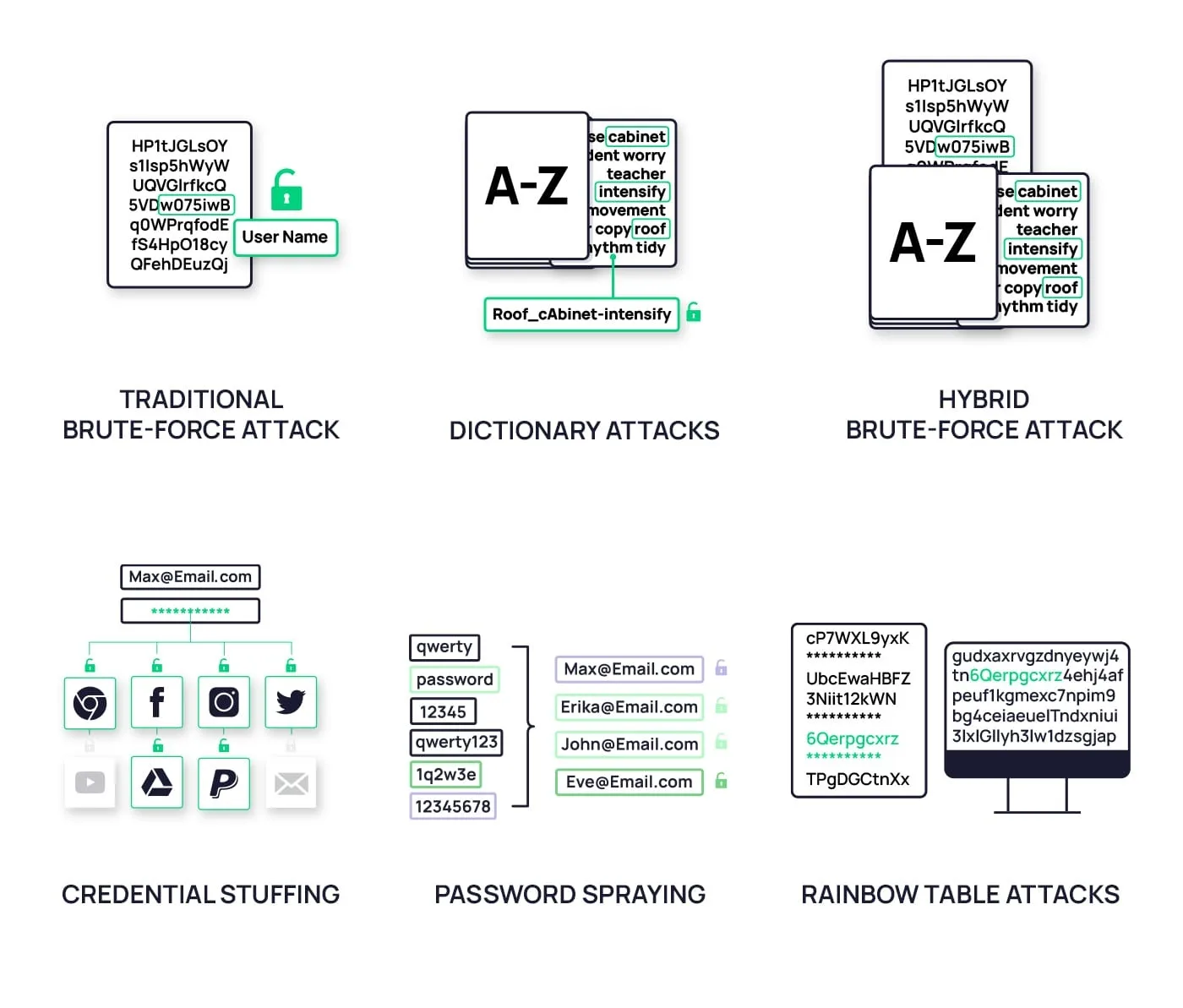
The correct response is usually to pause retries rather than brute-force credentials.
Mid-Scroll CAPTCHAs
These often appear when browsing behaviour becomes too uniform.
Changing navigation rhythm is generally more effective than repeatedly solving the challenge.
Long-Running Automation
Systems using real devices or full browser execution often encounter fewer CAPTCHAs because their behaviour aligns more closely with normal user activity.
This is where Appilot becomes useful because it focuses on reducing the conditions that cause CAPTCHAs rather than aggressively solving them.
Prevention scales much better than reaction.
The Technical Side of CAPTCHA Systems
CAPTCHA Types
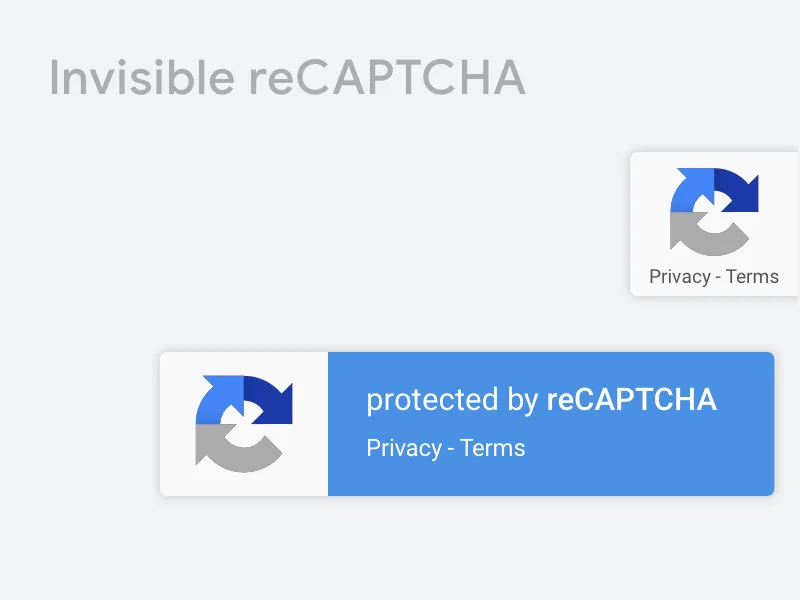
Common forms include image challenges, behavioural challenges, and invisible CAPTCHAs.
Invisible systems rely almost entirely on background signals.
JavaScript-Based Risk Monitoring
Embedded scripts monitor execution timing, event authenticity, and environment consistency.
Bots that execute JavaScript incorrectly usually trigger challenges much faster.
Session Memory & Decay
Risk does not reset immediately after solving a CAPTCHA.
Sessions carry memory.
This explains why “clean” sessions behave very differently from “recovered” sessions.
When CAPTCHAs Are Inevitable
Some situations make CAPTCHAs difficult to avoid.
1. New or Low-Trust Accounts
There is no trust buffer yet.
2. High-Volume or Repetitive Tasks
Scale increases correlation.
3. Aggressive Recovery Attempts
Repeated solving without changing behaviour accelerates enforcement.
Automation can reduce CAPTCHA frequency, but it cannot eliminate CAPTCHAs completely.
Tools That Help Reduce CAPTCHA Frequency
There are different approaches to building automation that triggers fewer CAPTCHAs.
Playwright is useful for stronger session handling and more realistic browser execution.
Puppeteer provides detailed browser control and customisation.
Antidetect browsers help reduce identity mismatches and fingerprint inconsistency.
Appilot is useful for mobile automation because it runs on real Android devices with stable session continuity and more natural user behaviour.
The best solution depends on whether the focus is browser automation, mobile automation, or multi-account management.
Key Takeaways
CAPTCHAs are not the real problem.
They are the symptom.
CAPTCHA appears after detection, solving without changing behaviour does not reduce risk, prevention through stability works better than aggressive solving, and session continuity together with behavioural variance matters most.
If automation keeps hitting CAPTCHAs, the answer is usually not a better solver.
The answer is reducing the risk score that caused the challenge in the first place.
If you are running large-scale mobile automation, Appilot can help reduce CAPTCHA frequency by relying on stable sessions, real-device execution, and more natural behavioural timing.
Frequently Asked Questions
Q: Why do CAPTCHAs appear even when my bot is slow?
Because platforms detect patterns and consistency rather than just speed.
Q: Does solving a CAPTCHA reset trust?
Usually not. It allows limited continuation but does not clear accumulated risk.
Q: Are invisible CAPTCHAs harder for bots?
Yes. They rely mostly on background signals rather than visible challenges.
Q: Can automation completely avoid CAPTCHAs?
No. It can only reduce their frequency and severity.
Q: When should automation stop after a CAPTCHA?
Automation should stop when repeated challenges appear or when session behaviour continues to degrade.