How E-Commerce Stores Use Instagram Automation to Drive Product Sales
You post a new product drop at 7 p.m., refresh your Instagram notifications five times, answer a few DMs, like some customer posts, and then wonder why the sales barely move.
The product is good. The photos are clean. The price makes sense. But the problem is simple: your store is depending on people to somehow find you, trust you, click through, and buy without enough repeated engagement.
Most small e-commerce brands do not lose because their products are bad. They lose because attention is expensive, manual outreach is slow, and Instagram rewards consistent activity more than occasional bursts of posting.
That is where Instagram automation becomes useful, especially when it is handled carefully. Not as a spam machine. Not as a shortcut for weak products. But as a way to keep your store visible, start more product conversations, and turn more targeted users into buyers.
Why E-Commerce Stores Struggle to Turn Instagram Into Sales
Running an e-commerce store already feels like doing five jobs at once. You are handling product photos, inventory, shipping, customer service, ad testing, content, returns, and sometimes supplier issues too.
Instagram usually becomes the thing you do when everything else is finished. You post when you remember, reply when you can, and manually engage with potential customers in short bursts. That works for a while, but it does not scale.
A fashion store owner might spend 45 minutes liking posts from people who follow similar boutiques. A skincare brand might manually reply to comments and DMs after every product post. A phone accessories shop might follow potential buyers from competitor pages one by one.
The issue is not effort. The issue is consistency.
Most e-commerce stores get Instagram wrong because they treat it like a catalog. They post product images and wait. But Instagram is closer to a conversation engine. People buy after seeing your product multiple times, checking your page, reading comments, watching stories, and sometimes asking one small question before checkout.
If your store cannot stay active every day, you leave money on the table.
What Instagram Automation Actually Means for Product Sales
Instagram automation means using software to handle repetitive actions that would otherwise take hours if done manually. For e-commerce, that usually includes profile visits, follows, story views, post likes, comment engagement, DM flows, and audience targeting.
The safest version is not a browser script pretending to be Instagram. It is real-device automation, where actions run through the actual Instagram mobile app on an Android device or emulator. That matters because the behavior looks closer to a real user tapping through the app.
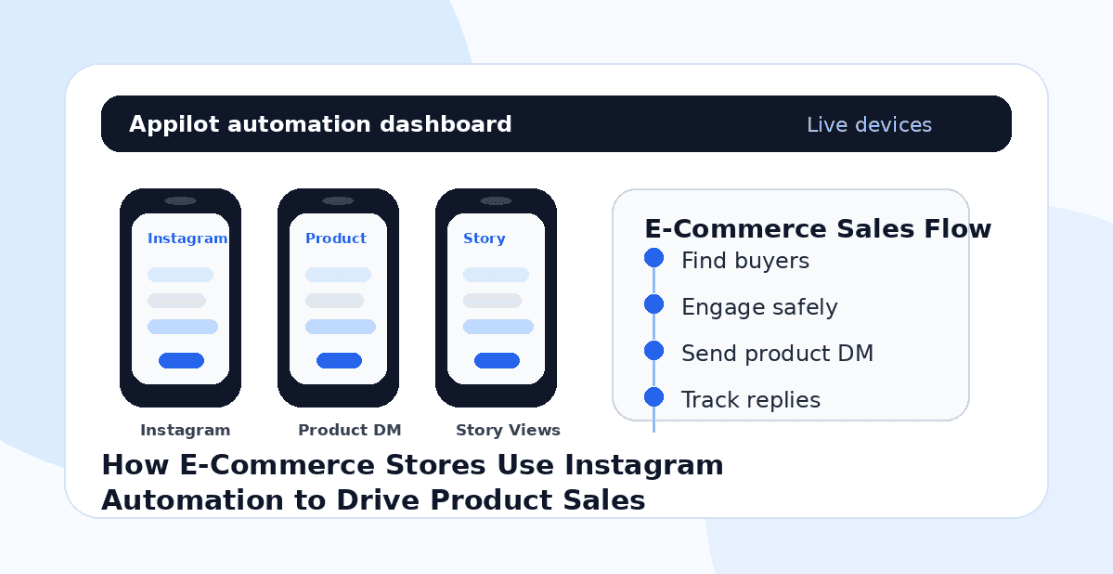
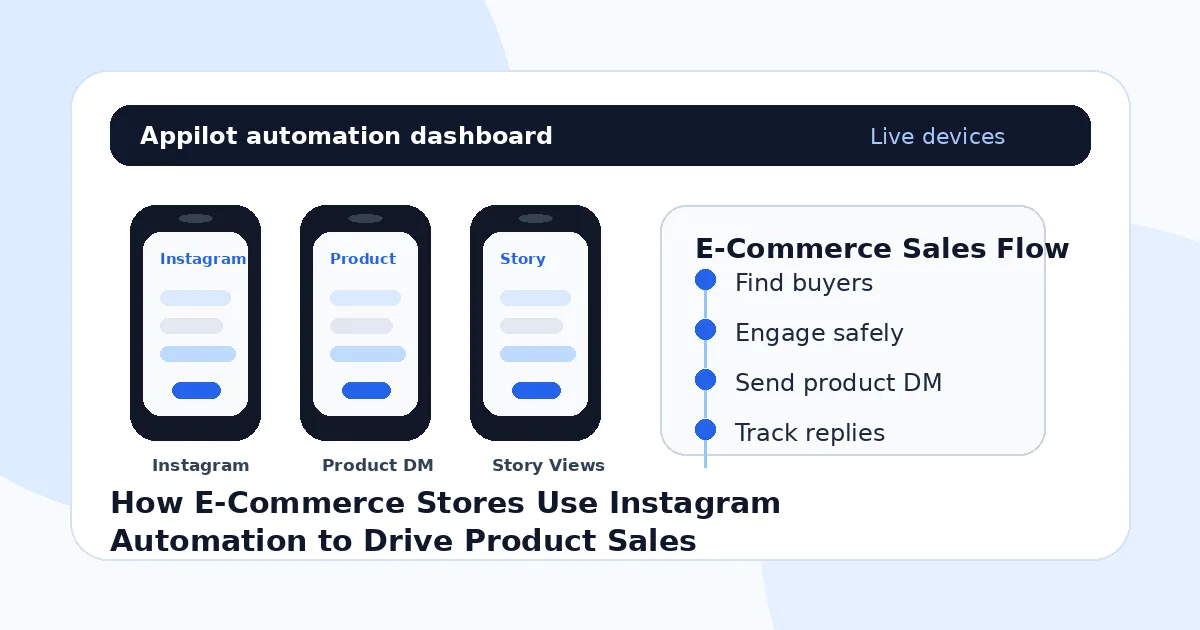
This is exactly where a platform like Appilot fits naturally. Instead of relying on API calls or desktop bots, Appilot runs automation on real Android devices or emulators and lets you control everything from a web dashboard. You do not need ADB, a laptop running all day, or custom code just to keep campaigns active.
For an e-commerce store, the goal is not to “trick” Instagram. The goal is to automate the boring top-of-funnel actions that help more relevant people discover your products.
How E-Commerce Stores Use Instagram Automation in Practice
The most common use case is targeted audience discovery. Instead of manually searching hashtags like #streetwear, #handmadejewelry, #organicskincare, or #homegymsetup, automation can engage with users who already show interest in those categories.
A jewelry store, for example, can target people who follow similar brands, interact with bridal pages, or engage with gift-related hashtags. The manual version would take hours every week. Automation keeps that discovery process running while the owner is packing orders or working on new product photos.
The second use case is story viewing and profile visibility. Story views still create light-touch awareness, especially when the audience is tightly targeted. A user may not buy the first time they see your store name, but repeated exposure builds familiarity.
The third use case is DM follow-up. This needs care. Bad DM automation feels robotic and damages trust quickly. But a clean, simple flow can work well when triggered by relevant actions. For example, someone comments on a product post asking about size, color, shipping, or availability. A store can use automation to send a polite response that points them toward the product page or asks what they are looking for.
Appilot’s Instagram bot can help e-commerce teams run these actions from a dashboard, including targeted engagement and account activity on real Android environments. That is useful when a store wants the benefits of Instagram automation without hiring a developer or managing scripts manually.
The fourth use case is multi-account management. Some e-commerce brands run separate Instagram accounts for different countries, product lines, or niches. One account might focus on skincare tips, another on product drops, and another on influencer-style content. Automation helps keep these accounts active without turning the owner’s day into endless tapping.
This works best when automation supports a real content strategy. If the product page is empty, the photos are weak, or the offer is unclear, automation will only send more people to a page that does not convert.
What Results Should E-Commerce Stores Expect?
Instagram automation can increase product visibility, but it will not magically create demand where none exists.
A realistic small store might see a few hundred to a few thousand targeted profile visits per month depending on limits, niche, content quality, and account age. Some stores may turn that into steady follower growth, more DMs, more product clicks, and more abandoned-cart recoveries. Others may see attention but weak sales if their offer is not strong enough.
The first two to three weeks are usually about warming up activity and testing targeting. You do not want to max out actions immediately. That is one of the fastest ways to make automation look unnatural.
The stores that benefit most already have decent product photos, clear pricing, social proof, and regular posts. Automation gives those stores more reach. It does not replace the need for a product people actually want.
Setting Up Instagram Automation for an E-Commerce Store
The setup usually starts with choosing the account you want to grow. For most stores, it is better to begin with one main brand account instead of spreading activity across several weak pages.
Next, you need a device environment. That can be a real Android phone or an emulator, depending on your setup. Real devices are often preferred for long-term account behavior, while emulators can be useful for testing and scaling.
Then comes proxy setup. If you are managing multiple Instagram accounts, you do not want all of them behaving from the same network in a suspicious way. Mobile or residential proxies are usually safer than cheap datacenter proxies, especially for social platforms.
After that, you configure targeting. This is where most of the sales value comes from. A store selling gym wear should not target everyone interested in “fitness.” It should target competitor followers, niche hashtags, local gym communities, micro-influencer audiences, and people already engaging with similar products.
One reason e-commerce operators tend to like Appilot for this workflow is the setup experience. Everything runs through a browser-based dashboard, so you are not dealing with command lines, USB cables, or developer tools. For a store owner who cares about orders, margins, and product launches, that simplicity matters.
Once the bot is running, the first two weeks should be treated as a testing period. Watch which audiences respond, which actions create profile visits, and which product posts convert attention into DMs or clicks.
Common Mistakes E-Commerce Stores Should Avoid
Targeting Too Broadly
The biggest mistake is targeting huge generic hashtags and hoping the right people appear. A skincare store targeting #beauty is going to waste time on creators, competitors, casual browsers, and people outside its buyer profile. Specific competitor audiences and niche hashtags usually perform better.
Sending Sales DMs Too Early
A cold DM that immediately pushes a discount code often feels desperate. It is better to use DMs for helpful replies, product questions, size guidance, restock updates, or soft product discovery. The message should feel like customer support, not a blast campaign.
Running Automation Before the Profile Is Ready
If your bio is confusing, your product posts are messy, or your link does not lead to a clean shopping experience, automation will expose those weaknesses. Fix the storefront before increasing traffic.
Using the Same Limits for Every Account
A new account and an established account should not run the same action volume. Newer accounts need slower activity, while older accounts with real engagement can usually handle more. Growth should look gradual.
Ignoring Content Quality
Automation can bring people to your profile, but content makes them stay. Product demos, customer photos, before-and-after posts, reviews, and short videos usually matter more than another polished product image on a blank background.
Is Instagram Automation Right for Your Store?
Instagram automation is a good fit if your store already has a clear product, decent content, and a defined customer audience. It works especially well when you know which hashtags, competitors, creators, or communities your buyers already follow.
It may not be right if your product positioning is unclear, your content is inconsistent, or you expect automation to replace marketing completely. It is also not ideal if your brand operates in a sensitive category where even small platform risk is unacceptable.
The best way to think about it is simple: automation helps with repeated visibility and outreach. Your offer, content, and customer experience still close the sale.
Final Thoughts
E-commerce stores do not need to spend every evening manually liking posts, watching stories, and chasing new followers just to keep Instagram active. That work can be systemized.
The stores that win with Instagram automation use it carefully. They target real buyers, keep activity human-like, and pair automation with strong product content.
If you are running an e-commerce store and want a more practical way to drive product discovery, Appilot has ready-to-use bots for Instagram, TikTok, LinkedIn, and other platforms without coding. You can check it out at appilot.app.
FAQs
Q1: Is Instagram automation safe for e-commerce stores?
It can be safer when done through real-device automation, slow action limits, and proper targeting. No tool can remove all risk, so account quality and gradual setup still matter.
Q2: Can Instagram automation directly increase product sales?
Yes, but usually by increasing targeted visibility, profile visits, DMs, and product clicks first. Sales depend on your offer, content, pricing, and checkout experience.
Q3: How many followers can an e-commerce store gain with automation?
A realistic store may gain a few hundred targeted followers per month when targeting is strong. Bigger numbers are possible, but quality matters more than raw follower count.
Q4: Should I automate DMs for product promotion?
You can, but keep DMs helpful and specific. Product questions, restock alerts, size guidance, and soft recommendations work better than generic discount blasts.
Q5: Do I need technical skills to use Instagram automation?
Not always. Platforms like Appilot are built for dashboard-based setup, so store owners can run real-device automation without coding or managing ADB manually.