How Recruitment Agencies Use LinkedIn Automation to Source Candidates
You get a new hiring brief from a client. The role is urgent, the salary is decent, and the client wants a shortlist quickly.
So you open LinkedIn, search for matching titles, scan profiles, send a few connection requests, write some outreach messages, and try to keep track of who replied.
Then the day gets messy.
A client asks for an update. Another role needs attention. A candidate reschedules. Someone replies but needs more details. By the end of the day, you sourced fewer people than planned, and the pipeline still feels thin.
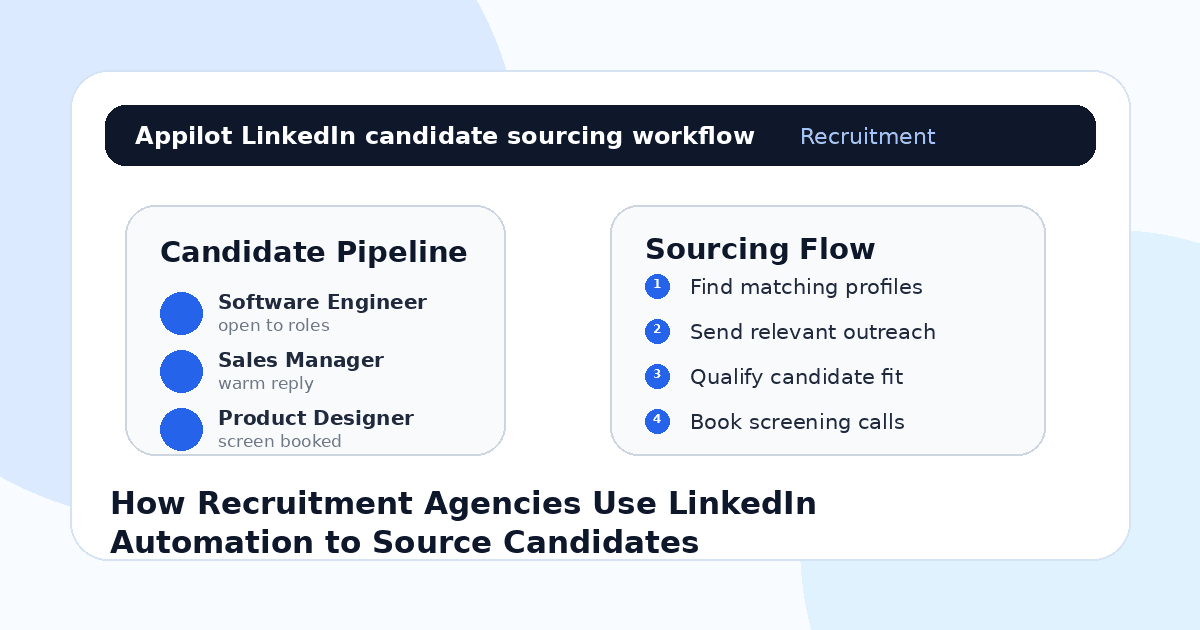
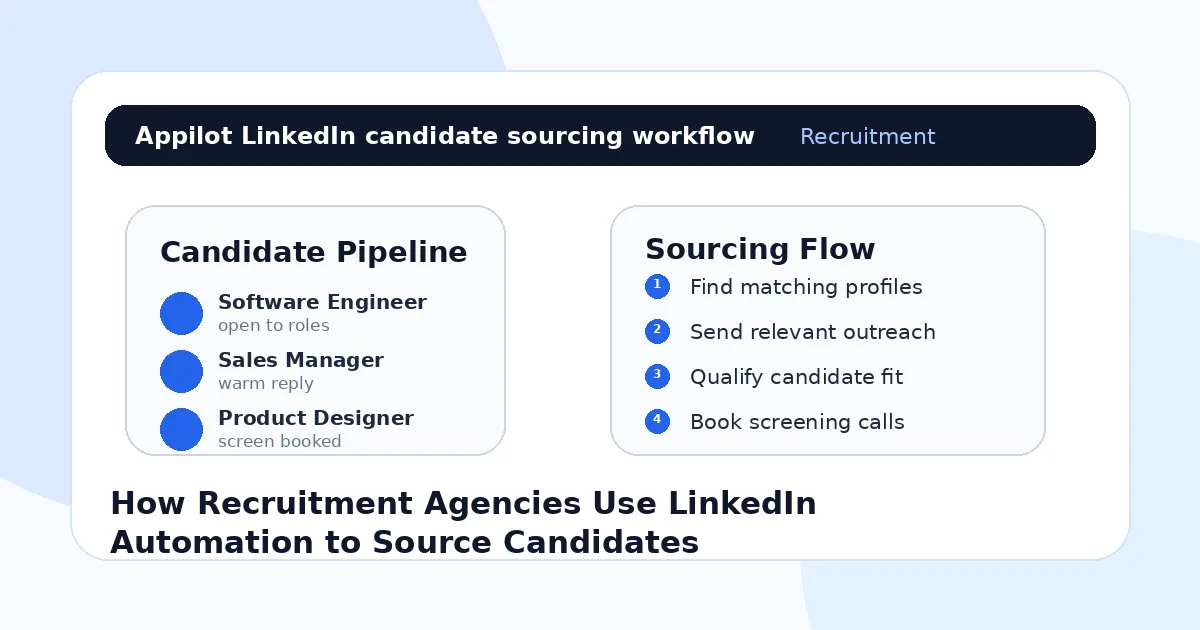
That is why recruitment agencies use LinkedIn automation. Not to spam candidates with generic job messages, but to make sourcing more consistent, organized, and scalable while recruiters stay focused on conversations, screening, and client management.
Why Recruitment Agencies Struggle With Manual Sourcing
Recruitment is a volume game and a relationship game at the same time.
You need enough candidate activity to build a strong shortlist, but you also need the outreach to feel personal enough that good candidates actually respond. That balance is hard to maintain manually.
A recruiter may need to search by title, skill, location, industry, seniority, current company, past company, and hiring-market fit. Then they need to check whether the candidate looks relevant, send a message, track the response, follow up, qualify interest, and move the right people into a screening call.
That is a lot of repetitive work.
Most agencies get LinkedIn sourcing wrong when they treat every profile like a name in a database. Candidates can tell when a message has no context. A senior engineer, sales leader, designer, recruiter, or finance manager is far more likely to respond when the message reflects their background and the role actually makes sense.
Automation helps when it removes the repetitive sourcing work. It fails when it removes the human judgment.
What LinkedIn Automation Means for Candidate Sourcing
LinkedIn automation means using software to handle repeated sourcing actions such as profile discovery, connection requests, follow-ups, candidate list building, profile visits, and reply tracking.
For recruitment agencies, the goal is not to automate the entire hiring process. The goal is to make the top of the candidate pipeline more consistent.
Real-device automation is useful because it runs workflows through Android devices or emulators instead of relying only on browser scripts or fragile API shortcuts. This can help agencies manage sourcing activity across accounts and campaigns in a more controlled way.
A platform like Appilot is built around this kind of workflow. It lets recruitment teams run LinkedIn automation on Android devices or emulators from a browser dashboard, without coding, ADB setup, or keeping a laptop connected all day. For recruiters, that means sourcing activity can keep moving while humans handle candidate quality, screening, negotiation, and client communication.
Automation should help recruiters reach better candidates faster. It should not turn outreach into noise.
Step 1: Build a Clear Candidate Profile Before Automating
Before starting any LinkedIn automation campaign, define the candidate profile properly.
A weak search says “software engineer” or “sales manager.” A better search defines skills, seniority, location, industry, current role, past experience, compensation range, remote preference, and likely motivation.
For example, “mid-level backend engineers in Berlin with Python, AWS, and fintech experience” is much stronger than “developers in Germany.” A sales role might need “account executives selling B2B SaaS into mid-market companies with 2–5 years of quota-carrying experience.”
This matters because automation magnifies your search quality.
If your candidate criteria are too broad, the bot helps you contact more bad-fit profiles. If your criteria are sharp, automation helps you reach more relevant people while saving recruiter time.
The best sourcing campaign starts with a strong brief, not the tool.
Step 2: Use LinkedIn Automation for Profile Discovery
Recruiters spend a lot of time finding people who might be a fit.
LinkedIn automation can help with this discovery layer by supporting repeated searches, profile visits, connection requests, and candidate list workflows. It can help recruiters move through a larger pool without manually repeating every small action.
But discovery should still be controlled.
You do not want to target everyone with a matching title. Titles can be misleading. A “product manager” at one company may do strategy, while another may be mostly delivery. A “growth manager” may handle paid ads, lifecycle marketing, or sales enablement depending on the company.
This is where Appilot’s LinkedIn automation can fit naturally. Recruiters can run repeated LinkedIn actions through Android devices or emulators while controlling the search logic, role criteria, and outreach strategy from one dashboard.
The recruiter still decides who is worth pursuing. Automation helps reduce the manual grind.
Step 3: Send Outreach That Feels Role-Specific
Candidate outreach should never feel like a mass message.
A good message explains why the role might be relevant to the candidate. It should mention something about their background, the type of role, the company stage, the location or remote setup, and why it could be worth a short conversation.
For example, instead of saying, “I have an exciting opportunity that matches your profile,” say something more specific: “I noticed your backend work in fintech and Python. I’m working on a backend role with a payments company where that background looks directly relevant.”
That message feels more credible.
Automation can help send outreach consistently, but the message still needs recruiter judgment. Use templates as a base, not as the final message for every candidate.
Candidates do not respond to automation. They respond to relevance.
Step 4: Use Follow-Ups Without Annoying Candidates
Most candidates will not reply to the first message. That does not always mean they are not interested.
They may be busy, not actively looking, unsure about the role, or waiting to see whether the opportunity is worth discussing.
A short follow-up can help, especially if it adds useful context. For example, you might mention salary range, remote flexibility, company stage, hiring timeline, or why their background stood out.
A weak follow-up says, “Just checking in.”
A stronger follow-up says, “Quick follow-up because the client is open to remote candidates and your payments experience looked relevant. Happy to send the role details if useful.”
One reason agencies use Appilot-style workflows is that follow-up actions can be managed more consistently through the dashboard. The recruiter does not have to manually track every single touchpoint, but they still control the message quality and timing.
One or two follow-ups are usually enough. Candidate trust matters.
Step 5: Qualify Interest Before Booking a Screen
A candidate replying “tell me more” is not always ready for a screening call.
Recruiters should qualify interest first. Is the candidate open to a move? Are they interested in the role type? Does the location or remote setup work? Is the salary range realistic? Are they currently interviewing? What would make them consider leaving?
This saves time for everyone.
Automation can help route basic replies or send initial details, but once a candidate shows interest, a recruiter should step in personally. This is where trust, nuance, and candidate experience matter most.
Good candidates want to feel understood. They do not want to feel processed.
The best workflow uses automation to start more conversations, then human recruiters to build the relationship.
Step 6: Keep Candidate Pipelines Organized
LinkedIn sourcing gets messy when there is no stage tracking.
Recruiters need to know who was found, who received outreach, who accepted, who replied, who needs a follow-up, who is interested, who declined, who is screened, and who has been submitted to the client.
Without pipeline discipline, automation can create confusion. A recruiter may message the same person twice, forget a warm lead, or lose track of a candidate who replied at the wrong time.
A simple stage system works well. New prospect, contacted, connected, follow-up sent, replied, interested, not interested, screened, submitted, interview booked, offer, placed.
Automation fills the top of the funnel. Organization keeps that funnel useful.
Step 7: Protect the Candidate Experience
Recruitment automation can easily go wrong if candidates feel like numbers.
That is why agencies need to be careful with volume, message tone, and follow-up timing. A candidate who receives a generic message for an irrelevant role may not just ignore it. They may remember the agency negatively.
The best recruitment agencies use automation quietly. Candidates experience timely, relevant outreach. Recruiters experience less repetitive manual work.
That is the balance.
Automation should help recruiters spend more time on actual conversations, not less. If the tool creates more replies than the team can handle properly, slow it down.
Common Mistakes Recruitment Agencies Should Avoid
Targeting by Job Title Only
Titles are not enough. Use skills, industry, seniority, location, company background, and role requirements to improve candidate fit.
Sending Generic Job Messages
Candidates ignore messages that could have been sent to anyone. Mention why their background appears relevant.
Over-Following Up
One or two thoughtful follow-ups can work. Too many messages can damage trust and make the agency look desperate.
Automating After a Candidate Replies
Once a candidate shows interest, a recruiter should take over. Human handling matters most at that stage.
Measuring Only Outreach Volume
More messages do not equal better sourcing. Track replies, qualified candidates, screens booked, client submissions, interviews, and placements.
Is LinkedIn Automation Right for Recruitment Agencies?
LinkedIn automation is a good fit if your agency sources candidates repeatedly across similar roles, industries, or skill sets. It works especially well for tech recruitment, sales hiring, executive search, marketing roles, finance hiring, operations roles, and niche specialist positions.
It may not be right if the role is extremely sensitive, the candidate pool is tiny, or the agency cannot manage replies quickly. Automation can help open conversations, but recruiters still need to protect candidate quality and experience.
Think of it as sourcing infrastructure. It helps recruiters reach more relevant people, but human judgment still decides who is worth moving forward.
Final Thoughts
Recruitment agencies use LinkedIn automation because candidate sourcing needs consistency.
The strongest workflow starts with a clear candidate profile, then uses automation for discovery, outreach, follow-ups, and pipeline organization. Once a candidate replies, the recruiter takes over with real judgment, context, and relationship-building.
If you want to run LinkedIn sourcing workflows without coding, ADB setup, or manual device management, Appilot gives recruitment agencies a browser-based way to control Android devices, emulators, and ready-to-use bots for LinkedIn and other platforms. You can check it out at appilot.app.
FAQs
Q1: Can LinkedIn automation help recruiters source candidates?
Yes, it can help recruiters find profiles, send outreach, follow up, and build a more consistent candidate pipeline.
Q2: Is LinkedIn automation safe for recruitment agencies?
It is safer when targeting is specific, activity is gradual, and messages are relevant. Spammy outreach can still hurt account trust.
Q3: What should recruiters automate first?
Start with profile discovery, connection requests, light follow-ups, and candidate stage tracking before automating anything deeper.
Q4: Can Appilot help recruitment agencies with LinkedIn automation?
Yes, Appilot can run LinkedIn workflows on Android devices or emulators from a web dashboard without coding or ADB setup.
Q5: Should recruiters automate candidate conversations completely?
No. Automation can start conversations, but recruiters should personally handle interested candidates, screening, negotiation, and client fit.