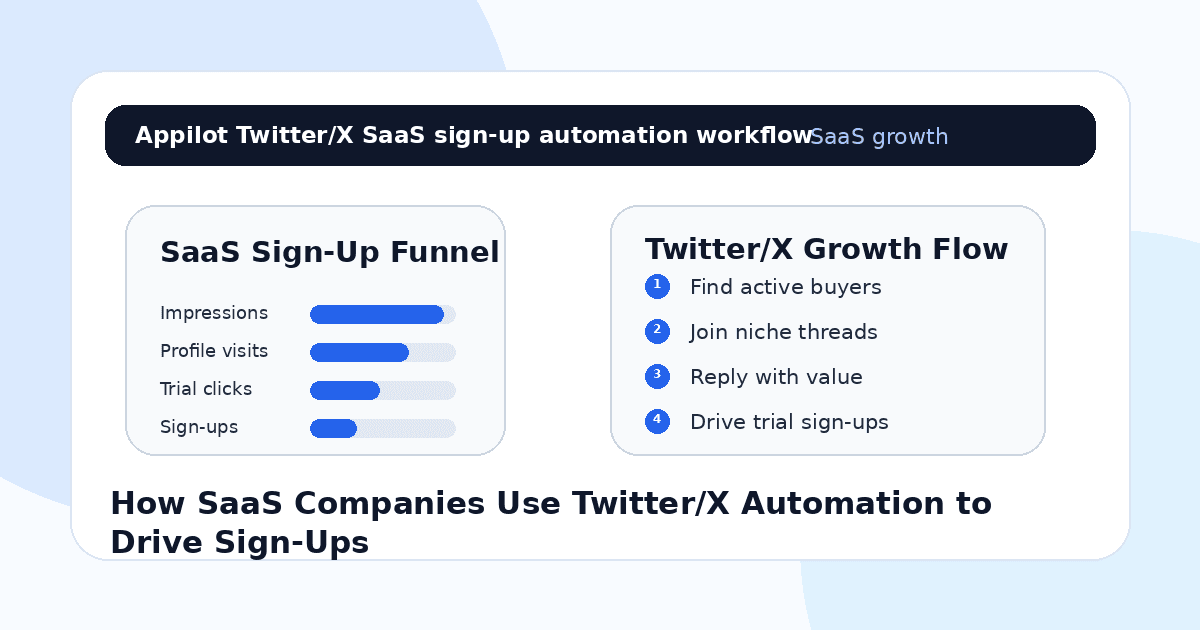
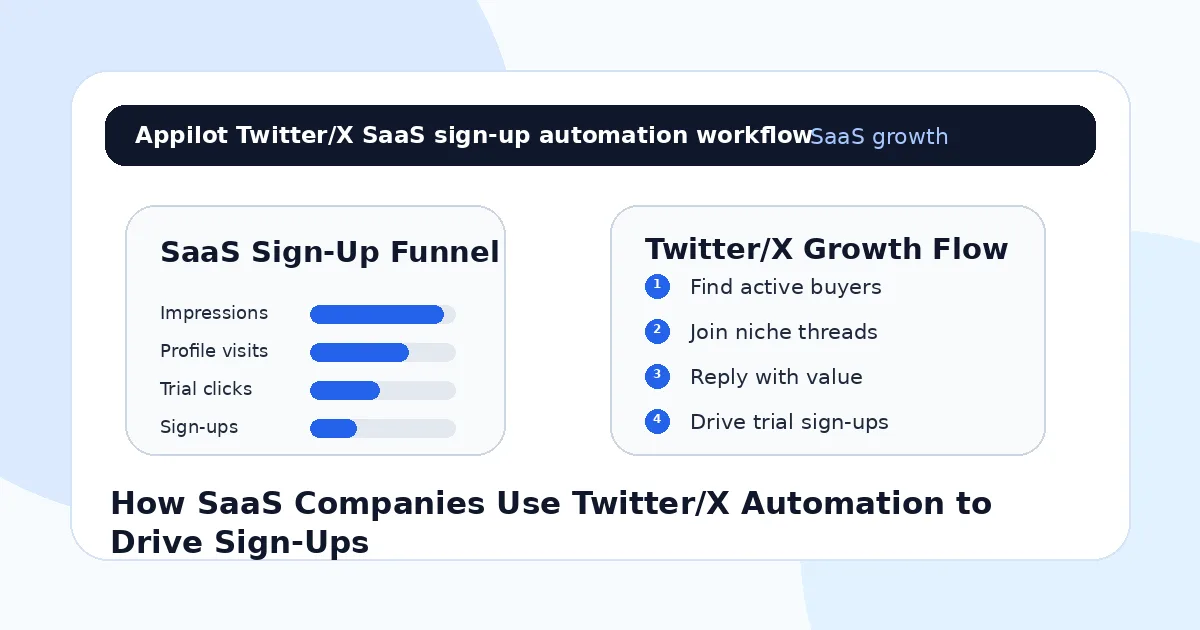
How SaaS Companies Use Twitter/X Automation to Drive Sign-Ups
You launch a new SaaS feature, write a clean announcement post, add the product link, and wait for sign-ups.
A few customers like it. A founder friend reposts it. Maybe someone replies with “interesting” or asks how it works. Then the post slows down, the link clicks flatten, and the sign-up spike never really comes.
That is the problem with Twitter/X growth for SaaS companies. The platform can create demand, but only when your team joins the right conversations consistently.
One post is rarely enough.
SaaS buyers usually need to see the problem, trust the point of view, understand the use case, and feel enough curiosity to click. Twitter/X automation helps support that process by finding relevant prospects, engaging in niche conversations, replying faster, and routing interested users toward a trial, demo, waitlist, or product page.
Used carefully, it becomes a repeatable growth system instead of a random posting habit.
Why SaaS Companies Struggle to Turn Twitter/X Into Sign-Ups
Twitter/X is crowded with founders, operators, developers, marketers, creators, investors, agencies, and product teams. That makes it valuable, but also noisy.
A SaaS company cannot just post “we built this” and expect people to care. The audience needs context. What problem does the product solve? Who is it for? Why now? What is the pain? What changes after using it?
Manual growth takes time. Someone has to monitor keywords, reply to relevant threads, engage with ideal customers, follow users in the right niche, answer questions, share helpful resources, and move real interest toward the product.
That can easily take 45 to 90 minutes a day.
Most SaaS teams get this wrong because they only promote features. Buyers do not sign up because a feature exists. They sign up because the product solves a problem they already feel.
Automation helps when it finds those problem-aware conversations faster.
What Twitter/X Automation Means for SaaS Growth
Twitter/X automation means using software to handle repeatable actions around discovery, engagement, replies, follows, DMs, and link routing. For SaaS companies, this usually means finding people talking about the pain your product solves and starting useful conversations around that pain.
The safest approach is not mass posting or cold DM blasting. It is controlled, relevant activity that looks like what a good growth assistant would do manually.
Real-device automation is useful because it runs workflows through Android devices or emulators instead of relying only on brittle browser scripts or API shortcuts. That can make social actions easier to manage across accounts and campaigns.
A platform like Appilot is built around this kind of workflow. It lets SaaS teams run Twitter/X automation on Android devices or emulators from a browser dashboard, without coding, ADB setup, or keeping a laptop connected all day. For growth teams, that means repeated discovery and engagement work can run more consistently while humans handle positioning, product strategy, and serious conversations.
Automation should create more relevant touchpoints. It should not turn your SaaS brand into a reply bot.
Step 1: Define the Sign-Up Path Before Automating
Before you automate anything, decide what counts as a successful outcome.
For some SaaS companies, the goal is a free trial. For others, it is a demo booking, waitlist join, newsletter signup, template download, free audit, community join, or product-led onboarding flow.
This matters because the Twitter/X workflow should guide people toward one clear next step.
A developer tool might send interested users to documentation or a GitHub example before asking for sign-up. A marketing SaaS might offer a free checklist or template first. A sales tool might route prospects to a demo page. A creator SaaS might drive users to a free account.
If the next step is unclear, automation will only send more people into a confusing funnel.
Your profile should also be ready. The bio should explain who the product helps, the pinned post should show the strongest use case, and the link should send people to a relevant landing page.
Step 2: Target Conversations, Not Just Profiles
Twitter/X works best when you engage with what people are already saying.
Instead of targeting only job titles or follower lists, look for active conversations around the pain your SaaS solves. If you sell a customer support tool, monitor complaints about slow support, ticket chaos, AI chat quality, or help desk overload. If you sell a dev tool, monitor threads about deployment pain, API issues, testing, logging, or infrastructure problems.
The goal is to find people showing demand signals in public.
This is where Appilot’s Twitter/X automation can fit naturally. It can help SaaS teams run repeated discovery and engagement workflows through Android devices or emulators while the team controls the keywords, topics, and buyer segments from one dashboard.
A strong campaign does not start with “who can we pitch?” It starts with “who is already talking about this problem?”
Step 3: Use Replies as the First Conversion Layer
Replies are often more powerful than original posts for early SaaS growth.
A thoughtful reply under the right thread can put your company in front of the exact audience you want. It can also feel more natural than a cold pitch because you are joining an existing conversation.
The key is to add value before mentioning your product.
If someone complains about messy onboarding, do not reply with “try our tool.” Reply with a practical idea, then mention the product only if it fits. If someone asks for recommendations, then it is more appropriate to share a link.
Automation can help surface threads and manage repeated reply opportunities, but the reply itself should still sound human. Generic replies are easy to spot.
Good replies create curiosity. Bad replies create friction.
Step 4: Use DMs Only After Intent
Twitter/X DMs can drive sign-ups, but cold DMs are risky.
A random “Hey, check out our SaaS” message usually feels lazy. A DM sent after someone asks for details, replies to your post, comments on a use case, or requests a resource feels much more natural.
Use automation to support intent-based DM flows.
For example, if someone replies “can you send the template?” the workflow can send it. If someone asks “does this work for agencies?” a team member or simple flow can respond with a relevant use case. If someone asks for the link, send the sign-up page.
One reason SaaS teams use Appilot-style workflows is that it helps manage repeated actions without scripts or manual device handling. But the message logic still matters. DMs should feel like helpful follow-up, not forced promotion.
The best SaaS DM is short, relevant, and easy to answer.
Step 5: Build Content Around Pain Points
Automation works better when your account has content worth visiting.
If someone sees your reply and clicks your profile, they should find proof that you understand their problem. That means your posts should not only announce features. They should explain pain points, mistakes, workflows, examples, customer lessons, product comparisons, and practical fixes.
A project management SaaS might post about missed handoffs, unclear ownership, and reporting chaos. A finance SaaS might post about reconciliation pain, invoice delays, and cash-flow visibility. A developer SaaS might post about debugging, deployment, and flaky tests.
The product should appear naturally inside the problem.
Automation brings more people to your profile. Content gives them a reason to sign up.
Step 6: Track the Right Growth Signals
Do not measure only impressions.
For SaaS growth, the better signals are profile visits, link clicks, trial starts, demo requests, waitlist joins, replies asking for details, product questions, and conversions by campaign source.
You should also track which topics create qualified interest. A post that gets fewer likes but brings five trial sign-ups may be better than a viral post that brings no product intent.
Twitter/X automation should be tested in small batches. Try one audience, one problem, one message angle, and one landing page. Then adjust based on real sign-up behavior.
The goal is not more activity. The goal is better pipeline and product adoption.
Step 7: Keep Humans in the Sales and Support Loop
Automation should stop when a conversation becomes serious.
If someone asks detailed pricing questions, explains their workflow, mentions team size, compares you to a competitor, or asks about implementation, a human should step in.
That is where trust is built.
A bot can help route interest. A person should handle nuance. SaaS buyers often need context before they sign up, especially for B2B tools, team tools, security-sensitive products, or anything connected to revenue.
Think of automation as the front desk. It finds people, opens doors, and routes interest. Your team still closes the loop.
Common Mistakes SaaS Companies Should Avoid
Automating Generic Replies
Replies like “great point” or “check us out” do not build trust. Twitter/X users notice lazy automation quickly.
Sending Cold DMs Too Early
DMs work better after someone shows interest. Cold SaaS pitches usually get ignored or blocked.
Linking Before Explaining the Problem
People click when they understand why the product matters. Do not push the sign-up link before creating context.
Targeting Too Broadly
“Founders” or “marketers” is too vague. Target specific pains, workflows, tools, roles, and buying moments.
Measuring Only Follower Growth
Followers are useful, but sign-ups, demo requests, trial activation, and qualified replies matter more for SaaS growth.
Is Twitter/X Automation Right for SaaS Companies?
Twitter/X automation is a good fit if your buyers are active in public conversations and your product solves a problem people talk about openly. It works especially well for SaaS companies in developer tools, AI tools, marketing software, sales tools, creator tools, productivity, analytics, automation, agencies, and startup operations.
It may not be right if your buyers are not active on Twitter/X or your product needs a very private enterprise sales motion. In that case, LinkedIn, email, partnerships, events, or account-based marketing may work better.
The best use of Twitter/X automation is targeted discovery, useful engagement, and intent-based follow-up.
Final Thoughts
SaaS sign-ups from Twitter/X rarely come from one post. They come from repeated conversations with people who already feel the problem your product solves.
Automation helps by making those conversations easier to find and support. It can help with keyword monitoring, profile discovery, replies, DMs, and link routing, but it should never replace product clarity or human judgment.
If you want to run Twitter/X automation without coding, ADB setup, or manual device management, Appilot gives SaaS teams a browser-based way to control Android devices, emulators, and ready-to-use bots for Twitter/X, LinkedIn, Instagram, TikTok, and other platforms. You can check it out at appilot.app.
FAQs
Q1: Can Twitter/X automation help SaaS companies get sign-ups?
Yes, it can help SaaS teams find relevant conversations, engage prospects, reply faster, and route interested users toward trials or demos.
Q2: What should SaaS companies automate first on Twitter/X?
Start with keyword monitoring, prospect discovery, relevant replies, light follow-ups, and intent-based DMs when someone asks for details.
Q3: Is Twitter/X automation safe for SaaS growth?
It is safer when activity is targeted, gradual, and useful. Generic replies, spam DMs, and aggressive link pushing can still hurt account trust.
Q4: Can Appilot help SaaS companies automate Twitter/X?
Yes, Appilot can run Twitter/X workflows on Android devices or emulators from a browser dashboard without coding or ADB setup.
Q5: Does automation replace SaaS content marketing?
No. Automation helps distribute and support conversations, but strong positioning, useful content, and a clear sign-up path still drive conversions.