How to Automate Product Review Collection

Product review collection sounds simple when order volume is low. A few customers buy, a few of them leave feedback, and the process feels manageable. But once sales increase, products expand, and customer volume grows, collecting reviews manually becomes one of those tasks that everyone knows matters but nobody handles consistently. One customer gets a follow-up request, another never hears from you, and a third gets contacted too late, after the product experience is no longer fresh in mind.
The real problem is not just missing reviews. It is the inconsistency behind them. Reviews build trust, influence purchase decisions, improve conversion rates, and help future customers feel more confident about buying. Yet many businesses still rely on irregular follow-up because manual review collection is repetitive. Someone has to check orders, decide who should be contacted, manage timing, avoid messaging the wrong customer at the wrong moment, and then repeat the same process again and again. As volume grows, that kind of manual work gets pushed aside.
That is why more businesses want to automate product review collection. Instead of relying on memory or spare time, automation turns review collection into a structured workflow. With the right setup, customers can receive the right request at the right point in the post-purchase journey, the process becomes more consistent, and the team spends far less time on repetitive follow-up work.
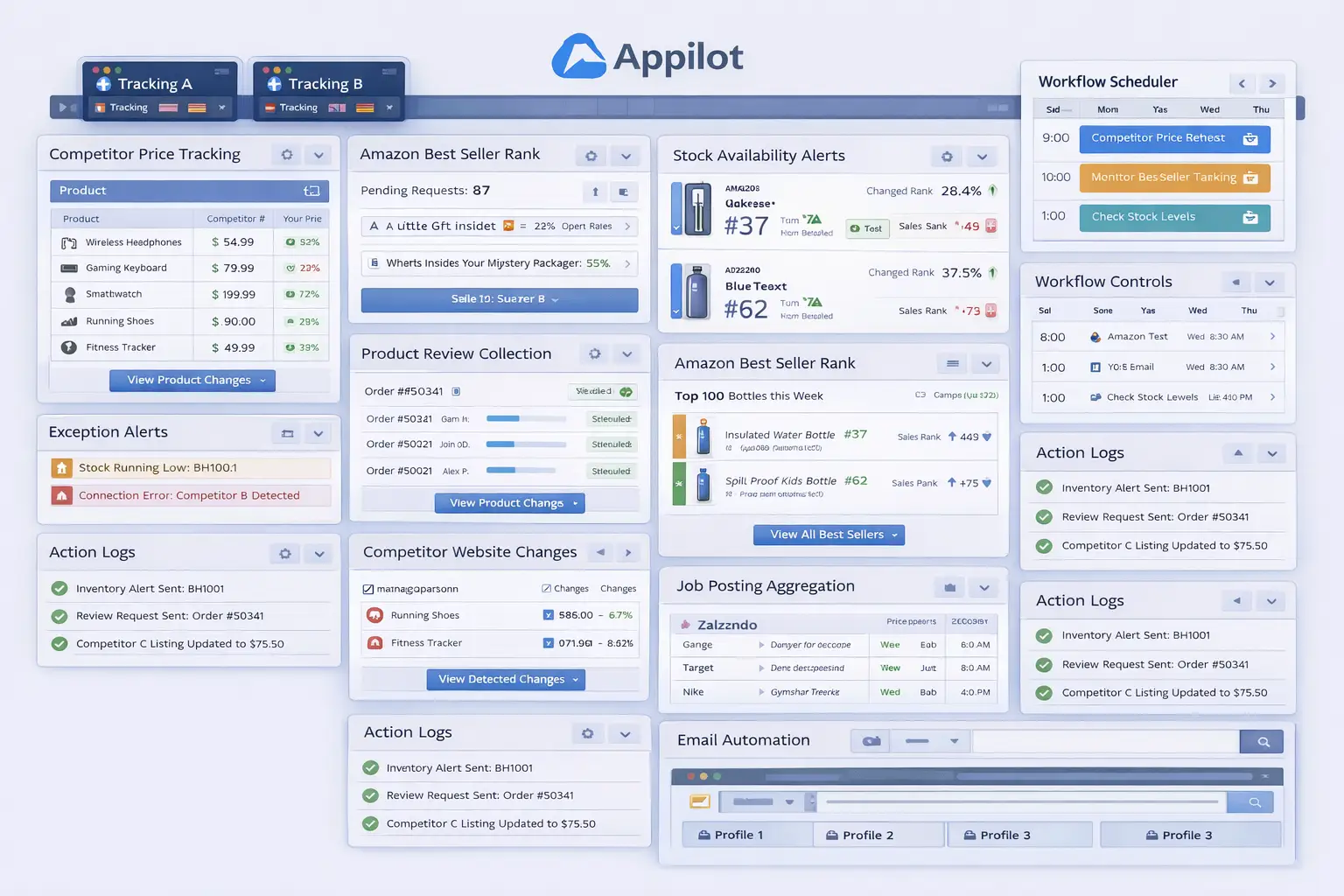
For this guide, I will use Appilot as the workflow automation layer because it fits naturally into repeated browser-based ecommerce and customer follow-up tasks like this one. That does not mean customer communication should be handed entirely to automation. It should not. The smart approach is to keep message tone, timing rules, exclusions, and customer experience standards human-led while using automation to handle the repetitive execution layer. That is where the biggest efficiency gain appears.
In this guide, you will learn why product review collection automation matters, what you need before getting started, how to structure the workflow step by step, what safety practices matter most, and what realistic outcomes you can expect once the system is stable.
Why Product Review Collection Automation Matters in 2025
Product reviews are one of the strongest trust signals in ecommerce. They reduce hesitation, support conversion, and make products feel validated by real buyers rather than just promoted by the seller. A product with strong review coverage usually performs better than a similar product with little or no visible customer feedback. That is especially true for products where buyers compare options closely before making a decision.
For a small store, manual review requests may still feel manageable. But once order volume increases, consistency becomes harder. Some customers may get a well-timed request after they have had enough time to use the product. Others may never be contacted at all. Some may receive a request while they are still waiting for delivery, which creates friction instead of trust.
The real cost is not only operational inefficiency. It is lost opportunity. If your business delivers good customer experiences but fails to ask for reviews consistently, you leave valuable social proof on the table. Over time, that affects how future customers see the business, how products convert, and how much credibility your catalog can build.
Automation matters because it creates structure. Instead of asking whether someone remembered to request reviews this week, the business can define who should receive a request, when they should receive it, and which customers should be excluded. That makes review collection far more reliable and much easier to scale.
The Manual Approach vs. the Automated Approach
The manual approach to review collection usually depends on checking orders and sending follow-ups one by one. A team member looks at completed purchases, decides which customers are ready for a review request, sends the message, and then moves on to the next order. This may work at a very small scale, but it becomes inefficient as customer volume grows.
The biggest weakness of the manual approach is that it depends on memory and available time. If the team is busy with fulfillment, support, marketing, or product work, review collection gets delayed or skipped. That means good customer experiences go unrecorded simply because the business did not follow up consistently enough.
The automated approach changes that structure. Instead of manually checking each order, the business defines the rules in advance. That may include sending requests only after delivery, waiting a set number of days after fulfillment, excluding refunded orders, avoiding customers with unresolved issues, or using different review request timing for different product types.
This does not remove human control. The business still decides what a good review request experience looks like. Automation simply removes the repetitive admin work required to apply those decisions consistently across the customer base.
What You Need to Get Started
Before you automate product review collection, you need a clear post-purchase communication strategy. Decide when a review request should be sent, which customers should receive one, and which customers should be excluded. For example, many businesses prefer to send review requests only after confirmed delivery and only after the customer has had enough time to actually use the product.
The second requirement is clear eligibility logic. Not every order should enter the same review workflow. Customers with unresolved complaints, refunds, damaged deliveries, replacements, or delayed shipments usually should not receive a standard review request. The workflow becomes much stronger when it protects customer experience instead of blindly chasing review volume.
The third requirement is an approved message structure. A review request should feel polite, natural, and easy to respond to. It should not feel pushy, manipulative, or poorly timed. Strong automation depends on strong message quality.
The fourth requirement is a stable workflow environment for handling repeated browser-based follow-up tasks. This is where Appilot becomes useful in a practical way. It helps transform repeated review-request actions into a more manageable process without forcing the business into a large custom technical build for what is essentially recurring customer follow-up work.
Finally, you need a logging system. Review requests should remain visible so the team can review which customers were contacted, when they were contacted, and which orders still need manual attention.
Step-by-Step: Setting Up Product Review Collection Automation
The first step is defining the review request trigger. This is one of the most important decisions in the whole workflow. Do not start with generic timing. Start with the customer experience. Ask when a customer has actually had enough time to receive and evaluate the product. For some products, that may be shortly after delivery. For others, it may require a longer waiting period because the product experience takes time.
The second step is defining order eligibility. A strong review workflow does not treat all orders equally. Some orders should move into the review request sequence automatically, while others should be excluded. Exclusions may include refunded orders, replacement orders, unresolved support cases, delayed delivery issues, or negative service experiences that still need resolution first.
The third step is writing the message logic. The review request should be short, polite, and aligned with your brand voice. The purpose is to invite honest feedback, not pressure the customer. Some businesses prefer a single light-touch request. Others may use a short sequence with a reminder if no action is taken. The key is to keep it respectful and low-friction.
The fourth step is organizing the workflow environment. If the business operates across multiple storefronts, brands, or review channels, each environment should be clearly separated. That helps keep review requests aligned with the correct account and avoids operational confusion.
Next, connect that environment to your workflow system. In this example, Appilot acts as the operational layer that helps execute repeated browser-side review collection actions once your customer rules are already defined. That makes sense because the challenge is not understanding why reviews matter. The challenge is applying the same review collection logic consistently across many orders without turning the process into repetitive manual work.
Now define the workflow sequence clearly. A typical setup begins by identifying which completed orders now qualify for a review request, filtering out any exclusions, launching the correct account environment, opening the appropriate follow-up flow, sending the approved request, and then logging the action. That logging step matters because it prevents duplicate requests and helps the team review what happened later.
The safest rollout begins with a small batch of orders. Start with one product category or a limited order set first. Review whether the right customers were contacted, whether the timing felt appropriate, whether exclusions worked correctly, and whether the action log recorded everything accurately. This phase is about trust, not speed.
After the first batch works, refine the rules. You may discover that some products need a longer review window, or that some customer segments respond better to a different follow-up tone. That is normal. Good review collection automation becomes stronger as the business learns what kind of timing and communication works best for its own customer base.
Once the workflow proves stable, expand gradually. Add more product categories, more order flows, and more review request scenarios if needed. Some businesses may automate only the first request and leave reminders manual. Others may automate most of the process after sufficient validation. Both approaches can work, but the rollout should always be controlled.
A practical implementation usually works like this. First, the business defines when review requests should be sent. Second, customer eligibility and exclusions are mapped clearly. Third, the workflow launches the correct account environment. Fourth, the system sends the approved review request. Fifth, the result is logged. Sixth, the team reviews exceptions and refines the process over time.
That is how product review collection stops being an inconsistent follow-up task and becomes a structured post-purchase workflow.
Safety and Best Practices for Review Collection Automation
The first rule is to keep customer experience human-led. Automation should apply the approved follow-up workflow, but the business should decide when a review request is appropriate and when it should be withheld.
The second rule is to avoid sending review requests too early. A customer who has not received or properly used the product is not in the right position to leave meaningful feedback. Good timing matters more than fast timing.
The third rule is to exclude problematic orders carefully. Refunded orders, delayed deliveries, unresolved support cases, and clearly negative service experiences should usually stay outside the standard review workflow.
The fourth rule is to log every request. This makes it easier to review who was contacted and helps prevent duplicate follow-up or poor customer experience.
The fifth rule is to start small. Test the workflow on a narrow order set first, then expand only when the process proves reliable.
Real Results: What to Expect
During the first week, expect more setup and validation than dramatic gains. You will spend time defining request timing, checking order eligibility, and making sure the workflow only contacts the right customers.
By the second and third weeks, the operational benefit becomes clearer. Orders that once depended on inconsistent manual follow-up begin moving through a more structured review collection process. The team spends less time checking who should be contacted and more time reviewing only the exceptions.
By the second month, the biggest win is usually consistency. More eligible customers receive review requests at the right time, review collection becomes easier to manage, and the post-purchase process feels more organized because follow-up no longer depends on random manual attention.
The realistic result is not that every customer will leave a review immediately. The realistic result is a more disciplined and scalable review collection process that reduces repetitive admin work and improves your chance of capturing customer feedback consistently.
Common Problems and Solutions
One common problem is poor timing. This usually happens when review requests are sent based on internal convenience rather than the customer experience. The fix is to define timing based on delivery and actual product-use context.
Another issue is weak exclusion logic. If refunded or unresolved orders are not filtered properly, the workflow can create poor customer experiences. The solution is to treat exclusions as part of the core system, not as an afterthought.
A third issue is duplicate requests. Without strong logging, the same customer may be contacted more than once unnecessarily. The fix is to make review request history part of the workflow from the beginning.
The last major issue is weak message quality. Even good timing can fail if the request sounds robotic or overly aggressive. The fix is to refine the wording before scaling the process.
Choosing the Right Tools for Product Review Collection Automation
The right setup depends on order volume, product type, and how structured your post-purchase process already is. A very small business with low order volume may still handle review follow-up manually for a while. A growing store with regular customer flow benefits much more from a structured workflow that combines clear communication rules with repeatable browser-side execution.
For this use case, a stable workflow environment combined with a browser automation layer is often the most practical option. Appilot fits naturally because it helps transform repeated review-request actions into a manageable process without forcing the business into a large custom build.
This is also a natural place in your final publishing version to connect related resources such as abandoned cart recovery, email segmentation, browser integration guides, and broader customer-retention content, because businesses focused on review collection often need stronger post-purchase systems overall.
Scaling Beyond Basic Review Request Workflows
At a small scale, teams can still review many orders manually without too much difficulty. As the business grows, review collection becomes a systems problem. The challenge is no longer whether one customer can be asked for a review correctly. The challenge becomes whether many customers can be contacted consistently without creating a constant manual burden.
That is where automation becomes especially valuable. It creates a repeatable feedback-collection layer. Instead of waiting for someone to remember which orders deserve follow-up, the business can operate with a more dependable process.
The businesses that benefit most are usually the ones already delivering enough customer satisfaction to earn reviews but failing to ask for them consistently. For them, automation is not just a convenience. It is a way to turn customer experience into visible trust more reliably.
Frequently Asked Questions
Q1: Can product review collection really be automated?
Yes. If you define clear timing rules, order eligibility, and follow-up logic, much of the repetitive review collection process can be automated in a practical way.
Q2: What should I automate first?
Start with one product group or one completed-order flow. A narrow rollout is easier to validate than trying to automate your entire post-purchase process immediately.
Q3: Why is Appilot relevant for this use case?
Because this is a repeated browser workflow problem after the review collection rules are already defined. Appilot fits naturally as the operational layer that helps apply those updates consistently.
Q4: Do I still need manual review?
Yes. Review collection automation reduces repetitive work, but the team should still review customer experience quality, exceptions, and order issues regularly.
Q5: What is the biggest requirement for success?
Clear timing and exclusion rules. Strong customer-experience logic matters much more than just turning automation on.
Q6: How much time can this save?
That depends on order volume and review request frequency, but growing businesses usually save significant time once follow-up stops depending on repeated manual checking.
Conclusion
If you want to automate product review collection, the biggest opportunity is not just saving time. It is creating consistency in how your business asks for customer feedback. Manual review collection leads to missed opportunities, uneven follow-up, and too much dependence on repetitive admin work. A structured workflow replaces that with a more reliable system.
The best path is to define which orders matter most, build clear request timing and exclusion rules, start with a narrow rollout, and use a workflow layer like Appilot where it naturally helps with repeated browser execution. Then test the results carefully, review customer feedback patterns regularly, and expand only when the workflow proves stable.
When done properly, review collection automation does not reduce control over your customer experience. It strengthens control by making it easier to ask the right customers for the right feedback at the right time as the business grows.