How to Automate Shopify Inventory Updates Across Channels

Keeping inventory accurate across multiple sales channels sounds manageable until the order flow starts speeding up. A product sells on Shopify, then on a marketplace, then through another storefront or channel integration, and suddenly your stock numbers are out of sync. One platform still shows inventory available after it has already been sold elsewhere, another updates too slowly, and someone on your team ends up spending time fixing oversells, adjusting stock manually, and calming down customers who ordered items that are no longer available.
The real problem is not only the quantity of channels. It is the speed at which inventory changes. Once a store is selling across Shopify plus other connected channels, stock updates stop being a simple back-office task. They become a real-time operational challenge. The more products, suppliers, locations, and sales sources you add, the more likely it becomes that stock accuracy will break down if the process is still handled manually.
That is why more ecommerce operators want to automate Shopify inventory updates across channels. Instead of relying on team members to make stock corrections manually or trust that every change will be remembered, automation turns inventory movement into a structured workflow. With the right setup, stock changes can be tracked, validated, pushed into the right systems, and updated across channels more consistently and with much less repetitive effort.
For this guide, I will use Appilot as the workflow automation layer because it fits naturally into repeated browser-based ecommerce tasks like this one. That does not mean inventory logic should be left entirely to automation. It should not. The smart approach is to keep stock policy, channel priority, and exception rules human-led while using automation to handle the repeated operational execution. That is where the biggest efficiency gain appears.
In this guide, you will learn why multi-channel inventory automation matters, what you need before getting started, how to set up the workflow step by step, what safety practices matter most, and what realistic outcomes you can expect once the process is stable.
Why Shopify Inventory Automation Matters in 2025
Inventory accuracy is one of the most important foundations of multi-channel commerce. If your stock numbers are wrong, the rest of the business feels it quickly. Oversells damage trust. Delayed stock corrections create unnecessary support load. Products that should be available may show as out of stock, while products that should be unavailable remain live and cause fulfillment problems. In other words, stock accuracy is not just an operations issue. It affects customer experience, profitability, and channel reliability.
For a single-channel store with low order volume, manual updates may still seem workable. But once products move across Shopify and additional sales channels, manual stock handling becomes fragile. A single stock change may need to be reflected in multiple places, and even a short delay can create problems if orders come in quickly. What feels manageable at ten products or low daily volume often becomes stressful as the business grows.
The real cost is not just the labor involved in updating inventory manually. It is the inconsistency. One stock adjustment may be updated immediately while another sits in a spreadsheet until someone remembers to push the change. One team member may follow the correct process while another uses a shortcut. These small variations create large downstream issues.
Automation matters because it creates structure. Instead of asking people to remember every stock movement across every channel, the business can define the logic behind inventory updates and let a workflow handle the repeated execution layer more consistently.
The Manual Approach vs. the Automated Approach
The manual approach to multi-channel inventory usually depends on constant checking and correction. Someone reviews order flow, updates stock in Shopify, adjusts other channels, verifies the numbers, and then repeats the same process throughout the day. This works in a very limited setup, but it breaks down once order volume increases or stock changes occur more frequently.
The biggest weakness of the manual method is that it relies on timing and memory. If a stock update is delayed or missed, channel accuracy breaks. If the same product is listed in multiple places with shared inventory, a slow response can create oversells. If multiple people are involved, inconsistency increases because different team members may handle the workflow differently.
The automated approach changes the operating model. Instead of treating each stock adjustment as a separate manual action, you define how inventory changes should move across the system. Then the workflow helps apply those rules repeatedly and consistently. That might include updating stock after a sale, synchronizing quantity changes from a central source, pushing inventory adjustments from Shopify to connected channels, or reflecting stock updates based on supplier or warehouse inputs.
The result is a cleaner operation. Human operators still define the rules, monitor exceptions, and handle unusual cases. But the repetitive updating work no longer depends entirely on daily manual attention.
What You Need to Get Started
Before you automate Shopify inventory updates across channels, you need a clear inventory ownership model. This means deciding which system acts as the source of truth. In many cases, Shopify is the operational center, but not always. Some businesses manage stock from a warehouse system, ERP, or spreadsheet layer and then push updates outward. The workflow only becomes reliable when this hierarchy is clear.
The second requirement is channel mapping. You need to know which channels share inventory, which products are linked across platforms, and how quantity changes should behave when stock moves. Not every channel necessarily needs the same logic. Some products may be sold everywhere, while others may belong only to specific channels or locations.
The third requirement is clean product and SKU structure. If product identifiers are inconsistent between Shopify and other channels, automation becomes risky. Shared inventory depends on matching the right products correctly, so SKU discipline matters a lot here.
The fourth requirement is a reliable operational workflow environment. This is where Appilot becomes useful in a practical way. It helps transform repeated browser-side stock update tasks into a more manageable workflow without forcing the business into a large custom technical project just to handle recurring admin work.
Finally, you need a logging and review layer. Inventory automation should never feel invisible. Every stock update should remain traceable so the team can verify what happened and investigate issues when needed.
Step-by-Step: Setting Up Shopify Inventory Updates Across Channels
The first step is deciding which platform owns the stock count. This is one of the most important decisions in the entire setup. If different channels are allowed to act independently without a single inventory source of truth, synchronization becomes messy and unreliable. Decide whether Shopify is the primary source, whether stock comes from a warehouse system first, or whether an internal stock sheet controls the final numbers.
The second step is mapping products across channels. Each product should have a stable identifier that allows the workflow to understand which listings on which channels refer to the same stock pool. In most businesses, this means strong SKU discipline. Without that, inventory automation becomes guesswork.
The third step is defining update triggers. Ask what events should cause the system to push an inventory change. That may include a new order, a return, a manual stock correction, a supplier restock, or a warehouse adjustment. The more clearly these triggers are defined, the more dependable the workflow becomes.
The fourth step is defining channel behavior. Some businesses want all channels updated immediately. Others may keep certain channels with safety buffers, delayed updates, or restricted stock visibility. For example, a store might keep a small stock reserve in one channel to reduce oversell risk. The important part is that this logic is intentional rather than improvised.
Now organize the browser environment. If you manage one Shopify store plus several other channel accounts, each environment should have its own stable browser profile. This makes the automation more dependable and reduces the chance of making updates in the wrong admin area.
Next, connect that environment to your workflow system. In this example, Appilot acts as the operational layer that helps execute repeated browser-side stock update actions once your inventory rules are already defined. That makes sense because the challenge here is not understanding inventory theory. It is repeatedly applying stock changes accurately across multiple systems without turning the team’s day into nonstop manual admin work.
Now define the workflow sequence. A typical setup begins by identifying the stock change event, referencing the source-of-truth quantity, launching the correct Shopify or channel admin profile, locating the linked product record, applying the approved stock update, saving the change, and then logging the result. If multiple channels share the same product, the workflow repeats the process for each linked environment based on your rules.
The safest rollout starts with a small product set and a limited number of channels. Use products with clear SKU mapping and moderate order flow first. Review every update carefully. Did the quantity change correctly. Did it land in the right channels. Did any exceptions occur. Did the log capture the event accurately. Inventory automation earns trust through accuracy, not through speed alone.
After the first batch works, strengthen the workflow with exception handling. For example, if a linked product record cannot be found, if a stock quantity appears mismatched, or if one channel fails to update, the process should stop and flag the issue rather than pushing forward blindly. Inventory is too important for silent failures.
Then refine timing and frequency. Some stores will want updates as close to real time as possible, while others may choose scheduled sync windows for certain channels. Both can work, but the decision should be based on order velocity, oversell risk, and operational realities.
Once the workflow is stable, scale gradually. Add more products, more channels, and more update triggers. Some businesses may separate workflows by product category, stock location, or order source. That often makes the system easier to maintain because the logic stays cleaner within each group.
A practical implementation usually works like this. First, the business defines the source of truth for inventory. Second, SKUs and channel mappings are cleaned up. Third, update triggers are defined. Fourth, the automation launches the necessary admin environments and applies stock changes according to the approved logic. Fifth, results are logged. Sixth, exceptions are reviewed by human operators.
That is how multi-channel inventory updates stop being a stressful manual process and become a structured stock control workflow.
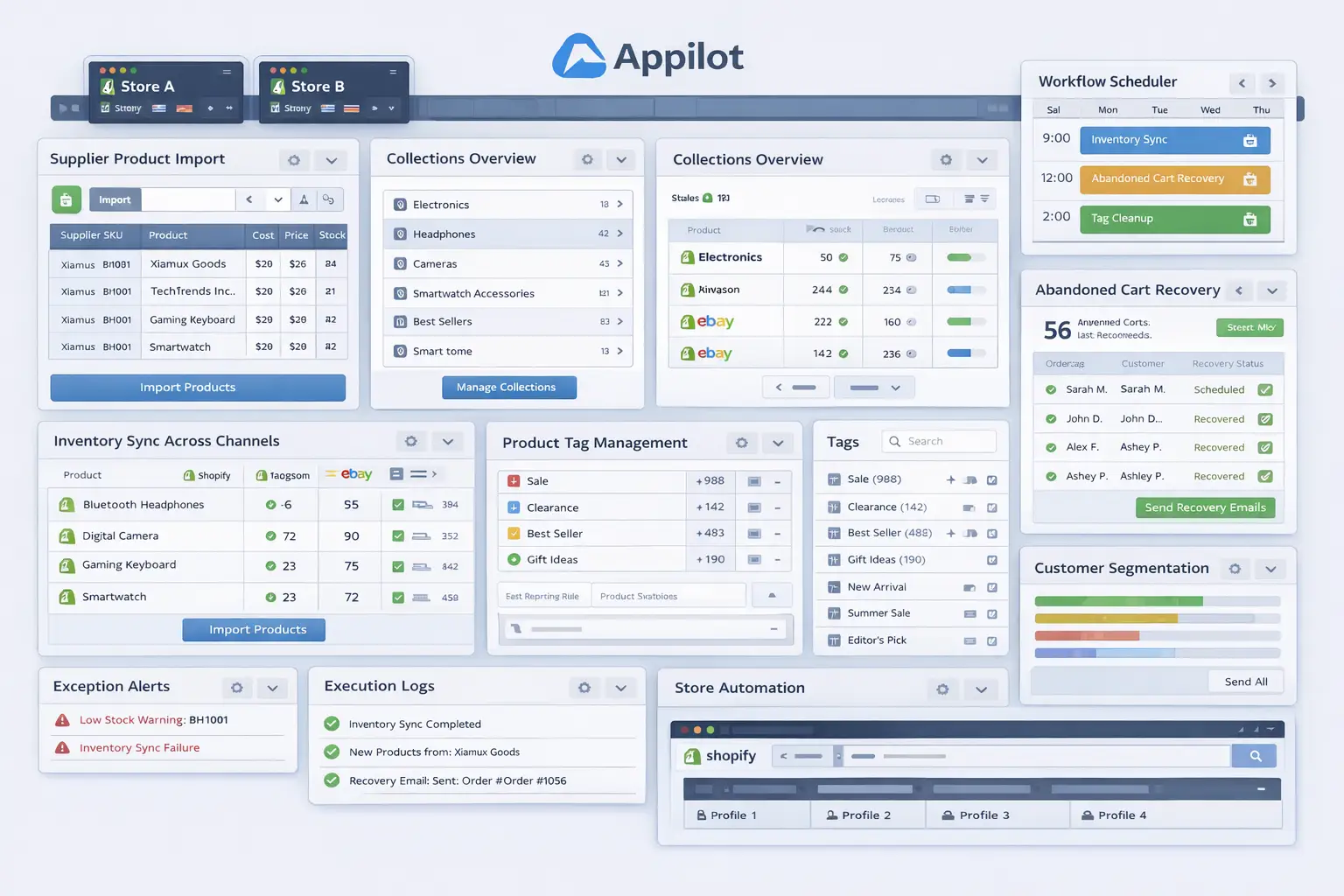
Safety and Best Practices for Inventory Automation
The first rule is to define a single source of truth. Inventory automation becomes unstable when multiple systems are allowed to behave like the final authority on stock counts. Pick the main source and build the workflow around it.
The second rule is to keep SKU mapping clean. If the same product is represented inconsistently across channels, the workflow can update the wrong records or fail silently. Strong SKU discipline is essential.
The third rule is to use exception handling aggressively. Inventory mismatches, missing product links, and failed updates should always stop the process and surface clearly for review.
The fourth rule is to log every change. Stock updates should be reviewable by product, channel, and timestamp so the team can trace issues when they happen.
The fifth rule is to scale gradually. Start with a controlled product set and a small number of channels first, then expand only when the update accuracy proves stable.
Real Results: What to Expect
During the first week, expect more setup and validation than dramatic time savings. You will spend time cleaning SKU mappings, checking linked channel behavior, and confirming that the right quantities appear in the right places. This is where the system earns trust.
By the second and third weeks, the operational benefits become more obvious. Products that once required repeated manual stock corrections start moving through a more structured update process. The team spends less time reacting to stock discrepancies and more time reviewing only the exceptions.
By the second month, the biggest gain is usually consistency. Inventory starts behaving more predictably across channels, oversell risk becomes easier to manage, and stock operations feel less fragile. For businesses selling across multiple environments, that consistency is often worth more than the labor savings alone.
The realistic result is not perfect stock behavior forever with zero human input. The realistic result is a much more disciplined and scalable inventory update process that reduces repetitive manual work and lowers the chance of cross-channel stock errors.
Common Problems and Solutions
One common problem is inconsistent SKU structure. This usually causes linked products to fail during updates or to sync incorrectly. The fix is to standardize product identifiers before expanding the workflow.
Another issue is trying to sync too many channels too early. This often creates complexity before the core logic has proved stable. The solution is to start with a smaller channel set and expand after the process has shown reliable results.
A third issue is weak exception logic. If the workflow encounters a missing product mapping or a channel update failure and keeps going silently, stock accuracy can break without the team noticing quickly enough. The fix is to build stronger stop conditions and alerts into the process.
The last major issue is unclear ownership of stock. If teams do not know which system owns the final inventory number, they end up fighting the workflow manually. The fix is to define that ownership before automation begins.
Choosing the Right Tools for Inventory Automation
The right setup depends on channel count, product complexity, and how structured your stock operation already is. A small single-store business may still handle parts of inventory manually for a while. A multi-channel store with frequent stock movement benefits much more from a structured system that combines clean SKU mapping, defined stock logic, and repeatable admin workflows.
For this use case, a stable browser environment combined with a workflow layer is often the most practical route. Appilot fits naturally because it helps transform repeated stock update actions into a manageable operational process without forcing the business into a large custom build just to handle routine inventory admin tasks.
This is also a natural place in your final publishing version to connect related content such as supplier import automation, collection organization, browser integration guides, and broader catalog operations posts, because multi-channel inventory issues often sit alongside larger product workflow challenges.
Scaling Beyond Basic Inventory Sync Workflows
At a small scale, teams can still review many stock changes manually without too much difficulty. As the business grows, inventory becomes a systems problem. The challenge is no longer whether one product can be updated correctly. The challenge becomes whether many stock changes can move across many channels without creating a constant correction burden.
That is where automation becomes especially valuable. It creates a repeatable stock update layer that can keep up with product movement more consistently than manual work can. Instead of waiting for someone to notice that one channel is wrong and then fixing it by hand, the business can maintain a cleaner process for how quantity changes are applied.
The stores that benefit most are usually the ones already selling in several places and feeling the pressure of stock inconsistency. For them, inventory automation is not just a convenience. It is part of keeping growth operationally manageable.
Frequently Asked Questions
Q1: Can Shopify inventory updates across channels really be automated?
Yes. If you have a clear source of truth, stable SKU mapping, and defined channel rules, much of the repetitive stock update process can be automated in a practical way.
Q2: What should I automate first?
Start with a small set of products and a limited number of channels. A narrow rollout is easier to validate and much safer than trying to automate the full catalog immediately.
Q3: Why is Appilot relevant for this use case?
Because this is a repeated browser workflow problem after the inventory rules are already defined. Appilot fits naturally as the operational layer that helps apply those stock changes consistently.
Q4: Do I still need manual review?
Yes. Inventory is too important to be treated as completely hands-free. Automation reduces repetitive work, but monitoring and exception handling remain essential.
Q5: What is the biggest requirement for success?
A clear inventory ownership model. If you do not know which system controls the final stock number, the workflow will remain fragile no matter how good the automation is.
Q6: How much time can this save?
That depends on channel count and order volume, but stores with regular stock movement across multiple sales channels usually save significant time once repeated stock corrections stop being manual.
Conclusion
If you want to automate Shopify inventory updates across channels, the biggest opportunity is not just saving time. It is creating consistency in one of the most sensitive parts of a multi-channel operation. Manual stock updates create delay, oversell risk, and too much dependence on repetitive admin work. A structured workflow replaces that with a more reliable system.
The best path is to define a source of truth for inventory, clean up SKU mapping, set clear channel behavior rules, keep the rollout narrow at first, and use a workflow layer like Appilot where it naturally helps with repeated browser execution. Then test the process carefully, review exceptions closely, and expand only when the workflow proves stable.
When done properly, inventory automation does not reduce control over your stock. It improves control by making stock changes easier to apply consistently across every channel that matters.