How to Avoid Facebook Business Manager Restrictions
You log into Facebook Business Manager and suddenly something is restricted.
An ad account is disabled. A page loses publishing access. A payment method stops working. A Business Manager gets flagged for review.
For many advertisers, this does not happen only once.
You recover one asset, then another gets restricted. One ad account gets disabled, then the Business Manager starts showing more warnings. Soon the entire account structure becomes unstable.
The most frustrating part is that Facebook rarely explains exactly why.
You may see a message saying there was unusual activity, suspicious behavior, policy concerns, or verification issues, but that still does not tell you what triggered the restriction.
You are left guessing whether the problem came from the payment method, the login behavior, the browser setup, the Business Manager structure, or the ads themselves.
The good news is that most Facebook Business Manager restrictions can be prevented.
Once you understand what Facebook is actually tracking, you can build a safer setup, reduce risk, and keep your Business Manager much more stable long term.
In this guide, you will learn why Facebook Business Manager restrictions happen, what the most common warning signs are, how to recover safely, and how to prevent future issues.
Time to stabilize: Usually between 2 and 14 days depending on the severity of the restriction. Success rate: High if suspicious behavior is reduced early. Cost: Usually low if you already have the right browser, proxy, and account setup.
Why Facebook Business Manager Restrictions Happen
Facebook restricts Business Managers when it sees too much risk associated with the account.
The platform tracks login locations, browser fingerprints, device fingerprints, payment methods, Business Manager activity, ad account history, domain quality, policy violations, billing behavior, and how assets are connected together.
If too many of these signals look suspicious, Facebook may start restricting the Business Manager.
One common reason is aggressive scaling. If a brand new Business Manager suddenly creates multiple ad accounts, launches large campaigns immediately, adds many users, and starts spending heavily on day one, Facebook may see that as risky.
Another common problem is unstable login behavior. If the account logs in from multiple countries, devices, or browsers in a short period of time, Facebook may assume the Business Manager has been compromised.
Poor payment behavior is another major issue. Repeated card declines, changing payment methods too often, or using the same payment method across many ad accounts can all reduce trust.
Facebook also looks at how assets are connected. If too many pages, ad accounts, domains, and Business Managers are tied together in the same browser environment, one restriction can spread quickly.
This is exactly why I built Appilot. The goal was to create safer browser environments, better account separation, and more stable Business Manager setups instead of constantly triggering risk signals.
The Most Common Reasons Business Managers Get Restricted
One major reason is repeated ad policy violations.
If your ads contain misleading claims, unrealistic promises, restricted products, or poor landing pages, Facebook may start restricting the Business Manager.
Another major issue is poor account warming.
Many people create a new Business Manager and immediately start creating multiple ad accounts, pages, users, and campaigns. This can make the account look suspicious because there is no history or trust yet.
Frequent login changes are another common trigger.
If Facebook sees the Business Manager moving between countries, IP addresses, devices, and browsers constantly, it may assume there is unauthorized access.
Repeated identity verification requests, payment issues, and rejected ads are also common warning signs before larger restrictions happen.
Warning Signs Before Facebook Restricts Your Business Manager
In many cases, Facebook gives smaller signals before a major restriction happens.
You may notice more ad rejections, slower ad reviews, lower spending limits, payment failures, identity verification requests, or unusual activity warnings.
Some people also see more page restrictions, domain verification issues, disabled assets, or login challenges.
These are usually signs that Facebook is starting to lose trust in the Business Manager.
The earlier you fix the problem, the easier it is to avoid a full restriction.
How to Recover From Business Manager Restrictions
Step 1: Stop Creating New Assets
One of the biggest mistakes people make is creating more ad accounts, pages, or Business Managers immediately after a restriction.
If the underlying issue is still there, the new assets may get restricted too.
The first step is stabilizing the existing setup.
Step 2: Review Policy Violations
Go through rejected ads, restricted pages, disabled assets, and account quality warnings.
Look for anything that may have violated Facebook policies, including aggressive claims, misleading copy, low-quality landing pages, or restricted products.
Even small changes in ad wording and landing page structure can improve trust.
Step 3: Stabilize Login Activity
Keep the Business Manager on one browser profile, one device, one IP address, and one location whenever possible.
Do not switch between multiple browsers, VPNs, devices, and countries constantly.
The more stable the environment looks, the easier it is for Facebook to trust it.
Step 4: Fix Billing Problems
Use stable payment methods that belong to the business.
Avoid constantly changing cards or using payment methods that fail repeatedly.
Repeated billing problems are one of the fastest ways to reduce account trust.
Step 5: Warm New Business Managers Slowly
If you create a new Business Manager, avoid launching everything immediately.
Start with one page, one ad account, one payment method, and small campaigns.
Gradually add more assets over time.
The slower and more stable the setup becomes, the safer it will be.
Step 6: Separate Accounts Properly
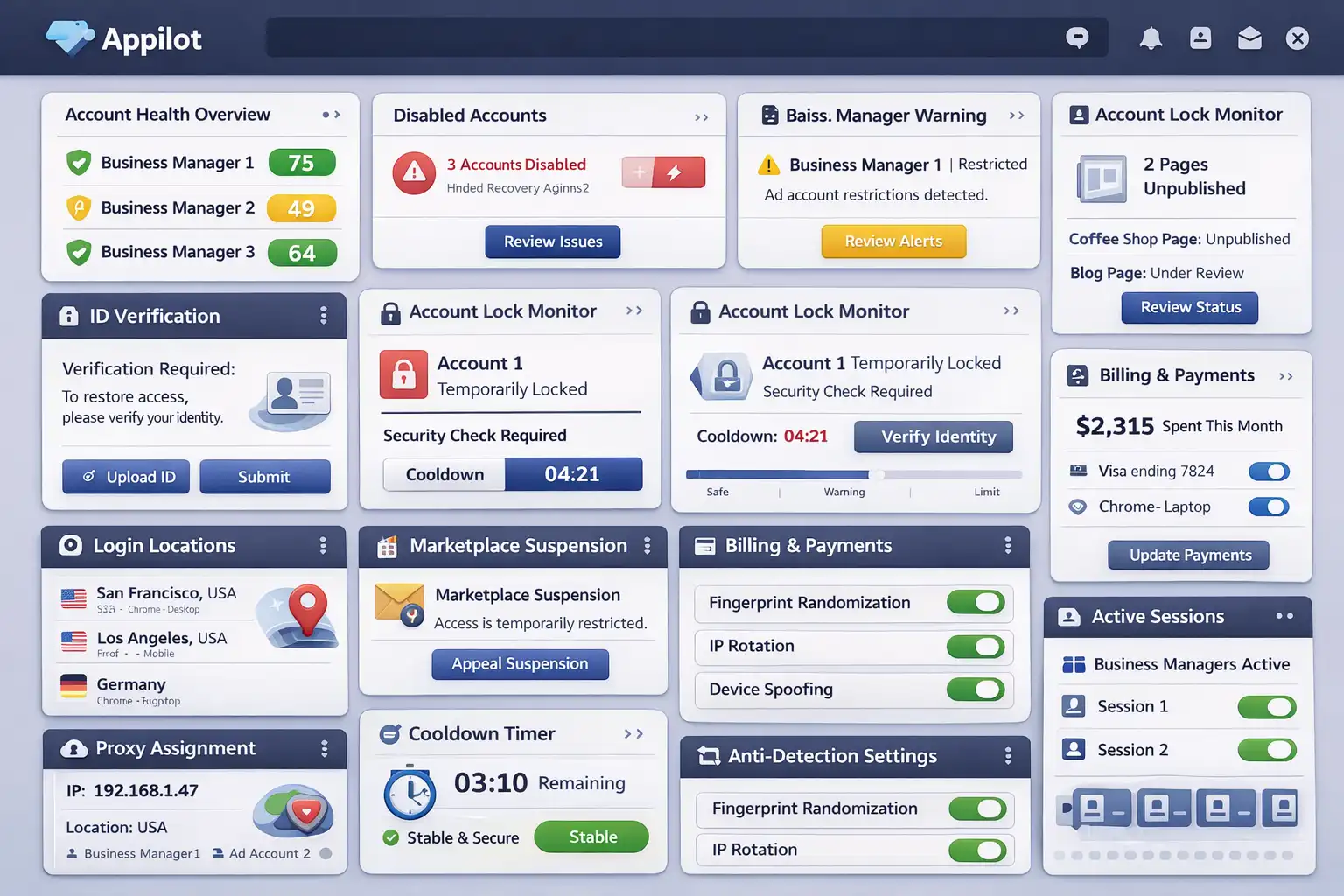
If you manage multiple Business Managers, separate them with different browser profiles, cookies, proxies, and device fingerprints.
This makes every Business Manager appear more independent.
If one Business Manager has issues, the others are less likely to be affected.
Appilot is useful here because it helps create safer browser environments and more stable Business Manager structures instead of connecting everything together in one place.
How to Prevent Future Facebook Business Manager Restrictions
The best way to avoid future restrictions is creating a more stable and trustworthy setup.
Use high-quality landing pages, stable payment methods, consistent login locations, and dedicated browser profiles.
Avoid aggressive scaling on new Business Managers and avoid running risky campaigns too quickly.
Monitor warning signs early. If ad rejections increase, payment issues appear, or login challenges become more common, reduce activity and fix the problem before the restriction becomes more serious.
The more trustworthy the Business Manager looks, the easier it becomes to keep assets running safely long term.
Common Mistakes That Make Restrictions Worse
One major mistake is creating new Business Managers without fixing the original problem.
Another mistake is constantly changing payment methods, devices, browsers, and locations.
People also make the mistake of connecting too many ad accounts, pages, and domains together in the same environment.
If one asset gets flagged, the others may lose trust too.
Another common mistake is scaling too quickly on brand new Business Managers.
Without account history and trust, Facebook may see rapid growth as suspicious.
Frequently Asked Questions
Q1: Why did Facebook restrict my Business Manager?
Facebook usually restricts Business Managers because of suspicious activity, policy violations, payment issues, or unstable login behavior.
Q2: Can I recover a restricted Business Manager?
Yes. Many restrictions can be removed if the underlying issues are fixed and the account is stabilized.
Q3: Do payment methods affect Business Manager trust?
Yes. Repeated payment failures and unstable billing activity can reduce trust quickly.
Q4: Are proxies safe for Facebook Business Managers?
Yes, if they are high-quality residential proxies used consistently.
Q5: Does Appilot help reduce Business Manager risk?
Appilot helps create safer browser environments, account separation, and more stable login behavior.
Conclusion
Facebook Business Manager restrictions happen when the platform sees too many suspicious signals at once.
The safest approach is creating a stable environment with better browser separation, more consistent login behavior, stable payment methods, and safer account warming.
The goal is not to scale as quickly as possible.
The goal is to build long-term trust so your Business Manager can stay active and stable over time.