How to Avoid Instagram Phone Verification Loops
You log into Instagram, enter your password, and suddenly the platform asks for phone verification.
You enter the code.
Then it asks again.
Sometimes you receive multiple code requests in a row. Sometimes the code never arrives. In other cases, you enter the correct code, Instagram accepts it, and then immediately asks for another verification again.
This is what many people call the Instagram phone verification loop.
It is one of the most frustrating account issues because it can lock you out of an account for hours or even days.
For people managing multiple accounts, doing outreach, using automation, or frequently switching devices, this problem can become even more common.
The good news is that phone verification loops are usually preventable.
Once you understand what causes them, you can reduce the chances of getting stuck in repeated verification requests and make your account look much safer to Instagram.
In this guide, you will learn why Instagram phone verification loops happen, what the most common triggers are, how to recover safely, and how to avoid them in the future.
Time to recover: Usually between a few minutes and 72 hours depending on severity. Success rate: High if account activity is reduced early. Cost: Usually free unless you need better proxies, browser separation, or account management tools.
Why Instagram Phone Verification Loops Happen
Instagram usually asks for phone verification when it believes an account is behaving suspiciously or when it needs extra confirmation that the person logging in is the real owner.
The problem starts when too many suspicious signals happen at the same time.
Instagram tracks browser fingerprints, device fingerprints, IP addresses, login locations, cookies, session history, typing speed, and account behavior.
If the account suddenly changes devices, changes locations, switches proxies, logs into multiple accounts from the same browser, or starts behaving aggressively, Instagram may repeatedly ask for phone verification.
This often happens after password resets, frequent logins and logouts, browser cookie clearing, proxy changes, or automation activity that looks unnatural.
Another common trigger is using the same phone number across too many Instagram accounts. When several accounts are tied to the same number, Instagram may see them as connected.
If one of those accounts gets flagged, the others may start getting repeated verification requests too.
This is exactly why I built Appilot. The goal was to create safer account environments with more natural behavior patterns instead of setups that constantly trigger login warnings and verification loops.
The Most Common Causes of Verification Loops
One major cause is logging into the same account from different countries or IP addresses too quickly. If an account logs in from Pakistan in the morning and Germany a few hours later, Instagram may think the account was compromised.
Another common issue is clearing cookies and browser data too often. Cookies help Instagram recognize a device as trusted. If you clear them repeatedly, the platform may keep treating every login like a brand new device.
Using low-quality proxies and free VPNs is another major problem. Many of these IP addresses are already heavily abused and may already be flagged by Instagram.
Frequent password resets can also trigger repeated phone verification requests. If Instagram sees multiple password changes, failed login attempts, and verification requests happening close together, it may lock the account into a repeated challenge loop.
Managing too many accounts from the same browser profile can also create problems. Instagram can connect accounts together through cookies, browser fingerprints, and device settings.
If one account gets flagged, the others may start getting repeated phone verification requests as well.
How to Recover From a Phone Verification Loop
Step 1: Stop Logging In Repeatedly
One of the biggest mistakes people make is continuing to retry logins over and over again.
If Instagram keeps asking for verification, stop trying for a few hours.
Repeated login attempts usually make the loop worse because Instagram sees even more suspicious activity.
Step 2: Stay on One Device and One Browser
If possible, keep using the same device and browser that the account normally uses.
Do not switch between phones, laptops, browsers, or IP addresses while trying to recover the account.
The more stable the environment looks, the easier it is for Instagram to recognize it as trusted.
Step 3: Keep Location and IP Stable
Use the same country, same proxy, and same IP address that the account usually uses.
If the account suddenly appears to move between multiple locations, Instagram may continue asking for more verification.
Residential or mobile proxies usually work much better than cheap shared VPNs because they look more like real users.
Step 4: Avoid Clearing Cookies and Sessions
Many people clear cookies and browser data because they think it will solve the problem.
In reality, this often makes the issue worse.
Cookies help Instagram recognize the device as trusted.
If you keep clearing them, the account may keep getting treated like a completely new login.
Step 5: Reduce Aggressive Activity
If the account was sending too many DMs, following too many users, or switching between accounts too quickly, reduce activity for at least 48 to 72 hours.
The goal is to make the account look calm and normal again.
Once the verification loop stops, return to normal activity slowly instead of jumping back into aggressive behavior immediately.
Step 6: Separate Accounts Properly
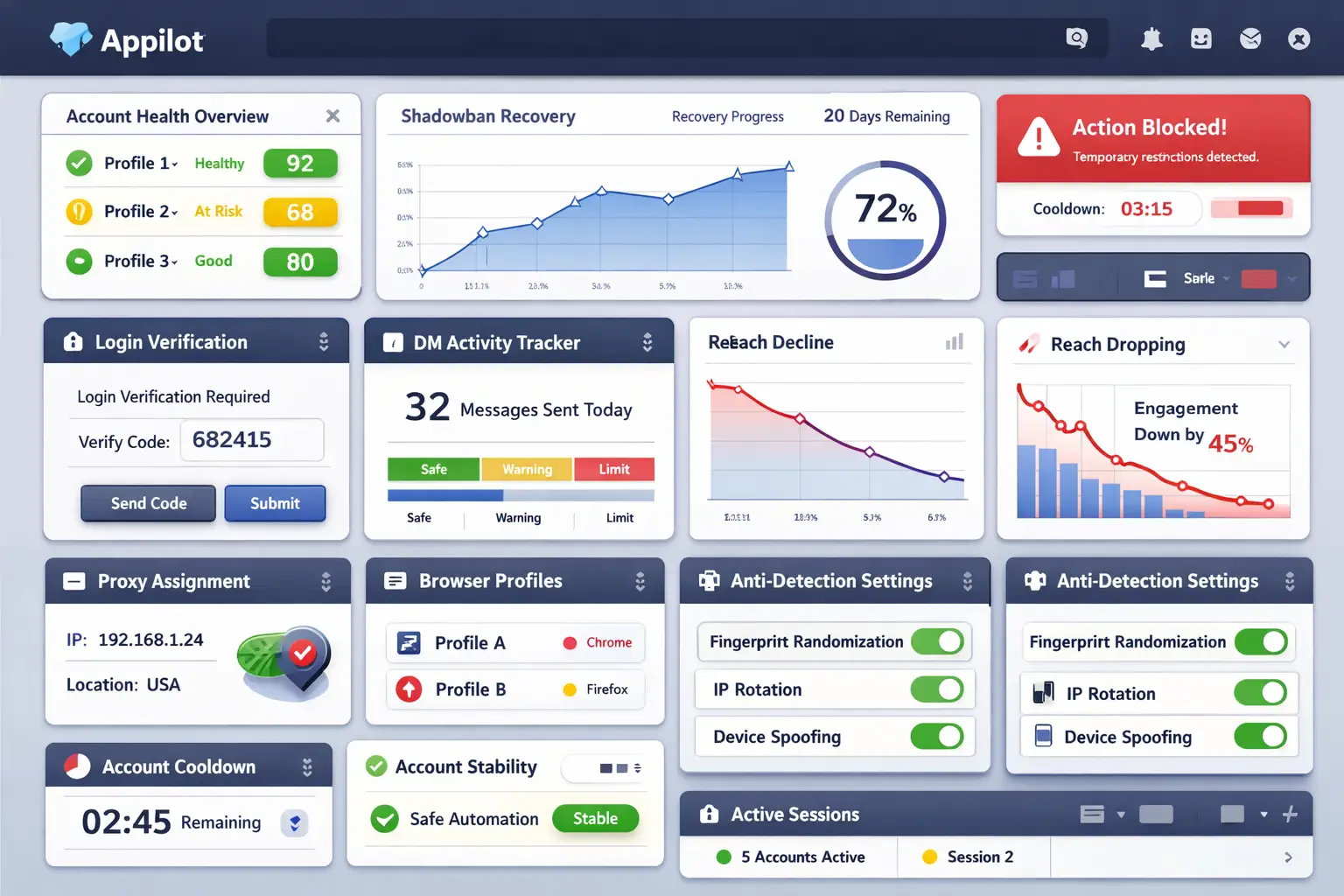
If you manage multiple Instagram accounts, each one should have its own browser profile, cookies, proxy, and device fingerprint.
This makes each account appear more independent.
Running many accounts from the same browser profile is one of the fastest ways to trigger repeated login challenges.
Appilot is useful here because it helps create safer account separation and more natural login behavior instead of constantly triggering suspicious activity warnings.
How to Avoid Phone Verification Loops in the Future
The best way to avoid future verification loops is keeping your account environment as stable as possible.
Use the same device, same browser, same IP address, and same location consistently. Avoid switching between countries or using multiple VPNs.
Do not log in and out constantly. Stay logged in whenever possible.
Avoid clearing cookies unless absolutely necessary. Use high-quality residential or mobile proxies instead of free VPNs.
If you manage multiple accounts, separate them properly so they do not look connected.
If you use automation, make sure it behaves naturally instead of triggering suspicious login patterns.
The more stable the account environment becomes, the easier it is to avoid repeated verification requests.
Common Mistakes That Make Verification Loops Worse
One common mistake is retrying logins too many times in a short period.
Another mistake is changing proxies repeatedly while trying to fix the problem.
People also make the mistake of clearing cookies, changing browsers, resetting passwords multiple times, and switching devices constantly.
All of these actions create more suspicious signals.
Another major mistake is connecting too many accounts to the same phone number.
If one account gets flagged, the others may get caught in the same verification loop.
Frequently Asked Questions
Q1: How long do Instagram phone verification loops last?
Most loops last between a few hours and 72 hours. More severe cases can take longer if the account keeps triggering suspicious signals.
Q2: Why am I not receiving Instagram verification codes?
This can happen because of carrier delays, blocked messages, incorrect phone numbers, or too many repeated requests.
Q3: Can using a VPN cause verification loops?
Yes. Cheap VPNs and constantly changing IP addresses can make Instagram think the account is compromised.
Q4: Should I clear cookies if Instagram keeps asking for verification?
Usually no. Clearing cookies often makes the issue worse because Instagram no longer recognizes the device.
Q5: Can multiple accounts share the same phone number?
They can, but using the same number across too many accounts increases the chances of cross-account restrictions.
Conclusion
Instagram phone verification loops happen when the platform sees too many suspicious signals at once.
The safest approach is keeping the account environment stable, reducing aggressive activity, using better proxies, and separating accounts properly.
The goal is not to constantly change devices and settings.
The goal is to make the account look trusted, consistent, and natural over time.