How to Configure Canvas Noise Injection for Privacy
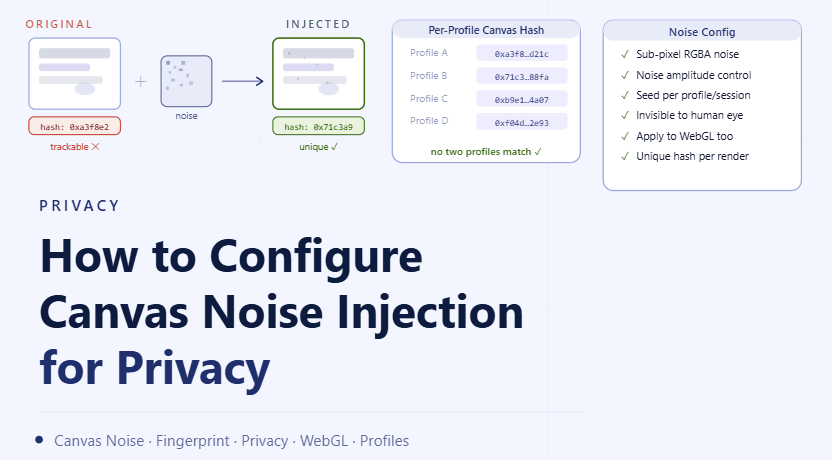
By the end of this tutorial, you will understand how canvas noise injection works and how to apply it in a controlled way so your browser profiles maintain privacy without breaking functionality. Canvas fingerprinting is commonly used to identify environments based on how graphical data is rendered, and without variation, profiles can appear identical. To follow along, you only need a basic understanding of browser fingerprinting concepts. The focus here is on designing stable variation rather than writing code. This setup typically takes less than an hour to define, but it becomes important as you scale multiple profiles. If you manage many workflows, Appilot can help orchestrate execution while your configuration ensures that each profile remains distinct and consistent. You will build a system that introduces subtle variation, maintains realistic output, and avoids instability.
Why Canvas Noise Injection Matters
Canvas rendering can reveal consistent patterns based on how a system processes graphical data. When multiple profiles produce identical outputs, they can appear similar in behavior. Introducing controlled variation helps ensure that outputs are not perfectly identical while maintaining consistent functionality.
Understanding How Canvas Fingerprinting Works
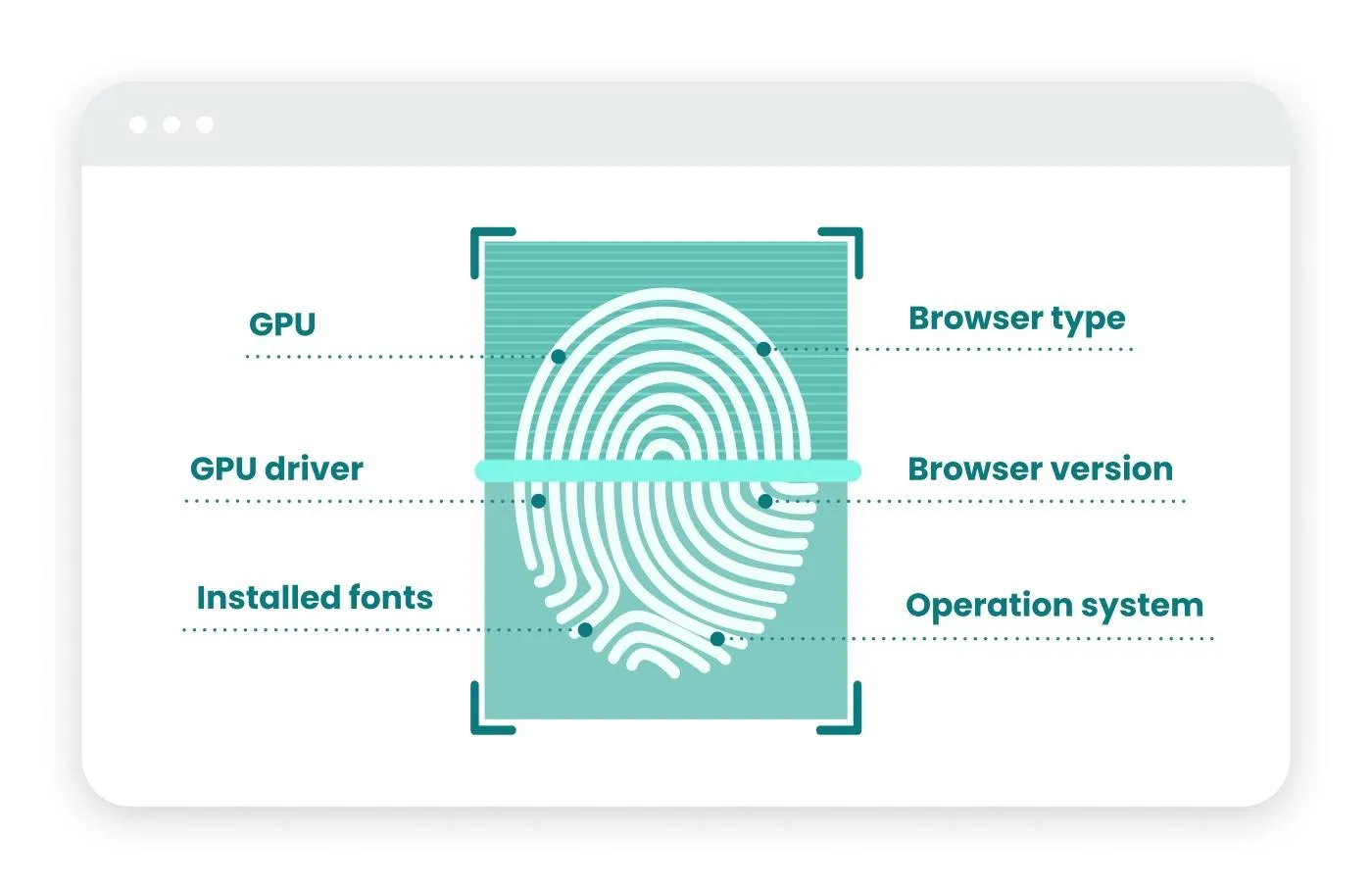
Canvas fingerprinting relies on small differences in how graphical elements are rendered. These differences are used to create a unique signature for a profile. Without variation, profiles with similar configurations may produce nearly identical signatures.
Introducing Subtle Variation Instead of Large Changes
Noise injection should be minimal and controlled. Large or obvious changes can affect how content is displayed and may lead to visual inconsistencies. Subtle variation ensures that output remains realistic while still introducing diversity.
Maintaining Consistent Behavior Within Each Profile
Once noise is applied to a profile, it should remain consistent for that profile over time. Changing noise patterns frequently can create instability and inconsistent behavior. Stability within a profile is essential.
Avoiding Over-Randomization
Excessive noise can distort rendering and lead to unexpected results. Keeping variation within a controlled range ensures that the browser continues to function correctly while still achieving privacy benefits.
Aligning Canvas Settings with Overall Profile Configuration
Canvas noise should work in harmony with other profile settings. Ensuring that all configurations align helps maintain a coherent environment and prevents mismatched signals.
Testing Visual and Functional Output
After applying noise injection, it is important to verify that graphical elements render correctly. Testing ensures that variation does not interfere with usability or workflow execution.
Monitoring for Rendering Issues
Even subtle changes can occasionally cause issues in specific scenarios. Monitoring helps identify any problems early and allows for adjustments to maintain stability.
Integrating Noise Injection into Profile Creation
Canvas configuration should be part of the initial profile setup rather than applied later. This ensures that each profile starts with a consistent and controlled variation pattern.
Maintaining Long-Term Stability
Over time, configurations may need adjustments to maintain balance between variation and functionality. Regular review ensures that the system remains effective and reliable.
Scaling Privacy Configuration with Appilot
At this stage, your canvas noise setup works locally and provides controlled variation. As the number of profiles increases, managing these configurations manually becomes more complex. This is where Appilot becomes useful because it helps orchestrate workflows while your configuration ensures that all profiles remain distinct and stable.
FAQ
Q1: What is canvas noise injection?
It is the process of adding small variations to graphical output to reduce fingerprint consistency.
Q2: Why is it important?
Because identical rendering outputs can create recognizable patterns across profiles.
Q3: Can too much noise cause problems?
Yes, excessive variation can affect rendering and stability.
Q4: Should noise change frequently?
No, it should remain consistent within each profile.
Q5: Do I need Appilot for this setup?
No, you can configure it locally. Appilot becomes useful when scaling workflows.
Conclusion
Configuring canvas noise injection is an important step in maintaining privacy while preserving stable browser behavior. By introducing subtle variation, ensuring consistency, and testing output, you can create a balanced system that remains both functional and distinct. Start by defining controlled variation, apply it consistently, and refine your setup over time. Once this system is in place, your profiles become more reliable and easier to manage.