How to Create a Profile Naming System That Scales
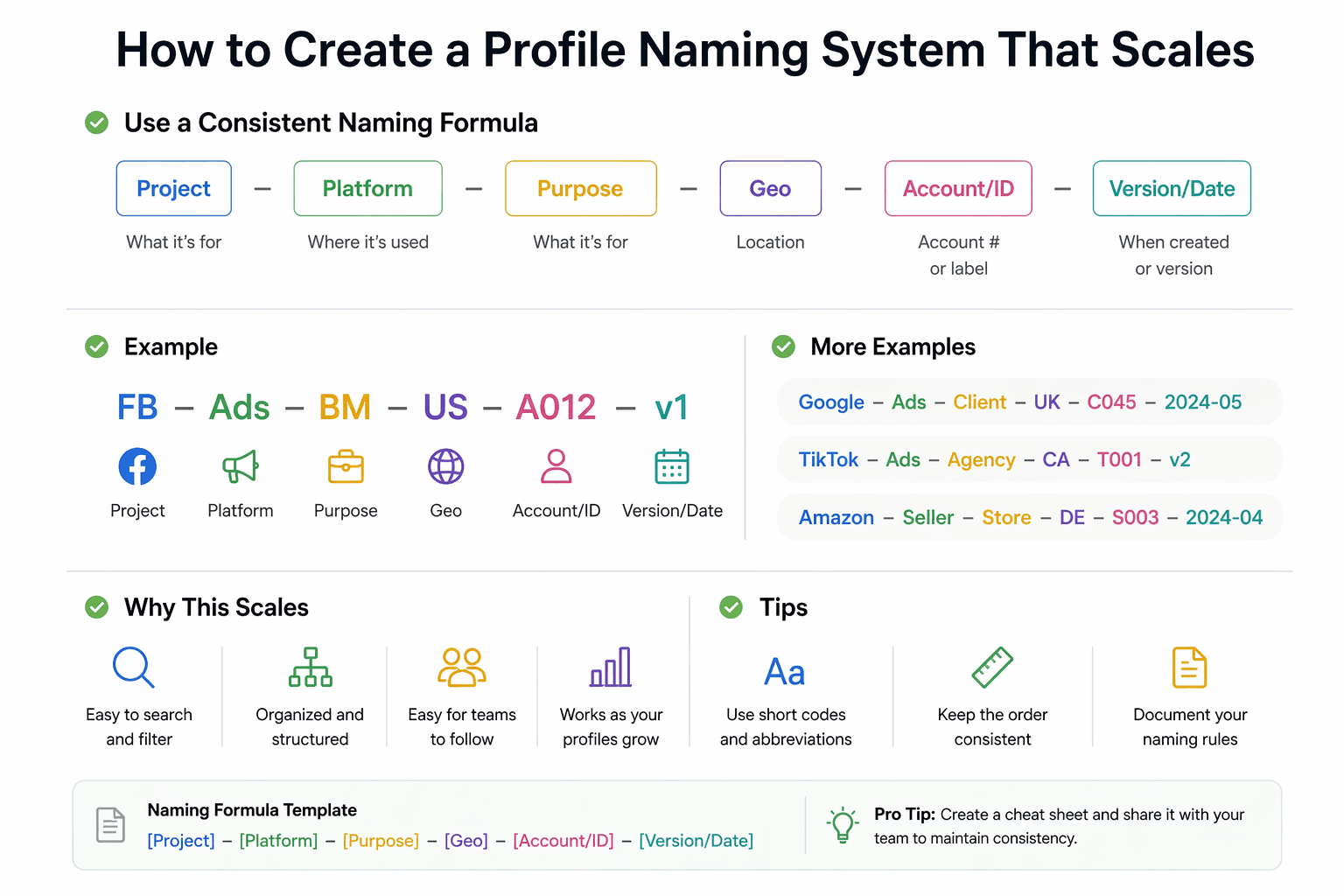
By the end of this tutorial, you will understand how to design a profile naming system that remains simple, readable, and scalable even when you are managing hundreds or thousands of browser profiles. Naming may seem like a small detail at first, but as your automation grows, poor naming quickly becomes one of the biggest sources of confusion and inefficiency.
To follow along, you only need a basic understanding of how browser profiles are used in automation, whether for managing accounts, sessions, or environments. The focus here is not on code, but on building a naming structure that works long-term.
This setup usually takes less than an hour to define, but it becomes a foundational part of your workflow. If you later run automation across many profiles, Appilot can help manage execution while your naming system ensures everything stays organized and easy to track.
You will build a naming system that is consistent, scalable, and flexible enough to support growth without becoming messy.
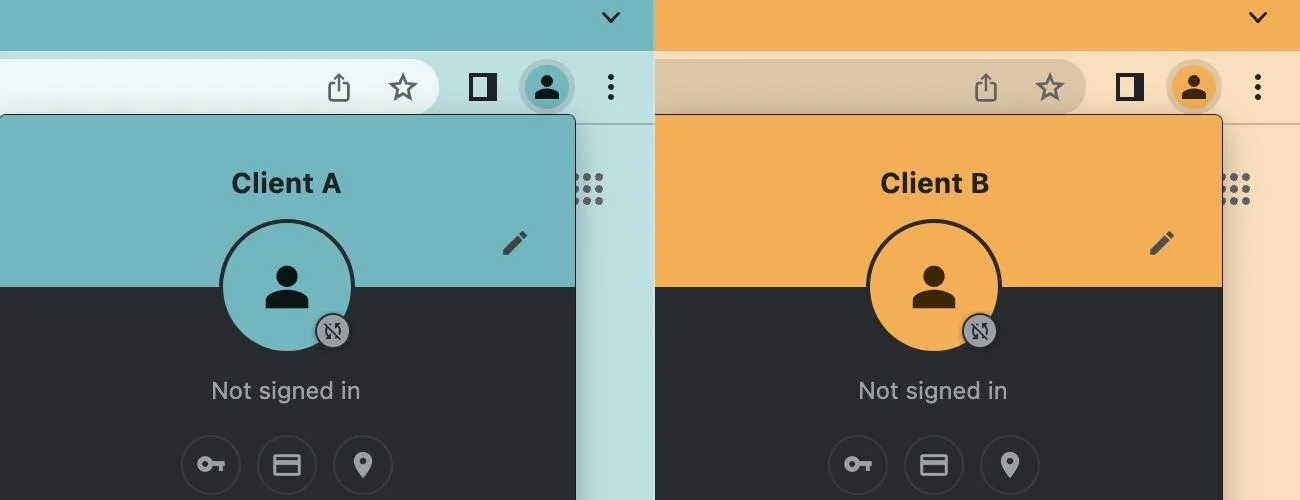
What This Tutorial Builds — And Why This Approach
This tutorial builds a structured naming system that avoids clutter while still providing enough information to identify each profile clearly. Instead of long descriptive names or random labels, the system uses consistent patterns that scale easily as the number of profiles increases.
This approach is important because naming is often the first layer of organization. If names are inconsistent or overly complex, everything else becomes harder, including filtering, debugging, and managing workflows. A good naming system reduces cognitive load and makes your automation easier to maintain.
At a small scale, naming may not matter much. At a larger scale, where hundreds of profiles are involved, a structured naming system becomes essential for efficiency and clarity.
How the System Works — Architecture Overview
At a high level, each profile name follows a predefined format that includes only the most essential identifiers. Additional details are handled through tags or metadata, not embedded directly in the name. This keeps names short and consistent while still allowing flexibility.
This structure separates identity from description. The name identifies the profile, while tags and categories provide additional context.
Part 1 — Principles of a Scalable Naming System
Step 1 — Keep Names Short and Structured
A scalable naming system prioritizes clarity over detail. Names should be concise and follow a consistent pattern rather than trying to describe everything about the profile.
Short names are easier to read, type, and scan, especially when dealing with large lists.
Step 2 — Use a Fixed Naming Pattern
Every profile should follow the same format. This could include elements such as a prefix, a group identifier, and a unique number. Consistency is more important than the exact format you choose.
A fixed pattern ensures that names remain predictable and easy to interpret.
Part 2 — Designing the Naming Format
Step 3 — Define Core Components
A good naming system typically includes a few key components. These may represent the profile type, a grouping identifier, and a unique ID.
Each component should serve a clear purpose and remain consistent across all profiles.
Step 4 — Use Incremental Identifiers
Instead of using descriptive names for uniqueness, use simple incremental identifiers such as numbers. This keeps the system clean and avoids duplication.
Incremental IDs also make it easier to track and manage profiles programmatically.
Part 3 — Separating Names from Metadata
Step 5 — Avoid Overloading Names
One of the most common mistakes is trying to include too much information in the profile name. This leads to long, hard-to-read names that become difficult to maintain.
Instead, keep names minimal and use tags or categories for additional details.
Step 6 — Store Extra Information Elsewhere
Information such as region, status, or purpose should be stored as metadata rather than embedded in the name. This keeps the naming system simple while still allowing detailed classification.
This separation is key to scalability.
Part 4 — Maintaining Consistency
Step 7 — Standardize Naming Rules
All profiles should follow the same naming rules without exceptions. Even small inconsistencies can create confusion when the number of profiles grows.
Standardization ensures that the system remains predictable and easy to manage.
Step 8 — Enforce Naming Discipline
As new profiles are added, it is important to follow the established naming system strictly. Allowing ad hoc naming breaks consistency and reduces the effectiveness of the system.
Consistency is what makes the system scalable.
Part 5 — Scaling the Naming System
Step 9 — Plan for Growth
A scalable naming system should work not just for the current number of profiles, but also for future growth. This means avoiding formats that may run out of space or become confusing as numbers increase.
Planning ahead prevents the need for major changes later.
Step 10 — Combine with Tags and Categories
Naming alone is not enough for large systems. Combining a clean naming system with tags and categories provides both structure and flexibility.
This combination allows you to keep names simple while still managing complexity effectively.
Part 6 — Real-World Considerations
Step 11 — Make Names Easy to Scan
Profiles are often viewed in lists, so names should be easy to scan visually. Consistent formatting helps users quickly identify patterns and locate specific profiles.
Step 12 — Avoid Special Characters
Using simple characters and avoiding unnecessary symbols ensures compatibility across systems and tools.
Step 13 — Integrate with Workflows
A good naming system works seamlessly with automation workflows. Profiles can be selected, filtered, and managed based on their identifiers without confusion.
Step 14 — Scaling with Appilot
At this stage, your naming system works locally and keeps profiles organized. As the number of profiles and workflows grows, managing execution becomes more complex.
This is where Appilot becomes useful because it helps run and monitor workflows across many profiles while your naming system ensures everything remains structured and easy to track.
FAQ
Q1: Why is a naming system important for browser profiles?
Because it keeps profiles organized and makes them easier to manage as the number grows.
Q2: How detailed should profile names be?
Names should be simple and structured, with additional details stored as metadata.
Q3: Can I change the naming system later?
Yes, but it becomes harder as the number of profiles increases, so it is better to design it correctly from the start.
Q4: Should I include metadata in names?
No, keep names minimal and use tags or categories for additional information.
Q5: Do I need Appilot for this system?
No, you can implement it locally. Appilot becomes useful when managing workflows at scale.
Conclusion
A scalable profile naming system is a foundational part of managing large automation environments. By keeping names short, consistent, and structured, you can avoid confusion and maintain clarity as your system grows.
Start by defining a simple naming pattern, separate names from metadata, and enforce consistency across all profiles. Once this foundation is in place, scaling becomes much easier and more manageable.