How to Create Daylight Saving Time-Aware Schedules
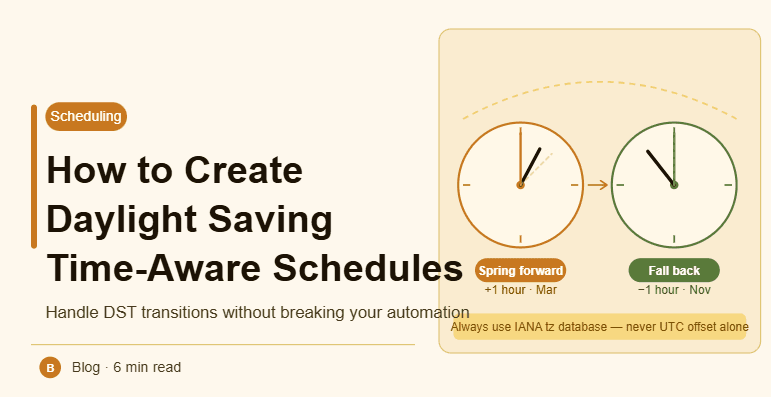
By the end of this tutorial, you will understand how to design schedules that automatically adjust when daylight saving time (DST) changes occur. Without proper handling, tasks can run an hour early or late, causing major disruptions in workflows. DST-aware scheduling ensures that tasks always run at the correct local time regardless of seasonal clock changes. To follow along, you only need a basic understanding of scheduling systems. The focus here is on building reliable timing logic rather than writing code. This setup typically takes less than an hour to plan, but it prevents long-term timing issues. If you manage multiple workflows, Appilot can help orchestrate execution while your system ensures correct timing across DST transitions. You will build a system that adapts automatically, avoids errors, and maintains consistency.
Why Daylight Saving Time Causes Issues
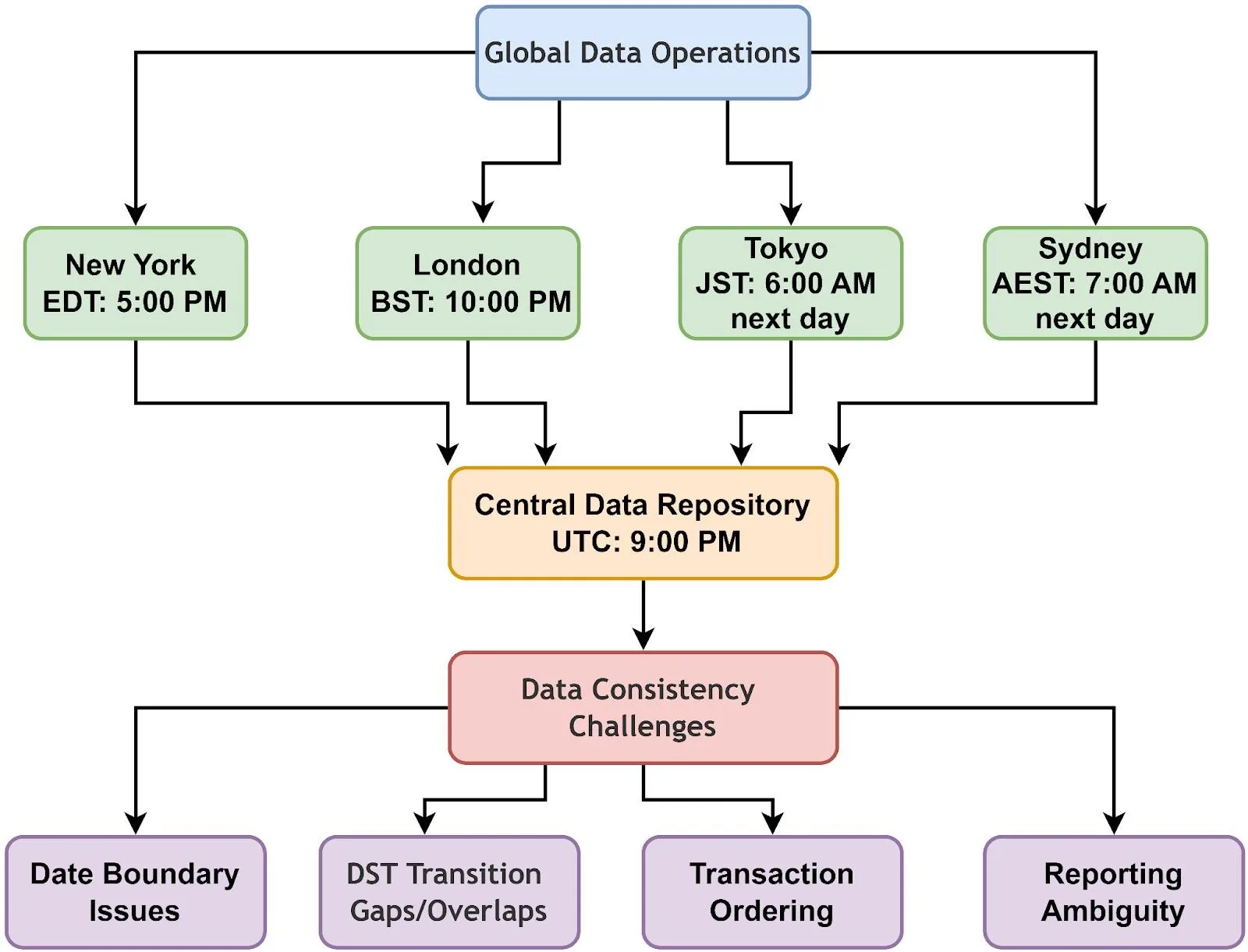
DST changes shift local time forward or backward, usually by one hour. If schedules are fixed without considering these changes, tasks may run at incorrect times. This creates inconsistencies, especially in global workflows.
Using Time Zone-Aware Scheduling
Instead of storing fixed times, schedules should be tied to a specific time zone. Time zone-aware systems automatically adjust when DST changes occur, ensuring that tasks run at the correct local time.
Avoiding Hardcoded Time Offsets
Using fixed offsets like “UTC+5” can cause problems because offsets change during DST. Always use proper time zone identifiers such as “America/New_York” instead of static offsets.
Storing Schedules in UTC with Local Context
A common approach is to store all schedules in UTC while keeping track of the intended local time zone. This allows consistent storage while ensuring correct local execution.
Handling DST Transitions Properly
During DST changes, some times may repeat or not exist. For example, when clocks move forward, certain times are skipped. A good system accounts for these edge cases and adjusts accordingly.
Testing Around DST Boundaries
Before deploying schedules, test how they behave during DST transitions. This ensures that tasks do not run twice or get skipped unexpectedly.
Monitoring Schedule Accuracy
After implementation, monitor task execution during DST changes to confirm that everything works correctly. Early detection of issues helps maintain reliability.
Managing Multiple Time Zones with DST
If your system operates across multiple regions, each region may have different DST rules. Handling each time zone correctly ensures global consistency.
Updating Systems Automatically
DST rules can change over time. Using systems that update time zone data automatically ensures that schedules remain accurate without manual intervention.
Integrating DST Awareness into Workflow Design
DST handling should be part of your scheduling logic from the beginning. This ensures that all tasks follow consistent timing rules without requiring manual adjustments.
Scaling Time-Aware Scheduling with Appilot
At this stage, your scheduling system handles DST correctly and maintains accurate timing. As workflows grow across regions, managing DST manually becomes complex. This is where Appilot becomes useful because it helps orchestrate execution while your system ensures consistent timing across all time zones.
FAQ
Q1: What is daylight saving time?
It is a system where clocks are adjusted forward or backward seasonally.
Q2: Why does DST affect schedules?
Because it changes local time, causing tasks to shift if not handled properly.
Q3: How do I make schedules DST-aware?
By using time zone-based scheduling instead of fixed offsets.
Q4: What happens during DST transitions?
Some times may repeat or be skipped, which needs special handling.
Q5: Do I need Appilot for this setup?
No, you can manage it locally. Appilot becomes useful when scaling workflows.
Conclusion
Creating DST-aware schedules is essential for maintaining consistent and reliable task execution. By using time zone-aware systems, avoiding hardcoded offsets, and testing transitions, you can ensure that workflows run correctly throughout the year. Start by updating your scheduling logic, monitor behavior during changes, and refine your system over time. Once this is in place, your scheduling becomes stable and predictable across all seasons.