How to Fix "API Deprecated" When You Didn't Change Anything
Your Workflow Did Not Change, But The API Did
One of the most frustrating problems in automation is when a workflow that was working perfectly yesterday suddenly starts failing with an “API Deprecated” message even though you did not touch the code, did not change the endpoint, and did not update the system yourself. Everything on your side looks exactly the same, but the service you depend on has quietly changed underneath you. That is why this kind of error feels so unfair. The workflow is still doing what it always did, but the API provider has decided that the version, endpoint, authentication method, or response format you were using is no longer supported.
This becomes especially painful when the API sits in the middle of a larger workflow. One deprecated endpoint can stop content publishing, break reporting, block lead syncing, interrupt browser tasks, and create failures across multiple accounts at once. The automation may still look alive on the surface because jobs are running and logs are filling up, but the actual output is no longer happening because the system is now talking to something the provider no longer wants to maintain.
Why APIs Become Deprecated Without Warning On Your Side
Most API deprecation problems happen because providers update their platform in stages while your workflow remains frozen on an older version. They may introduce a new endpoint, a new authentication flow, a new response structure, or a new version of the same service, then gradually phase out the older version. From their perspective, they may have announced the change weeks or months ago. From your perspective, nothing changed until the day the old path stopped working.
Another common reason is that some platforms keep old APIs alive temporarily, but only as a courtesy. During that grace period, the workflow continues working, which makes it easy to assume everything is fine. Then the provider reaches its cutoff date and the same calls that worked yesterday suddenly return deprecation errors today. That is why “I did not change anything” is often true and still does not protect the workflow. The system did not break because your code changed. It broke because the service contract changed.
The Biggest Mistake: Assuming Stable Means Permanent
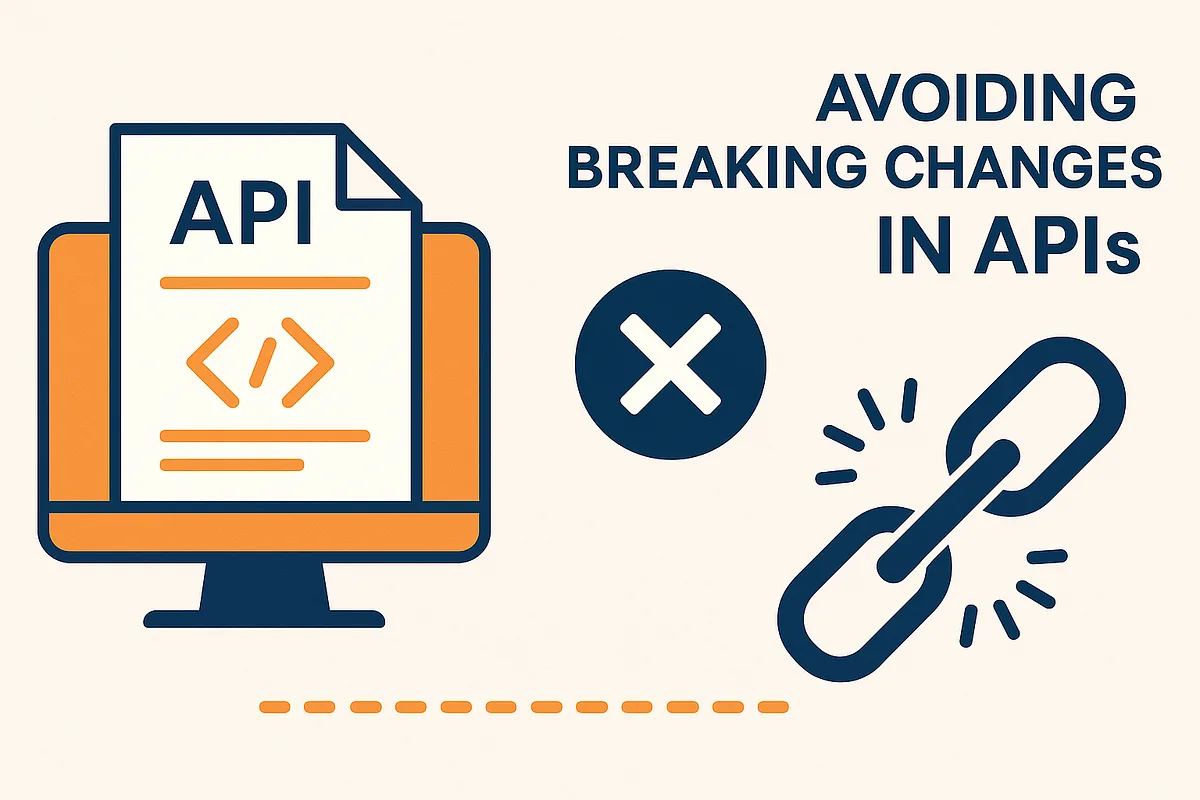
One of the biggest reasons teams get hit hard by deprecation problems is because they confuse stability with permanence. If an integration has been working for months, it starts to feel permanent. The endpoint becomes part of the infrastructure, the auth flow becomes trusted, and the response format becomes something other workflows depend on. That creates a false sense of safety.
In reality, third-party APIs are rented infrastructure. You are allowed to use them under the conditions the provider chooses, and those conditions can change. A version that works reliably for a year can still disappear if the provider decides to replace it. That is why the stronger approach is building workflows that assume external services will evolve. The goal is not to panic every time something changes. The goal is to avoid designing the system as if nothing will ever change at all.
Why Versioning Problems Cause So Much Confusion
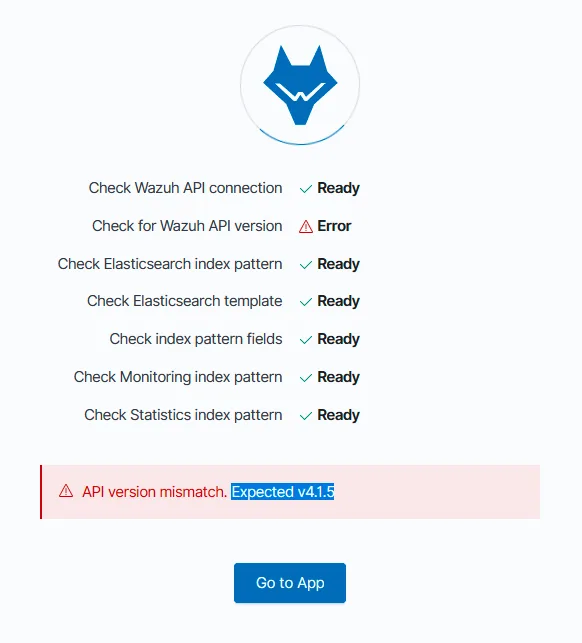
A lot of “API Deprecated” errors are really versioning problems in disguise. The workflow may still be calling the right logical function, but it may be calling it through an older version path, using older headers, older auth rules, or older parameter names. In some APIs, versioning is obvious because it appears directly in the URL. In others, the version is hidden inside headers, SDK defaults, account settings, or authentication tokens. That makes the problem much harder to notice.
This is especially common when a team uses an SDK or library that silently defaults to an older API version. The workflow code may never mention the old version directly, which makes it feel like the error came from nowhere. In reality, the deprecation was already built into the stack long before the failure appeared. The system was simply waiting for the provider to end support.
Why Dependencies Break Even When The Endpoint Name Looks The Same
Sometimes the endpoint itself has not disappeared, but the provider changed the rules around it. The request body may require a different field, the auth method may have changed, the response shape may be different, or the endpoint may now depend on a new permission scope. In those cases, the workflow may still appear to call the same API, but the provider considers the old calling pattern deprecated.
This creates confusing failures because it feels like the path still exists. A developer may look at the endpoint and think it should work, but the provider has effectively deprecated the way the workflow is using it. That is why deprecation problems are not always about URLs disappearing. Sometimes they are about contracts changing.
The System That Makes Deprecation Problems Easier To Fix
The fastest way to recover from API deprecation is to identify exactly what changed instead of treating the whole workflow as broken. You need to know whether the issue came from the endpoint path, the version number, the authentication method, the request format, the SDK, or the provider’s account-level settings. Once that is clear, the fix usually becomes much smaller than it first appears.
It also helps to separate provider-specific logic from the rest of the workflow. If the whole automation is tightly tied to one API version, even a small change can force a large rewrite. If the integration layer is cleaner and more isolated, you usually only need to update the part that talks to the provider while leaving the rest of the workflow intact. That is one of the biggest differences between fragile automations and resilient ones. Fragile systems make every provider change feel like a full rebuild. Resilient systems contain the damage.
Another important step is logging the exact request and failure context. You should know which endpoint was called, which version or headers were sent, which auth method was used, and what the provider returned. Without that, deprecation errors can look much more mysterious than they really are. With that visibility, the problem often becomes straightforward: the workflow is simply speaking an older dialect the provider no longer accepts.
Why Centralization Makes This Easier
Deprecation issues become much harder to diagnose when browser workflows, backend calls, Android automations, schedules, environment variables, and logs are spread across different systems. One tool may be making the API request, another may hold the credentials, another may schedule the task, and another may be logging failures. That makes it difficult to see which workflows are still using older integration logic and which ones already moved to something newer.
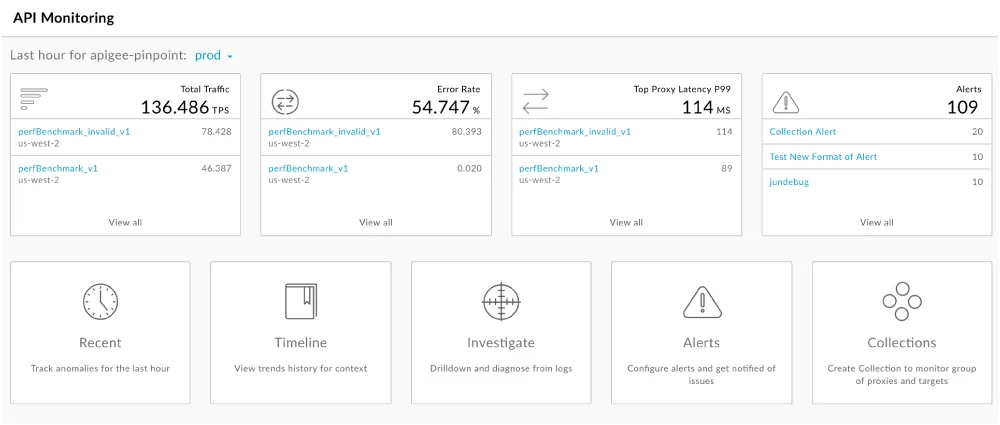
This is one of the reasons Appilot becomes useful when operations start scaling. Instead of keeping browser workflows, Android automations, task history, schedules, and account actions spread across separate systems, everything can stay visible from one dashboard. That makes it easier to see where a deprecated integration is affecting multiple workflows at once, compare which tasks are failing, and identify where updates need to happen first.
Conclusion: “API Deprecated” Usually Means The Service Moved Forward While Your Workflow Stayed Still
If you are seeing an “API Deprecated” error even though you changed nothing, the issue is usually not that your workflow randomly broke on its own. The problem is that the provider changed the service contract, retired a version, altered the request rules, or stopped supporting the exact way your automation was talking to the API.
Once you isolate the integration layer, check versioning carefully, verify headers and authentication, and make the API-specific part of the workflow easier to update, these failures become much easier to recover from. That is what allows the automation to survive platform changes without turning every provider update into a full system collapse.