How to Fix Automation That Only Works 50% of the Time
The Worst Kind of Automation Is Unreliable Automation
Broken automation is frustrating, but inconsistent automation is often even worse. At least when something fails completely, you know there is a problem. When automation only works half the time, it becomes much harder to understand what is happening.
One day the workflow runs perfectly. The browser profiles launch, the content posts, the scraping works, and the accounts complete the task without any issues. The next day the exact same workflow suddenly fails for no obvious reason. Some accounts finish successfully, some stop halfway through, some skip steps, and some never start at all.
That creates a dangerous situation because you can never fully trust the system. You keep checking logs, watching workflows manually, and worrying about whether the automation actually completed. Instead of saving time, the system starts creating more work.
Why Automation Becomes Inconsistent
Most automation becomes unreliable because too many parts of the workflow are unpredictable. Browser profiles may load at different speeds, proxies may perform differently, platforms may show different prompts, internet connections may slow down, and page elements may not appear at the same time every run.
A workflow that depends on perfect conditions will usually fail often.
For example, if the automation expects every page to load within five seconds, it may fail whenever the website becomes slightly slower. If the script assumes every account is already logged in, it may fail when one account expires. If the system assumes every proxy behaves the same way, it may fail when one region becomes slower than another.
The more assumptions the automation makes, the more likely it is to break.
The Biggest Mistake: Building For Ideal Conditions
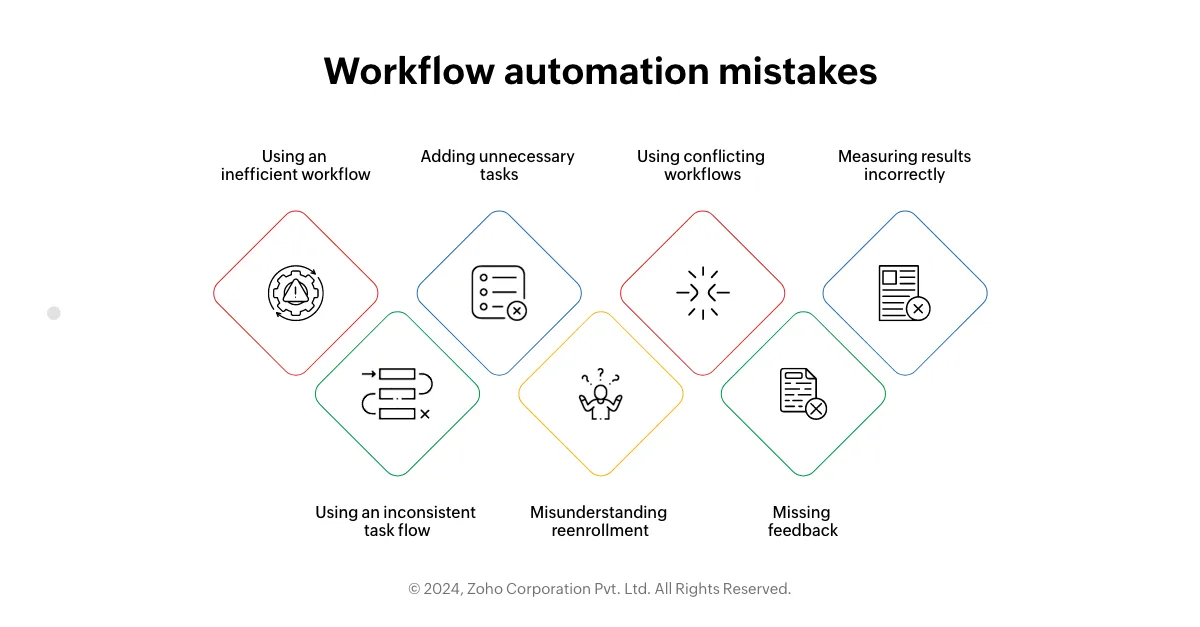
One of the biggest reasons automation only works 50% of the time is because it was built for ideal conditions instead of real-world conditions. Many workflows are tested on a fast connection, a clean browser profile, a stable proxy, and a single account.
Then later the same workflow is pushed across dozens of accounts, different devices, slower networks, different countries, and unstable proxies.
That is when things start breaking.
Real-world automation is messy. Pages load slowly, sessions expire, popups appear, browser versions change, websites lag, and verification steps show up unexpectedly.
If the workflow is not built to handle those situations, reliability drops very quickly.
The stronger approach is building systems that expect problems instead of assuming everything will always work perfectly.
Why Weak Error Handling Creates Random Failures
Many automation systems fail randomly because they do not know how to recover when something goes wrong. If a page does not load, the workflow stops. If a popup appears, the workflow breaks. If a button changes position, the script fails completely.
That makes the automation very fragile.
The better approach is using retries, fallback logic, and recovery steps.
If a page does not load, refresh it.
If an element does not appear, wait longer.
If a popup appears, close it.
If a login expires, trigger a re-login process.
Those small recovery steps can make a huge difference because they allow the workflow to continue instead of failing immediately.
Why Monitoring Matters More Than People Think
A lot of people do not realize how unreliable their automation is because they are not tracking results properly. They may know the workflow ran, but they do not know which accounts completed successfully, which ones failed, where the errors happened, or how often the failures occur.
That makes it almost impossible to improve the system.
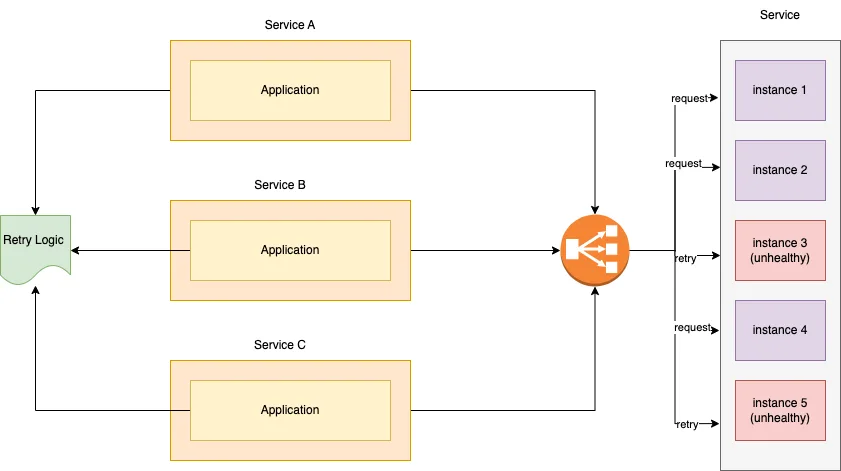
The easiest way to fix this is by creating detailed logs and tracking completion rates. You should know exactly how many accounts succeeded, how many failed, which steps caused the most problems, and which accounts are the least reliable.
That makes it much easier to find patterns and improve the weakest parts of the workflow.
Why Centralization Makes This Easier
Inconsistent automation becomes much harder to diagnose when browser profiles, Android workflows, schedules, proxies, logs, account notes, and error reports are spread across different systems. You may have one platform for browser automation, another for scheduling, another for logs, and another for proxies. That makes it difficult to see which workflows are reliable and which ones are failing.
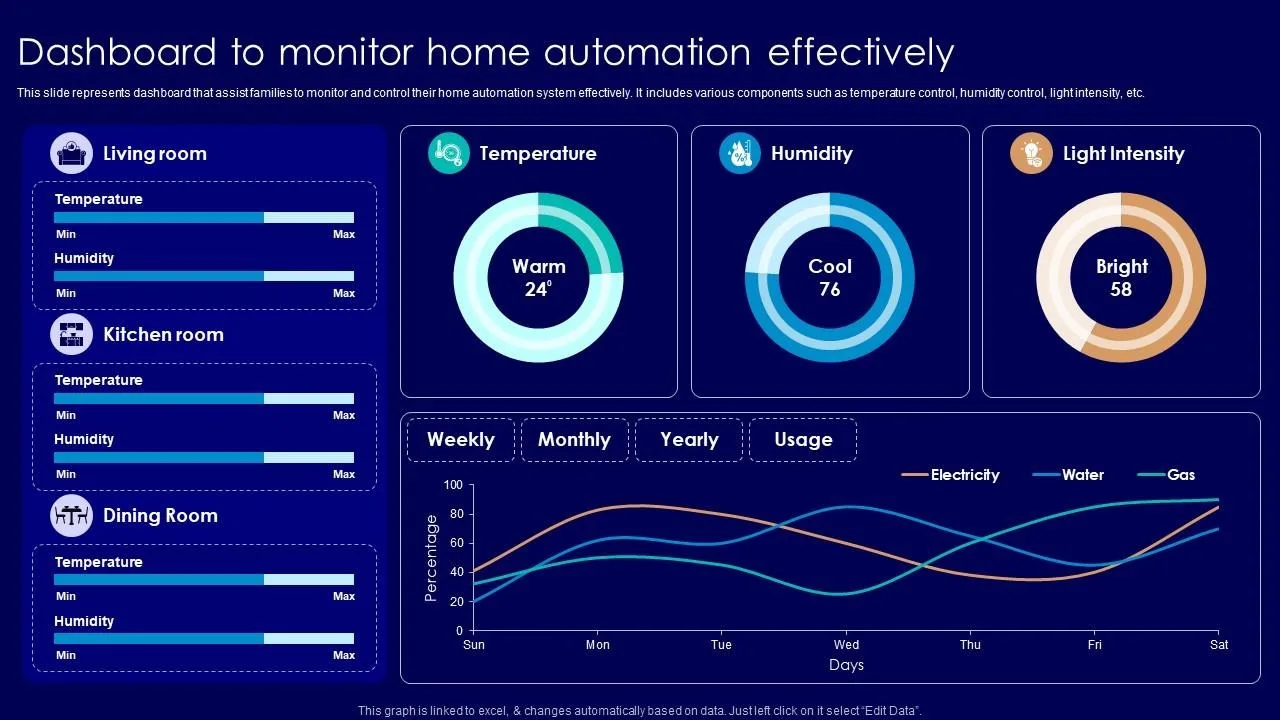
This is one of the reasons Appilot becomes useful when automation starts scaling. Instead of keeping browser profiles, Android workflows, task history, schedules, proxy notes, account logs, and error tracking spread across multiple systems, everything can stay visible from one dashboard. That makes it easier to compare workflow performance, identify weak steps, monitor completion rates, and improve reliability across large account groups.
Conclusion: Reliable Automation Comes From Better Recovery Systems
If your automation only works 50% of the time, the issue is usually not that the entire workflow is wrong. The problem is that the system was built for perfect conditions instead of real-world conditions.
Once you add stronger error handling, better retries, condition-based waits, recovery logic, and detailed monitoring, reliability becomes much easier to improve. That is what allows you to trust the automation instead of constantly checking whether it worked or not.