How to Fix Browser Driver Version Mismatches (Without Breaking Your Automation)

Everything is set up, your automation is ready, scripts are written, workflows are defined, and then suddenly nothing runs, errors appear, sessions fail to start, or actions do not execute, and the root cause turns out to be something surprisingly simple, a mismatch between your browser version and the driver controlling it.
At first, it feels like a minor issue, you update the driver or the browser, and things start working again, but then it happens again after the next update, and then again, turning what should be a stable system into something that requires constant maintenance.
You begin to realize that this is not just a one-time fix, but a recurring problem, because browsers update frequently, drivers need to match those versions, and any misalignment breaks your automation.
This creates a cycle where your system is always slightly out of sync, forcing you to fix compatibility issues instead of focusing on building and improving your workflows.
You are not alone in this, and more importantly, this is not just a technical inconvenience, it is a structural issue in how your automation environment is managed.
The good news is that once you understand why these mismatches happen and how to design your system to avoid them, you can create a setup that remains stable even as updates occur.
Why Browser Driver Mismatches Keep Happening
The problem comes from how browsers and drivers evolve.
Browsers Update Automatically
Modern browsers update frequently, often without manual intervention, which can create mismatches with existing drivers.
Drivers Require Exact Compatibility
Automation drivers are designed to work with specific browser versions, meaning even small differences can cause failures.
Lack of Version Control
Without controlling versions, your system can drift out of alignment as updates occur.
Multiple Environments Increase Complexity
Running automation across different machines or setups can introduce inconsistencies in versions.
The Hidden Cost of Version Mismatches
These issues do not just stop your scripts, they interrupt workflows, reduce reliability, and consume time.
You may spend more time fixing environment issues than running automation.
More importantly, it creates uncertainty, because your system can break unexpectedly after updates.
The Complete Solution: Build a Controlled Environment
Fixing this problem requires shifting from reactive fixes to controlled environments.
The first step is locking versions, ensuring that your browser and driver remain aligned by preventing automatic updates or managing them deliberately.
The next step is centralizing environment management, so that all instances of your automation use the same configuration.
Automation tools and dependency managers can help maintain consistency, reducing the risk of mismatches.
A practical way to simplify this is by using a platform like Appilot, which abstracts environment management and reduces dependency issues, allowing you to focus on workflows rather than compatibility.
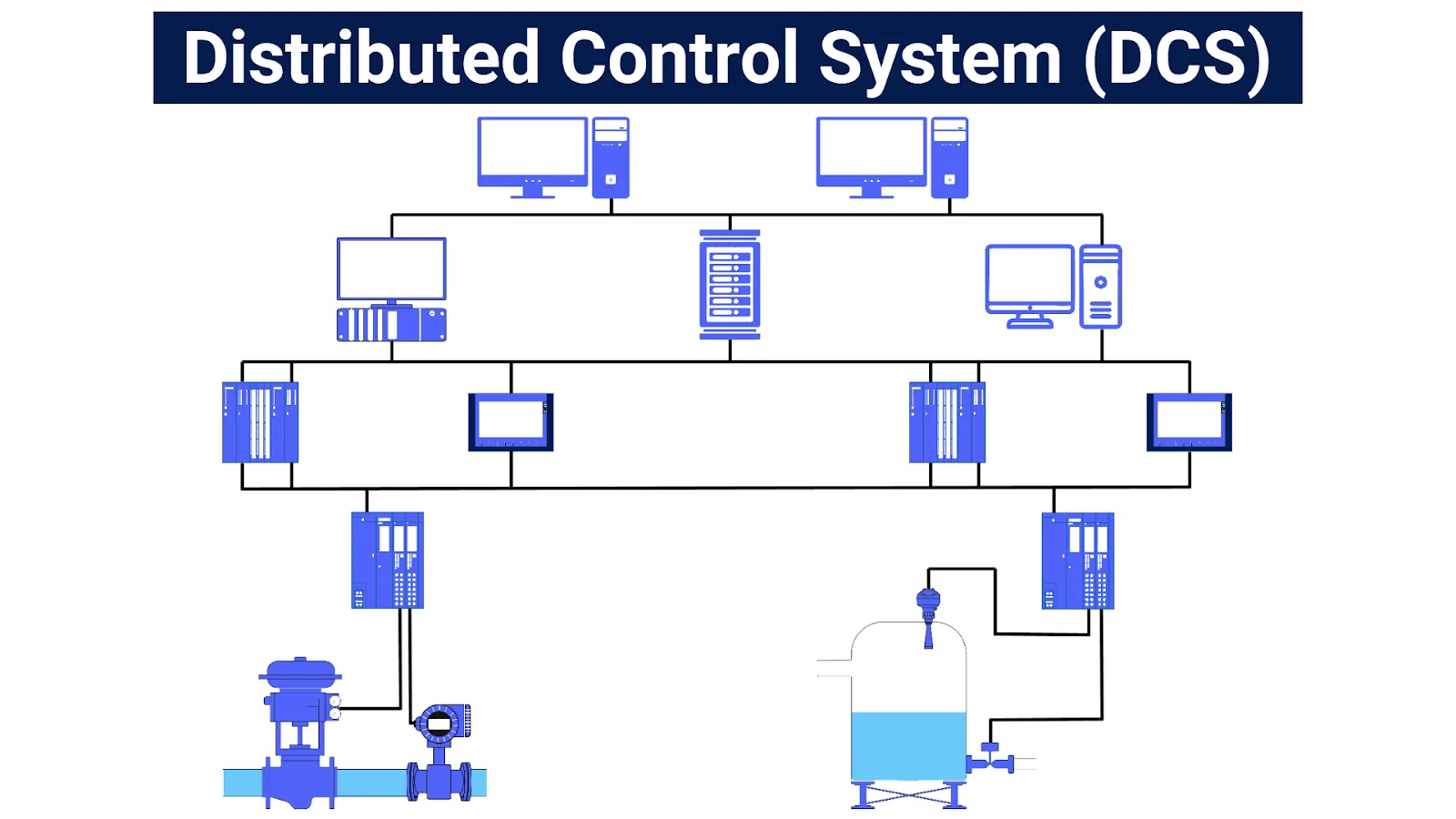
By controlling your environment, you eliminate unexpected mismatches and create a system that remains stable over time.
The next step is implementing update strategies, ensuring that changes are tested before being applied.
How to Prevent Mismatches in the Future
Prevention starts with maintaining version control and consistency across your system.
Regular checks ensure that your environment remains aligned.
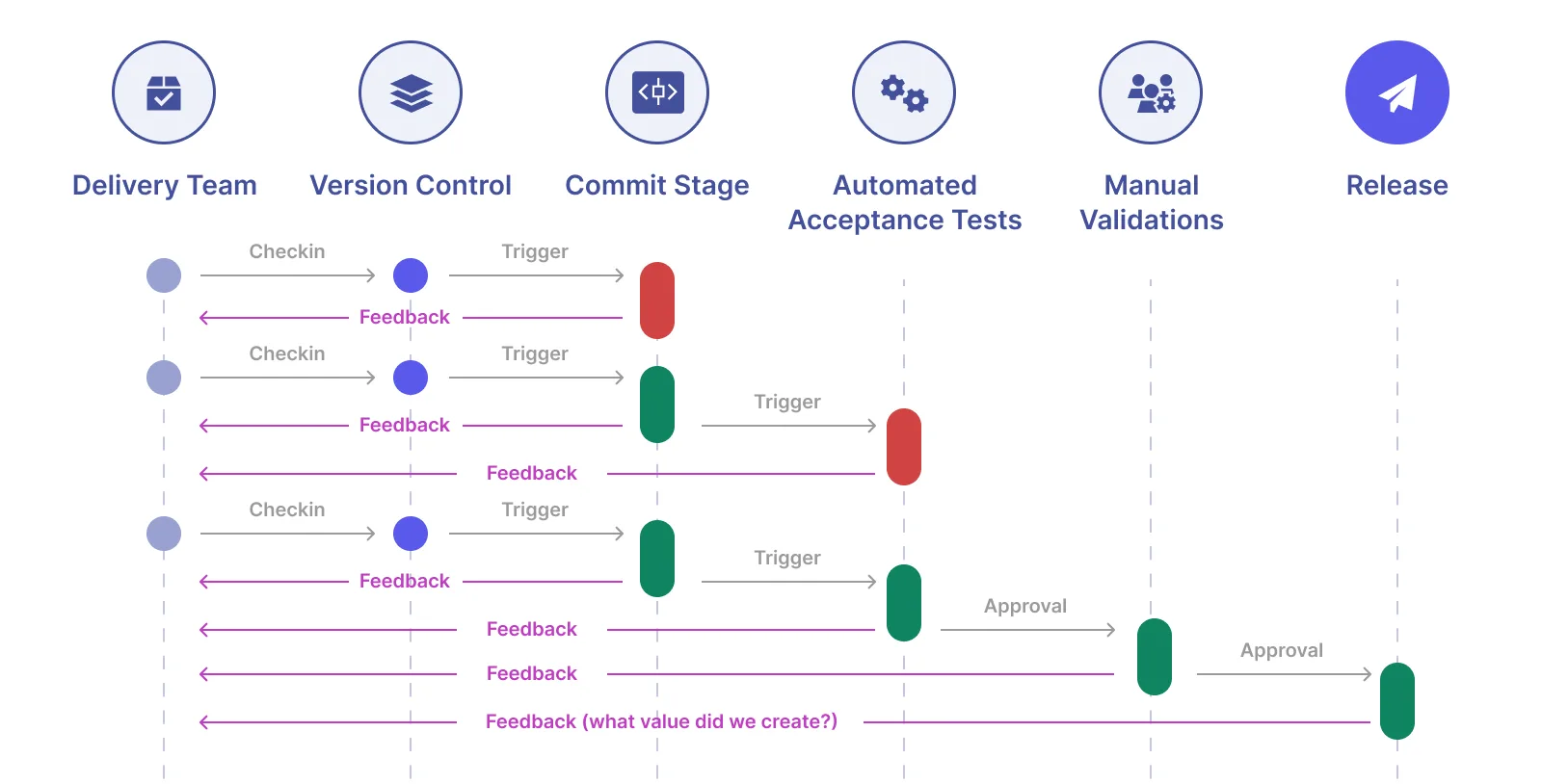
Automation should be tested in controlled conditions before updates are applied.
Common Mistakes That Cause Repeated Issues
One of the most common mistakes is allowing automatic updates without coordination.
Another is managing environments manually across multiple systems.
There is also a tendency to fix issues reactively rather than preventing them.
Real Success Stories: Before and After
A user dealing with frequent driver mismatches found that their automation broke regularly after updates.
After implementing version control and using Appilot for more stable execution, they were able to reduce disruptions significantly.
Another example involved a team that struggled with inconsistent environments, but after centralizing their setup, they achieved greater reliability.
Frequently Asked Questions
One common question is whether automatic updates should be disabled, and while not always necessary, they should be managed carefully.
Another question is how to handle multiple environments, and centralization is key.
There is also the concern about maintenance, and structured systems reduce ongoing effort.
Conclusion: Stability Comes From Control
If browser driver mismatches keep breaking your automation, it is not because the tools are unreliable, but because your environment is not controlled.
Once you implement version control, centralization, and structured updates, your system becomes stable and predictable.
If you are dealing with this right now, the best step forward is not to keep fixing errors, but to redesign your environment, because once you do, these issues stop being a recurring problem.