How to Fix Discord Bot Rate Limiting Issues
The Bot Works Fine Until It Suddenly Starts Failing
One of the most frustrating things with Discord bots is when everything seems to work normally and then suddenly messages stop sending, commands fail, reactions break, or API requests start returning errors.
This becomes especially confusing because the bot may work perfectly for hours or days before the problem appears.
Then suddenly the bot slows down, starts skipping actions, or gets temporarily blocked by Discord.
The important thing to understand is that Discord rate limiting usually does not happen randomly. In most cases, the bot is making too many requests too quickly, repeating the same actions too often, or trying to do too much at once.
Why Discord Rate Limits Bots
Discord uses rate limits to stop bots from overwhelming its servers.
If a bot sends too many messages, edits too many channels, reacts too often, creates too many roles, or makes too many API requests in a short period of time, Discord may temporarily block some actions.
This is especially common in large servers where bots are handling commands, moderation, logging, announcements, reactions, and analytics all at the same time.
The same thing can happen if multiple bot features run together without waiting between requests.
For example, sending hundreds of DMs, updating many channels at once, or mass assigning roles can all trigger rate limits very quickly.
The Biggest Mistake: Retrying Failed Requests Instantly
One of the biggest mistakes developers make is retrying requests immediately after they fail.
If Discord already limited the bot, sending even more requests right away usually makes the problem worse.
Instead of recovering, the bot may continue failing repeatedly.
The stronger approach is respecting Discord's retry timing.
Most Discord rate limit responses include information about how long the bot should wait before sending another request.
Adding delays, queues, and retry timers can make a major difference.
Why Large Servers Trigger More Problems
A lot of bots work fine in small servers and then start failing when they grow.
That happens because more users means more commands, more messages, more reactions, more moderation actions, and more API traffic.
For example, a bot that handles ten requests per minute in a small server may suddenly need to handle hundreds or thousands of requests in a larger community.
Without proper queuing, batching, and request management, the bot can easily hit Discord limits.
Why Queues And Delays Matter
One of the best ways to reduce rate limit problems is using queues.
Instead of sending every request instantly, the bot can place actions into a queue and process them gradually.
For example, if one hundred users need a role update, the bot can process them in batches instead of trying to update everyone at the exact same time.
Small delays between actions also help.
Even adding a one or two second delay between certain requests can dramatically reduce the risk of triggering Discord limits.
Why Better Systems Matter
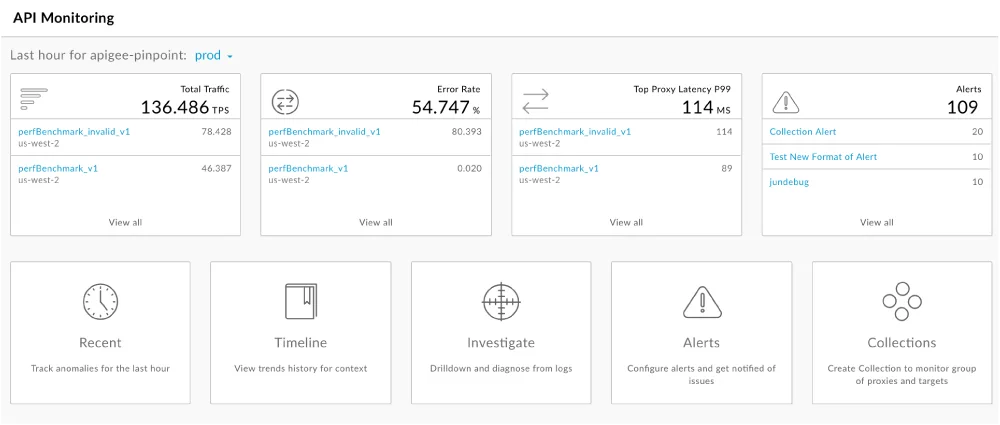
Discord bot rate limit problems become much harder to manage when server logs, automation rules, command history, moderation tools, and API activity are spread across different systems. You may have one place for bot commands, another for moderation settings, another for analytics, and another for logs. That makes it difficult to see which actions are causing the highest API load.
This is one of the reasons Appilot becomes useful when Discord automation starts scaling. Instead of keeping browser workflows, Android automations, command history, moderation rules, scheduling systems, API logs, and task history spread across different systems, everything can stay visible from one dashboard. That makes it easier to monitor request spikes, organize bot actions, reduce repeated API calls, and keep Discord automations running more reliably across multiple servers.
Conclusion: Discord Rate Limits Usually Happen When Bots Try To Do Too Much Too Quickly
If your Discord bot keeps hitting rate limits, the issue is usually not that Discord randomly decided to block the bot. The problem is often that the bot is sending too many requests too quickly, retrying failed actions too aggressively, or trying to handle too many tasks at once.
Once you add delays, use queues, batch requests, and monitor API usage more carefully, it becomes much easier to keep the bot stable and avoid rate limiting problems.