How to Fix "Limited or No Ads" on YouTube Videos
The Video Is Getting Views But Hardly Making Money
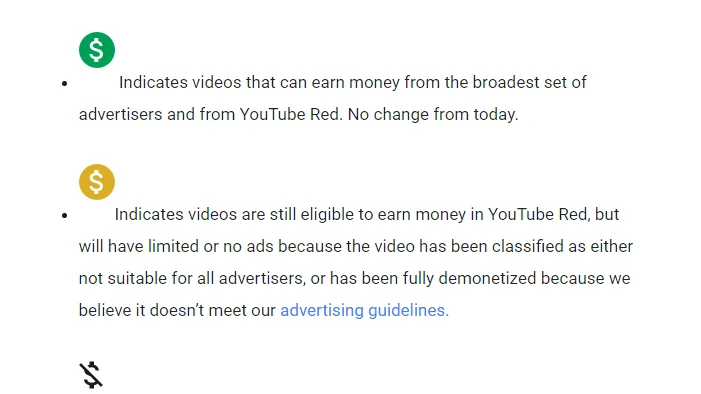
One of the most frustrating things for creators is uploading a video, seeing strong views and engagement, and then noticing the yellow icon that says “Limited or No Ads.”
The video may still perform well with viewers, but the revenue becomes much lower because fewer advertisers are willing to run ads on it.
This becomes especially frustrating because YouTube often gives very little detail about what exactly caused the limited ads status. Instead of clearly identifying the specific sentence, clip, thumbnail, or topic that triggered the issue, the platform may simply label the video as not fully advertiser friendly.
That leaves creators trying to figure out whether the problem came from the topic, the wording, the visuals, the title, the thumbnail, or something else entirely.
The important thing to understand is that “Limited or No Ads” usually does not mean the video broke YouTube rules. In most cases, it means advertisers may see the content as too risky, too sensitive, or too controversial.
Why YouTube Limits Ads On Videos
Most yellow icon issues happen because the content includes topics that advertisers usually avoid.
For example, violence, adult themes, graphic images, strong language, political issues, controversial news, crime, drugs, gambling, mental health, dangerous activities, or shocking topics can all reduce advertiser demand.
The same thing can happen if the title or thumbnail feels too aggressive.
Even if the video itself is relatively safe, words like “death,” “killed,” “attack,” “arrested,” “banned,” “dangerous,” or “scam” can sometimes trigger limited ads status.
YouTube is especially sensitive during the first few minutes of the video.
If strong language, violent visuals, or controversial topics appear immediately, the risk becomes much higher.
The Biggest Mistake: Requesting A Manual Review Without Changing Anything
One of the biggest mistakes creators make is immediately requesting a manual review without fixing anything first.
If YouTube already decided the content looked risky, sending the same video back without changes often leads to the same result.
The stronger approach is reviewing the full video carefully.
Look at the title, thumbnail, intro, wording, background music, sound effects, and visuals.
Ask yourself whether anything could sound too aggressive, shocking, explicit, or controversial from an advertiser’s point of view.
If needed, edit the title, blur visuals, remove strong language, cut sensitive sections, or move risky topics later in the video.
Even small changes can improve advertiser friendliness.
Why Titles And Thumbnails Trigger Yellow Icons
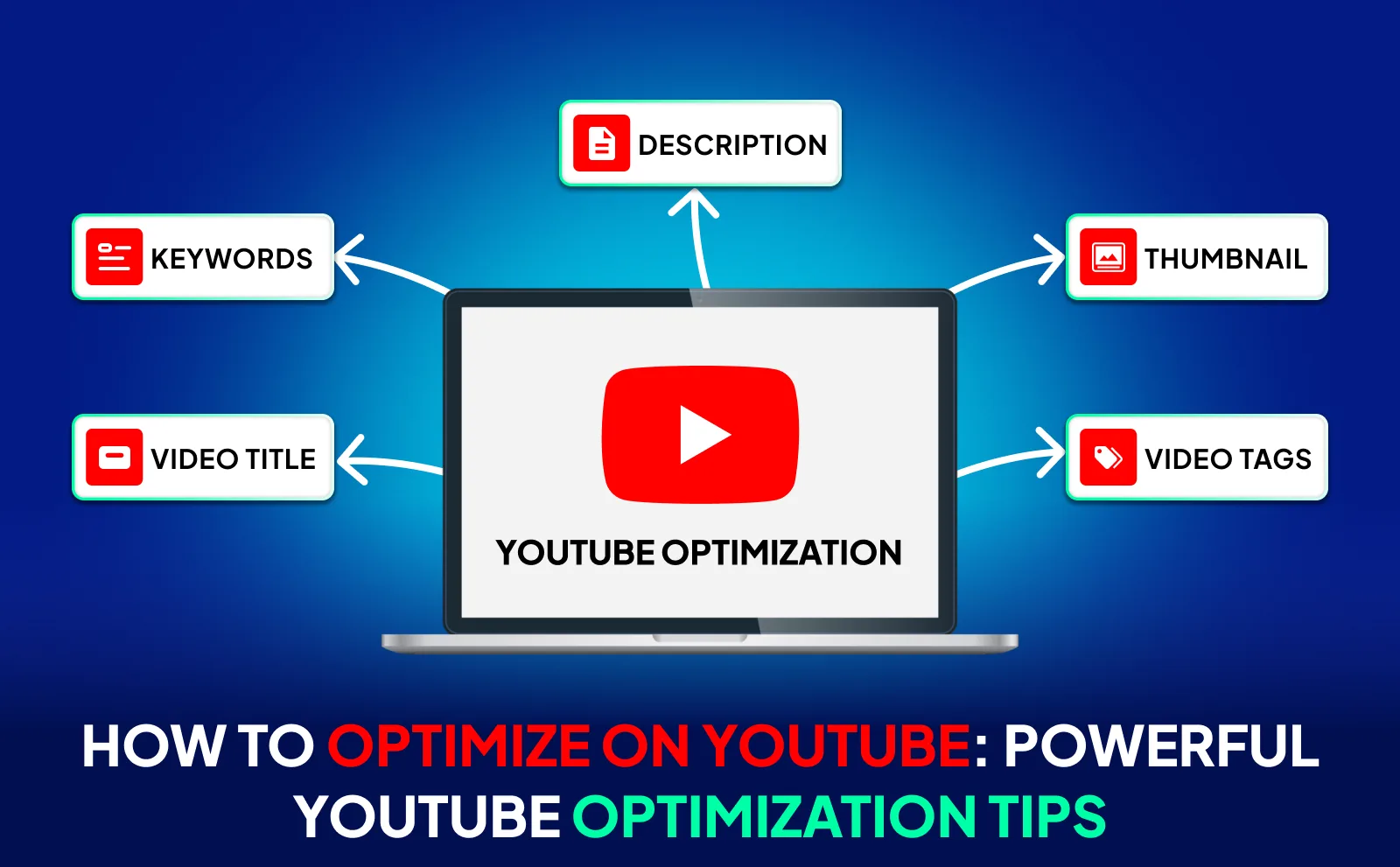
A lot of monetization issues come from the packaging around the video rather than the content itself.
YouTube pays close attention to titles and thumbnails because they influence how viewers understand the topic.
If the thumbnail includes blood, weapons, drugs, extreme facial expressions, nudity, or shocking visuals, the risk becomes much higher.
The same thing happens with titles that sound too sensational.
For example, titles using phrases like “He Almost Died,” “Scary Truth,” “Dangerous Secret,” “Banned Forever,” or “Caught Doing This” are more likely to trigger advertiser concerns.
That does not mean you can never talk about difficult topics.
It means you need to package them more carefully.
Why Context Matters More Than The Topic Itself
A lot of creators assume certain topics are impossible to monetize.
That is not always true.
You can still make money from topics like crime, politics, health, accidents, or controversial events if the content is presented responsibly.
For example, educational, documentary, news, commentary, or analysis-style videos usually perform much better with advertisers than videos that feel sensational, graphic, or exploitative.
YouTube often cares less about the topic itself and more about how the topic is presented.
That is why calmer wording, cleaner visuals, and more educational framing can make a major difference.
Why Better Content Systems Help
Monetization problems become much harder to manage when scripts, thumbnails, titles, editing notes, publishing schedules, and channel reviews are spread across different systems. You may have one place for video ideas, another for thumbnails, another for title drafts, and another for monetization feedback. That makes it difficult to see which patterns keep causing yellow icons.
This is one of the reasons Appilot becomes useful when content operations start scaling. Instead of keeping browser workflows, Android automations, title drafts, thumbnail reviews, content notes, publishing schedules, monetization feedback, and task history spread across different systems, everything can stay visible from one dashboard. That makes it easier to compare risky content patterns, review advertiser-friendly changes, organize channel operations, and reduce the chance of future monetization problems.
Conclusion: Limited Ads Usually Mean The Video Looks Too Risky For Advertisers
If your YouTube video shows “Limited or No Ads,” the issue is usually not that the video broke YouTube rules completely. The problem is often that the title, thumbnail, visuals, language, or topic feels too risky from an advertiser’s point of view.
Once you make the content more advertiser friendly, reduce shocking elements, improve the packaging, and present difficult topics more carefully, it becomes much easier to keep videos monetized and avoid yellow icons in the future.