How to Hand Off Account Access to Team Members Safely
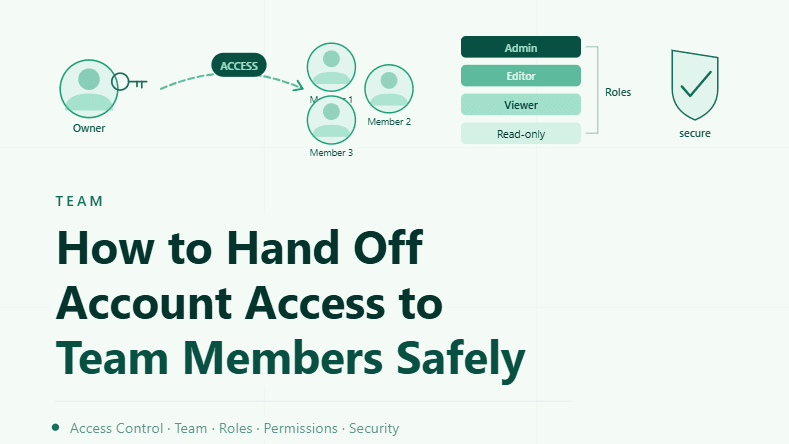
By the end of this tutorial, you will understand how to transfer account access to team members in a controlled and secure way without exposing sensitive data or disrupting workflows. As teams grow, sharing access becomes necessary, but doing it incorrectly can lead to security risks, accidental misuse, or even account loss.
To follow along, you only need a basic understanding of browser profiles and account-based workflows. The focus here is on building a safe access system rather than writing code.
This setup typically takes about an hour to structure properly, but it is critical for maintaining both security and operational efficiency. If you manage workflows across multiple users and profiles, Appilot can help handle execution while your access system ensures controlled collaboration.
You will build a system that shares access securely, limits exposure, and maintains accountability across team members.
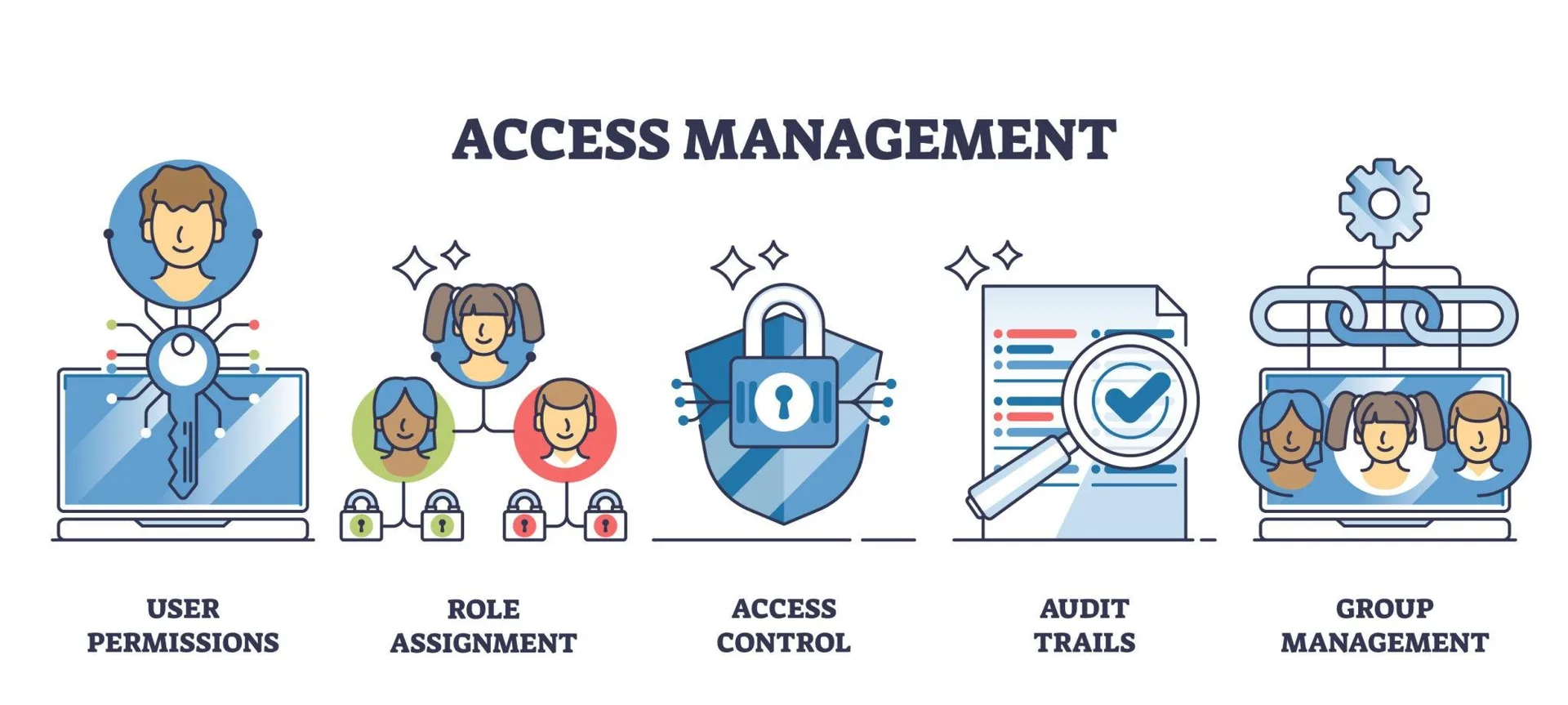
Why Secure Access Handoff Is Important
Sharing account access without proper controls can lead to serious issues such as unauthorized actions, data leaks, or accidental changes. When multiple people use the same accounts, maintaining accountability becomes more difficult.
A structured handoff process ensures that access is granted safely while protecting both the system and the accounts involved.
Understanding the Risks of Direct Sharing
Simply sharing login credentials or profile data creates several risks. These include loss of control over the account, inability to track actions, and increased exposure of sensitive information.
Direct sharing also makes it difficult to revoke access later, which can create long-term security problems.
Using Controlled Access Instead of Full Ownership
A better approach is to provide controlled access rather than full ownership. This means giving team members only the level of access they need to perform their tasks.
Limiting access reduces risk and ensures that accounts remain secure.
Isolating Access Through Profiles
Each team member should interact with accounts through dedicated profiles rather than shared environments. This keeps sessions separate and prevents conflicts.
Profile-based access also makes it easier to track usage and maintain organization.
Managing Permissions and Roles
Different team members may require different levels of access. Some may only need to view data, while others may need to perform actions.
Defining roles and permissions ensures that each person has appropriate access without unnecessary exposure.
Tracking Activity and Accountability
When multiple people use shared accounts, tracking activity becomes essential. Knowing who performed which action helps maintain accountability and simplifies troubleshooting.
Logging and monitoring provide visibility into how accounts are being used.
Avoiding Credential Exposure
Sensitive information such as login credentials should not be shared directly whenever possible. Instead, access should be provided through secure methods that protect this data.
Reducing exposure helps prevent unauthorized access and potential misuse.
Creating a Structured Handoff Process
A proper handoff should follow a defined process. This includes granting access, verifying that the team member can use the account correctly, and ensuring that all security measures are in place.
A structured process reduces errors and ensures consistency.
Revoking Access When No Longer Needed
Access should not be permanent unless necessary. When a team member no longer needs access, it should be revoked promptly.
This reduces long-term risk and keeps the system secure.
Maintaining Clear Documentation
Documenting who has access to which accounts helps maintain control. This ensures that access can be reviewed, updated, or revoked as needed.
Clear records improve both security and organization.
Integrating Access Management into Workflows
Access control should be part of your overall workflow system. Instead of handling access manually, integrate it into your processes so that permissions are applied consistently.
This ensures that security practices are followed across all operations.
Scaling Access Management with Appilot
At this stage, your access system works locally and allows safe collaboration. As your team and workflows grow, managing access manually becomes more complex.
This is where Appilot becomes useful because it helps orchestrate workflows while your access system ensures secure and controlled usage.
FAQ
Q1: Why is secure account handoff important?
Because it prevents unauthorized access and protects sensitive data.
Q2: What is the safest way to share access?
By using controlled access and profile-based environments instead of sharing credentials directly.
Q3: How do I track who is using an account?
By monitoring activity and maintaining logs.
Q4: Can access be revoked later?
Yes, and it should be revoked when no longer needed.
Q5: Do I need Appilot for this system?
No, you can manage it locally. Appilot becomes useful when scaling workflows.
Conclusion
Safely handing off account access to team members is essential for maintaining security and efficiency in multi-user environments. By using controlled access, isolating profiles, and tracking activity, you can ensure that accounts are shared without unnecessary risk.
Start by defining clear access rules, implement a structured handoff process, and maintain ongoing oversight. Once this system is in place, collaboration becomes much safer and more manageable.