How to Handle API Downtime Without Breaking Your Workflows
The API Goes Down And Suddenly Everything Else Starts Failing
One of the biggest weaknesses in automation appears the moment an external API stops responding. A workflow that looked stable a few minutes ago can suddenly start failing across multiple steps, multiple accounts, and multiple systems at once. Data stops syncing, scheduled jobs begin returning errors, browser workflows cannot retrieve what they need, reports stop updating, and the rest of the automation starts collapsing around a service you do not even control. That is what makes API downtime so dangerous. The issue is not limited to one failed request. The problem is that many workflows are built as if the API will always be available, so the moment it goes offline the rest of the system has no idea how to behave.
This becomes much worse at scale because one dead dependency can affect dozens of automations simultaneously. If a content system depends on an API for publishing, analytics, or account data, then downtime can interrupt the entire pipeline. If outreach workflows depend on external endpoints for enrichment, validation, or messaging, everything can slow down or stop. The real problem is usually not the downtime itself. The real problem is that the workflow was never designed to survive it.
Why API Downtime Breaks So Many Workflows
Most automation systems fail badly during downtime because they are built around a single assumption that turns out to be false the moment the API goes offline. That assumption is simple: send request, get response, continue. As long as that pattern holds, everything feels fine. The moment the response fails, times out, or returns a temporary error, the workflow often has no backup behavior. It keeps retrying, gets stuck waiting, crashes the task, or silently loses progress.
Another common issue is that the automation does not distinguish between different kinds of failures. A temporary downtime problem gets treated the same way as a permanent authentication error or a bad payload. That creates chaos because the workflow responds badly to the wrong problem. Instead of pausing and waiting for the service to recover, it may keep hammering the same dead endpoint, consume resources, fill logs with noise, and make the overall outage more disruptive than it needed to be.
The Biggest Mistake: Building Workflows That Depend On Immediate Responses
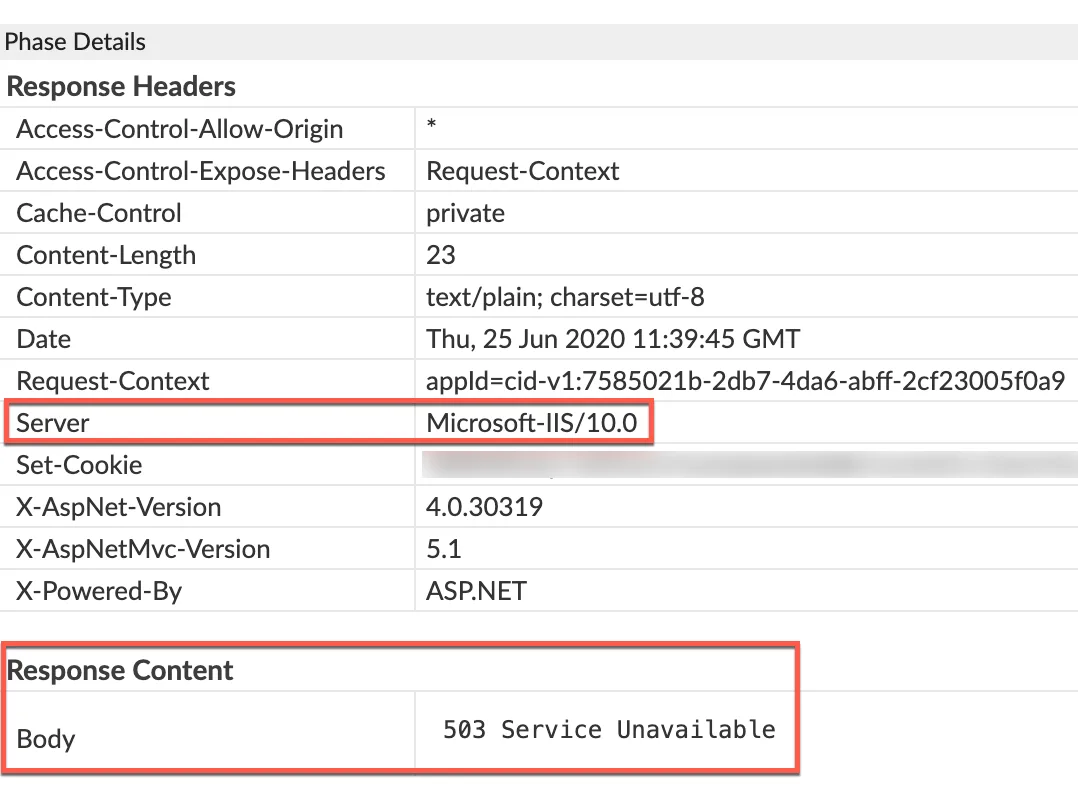
One of the biggest reasons API downtime causes so much damage is because the workflow is too dependent on live responses. A lot of automations are built in a way where each step can only continue if the API answers right now. That design feels simple when everything is healthy, but it creates fragile systems. The workflow becomes less like automation and more like a chain of immediate dependencies where one broken link stops everything else.
A stronger system is designed with the understanding that external services may become slow, unavailable, rate-limited, or unstable at any time. That means every important workflow should have a fallback behavior. In some cases the task should pause and retry later. In some cases it should continue with cached data. In some cases it should skip a non-critical step and keep moving. In some cases it should queue the action for later delivery instead of failing immediately. The exact behavior depends on the workflow, but the key idea stays the same. The automation needs a plan for what happens when the API is not there.
Why Blind Retries Usually Make Downtime Worse
A lot of teams think retries are the fix for downtime, but retries only help when they are controlled properly. Blind retries often make outages worse. If the API is already struggling, thousands of immediate retry attempts from your own workflows can create even more pressure. Instead of helping the system recover, the automation becomes part of the traffic problem.
This is why retry behavior needs discipline. A good system does not keep retrying endlessly every second. It slows down, spaces requests out, and knows when to stop. It understands the difference between a temporary failure and a dead endpoint. It also knows when to move work into a queue instead of blocking live execution. Without that logic, downtime turns into a loop of repeated failures, noisy logs, and tasks that never recover cleanly.
Why Queues And Cached Data Make Such A Big Difference
One of the strongest ways to reduce downtime damage is separating live execution from delayed execution. If an action absolutely requires the API, the workflow can queue it for later rather than losing it immediately. That means the task is not gone. It is just waiting for a healthier time to run. This is especially useful for actions like content publishing, CRM updates, enrichment jobs, notifications, reporting syncs, and background account tasks.
Cached data helps in a different way. Not every request needs fresh data every single time. If the workflow can safely use recent data for a while, then an API outage stops being an instant emergency. The system can continue operating using the last known good state until the external service comes back. That does not work for every use case, but when it does, it can make the difference between a full workflow failure and a minor temporary slowdown.
The System That Keeps Workflows Stable During Downtime
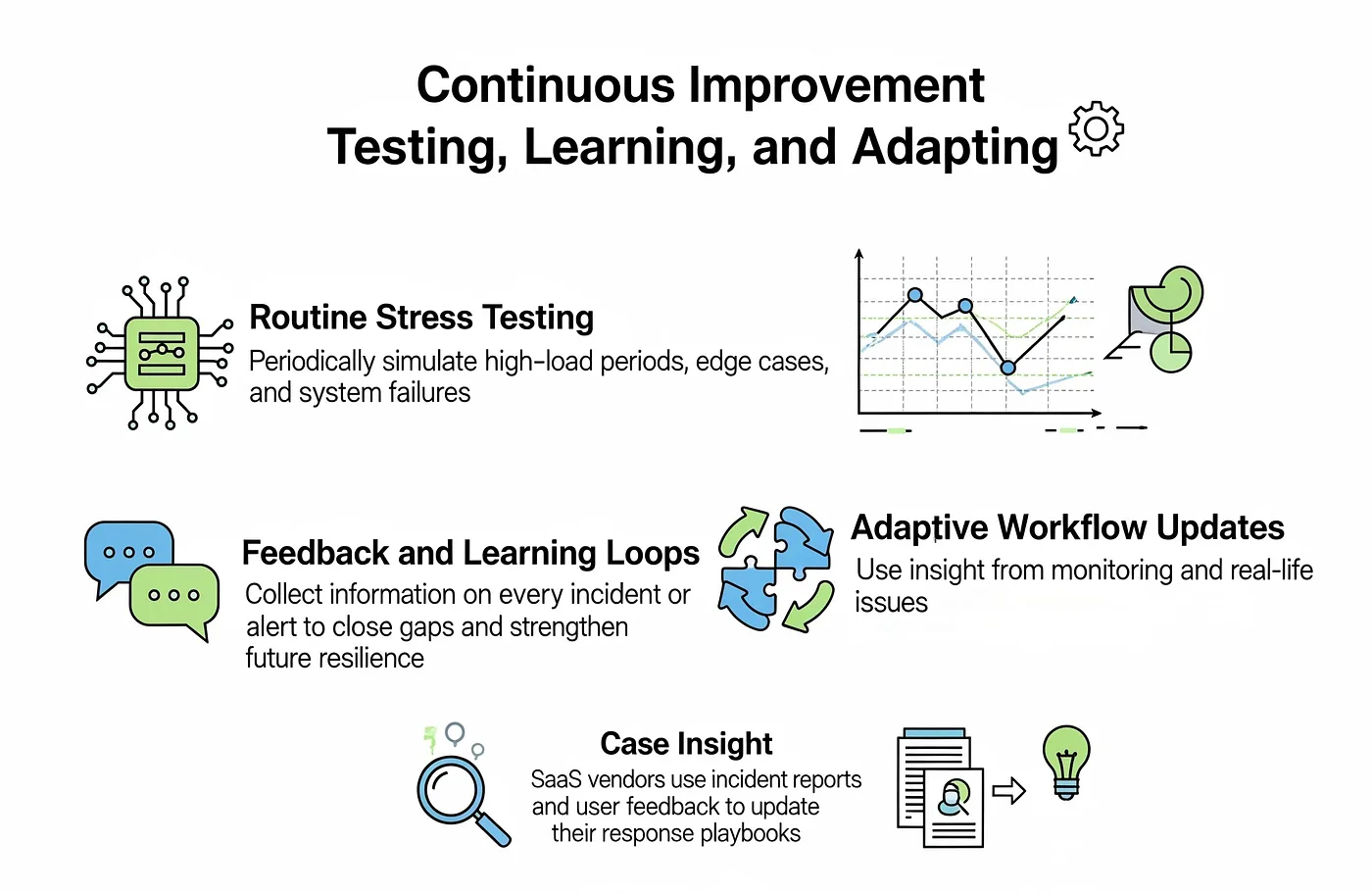
The easiest way to handle API downtime properly is to classify every workflow step by importance. Some steps are critical and cannot continue without live data. Some are important but can wait. Some are optional and can be skipped temporarily. Once the workflow is built around those differences, downtime becomes much easier to manage because the system knows which actions must stop, which should pause, and which can continue.
It also helps to build proper status tracking into every task. If the API goes down halfway through a workflow, the system should know exactly where the task stopped and what still needs to happen later. Without that, recovery becomes messy because you do not know whether the job failed before the request, during the request, or after partial success. Good state tracking turns recovery from guesswork into a clear restart point.
Another important step is adding downtime-aware alerts. You do not want the workflow to silently fail for hours. The system should surface clear signals when a provider is unavailable, when retries are building up, or when queues are getting too large. That visibility gives you room to respond before the outage starts damaging the rest of the operation.
Why Centralization Makes Downtime Easier To Manage
API downtime becomes much harder to survive when browser workflows, Android automations, scheduled jobs, error logs, queue states, and account actions are spread across different systems. One tool may be failing because the API is down, another may still be retrying, another may have paused, and another may not even be logging the failure clearly. That makes it difficult to understand the real impact of the outage and nearly impossible to coordinate recovery cleanly.
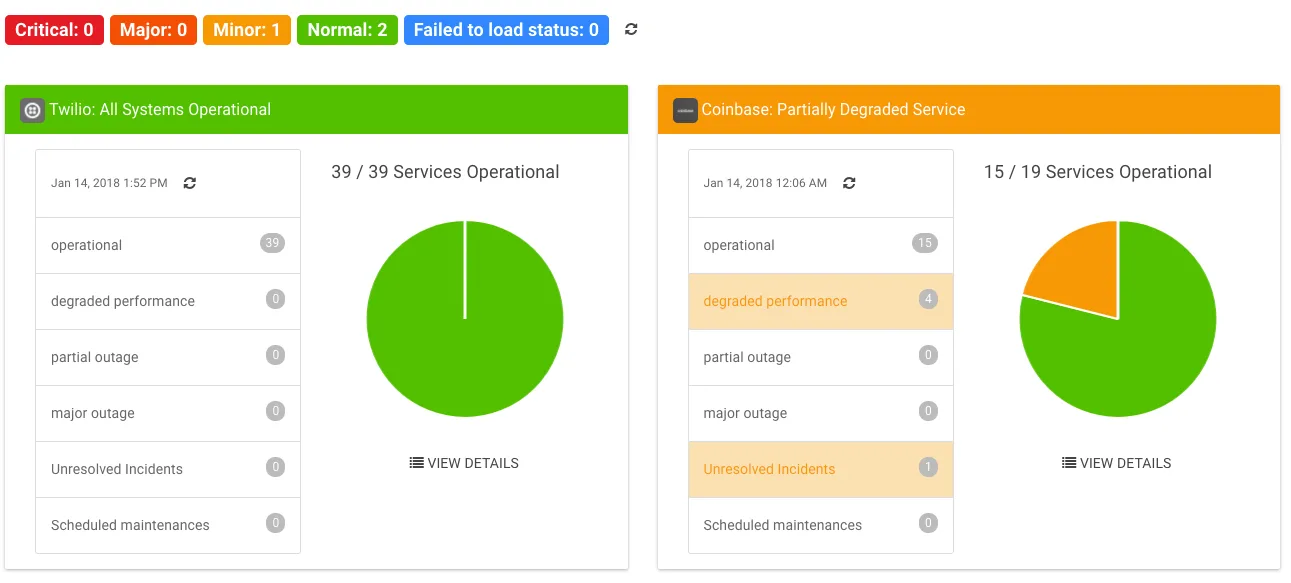
This is one of the reasons Appilot becomes useful when operations start scaling. Instead of keeping browser workflows, Android automations, schedules, task history, account actions, and system state spread across separate systems, everything can stay visible from one dashboard. That makes it easier to see which workflows are blocked by downtime, which tasks are queued for later, which actions can still continue, and where the outage is creating the biggest operational bottlenecks.
Conclusion: API Downtime Only Breaks Everything When The Workflow Has No Backup Plan
If API downtime keeps breaking your workflows, the issue is usually not just that the service went offline. The real problem is that the automation was designed as if the API would always be available in real time.
Once you add controlled retries, queue delayed actions, use cached data where it makes sense, track task state properly, and make failure behavior more intentional, downtime becomes much easier to survive. That is what allows the workflow to stay stable even when an external service becomes unreliable, instead of turning one temporary outage into a complete operational collapse.