How to Handle Password Requirements Changing Constantly (Without Breaking Your System)
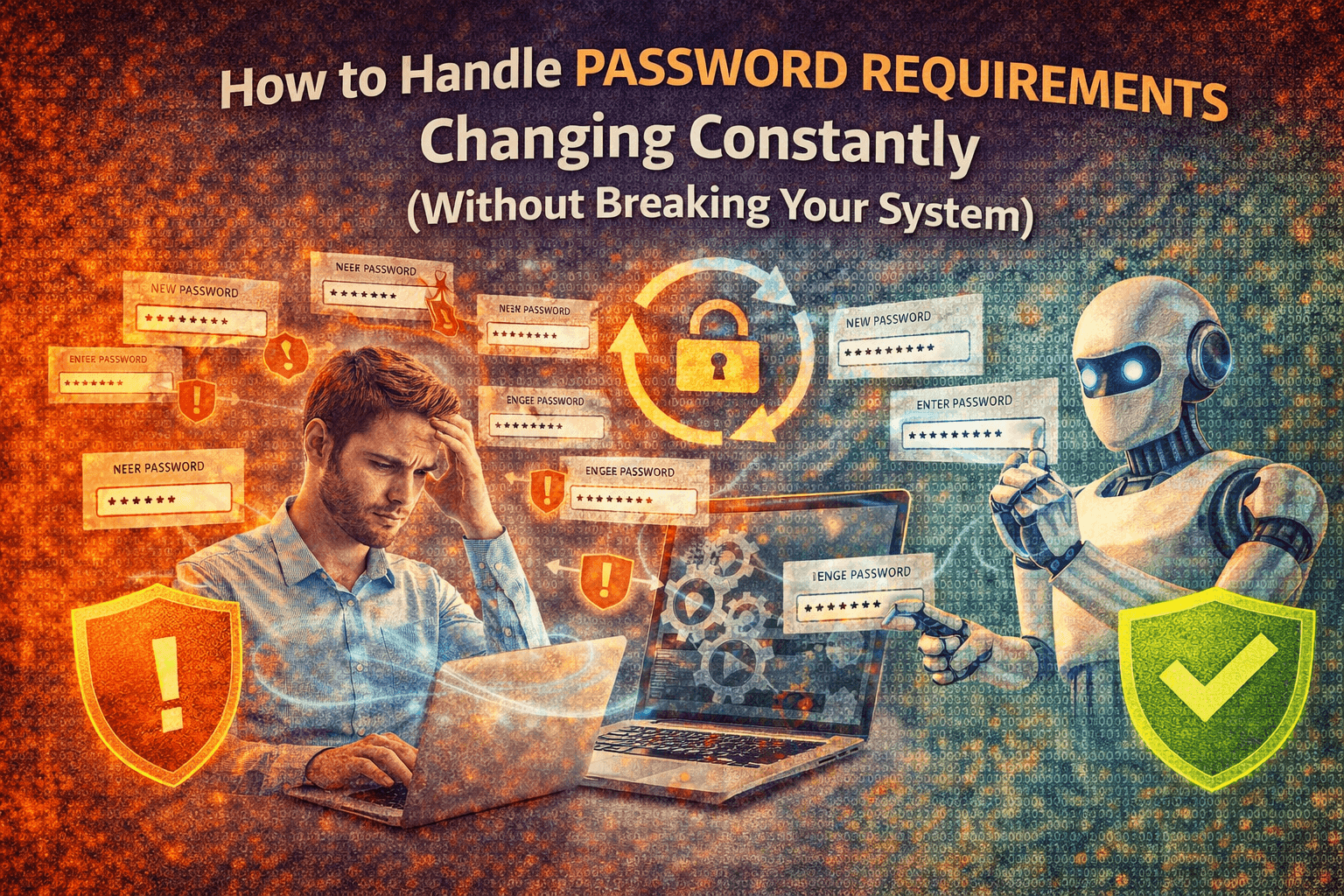
You set up your accounts carefully, choose strong passwords, store them securely, and integrate them into your workflows, and everything works fine for a while, until suddenly something changes, a platform updates its password requirements, forces a reset, or rejects credentials that used to work perfectly.
At first it feels like a small inconvenience, you update the password, adjust your system, and move on, but then it happens again, and again, across different platforms, each with slightly different rules, different formats, and different expiration policies, turning what should be a simple credential into a constant point of friction.
Over time, this becomes more than just an annoyance, because every password change has the potential to break automation, disrupt workflows, and require manual intervention, especially when you are managing multiple accounts at scale.
You begin to realize that the problem is not just about remembering passwords or meeting requirements, but about how your system handles change, because every update introduces instability into something that should be predictable.
You are not alone in this, and more importantly, this is not something you can avoid, because platforms will continue to evolve their security requirements, and password policies will continue to change.
The good news is that once you understand why this keeps happening and how to design your system to adapt, you can handle these changes without breaking your workflows.
Why Password Requirements Keep Changing
Most people see password changes as random updates, but they are part of a broader shift in how platforms approach security.
Platforms Continuously Update Security Standards
As threats evolve, platforms adjust their requirements to improve security, introducing new rules for complexity, length, and expiration.
Different Platforms Use Different Rules
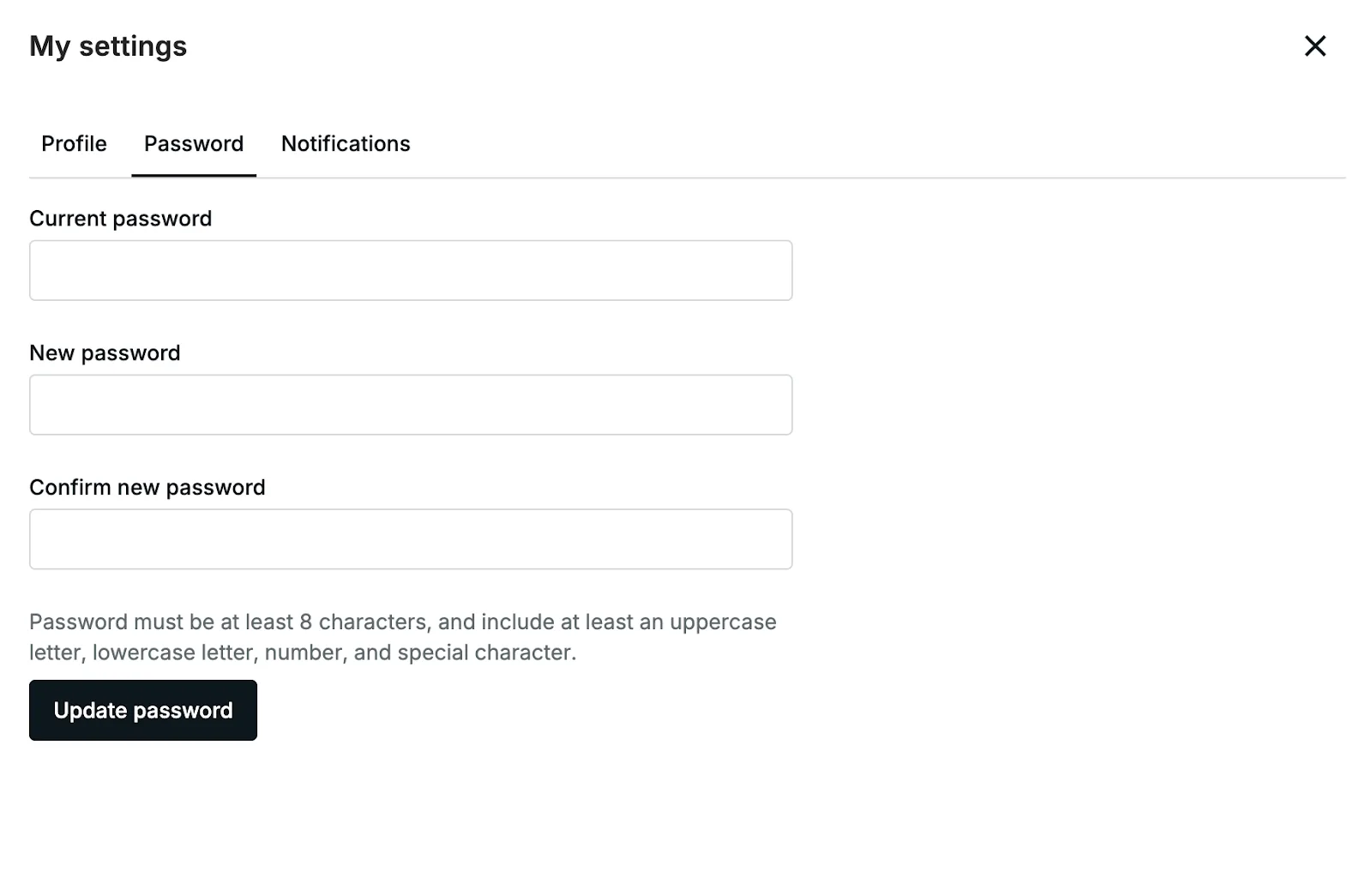
There is no universal standard for password requirements, which means each platform enforces its own set of rules, creating inconsistency across your accounts.
Forced Resets Disrupt Stability
Some platforms require periodic password changes, which can invalidate stored credentials and break existing sessions.
Automation Systems Expect Stability
Most automation workflows assume that credentials remain constant, which makes them vulnerable to changes that require updates.
The Hidden Cost of Constant Password Changes
Frequent password changes do not just create inconvenience, they introduce instability into your system, causing workflows to fail, sessions to break, and processes to require manual intervention.
This increases workload, reduces reliability, and makes it harder to scale, because every change adds complexity to your setup.
More importantly, it creates a reactive system where you are constantly fixing issues instead of operating smoothly.
The Complete Solution: Build a System That Adapts to Change
The key to handling password changes is not trying to prevent them, but designing your system to adapt without disruption.
The first step is centralizing credential management, ensuring that all passwords are stored and updated in one place rather than scattered across different tools and scripts.
This allows you to update credentials once and propagate changes across your system.
The next step is decoupling credentials from workflows, so that automation does not rely on hardcoded values but instead retrieves credentials dynamically, making updates seamless.
However, even with these improvements, the environment in which accounts are accessed plays a critical role in stability, because inconsistent environments can trigger additional security checks and resets.
This is where using a stable execution layer becomes important, and platforms like Appilot help by running automation on real devices, reducing triggers for forced resets and improving overall consistency.
By combining centralized management, dynamic retrieval, and stable execution, you create a system that can handle password changes without breaking workflows.
Monitoring also plays a role, allowing you to detect when credentials need updating and respond quickly.
How to Prevent Password Issues From Disrupting You Again
Prevention starts with maintaining a flexible system that can adapt to changes without requiring major adjustments.
By keeping credentials centralized and workflows decoupled, you reduce the impact of updates.
Regular audits help you ensure that your system remains aligned with current requirements.
Common Mistakes That Make This Problem Worse
One of the most common mistakes is hardcoding passwords into scripts or workflows, which makes updates difficult and error-prone.
Another is managing credentials manually across multiple locations, which increases the risk of inconsistency.
There is also a tendency to ignore security updates until they cause issues, which leads to reactive fixes.
Real Success Stories: Before and After
A user managing multiple accounts found that frequent password changes caused repeated disruptions in their automation workflows.
After implementing centralized credential management and using Appilot for stable execution, they were able to handle updates more efficiently and reduce workflow interruptions.
Another example involved a team that struggled with inconsistent password policies, but after restructuring their system, they achieved greater stability and adaptability.
Frequently Asked Questions
One common question is whether password changes can be avoided, and while they cannot be prevented, their impact can be minimized with the right system.
Another question is how often credentials should be updated, and this depends on platform requirements, but a centralized approach makes updates easier to manage.
There is also the concern about security, and a well-designed system improves both security and reliability.
Conclusion: Turn Change Into Stability
If password requirements keep changing and breaking your system, it is not because the process is flawed, but because your system is not designed to handle change effectively.
Once you shift to a flexible, centralized approach, password updates become manageable rather than disruptive.
If you are dealing with this issue right now, the best step forward is not to fight change, but to design your system to adapt to it, because once you do, stability becomes the default rather than the exception.