How to Pass Cloudflare Bot Detection in 2025

You launch your automation workflow and everything looks normal at first.
Then Cloudflare appears.
A challenge page loads. Requests stop working. Sessions get blocked. CAPTCHAs appear. In some cases, the browser cannot get past the verification screen at all.
For people running browser automation, scraping tools, account creation systems, or data collection workflows, Cloudflare is one of the biggest obstacles.
The frustrating part is that Cloudflare does not only look at one signal.
It checks many different parts of the browser environment at the same time.
You may think the problem is the proxy, but it could actually be the browser fingerprint. You may think the problem is the browser fingerprint, but it could be the typing speed, mouse movement, session history, or request timing.
The good news is that Cloudflare detection can be reduced.
Once you understand what Cloudflare is actually tracking, you can build safer browser environments, reduce suspicious signals, and make automation much more stable.
In this guide, you will learn why Cloudflare detects bots, what the biggest warning signs are, how to reduce detection risk, and how to build more reliable browser automation in 2025.
Time to stabilize: Usually between a few hours and several days depending on the target website. Success rate: High if browser fingerprints, proxies, and behavior patterns are improved. Cost: Usually low if you already have the right browser, proxy, and account setup.
Why Cloudflare Detects Bots
Cloudflare is designed to identify activity that does not look like a real person.
It does not only check IP addresses.
It also tracks browser fingerprints, device fingerprints, cookies, request timing, mouse movement, typing speed, WebGL data, screen resolution, fonts, browser history, session behavior, timezone, language, and how the browser responds to JavaScript.
If too many of these signals look suspicious together, Cloudflare may block the session.
One common reason is unrealistic browser fingerprints.
If the browser looks too clean, too generic, or identical across many sessions, Cloudflare may detect it.
Another major issue is poor JavaScript support.
Many automation tools fail to fully load or execute JavaScript correctly, which creates suspicious browser behavior.
Low-quality proxies are another major problem.
Cheap datacenter proxies often have poor IP reputation and are already associated with automation traffic.
Cloudflare can often identify these IP ranges very quickly.
Warning Signs That Cloudflare Is Detecting Your Automation
In many cases, Cloudflare gives smaller warning signs before fully blocking the session.
You may notice more challenge pages, slower loading times, repeated CAPTCHAs, verification loops, failed logins, blocked requests, or shorter session lifetimes.
Some people also notice that automation works for a short period of time before Cloudflare starts blocking every request.
These are usually signs that the browser environment is starting to look suspicious.
The earlier you react, the easier it is to avoid a full block.
The Most Common Reasons Cloudflare Blocks Bots
One major reason is poor browser fingerprints.
If the browser fingerprint does not match the proxy location, operating system, hardware profile, timezone, language, or screen size, Cloudflare may see it as suspicious.
Another common issue is repetitive behavior.
If the automation always moves the mouse the same way, types at the same speed, clicks at the same intervals, or follows the same sequence of actions, Cloudflare can detect the pattern.
Low-quality proxies are another major problem.
Free VPNs, shared datacenter proxies, and poor residential proxies usually create more risk.
Cloudflare also looks at cookie history and session age.
Brand new sessions with no browsing history, no cookies, and no normal page interactions are much more likely to get challenged.
How to Pass Cloudflare Bot Detection
Step 1: Use Better Browser Fingerprints
Every session should have a realistic browser fingerprint.
The operating system, browser version, screen size, timezone, fonts, hardware profile, WebGL data, and language settings should all match the proxy location.
The more realistic the environment looks, the safer the session becomes.
Step 2: Use High-Quality Residential Proxies
Cheap proxies usually create problems very quickly.
Residential proxies and mobile proxies are usually much safer because they look more like real users.
Keep IP locations stable and avoid switching countries too often.
The more stable the IP history becomes, the easier it is to reduce detection risk.
Step 3: Build Older and More Natural Sessions
Brand new browser sessions are much more likely to get challenged.
Instead of starting from a completely empty browser every time, keep cookies, browsing history, and session data.
Sessions that already look used are usually safer.
Step 4: Randomize User Behavior
Humans do not click at the exact same speed every time.
They do not type at the exact same speed, move the mouse in straight lines, or follow identical page paths.
Add natural delays, different action sequences, scrolling, mouse movement, and typing variation.
The more natural the session looks, the harder it becomes for Cloudflare to detect it.
Step 5: Keep Browser Environments Stable
Do not constantly change browsers, devices, timezones, proxies, and languages.
Cloudflare is much more likely to trust browser sessions that behave consistently.
If a session moves between different countries, screen sizes, or hardware profiles too quickly, it creates more suspicious signals.
Step 6: Separate Multiple Accounts Properly
If you manage multiple accounts or browser sessions, separate them properly.
Each session should have its own browser profile, cookies, proxy, IP address, session history, and browser fingerprint.
This makes every session appear more independent.
If one session gets blocked, the others are less likely to be affected.
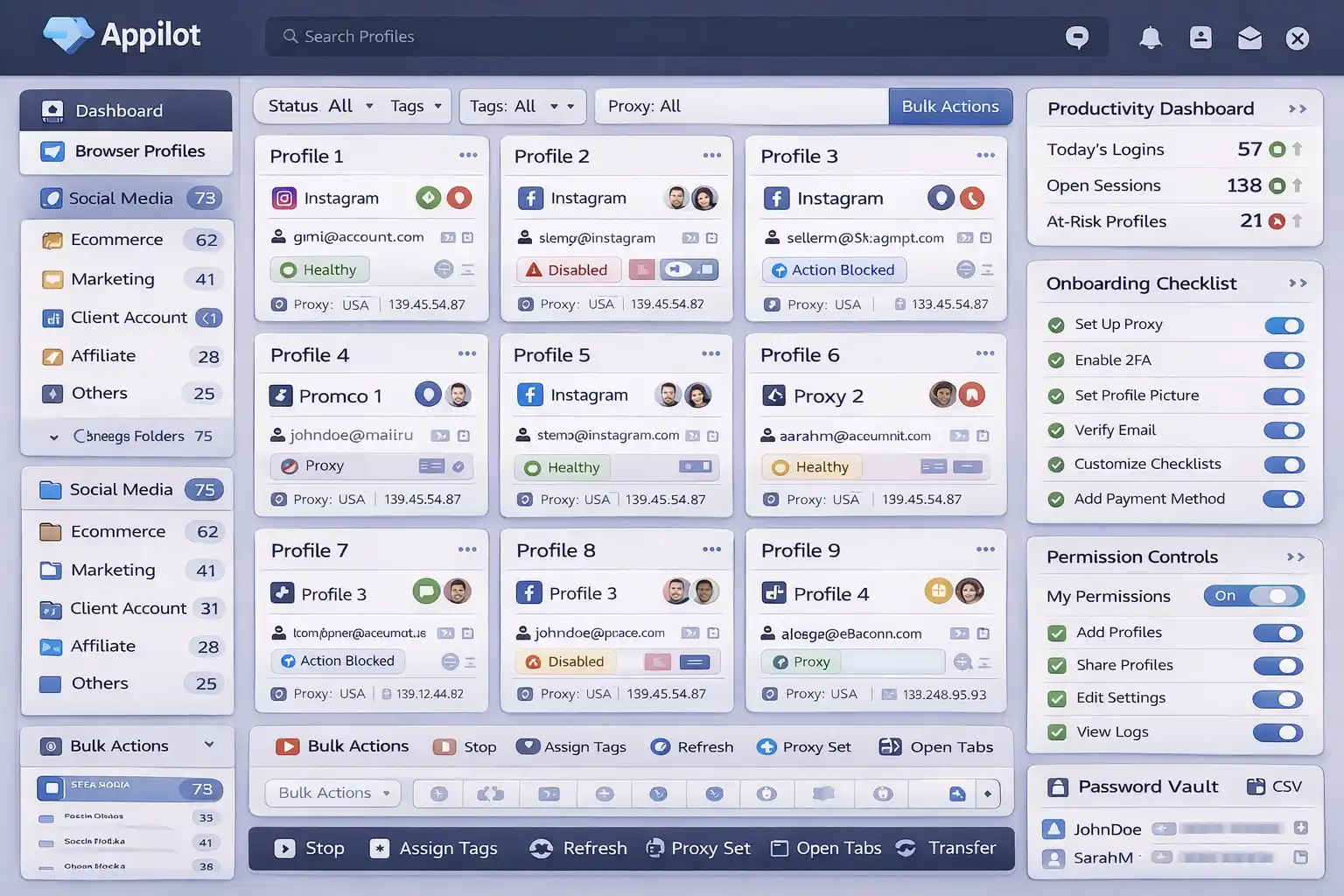
Appilot can help reduce detection risk by making browser environments more isolated, sessions more stable, and automation behavior more natural.
How to Prevent Future Cloudflare Detection Problems
The best way to avoid future detection is creating a more stable and realistic browser environment.
Use stronger browser fingerprints, better proxies, older sessions, and more natural user behavior.
Avoid repetitive timing, low-quality proxies, identical workflows, and brand new browser sessions.
The more natural the automation looks, the easier it becomes to stay undetected.
Common Mistakes That Make Cloudflare Detection Worse
One major mistake is using the same browser fingerprint across many sessions.
Another mistake is relying on cheap datacenter proxies that many other people are already using.
People also make the mistake of constantly changing countries, browsers, and devices.
Another common mistake is creating new sessions for every task without keeping cookies or browsing history.
If the browser looks too new and too clean, Cloudflare is much more likely to challenge it.
Frequently Asked Questions
Q1: Why does Cloudflare keep showing CAPTCHAs to my bot?
Cloudflare usually shows CAPTCHAs when it detects suspicious browser fingerprints, IP addresses, or repetitive behavior.
Q2: Are residential proxies better than datacenter proxies for Cloudflare?
Yes. Residential proxies usually perform much better because they look more like real users.
Q3: Does browser fingerprinting affect Cloudflare detection?
Yes. Unrealistic or repetitive browser fingerprints are one of the biggest detection signals.
Q4: Can keeping cookies and session history help reduce detection?
Yes. Older sessions with cookies and browsing history usually look more natural.
Q5: Does Appilot help reduce Cloudflare detection risk?
Appilot helps create more isolated browser environments, stable sessions, and more natural automation behavior.
Conclusion
Cloudflare detects bots because it is looking for behavior that does not match normal users.
The safest approach is improving browser fingerprints, using better proxies, keeping sessions stable, separating accounts properly, and creating more natural workflows.
The goal is not to automate as aggressively as possible.
The goal is to build long-term stability so automation can keep working over time.