How to Prevent Browser Extensions From Exposing You
You create a browser profile, connect a proxy, and think the session looks safe.
The browser fingerprint appears realistic. The IP address matches the country. Cookies are isolated.
Then websites still detect the session.
CAPTCHAs appear. Accounts get flagged. Browser profiles start getting linked together.
For many people running anti-detect browsers, browser automation, scraping tools, or multi-account setups, browser extensions are one of the hidden reasons detection still happens.
Most users focus on proxies, cookies, screen sizes, and browser versions.
What they forget is that browser extensions can expose a lot of information.
Some extensions reveal unusual browser behavior. Others expose installed plugin lists, modify browser fingerprints, inject scripts, or create patterns that websites can easily detect.
The good news is that extension-related detection can be reduced.
Once you understand how websites use extension data, you can create cleaner browser environments, reduce suspicious signals, and make browser sessions more stable.
In this guide, you will learn how browser extensions expose users, why websites track them, what warning signs to watch for, and how to reduce detection risk.
Time to stabilize: Usually between a few hours and several days depending on the target website. Success rate: High if browser profiles become cleaner and more realistic. Cost: Usually low if you already have the right browser, proxy, and profile setup.
Why Browser Extensions Increase Detection Risk
Browser extensions can expose many details about the browser environment.
Some websites can detect which extensions are installed, how many extensions are active, what permissions they use, and whether they inject scripts into pages.
If a browser has too many unusual extensions, the profile may become easier to identify.
Some extensions also modify browser behavior in ways that look suspicious.
For example, ad blockers, automation extensions, proxy tools, user agent changers, and privacy tools can sometimes leave traces that websites can detect.
If multiple browser profiles use the exact same unusual set of extensions, websites may assume those profiles belong to the same person.
What Websites Can Detect About Extensions
Websites can sometimes detect extension-related JavaScript changes, modified browser APIs, blocked page elements, unusual plugin lists, extension-specific errors, injected CSS, and extension-related DOM changes.
Some websites can also identify browser profiles based on the combination of installed extensions.
For example, if a browser has a rare group of privacy tools, automation extensions, and proxy managers installed together, that extension combination may become unique.
If the same extension combination appears across multiple accounts, websites may connect those profiles together.
Warning Signs That Extensions Are Causing Detection
In many cases, websites give warning signs before they fully block the session.
You may notice more CAPTCHAs, repeated login challenges, blocked requests, shorter session lifetimes, broken page elements, account verification requests, or multiple browser profiles getting flagged together.
Some people also notice that websites work correctly in a clean browser but fail after installing certain extensions.
These are often signs that one or more extensions may be exposing the browser profile.
The earlier you react, the easier it is to reduce detection.
The Most Common Browser Extension Mistakes
One major mistake is installing too many extensions.
The more extensions a browser has, the more unique the profile may become.
Another common issue is using the same extension setup across many browser profiles.
If every profile uses the same proxy extension, same ad blocker, same automation plugin, and same privacy tools, websites may connect them together.
Poor extension quality is another major factor.
Some extensions inject visible scripts into websites or modify browser behavior in ways that are easy to detect.
Browser sync can also create problems.
If extensions sync automatically across different profiles, websites may see those profiles as connected.
How to Prevent Browser Extensions From Exposing You
Step 1: Use Fewer Extensions
The safest approach is keeping browser extensions to a minimum.
Only install the extensions that are absolutely necessary.
The cleaner the browser profile looks, the harder it becomes to detect.
Step 2: Avoid Using the Same Extension Setup Across Profiles
Every browser profile should have slight differences.
Not every profile needs the exact same extension list.
The more natural the variation becomes, the less likely websites are to connect profiles together.
Step 3: Avoid Extensions That Modify Browser APIs
Some extensions change how the browser behaves internally.
User agent changers, automation extensions, privacy tools, and script blockers can sometimes expose unusual browser behavior.
The safer approach is using browser environments that already support these features natively instead of relying on too many extensions.
Step 4: Disable Browser Sync
Browser sync can automatically copy extensions, settings, browsing history, cookies, and saved passwords across profiles.
This can make different profiles look connected.
The safest approach is disabling browser sync when managing multiple accounts.
Step 5: Keep Browser Profiles Stable
Do not constantly install, remove, and change extensions.
Browser profiles that behave consistently are usually much safer.
If the browser extension list changes too often, websites may see the profile as unstable.
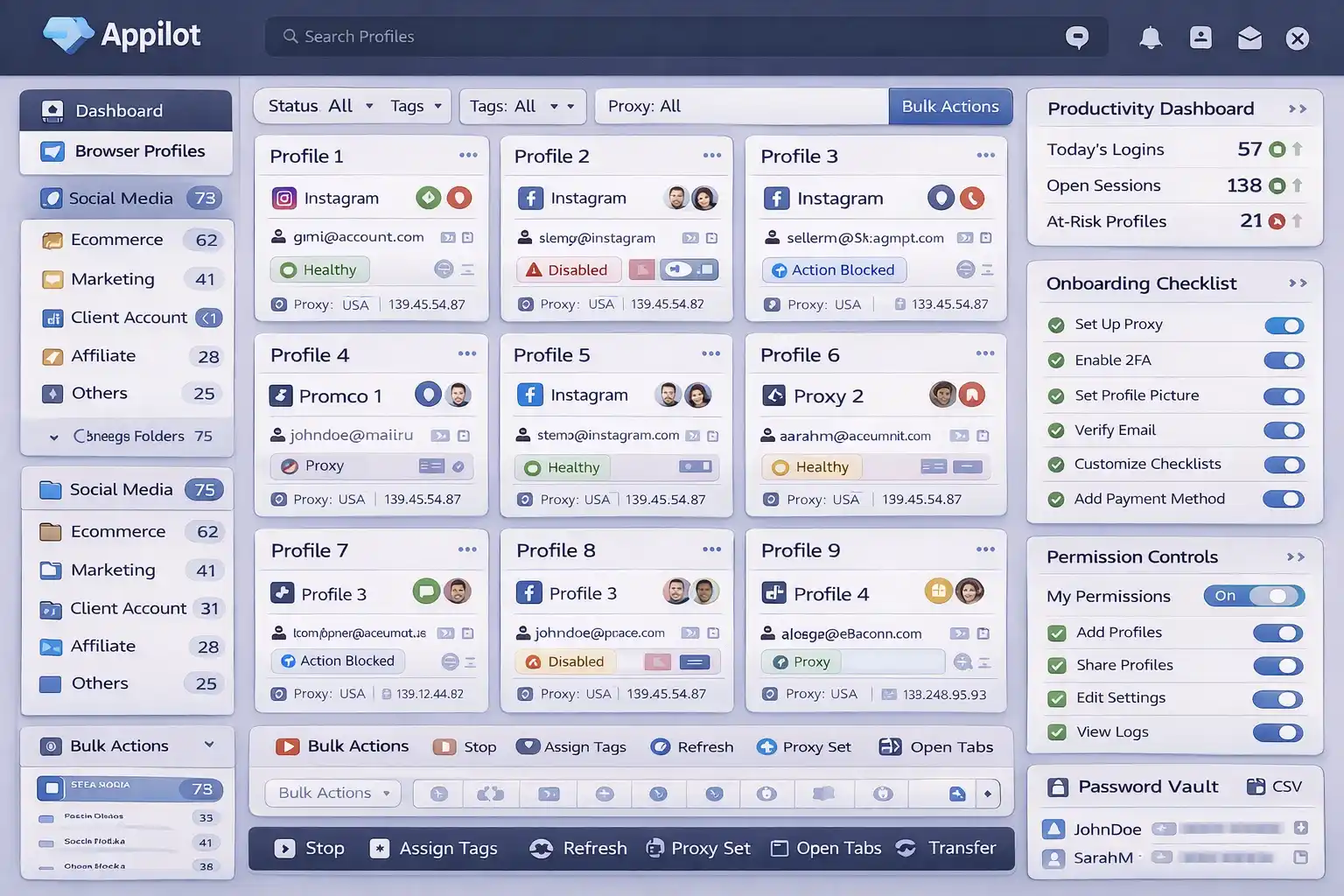
Appilot can help reduce detection risk by making browser environments more isolated, sessions more stable, and browser settings more consistent.
Step 6: Test Browser Profiles Before Scaling
Before using browser profiles across many accounts, test them first.
Check whether extensions change browser fingerprints, inject scripts, block page elements, or expose unusual browser behavior.
It is much easier to fix extension issues early than after accounts start getting blocked.
How to Prevent Future Extension Detection Problems
The best way to avoid future extension detection problems is creating cleaner and more realistic browser environments.
Use fewer extensions, stronger profile isolation, more stable browser settings, and less browser syncing.
Avoid installing unnecessary plugins, copied extension lists, over-customized browser profiles, and extensions that modify browser APIs.
The more natural the browser looks, the easier it becomes to stay undetected.
Common Mistakes That Make Extension Detection Worse
One major mistake is installing too many browser extensions.
Another mistake is using the exact same extension setup across many browser profiles.
People also make the mistake of relying too heavily on automation plugins and browser modifications.
Another common mistake is leaving browser sync enabled.
If multiple profiles share the same extension list and browser settings, websites are much more likely to connect them together.
Frequently Asked Questions
Q1: Can browser extensions expose my browser profile?
Yes. Extensions can reveal browser behavior, plugin lists, injected scripts, and other identifying details.
Q2: Can websites detect browser extensions?
Yes. Some websites can detect extensions directly or indirectly through browser behavior.
Q3: Should every browser profile use the same extension list?
No. Using identical extension lists across many profiles can increase linking risk.
Q4: Does disabling browser sync improve privacy?
Yes. Browser sync can connect different profiles together by sharing settings and extensions.
Q5: Does Appilot help reduce extension-related detection risk?
Appilot helps create more isolated browser environments, stable sessions, and more consistent browser settings.
Conclusion
Browser extensions are one of the hidden ways websites can identify browser profiles and connect accounts together.
The safest approach is using fewer extensions, separating profiles properly, disabling browser sync, and creating more stable browser environments.
The goal is not just hiding the IP address.
The goal is creating browser sessions that look clean, natural, and internally consistent over time.