How to Quarantine Flagged Accounts Without Affecting Others
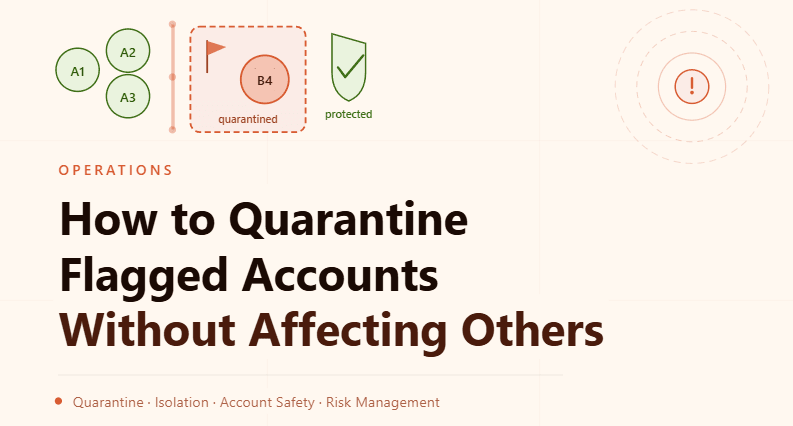
By the end of this tutorial, you will understand how to isolate risky or flagged accounts from your main workflow without impacting the performance of healthy profiles. When managing multiple accounts, some will inevitably encounter issues such as restrictions, unusual behavior, or warnings. If not handled properly, these accounts can affect the entire system.
To follow along, you only need a basic understanding of how accounts and browser profiles operate in automation. The focus here is on designing a controlled isolation process rather than writing code.
This setup typically takes about an hour to design properly, but it plays a critical role in maintaining stability. If you manage large-scale workflows, Appilot can help orchestrate execution while your quarantine system ensures that problematic accounts are handled safely.
You will build a system that detects flagged accounts, isolates them immediately, and prevents them from interfering with healthy operations.
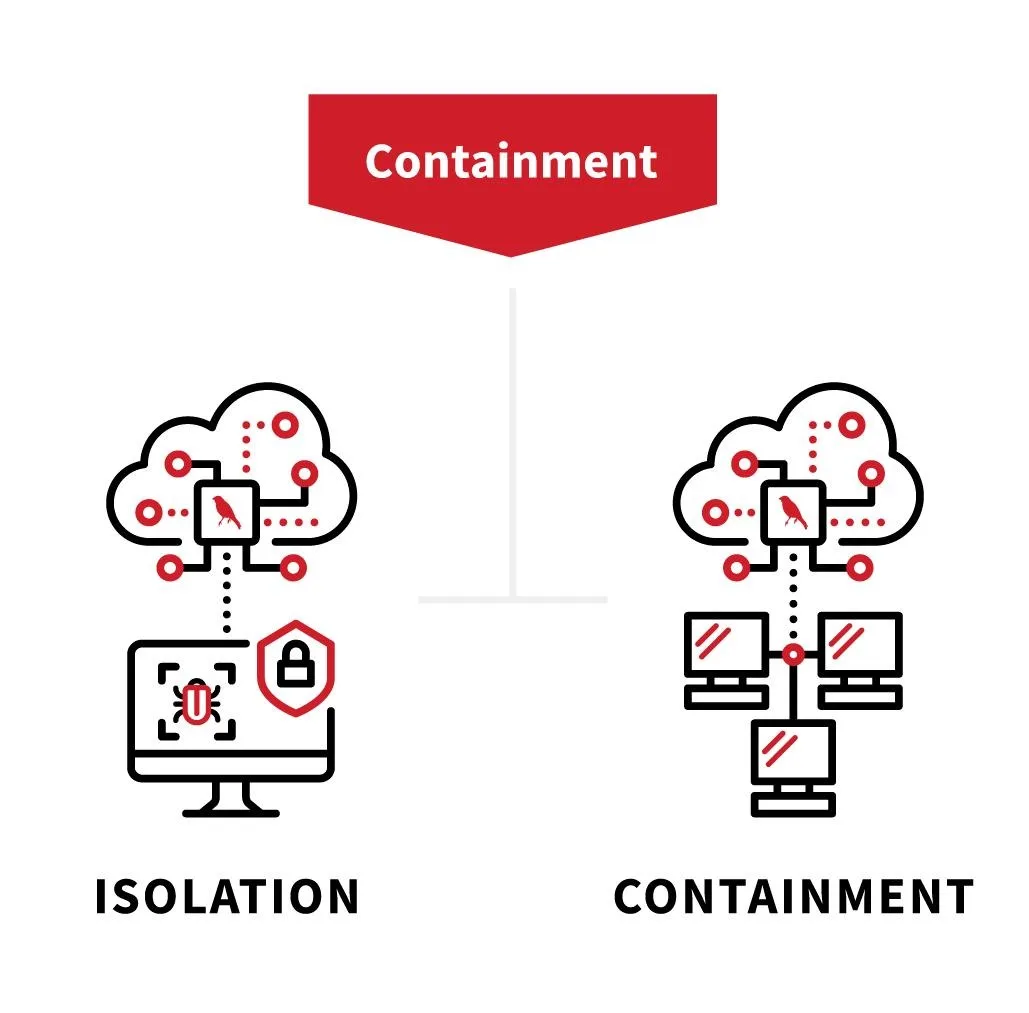
Why Quarantining Flagged Accounts Is Important
When a flagged account continues to operate within the main system, it increases the risk of spreading issues. This can include triggering additional restrictions, creating detectable patterns, or affecting shared workflows.
Quarantining ensures that risky accounts are removed from active operations before they cause wider problems. This protects the integrity of the entire system.
Recognizing When an Account Should Be Quarantined
Accounts may show warning signs before they become fully restricted. These signs include repeated failures, unusual responses, increased verification prompts, or inconsistent behavior.
Identifying these signals early allows you to isolate accounts before they escalate into bigger issues.
Creating a Separate Quarantine Environment
A quarantine system requires a clear separation between active and isolated accounts. Flagged accounts should be moved into a separate group where they are no longer part of regular workflows.
This environment acts as a holding area where accounts can be observed and managed without affecting others.
Preventing Interaction with Active Workflows
Once an account is quarantined, it should not participate in active tasks. This prevents it from generating additional risk signals or interfering with normal operations.
Ensuring complete separation is key to maintaining system stability.
Maintaining Visibility Into Quarantined Accounts
Even though quarantined accounts are isolated, they should still be monitored. Tracking their status helps determine whether they are recovering, stable, or need further action.
Visibility ensures that quarantined accounts are not forgotten or mismanaged.
Deciding What to Do with Quarantined Accounts
Not all flagged accounts require the same response. Some may recover with reduced activity, while others may need to be retired or rebuilt.
Having clear decision criteria helps manage quarantined accounts effectively.
Avoiding Cross-Contamination Between Accounts
One of the biggest risks in multi-account systems is cross-contamination. If flagged accounts share signals or data with healthy ones, the risk can spread.
Strict isolation and controlled handling prevent this issue.
Integrating Quarantine with Monitoring Systems
A quarantine system should work closely with your monitoring setup. When an account is flagged, it should automatically be moved into quarantine based on predefined conditions.
This integration ensures quick and consistent responses.
Handling Recovery and Reintegration
Some accounts may recover after a period of reduced activity or corrective actions. When this happens, they can be reintroduced into the main workflow gradually.
Reintegration should be controlled to ensure that the account is stable before returning to full activity.
Maintaining Logs and History for Quarantined Accounts
Keeping a record of why accounts were quarantined and what actions were taken helps improve your system over time. These records provide valuable insights into recurring issues and patterns.
Documentation ensures that lessons are not lost.
Scaling Quarantine Systems with Appilot
At this stage, your quarantine system works locally and helps isolate flagged accounts effectively. As the number of accounts and workflows increases, managing isolation manually becomes more complex.
This is where Appilot becomes useful because it helps orchestrate workflows while your quarantine system ensures that risky accounts are handled safely.
FAQ
Q1: What is account quarantine?
It is the process of isolating flagged accounts to prevent them from affecting active workflows.
Q2: When should an account be quarantined?
When it shows signs of restriction, unusual behavior, or repeated failures.
Q3: Can quarantined accounts be recovered?
Yes, in some cases they can be restored after corrective actions.
Q4: Why is isolation important?
Because it prevents risky accounts from impacting healthy ones.
Q5: Do I need Appilot for quarantine?
No, you can implement it locally. Appilot becomes useful when managing workflows at scale.
Conclusion
Quarantining flagged accounts is a critical practice for maintaining a stable and secure automation system. By isolating risky accounts, monitoring their status, and handling them carefully, you can protect the rest of your portfolio from potential issues.
Start by defining clear quarantine criteria, build a separate environment, and integrate it with your monitoring system. Once this process is in place, your system becomes more resilient and easier to manage at scale.