How to Recover from Amazon Category Approval Denial
You Found A Good Product Opportunity But Amazon Will Not Let You Sell It
One of the most frustrating things for Amazon sellers is finding a product with strong demand, good margins, and low competition only to discover that Amazon will not let you list it because the category is restricted.
You submit the approval request, upload documents, wait for a response, and then get denied without much explanation.
That becomes especially frustrating because Amazon often gives only a very general rejection reason. Instead of clearly explaining the exact issue, the platform may simply say the documents were not sufficient or the application did not meet category requirements.
That leaves you trying to figure out whether the problem came from the invoices, the supplier, the product type, the quantity purchased, or something else entirely.
The important thing to understand is that Amazon usually denies category approval when it believes the sourcing is unclear, the documentation is weak, or the seller does not yet look trustworthy enough for that category.
Why Amazon Denies Category Approval
Most category approval denials happen because the invoices do not meet Amazon’s requirements.
For example, invoices with missing supplier details, unclear product descriptions, missing addresses, low quantities, handwritten edits, or mismatched business names can all increase rejection risk.
The same thing can happen if the supplier is not well established, if the products look too generic, or if the invoice does not clearly match the category Amazon is reviewing.
Amazon wants to see that the inventory came from a real supplier and that the seller is serious about operating in that category.
If the sourcing looks weak or incomplete, approval becomes much harder.
The Biggest Mistake: Reapplying With The Same Documents
One of the biggest mistakes sellers make is submitting the exact same application again after getting denied.
That usually leads to another rejection.
If Amazon already reviewed the documents and decided they were not strong enough, sending the same invoice again rarely changes the outcome.
The stronger approach is improving the application first.
Look carefully at the invoices, supplier information, business name, product descriptions, and quantities.
Make sure the documents are clear, readable, and fully match the information inside Seller Central.
Even small inconsistencies can hurt approval chances.
Why Supplier Quality Matters So Much
A lot of category approval problems happen because the supplier is weak.
For example, buying products from liquidation sellers, discount stores, online marketplaces, or retail arbitrage sources often creates documentation problems because Amazon prefers wholesalers, manufacturers, and official distributors.
The same thing happens if the supplier does not have a proper business address, website, invoice format, or product catalog.
Amazon wants sellers to work with suppliers that look stable and legitimate.
If the supplier looks weak, the approval request becomes much riskier.
Why Small Purchase Quantities Cause Problems
Many sellers try to get category approval by purchasing only a very small amount of inventory.
For example, ordering one or two units may not look serious enough from Amazon’s point of view.
Amazon often prefers invoices showing a meaningful quantity because that makes the sourcing look more legitimate.
This becomes especially important in categories like beauty, grocery, health, supplements, toys, and branded products where Amazon expects stronger documentation.
That does not mean you need to buy huge amounts of stock.
But extremely small invoices can make approval much harder.
Why Better Systems Reduce Approval Problems
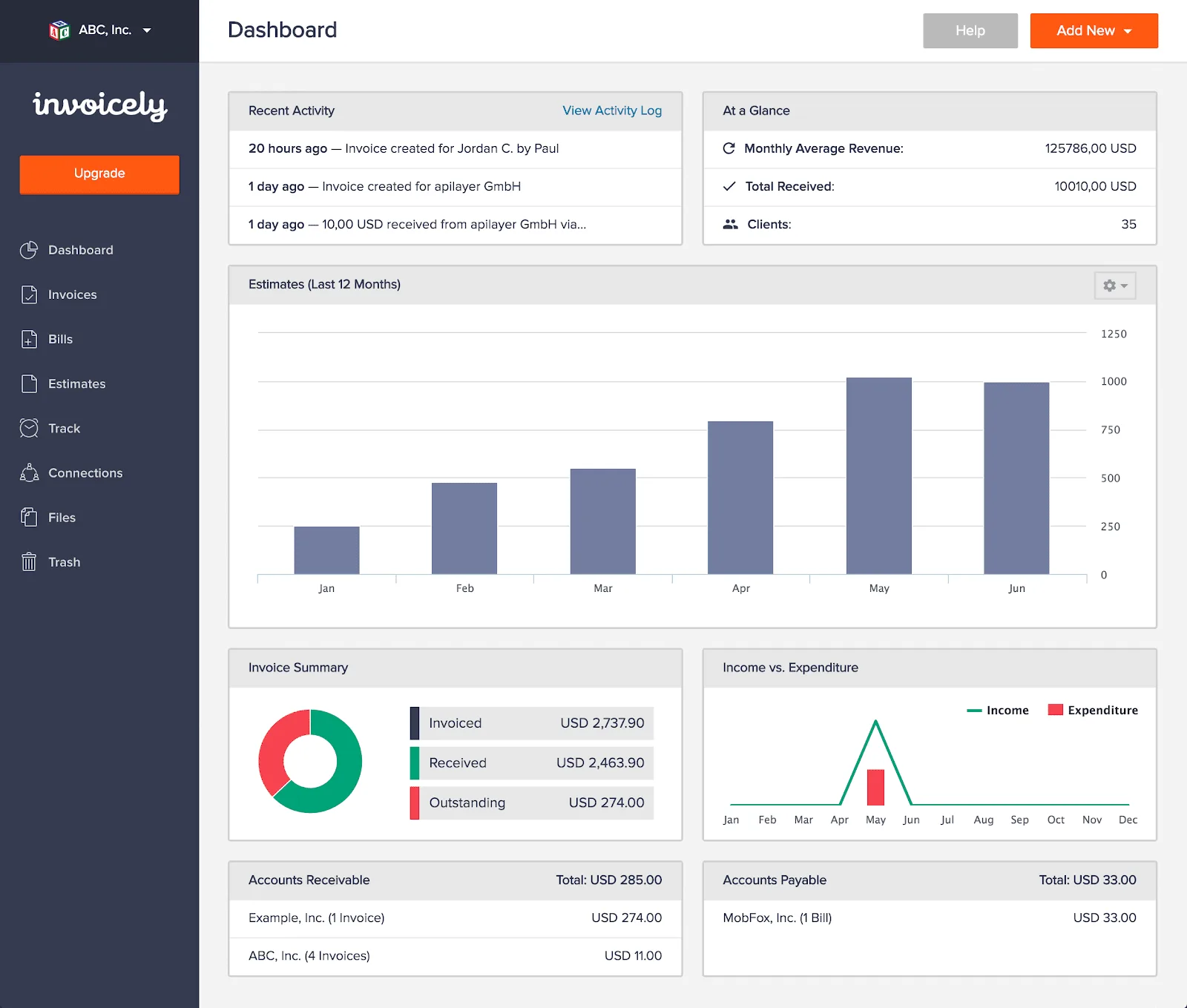
Category approval problems become much harder to manage when supplier records, invoices, product notes, approval attempts, and account alerts are spread across different systems. You may have one place for invoices, another for supplier emails, another for product details, and another for account notes. That makes it difficult to see which documents Amazon already rejected and which sourcing methods are creating problems.
This is one of the reasons Appilot becomes useful when Amazon operations start scaling. Instead of keeping browser workflows, Android automations, supplier records, invoice histories, product notes, account alerts, and task history spread across different systems, everything can stay visible from one dashboard. That makes it easier to organize approval documents, review supplier quality, track rejected applications, and reduce category approval problems across multiple Amazon accounts.
Conclusion: Amazon Usually Denies Category Approval When The Documentation Looks Weak
If Amazon denied your category approval request, the issue is usually not that the platform randomly decided to block you from selling. The problem is often that the invoices are weak, the supplier looks unreliable, the quantities are too small, or the documents do not fully match Amazon’s requirements.
Once you improve supplier quality, strengthen the invoices, organize the documents more carefully, and avoid weak sourcing methods, it becomes much easier to get approved and expand into more Amazon categories.