How to Schedule Tasks Across Different Time Zones
By the end of this tutorial, you will understand how to design a system that schedules tasks accurately across multiple time zones without confusion or overlap. As workflows expand globally, timing becomes one of the biggest challenges because different regions operate on different local times. To follow along, you only need a basic understanding of scheduling and task execution. The focus here is on building a reliable system rather than writing code. This setup typically takes less than an hour to structure, but it significantly improves coordination and consistency. If you manage multiple workflows, Appilot can help orchestrate execution while your scheduling system ensures accurate timing across regions. You will build a system that converts time zones correctly, avoids conflicts, and maintains predictable execution.
Why Time Zone Scheduling Is Challenging
Different regions follow different local times, and without proper handling, tasks can run too early, too late, or overlap incorrectly. This can disrupt workflows and create confusion, especially when coordinating across teams or systems.
Using a Standard Reference Time
A reliable approach is to use a single reference time, such as Coordinated Universal Time (UTC), for all scheduling logic. Tasks are stored and managed in this standard time and then converted to local time when needed. This prevents inconsistencies.
Converting Time Zones Correctly
Every scheduled task should include accurate time zone conversion. This ensures that when a task is set for a specific region, it runs at the correct local time. Proper conversion avoids timing errors.
Avoiding Daylight Saving Issues
Some regions change their clocks during the year, which can affect scheduling. A good system accounts for these changes automatically so tasks continue to run at the intended local time.
Grouping Tasks by Region
Organizing tasks based on geographic regions makes scheduling easier to manage. Each group can follow its own local timing rules while still being coordinated through a central system.
Maintaining Consistent Execution Windows
Tasks should run within defined time windows that match the target region’s activity patterns. This ensures that execution aligns with expected usage rather than random timing.
Preventing Overlaps and Conflicts
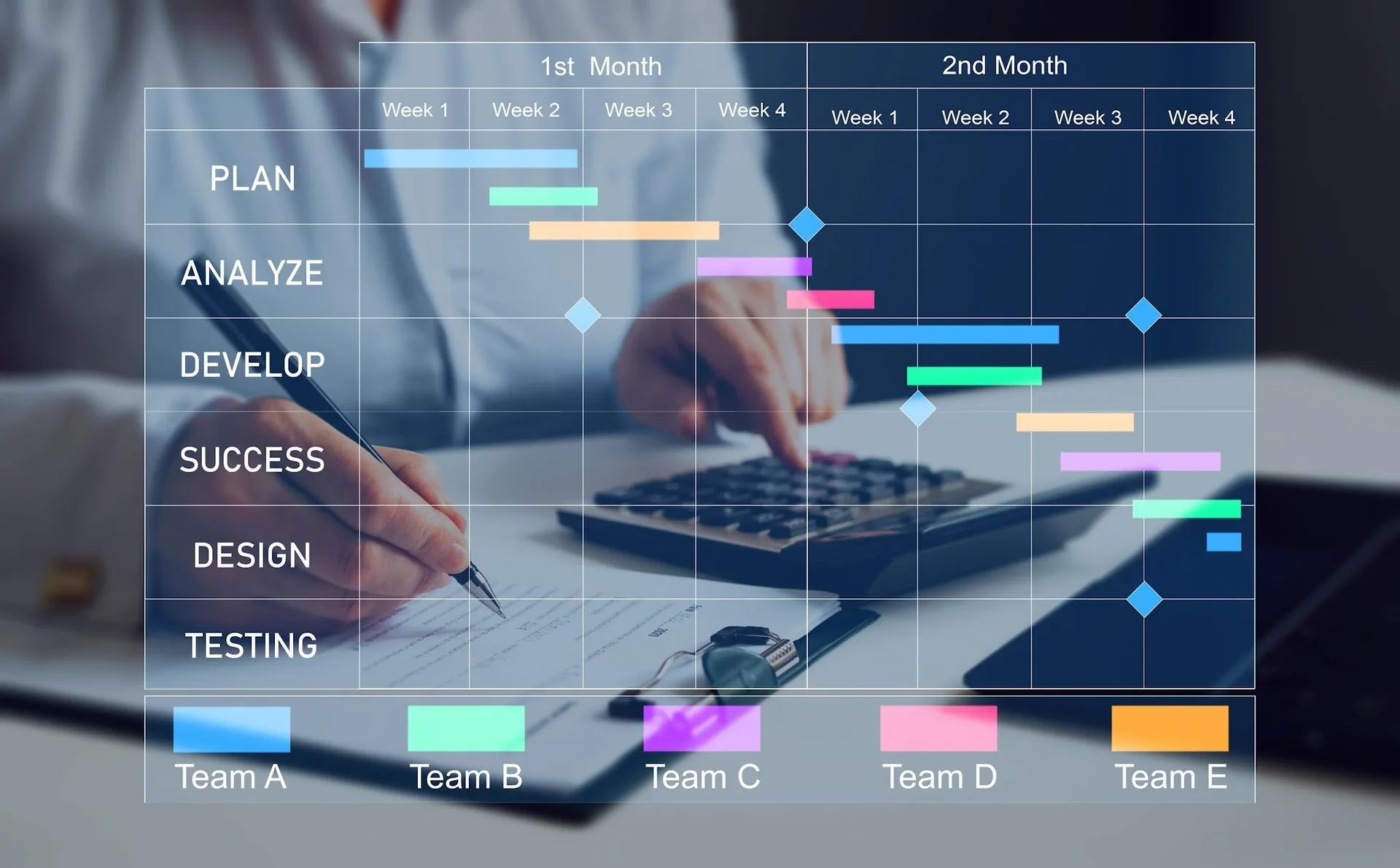
When scheduling across multiple regions, tasks can unintentionally overlap. A structured system ensures that tasks are spaced properly and do not interfere with each other.
Monitoring Scheduled Tasks
Tracking when tasks run across time zones helps ensure that everything is working correctly. Monitoring allows you to detect and fix timing issues quickly.
Adjusting Schedules Dynamically
As workflows change, schedules may need to be updated. A flexible system allows you to adjust timing without disrupting the entire setup.
Integrating Time Zone Logic into Workflows
Time zone handling should be part of your core workflow design rather than an afterthought. This ensures that all tasks follow consistent timing rules automatically.
Scaling Global Scheduling with Appilot
At this stage, your scheduling system works locally and ensures accurate timing across regions. As workflows grow, managing multiple time zones manually becomes complex. This is where Appilot becomes useful because it helps orchestrate tasks while your system ensures consistent global execution.
FAQ
Q1: What is the best way to handle multiple time zones?
Using a standard reference time like UTC and converting to local time when needed.
Q2: Why is UTC important?
Because it provides a consistent baseline for all scheduling.
Q3: How do I avoid daylight saving issues?
By using systems that automatically adjust for time changes.
Q4: Can tasks overlap across time zones?
Yes, which is why proper scheduling and spacing are important.
Q5: Do I need Appilot for this setup?
No, you can manage it locally. Appilot becomes useful when scaling workflows.
Conclusion
Scheduling tasks across different time zones requires a structured and consistent approach. By using a standard reference time, converting correctly, and monitoring execution, you can ensure that workflows run smoothly across regions. Start by defining your scheduling system, test it across multiple zones, and refine it over time. Once this system is in place, global coordination becomes much easier and more reliable.