How to Separate Personal vs Business Profiles Securely
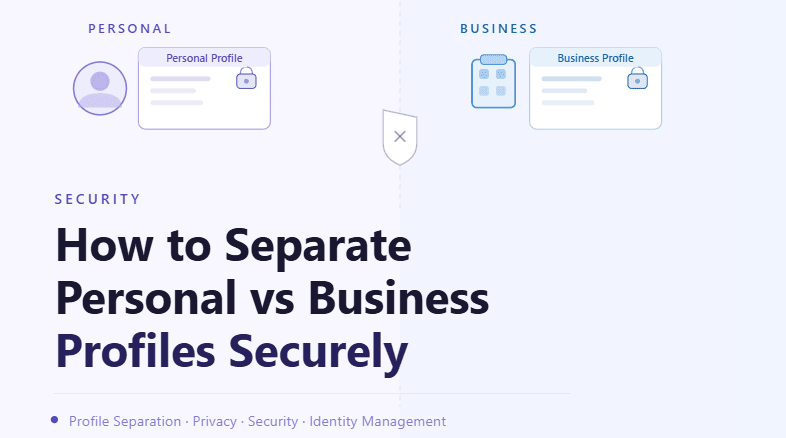
By the end of this tutorial, you will understand how to create a clear and secure separation between personal and business browser profiles. As workflows grow, mixing personal and business environments can lead to data leaks, accidental actions, and long-term security risks.
To follow along, you only need a basic understanding of browser profiles and how they store sessions, cookies, and activity. The focus here is on building a structured separation system rather than writing code.
This setup typically takes less than an hour to define, but it significantly improves both security and organization. If you manage multiple workflows, Appilot can help handle execution while your separation system ensures that personal and business activities never overlap.
You will build a system that isolates environments, protects sensitive data, and keeps workflows clean and controlled.
Why Separation Is Important
Mixing personal and business profiles creates unnecessary risk. Personal accounts may contain sensitive data, while business profiles often involve structured workflows and automation. When these environments overlap, it increases the chances of accidental actions, data exposure, or unintended interactions.
A clear separation ensures that each environment operates independently and securely.
Understanding the Risks of Overlap
When personal and business profiles share the same environment, signals such as cookies, sessions, and activity patterns can overlap. This can lead to confusion, incorrect actions, or even security issues.
For example, performing business tasks in a personal profile or vice versa can create inconsistencies and increase risk.
Creating Dedicated Environments
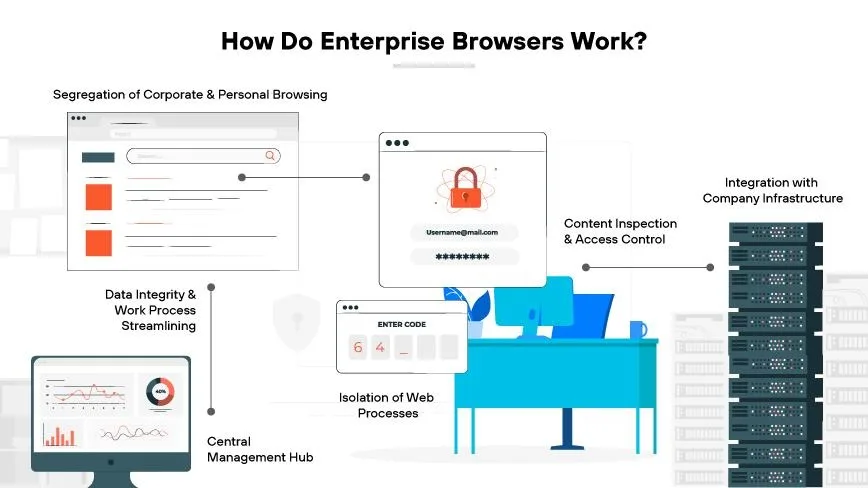
The foundation of secure separation is creating completely independent environments for personal and business profiles. Each environment should have its own profiles, storage, and configuration.
This ensures that data from one environment cannot affect the other.
Keeping Data Strictly Isolated
Profiles should not share cookies, sessions, or local storage across environments. Each profile must maintain its own data to prevent cross-contamination.
Strict isolation is essential for both security and reliability.
Using Clear Naming and Categorization
Proper naming and categorization help prevent confusion between personal and business profiles. Each profile should clearly indicate its purpose so that it is easy to identify.
This reduces the likelihood of using the wrong profile during workflows.
Managing Access and Permissions
Access to profiles should be controlled based on their purpose. Personal profiles should remain private, while business profiles may be shared within a team or system.
Managing permissions ensures that sensitive data is protected.
Avoiding Cross-Usage of Profiles
Profiles should only be used for their intended purpose. Using a personal profile for business tasks or vice versa increases risk and breaks the separation system.
Maintaining discipline in usage is key to keeping environments secure.
Monitoring for Accidental Overlap
Even with a strong system, mistakes can happen. Monitoring helps detect any accidental overlap between personal and business activities.
Early detection allows you to correct issues before they cause problems.
Integrating Separation into Workflows
Separation should be built into your workflows so that tasks automatically use the correct profiles. This reduces the chance of human error and ensures consistency.
Automation helps enforce separation rules effectively.
Maintaining Long-Term Security Practices
Separation is not a one-time setup. Regular checks and consistent practices are needed to ensure that environments remain isolated over time.
Maintaining discipline ensures that the system continues to work as intended.
Scaling Separation with Appilot
At this stage, your separation system works locally and keeps personal and business profiles isolated. As workflows scale, managing multiple environments becomes more complex.
This is where Appilot becomes useful because it helps orchestrate workflows while your separation system ensures secure and organized profile management.
FAQ
Q1: Why should I separate personal and business profiles?
To protect sensitive data and avoid accidental actions or overlap.
Q2: What is the biggest risk of mixing profiles?
Data leakage, confusion, and unintended interactions between accounts.
Q3: How do I ensure proper separation?
By using dedicated environments and strict isolation of data.
Q4: Can I use the same profile for both purposes?
No, this defeats the purpose of separation and increases risk.
Q5: Do I need Appilot for this system?
No, you can manage it locally. Appilot becomes useful when scaling workflows.
Conclusion
Separating personal and business profiles securely is essential for maintaining a safe and organized automation environment. By isolating data, creating dedicated environments, and enforcing clear usage rules, you can reduce risk and improve workflow reliability.
Start by defining clear boundaries, implement strict isolation, and integrate separation into your workflows. Once this system is in place, managing profiles becomes much safer and more efficient.